AI Halloween Photo Trend

Ghost photoshoot, vintage Halloween, pumpkin patch — the October trends, with your face.

AI Halloween Photo Trend examples

ارفع صورة. يصنع الذكاء الاصطناعي AI Halloween Photo Trend الخاص بك.

الوجه نفسه — يتغير فقط الإضاءة والملابس والخلفية والأجواء.

ارفع صورتك

أمامية أو بزاوية 3/4، بإضاءة جيدة، دون نظارات شمسية. JPG / PNG حتى 20 ميغابايت.

example portraitهكذا — ارفع صورة بهذا الشكل

أسقط الصورة أو انقر أو الصقها

3 رصيد لهذه الصورةأول إنشاء: 3 رصيدسجّل الدخول لرؤية رصيدك

الحسابات الجديدة تحصل على 3 أرصدة مجانية — تكفي تمامًا لأول عملية إنشاء.

صورتك

AI Halloween Photo Trend previewAI Halloween Photo Trend previewAI Halloween Photo Trend previewمعاينة — ستبدو صورتك هكذا

هكذا ستبدو صورتك تقريبًا

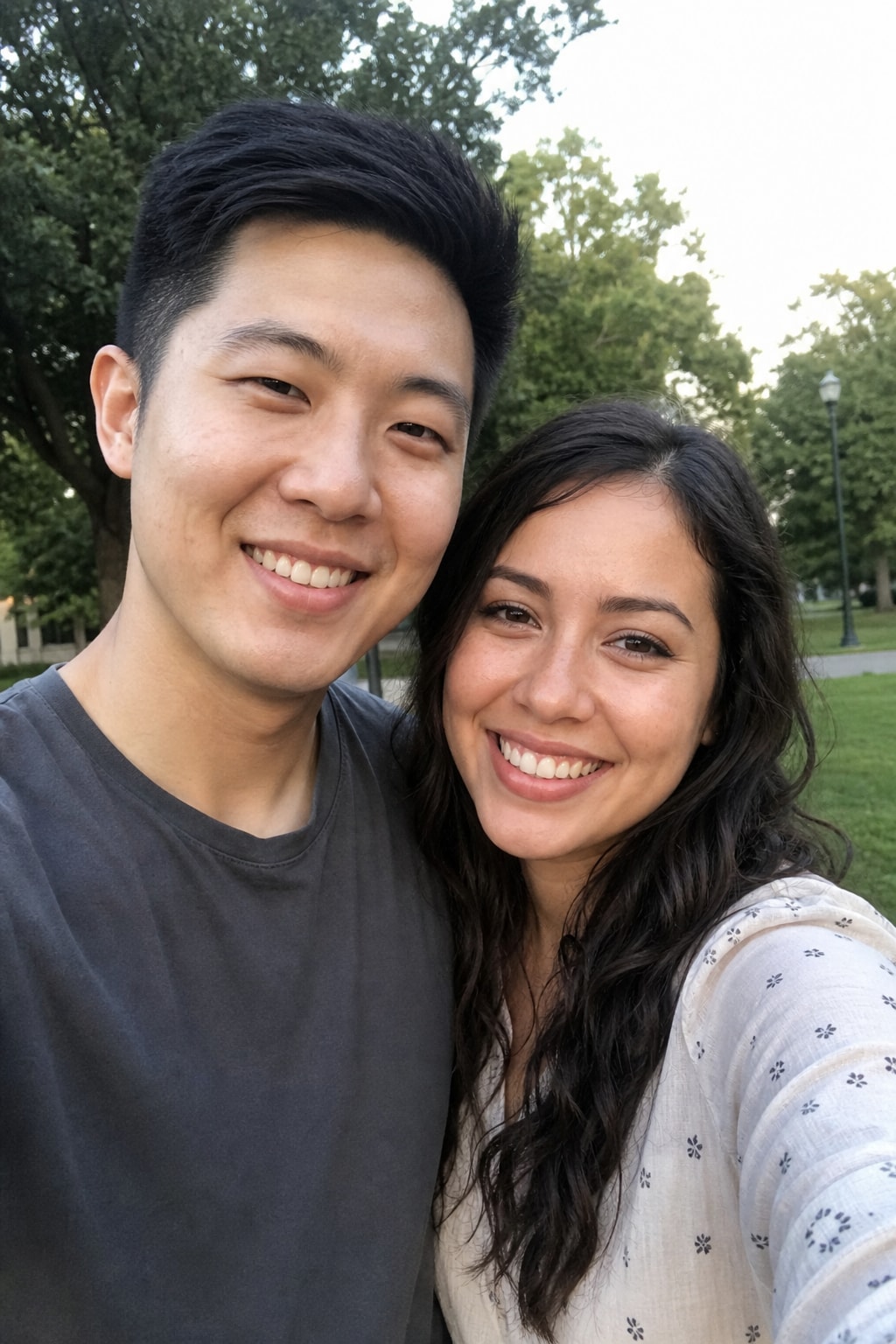
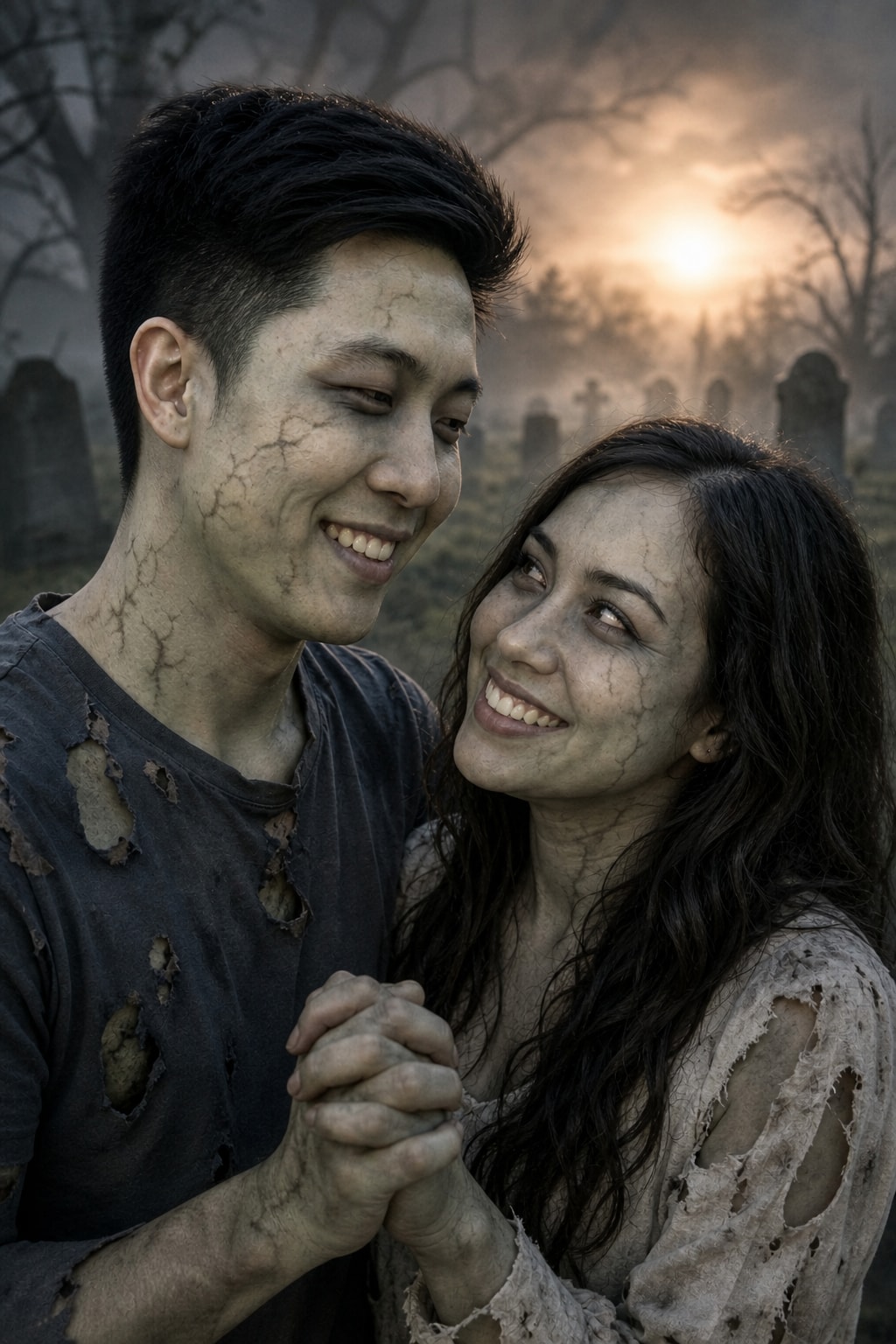
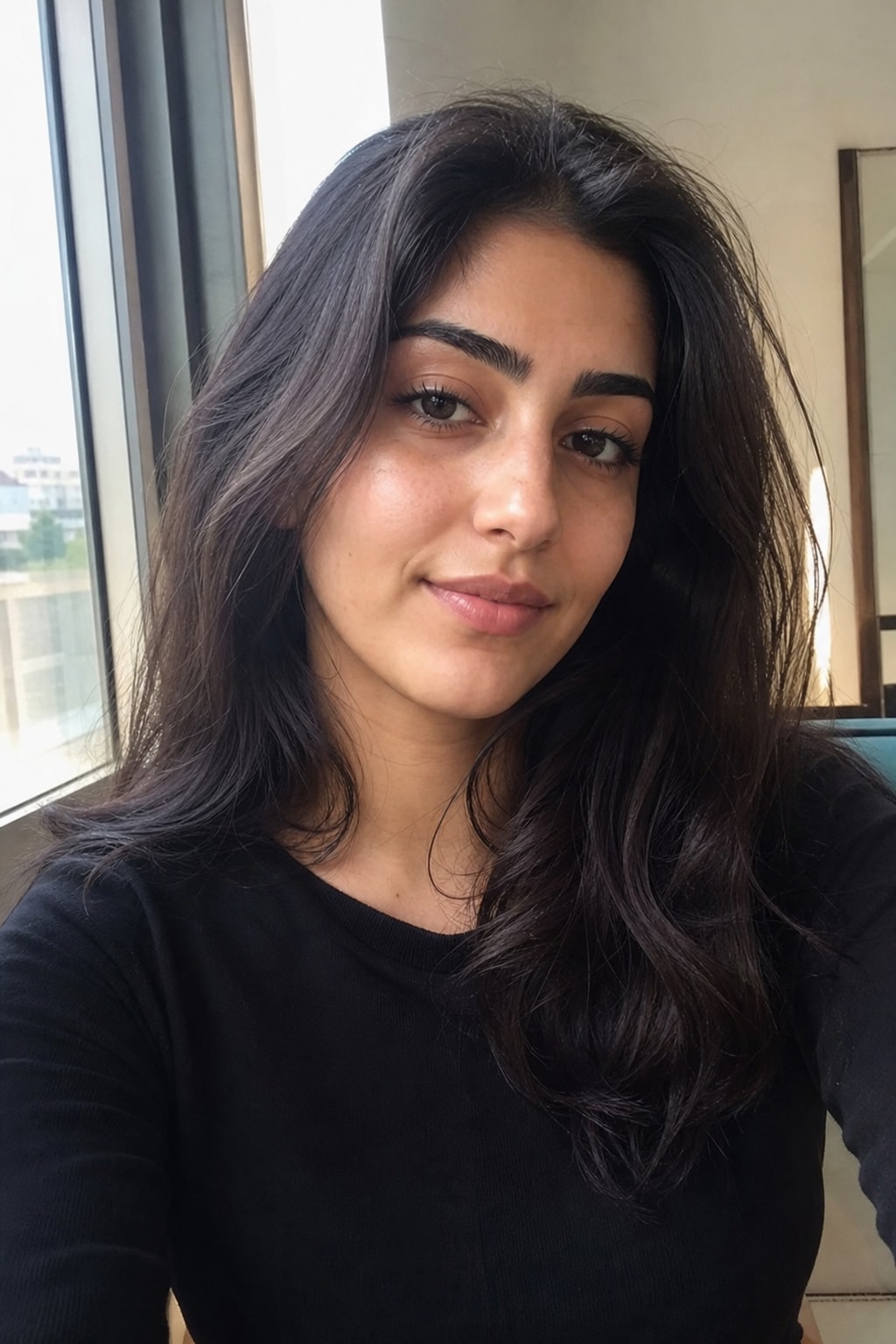
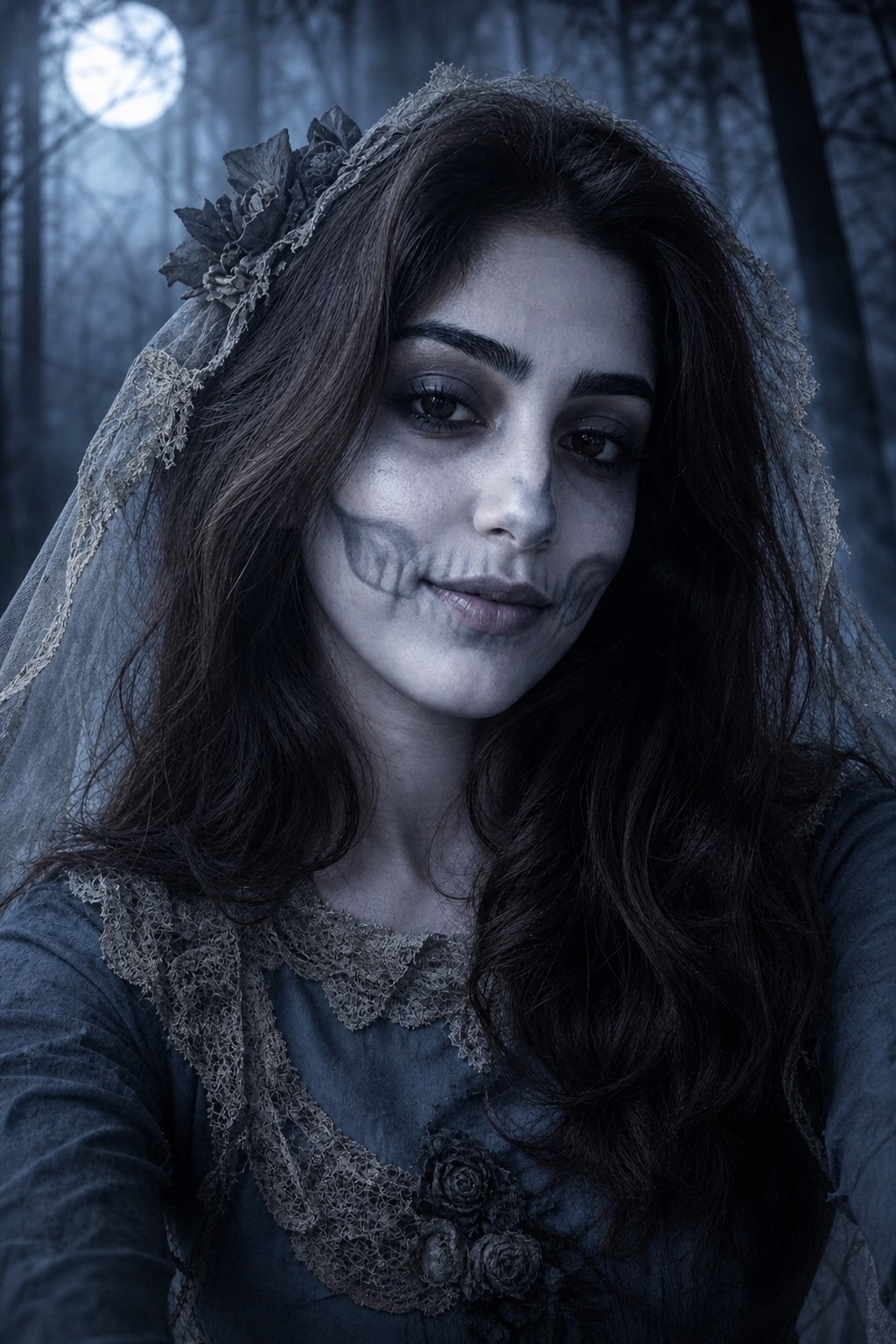
صورة ذاتية، صورة ثنائية، تجمّع جماعي — أربع مقارنات حقيقية قبل/بعد. اعثر على الأقرب لصورتك وستعرف إلى أين يتجه الأمر.

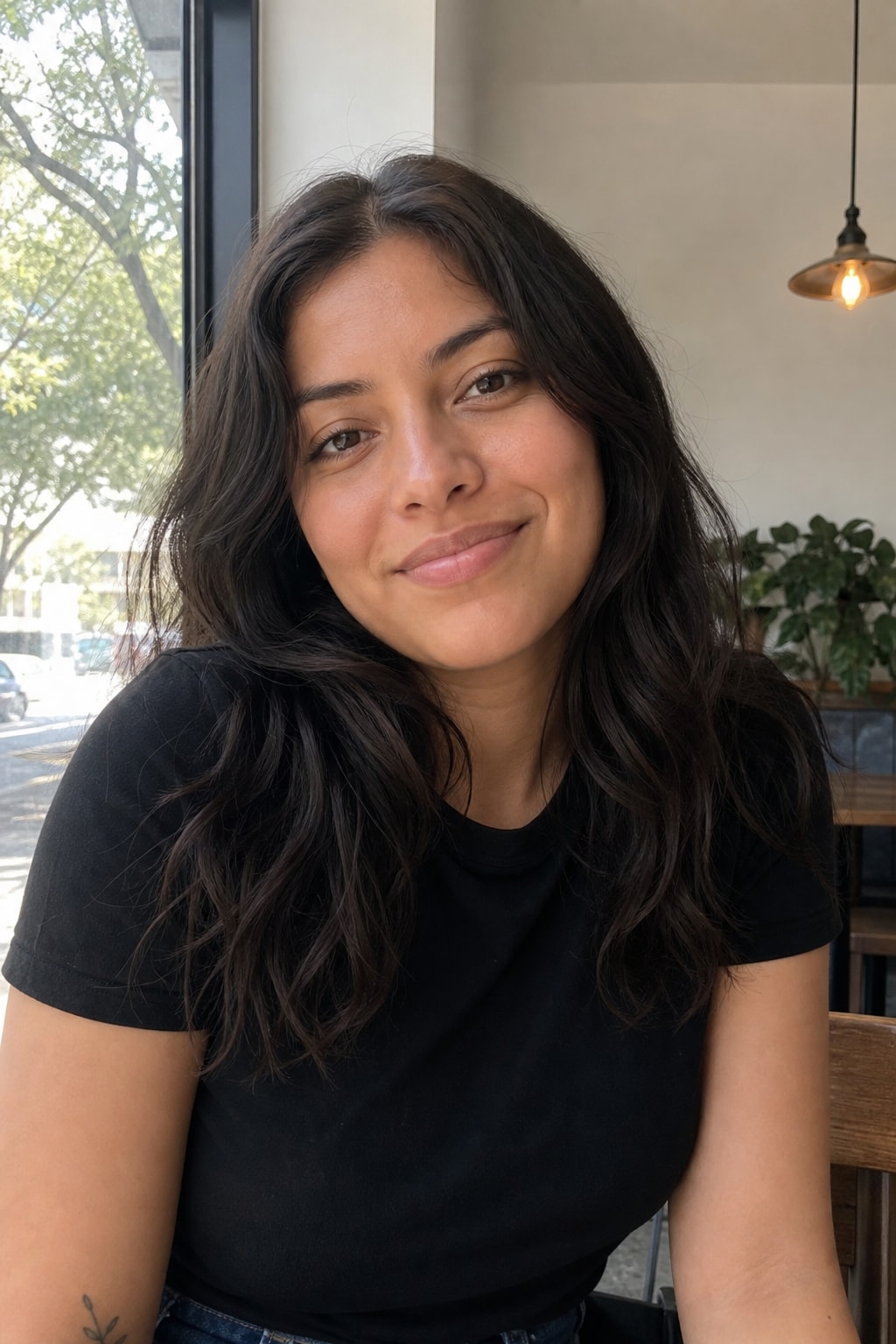
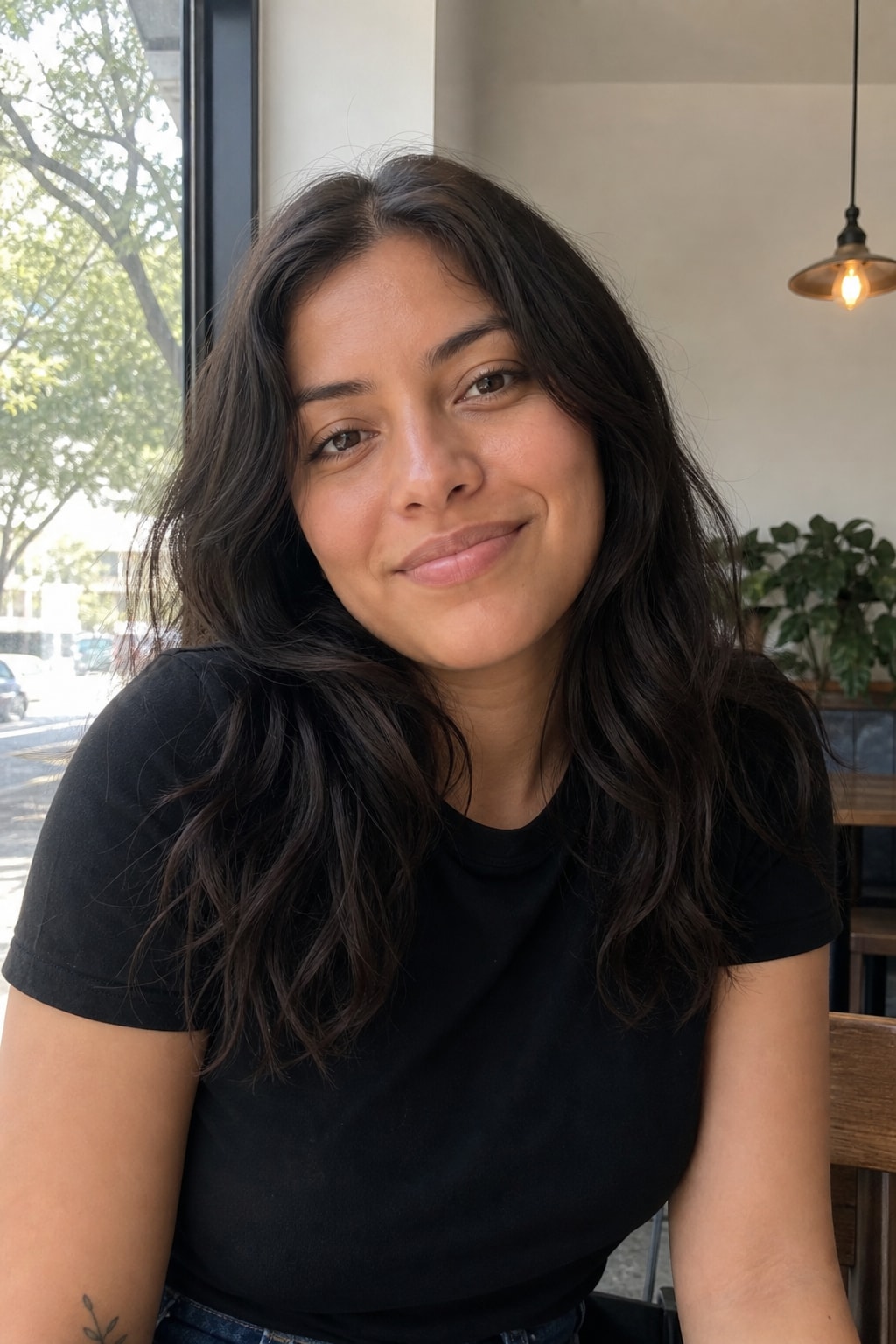
أنثى منفردة
أنثى منفردة — قبلقبل
أنثى منفردة — بعدبعد
قبلبعد
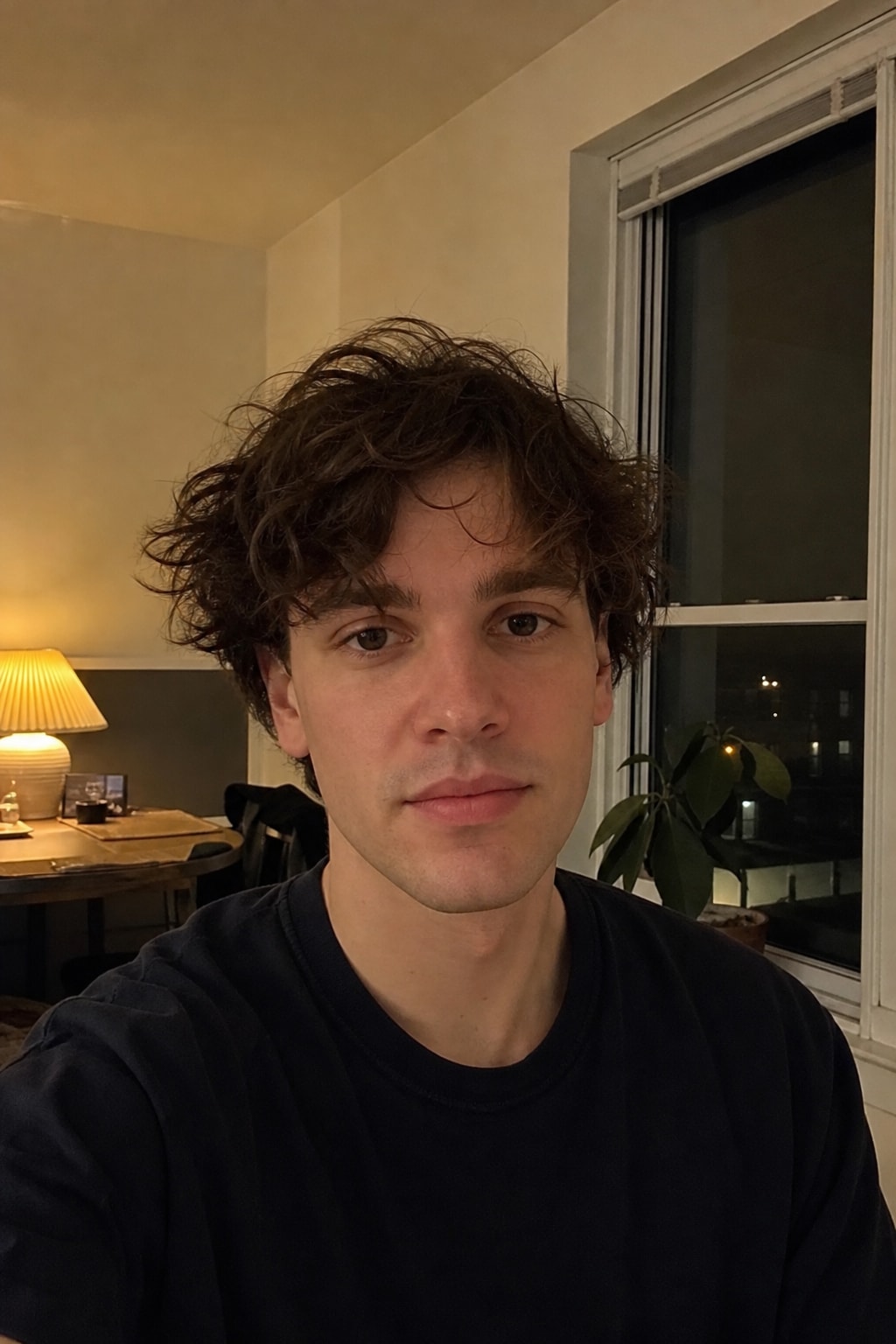
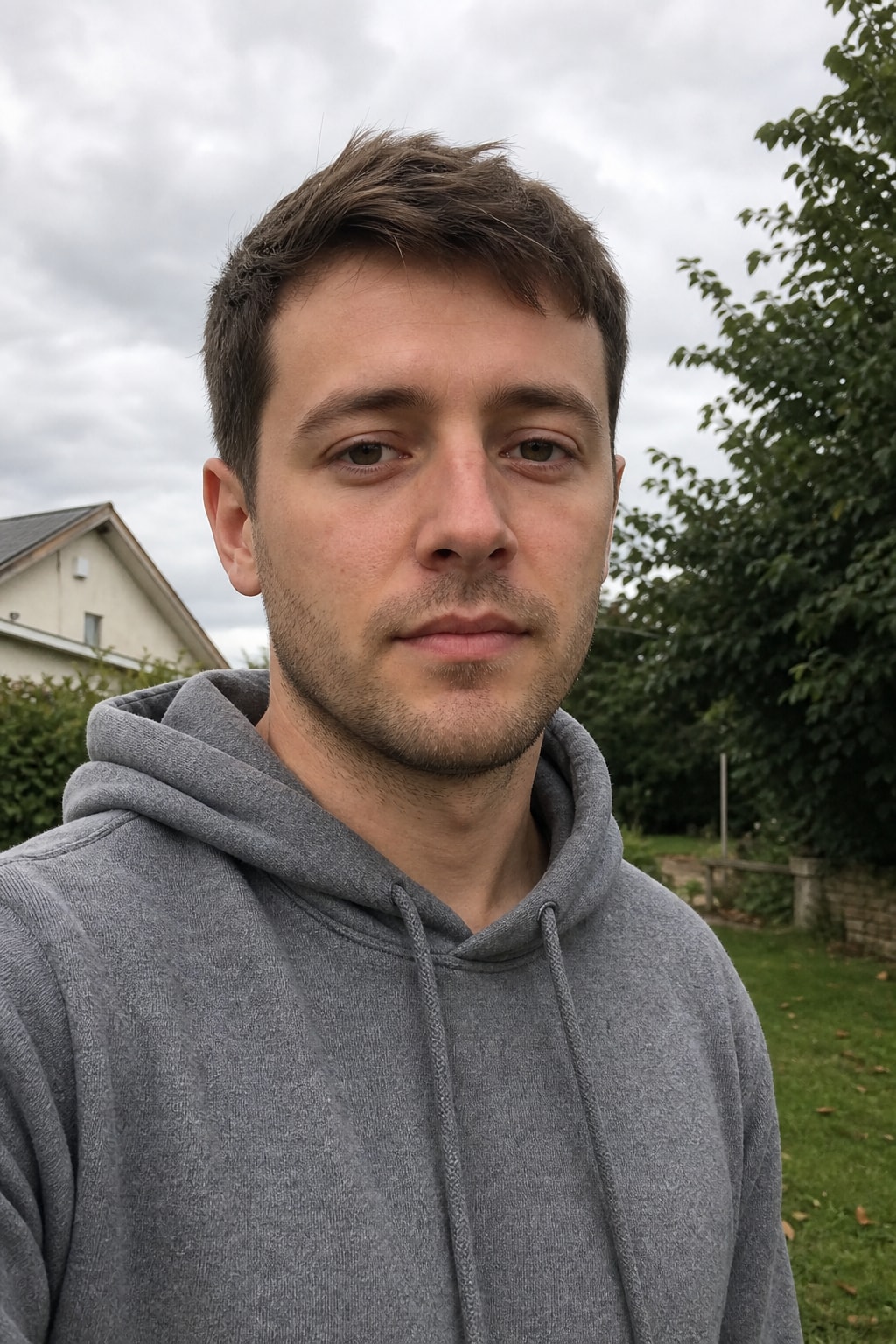
ذكر منفرد
ذكر منفرد — قبلقبل
ذكر منفرد — بعدبعد
قبلبعد
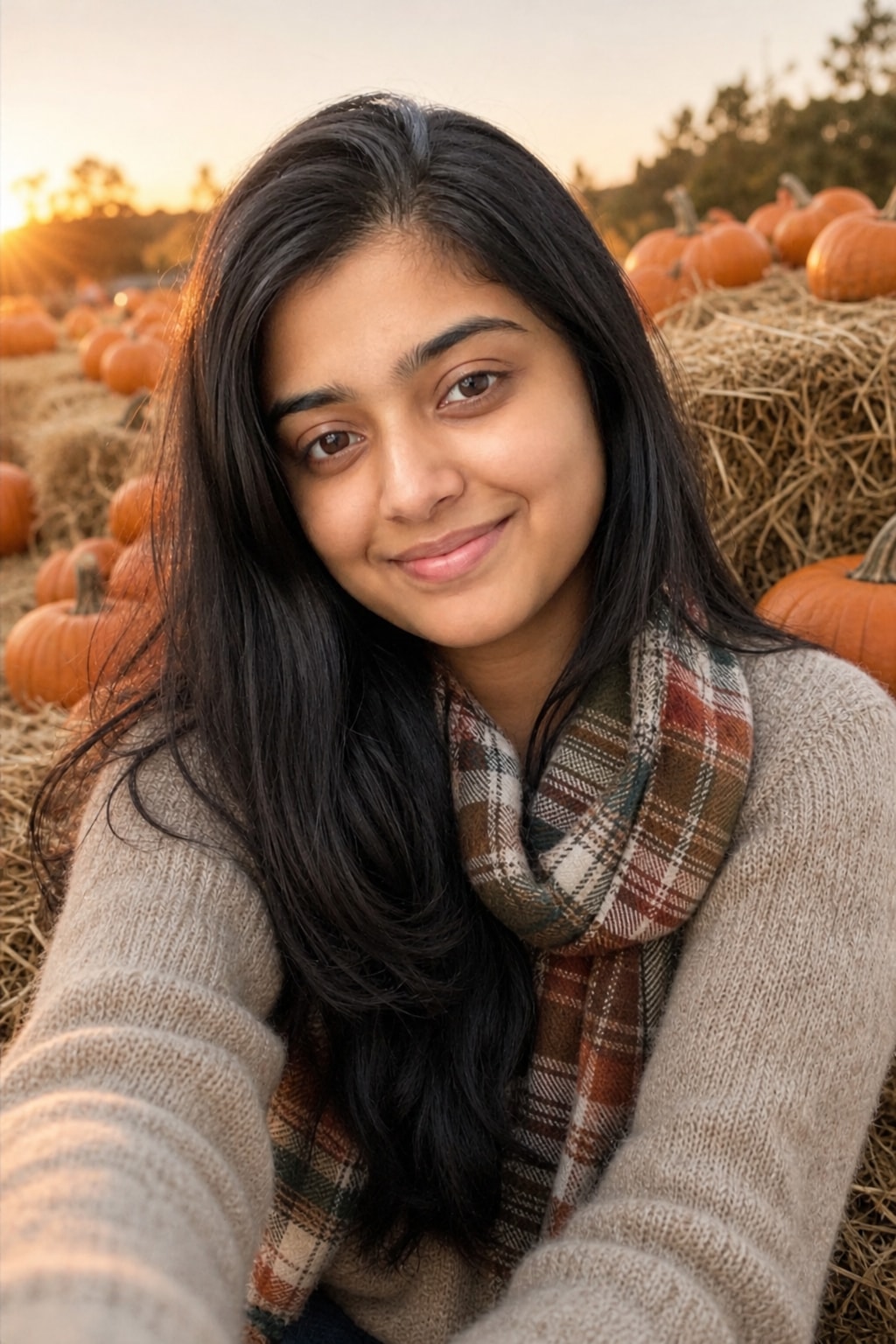
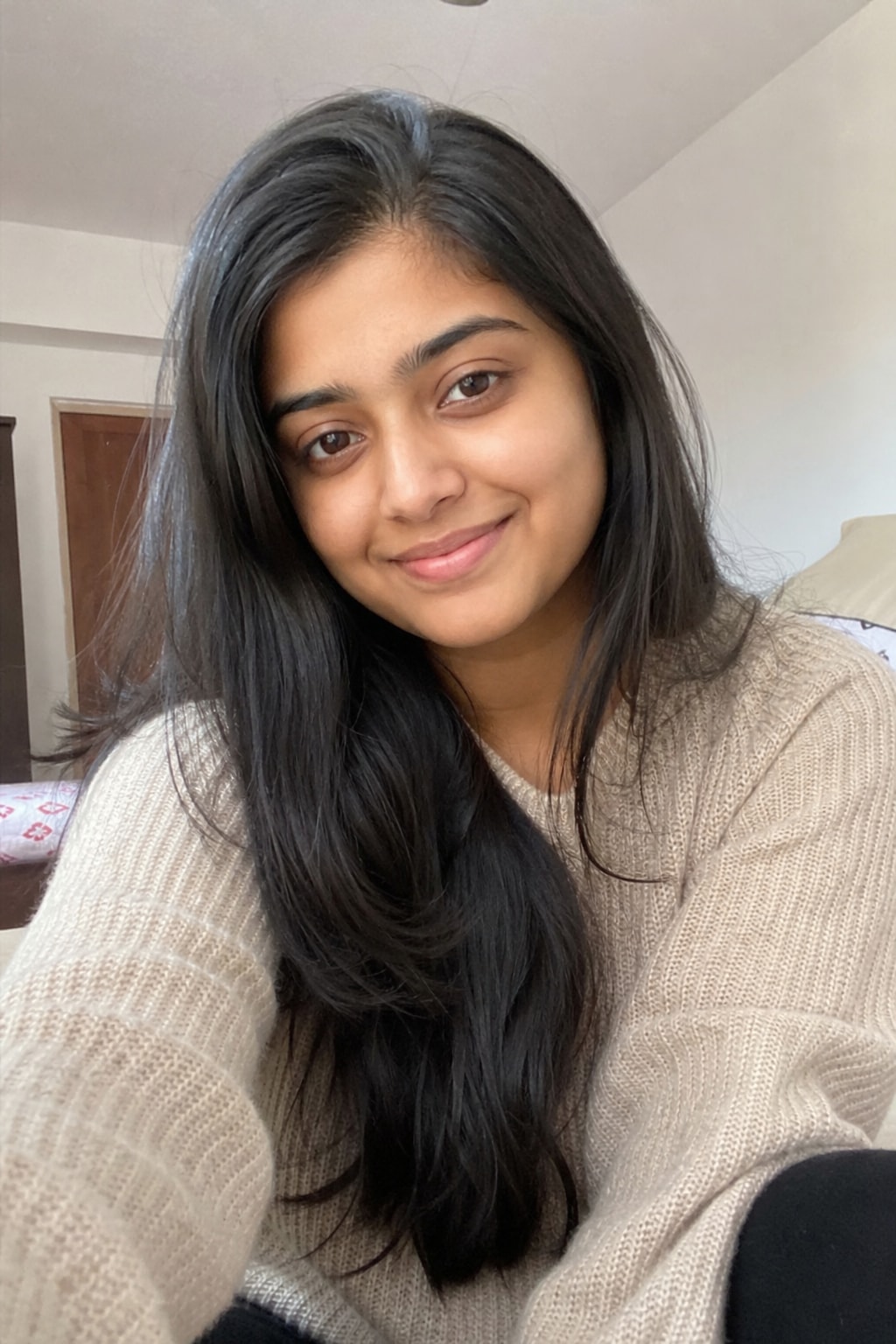
أنثى منفردة
أنثى منفردة — قبلقبل
أنثى منفردة — بعدبعد
قبلبعد

The AI Halloween photo trend turns one ordinary photo into the spooky-season pictures everyone is posting: the white-sheet ghost photoshoot, a vintage 1950s Halloween snapshot, a pumpkin patch portrait, an 80s horror movie still, a zombie couple photo and skeleton bride makeup — with your face kept the same. This page has six ready-to-copy Halloween photo prompts and a generator that runs them on your photo.

What is the AI Halloween photo trend?

Every October a handful of Halloween photo formats take over Instagram and TikTok — the ghost photoshoot with a white bedsheet and sunglasses, old black-and-white Halloween snapshots, pumpkin patch portraits. The AI Halloween photo trend is the shortcut: instead of buying a costume and booking a photographer, you upload a selfie and let an image model render the scene around your real face.

The prompts below are written for GPT Image 2, ChatGPT and Gemini. Each one locks your identity first and then describes one specific look, which is what makes the result read as a real photo instead of an AI filter.

AI Halloween photo prompts: six trends to try

Click the button on a card to run it on your photo here, or copy it into ChatGPT or Gemini with a clear photo. The generator above picks one of these looks to suit your photo automatically.

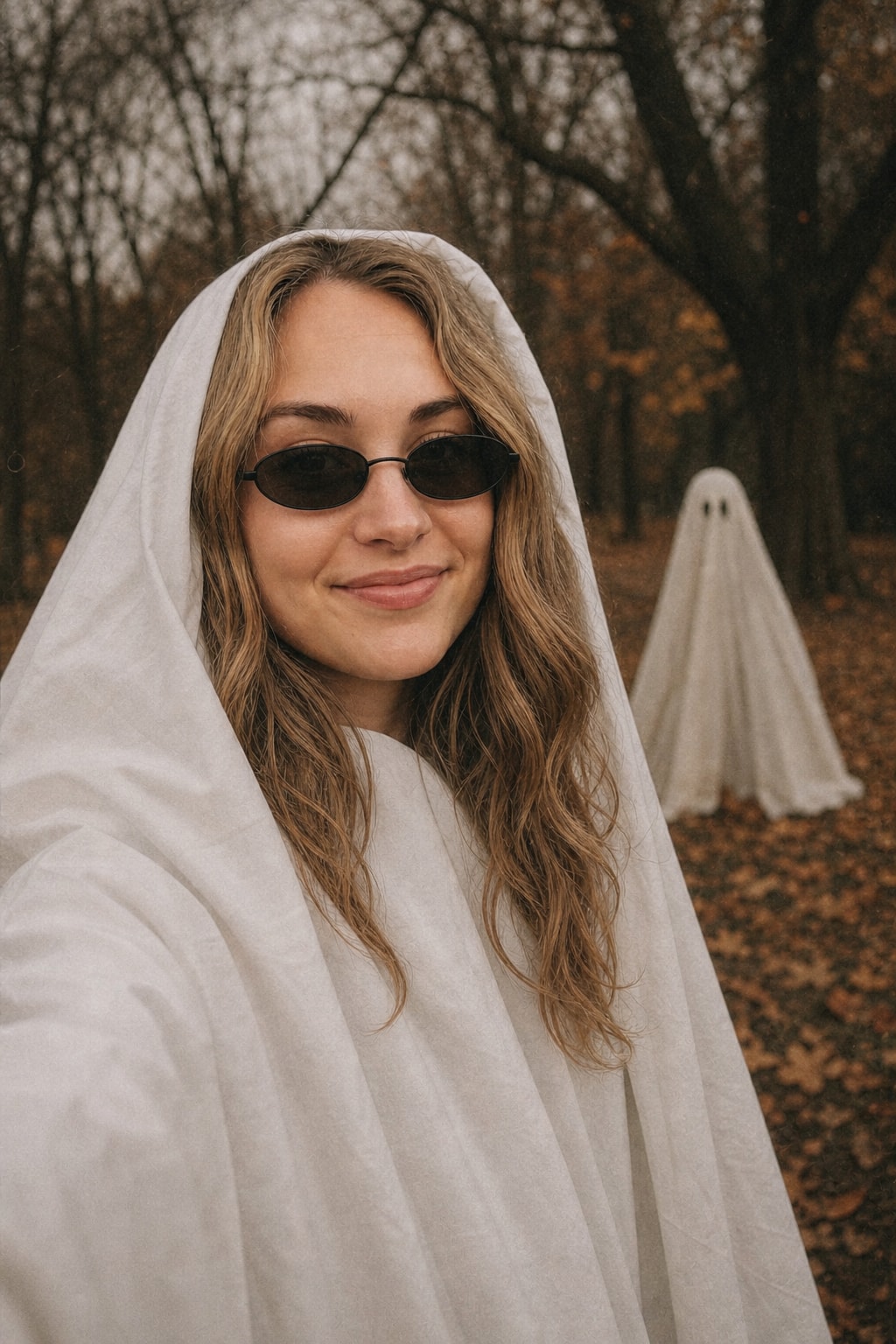
Ghost photoshoot trend — white sheet and sunglasses

The most-posted Halloween photo of the season, face visible under the sheet.
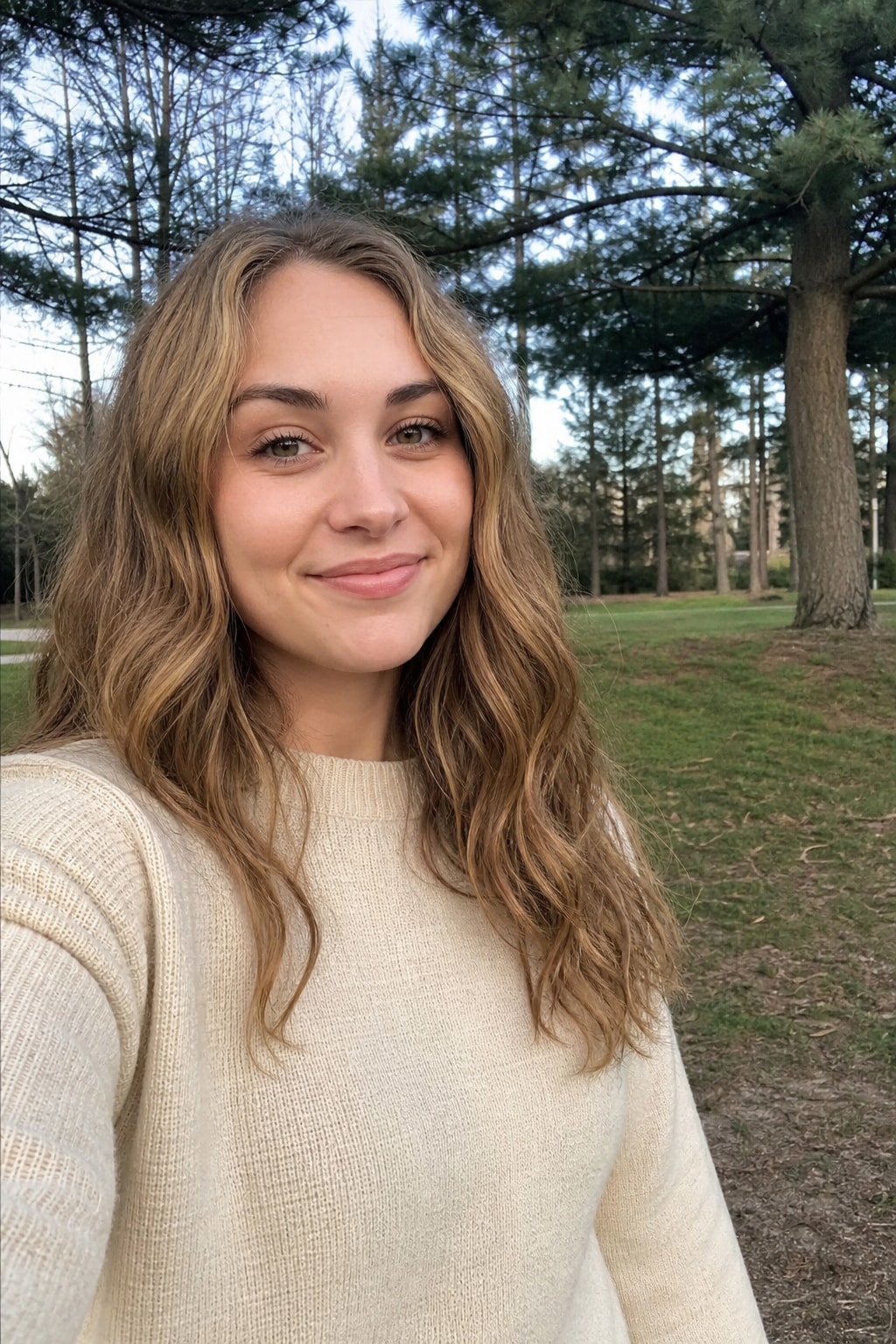
Ghost photoshoot trend — white sheet and sunglasses — BeforeBefore
Ghost photoshoot trend — white sheet and sunglasses — AfterAfter
Turn my uploaded photo into the viral ghost photoshoot trend. Keep my exact face, likeness, age and skin tone unchanged: do not alter features, do not invent a second face, do not add people. I am draped in a plain white bedsheet ghost costume with the sheet pulled back like a hood so my face is fully visible, wearing small dark sunglasses. Moody autumn setting: bare trees, fallen leaves, soft overcast light, muted film colors with a warm fade. Candid editorial feel, like a 35mm film photo. 4:5 portrait.

Source: imagesv2.ai
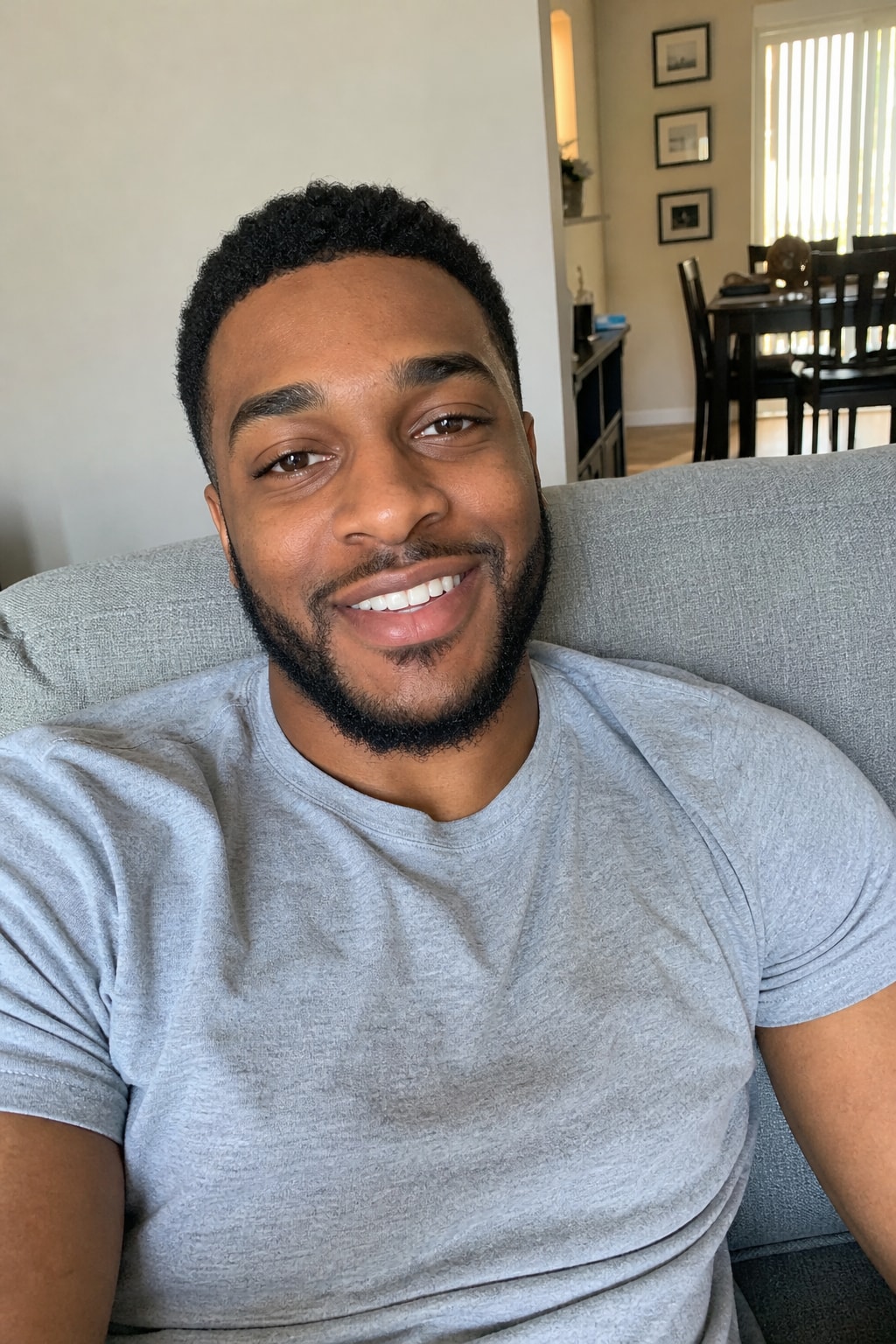
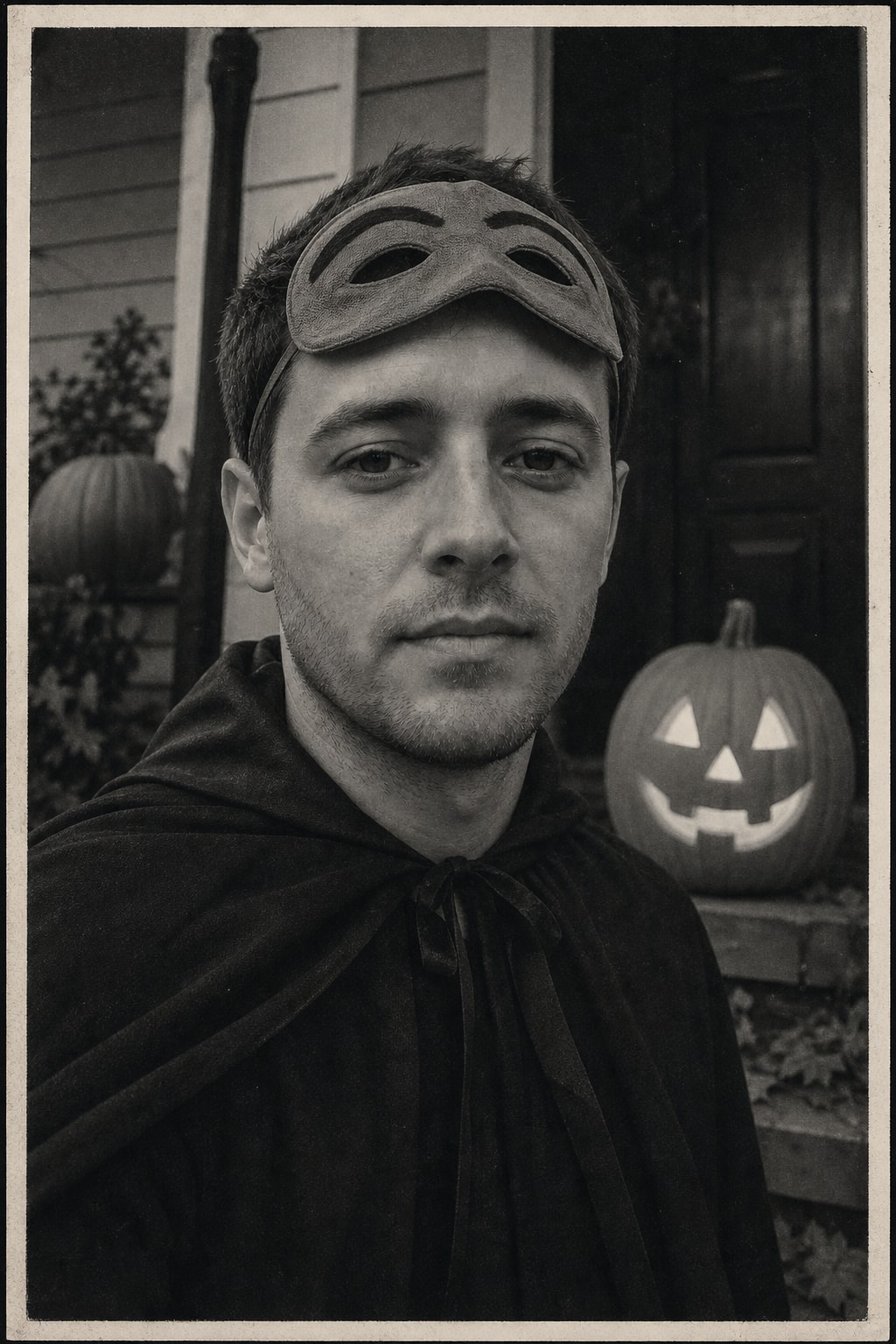
Vintage Halloween photo — 1950s black-and-white snapshot

Homemade costume, carved pumpkin, old family-album print.

Vintage Halloween photo — 1950s black-and-white snapshot — BeforeBefore
Vintage Halloween photo — 1950s black-and-white snapshot — AfterAfter
Turn my uploaded photo into a vintage 1950s Halloween snapshot. Keep my exact face, likeness, age and skin tone unchanged: do not alter features, do not invent a second face, do not add people. I wear a simple homemade-looking 1950s costume — a cloth mask pushed up on my forehead and a plain dark cape — standing on a front porch next to a carved jack-o'-lantern. Black-and-white photo with soft grain, slight blur, faded paper tone and a thin white border, like an old family album print. 4:5 portrait.

Source: imagesv2.ai

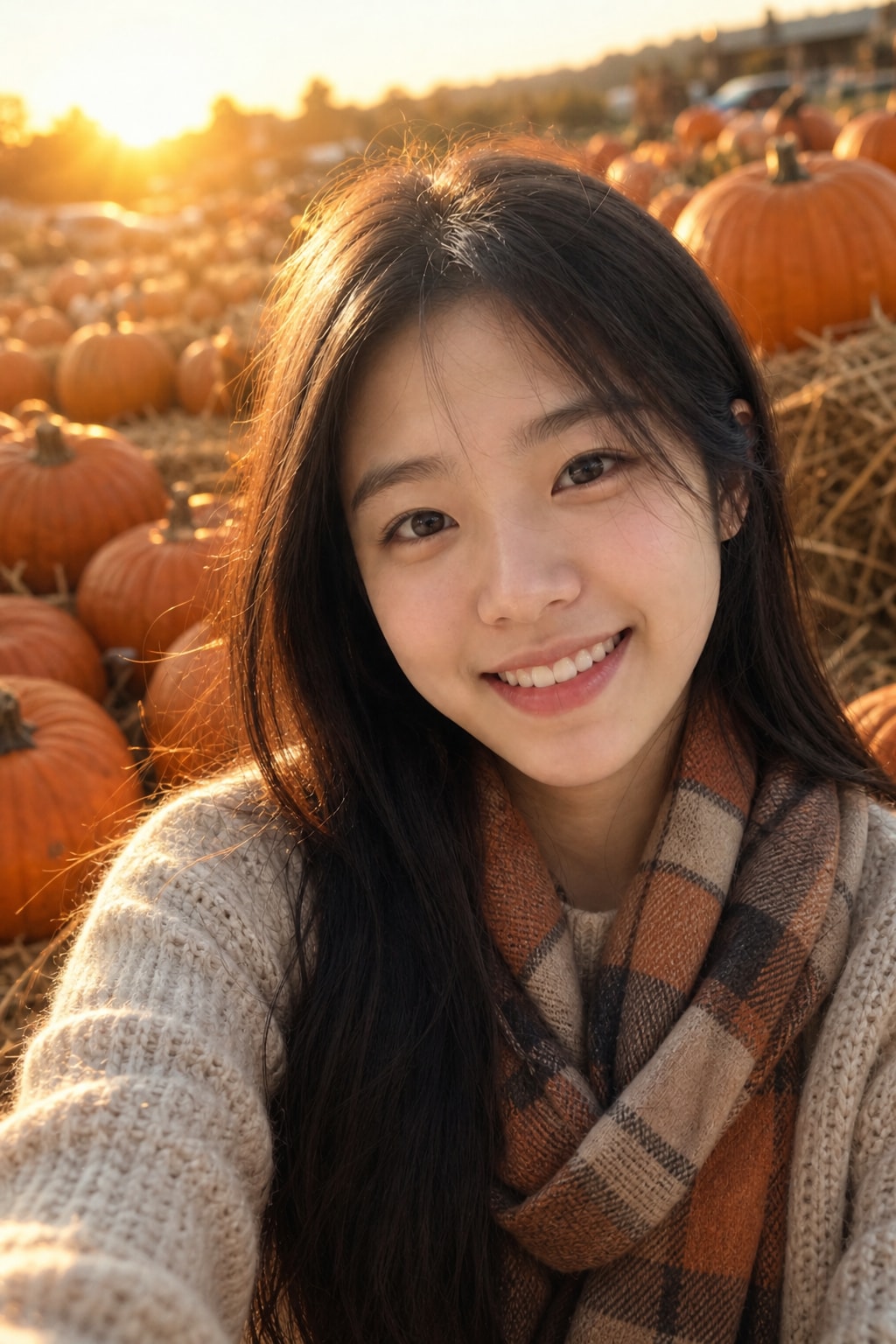
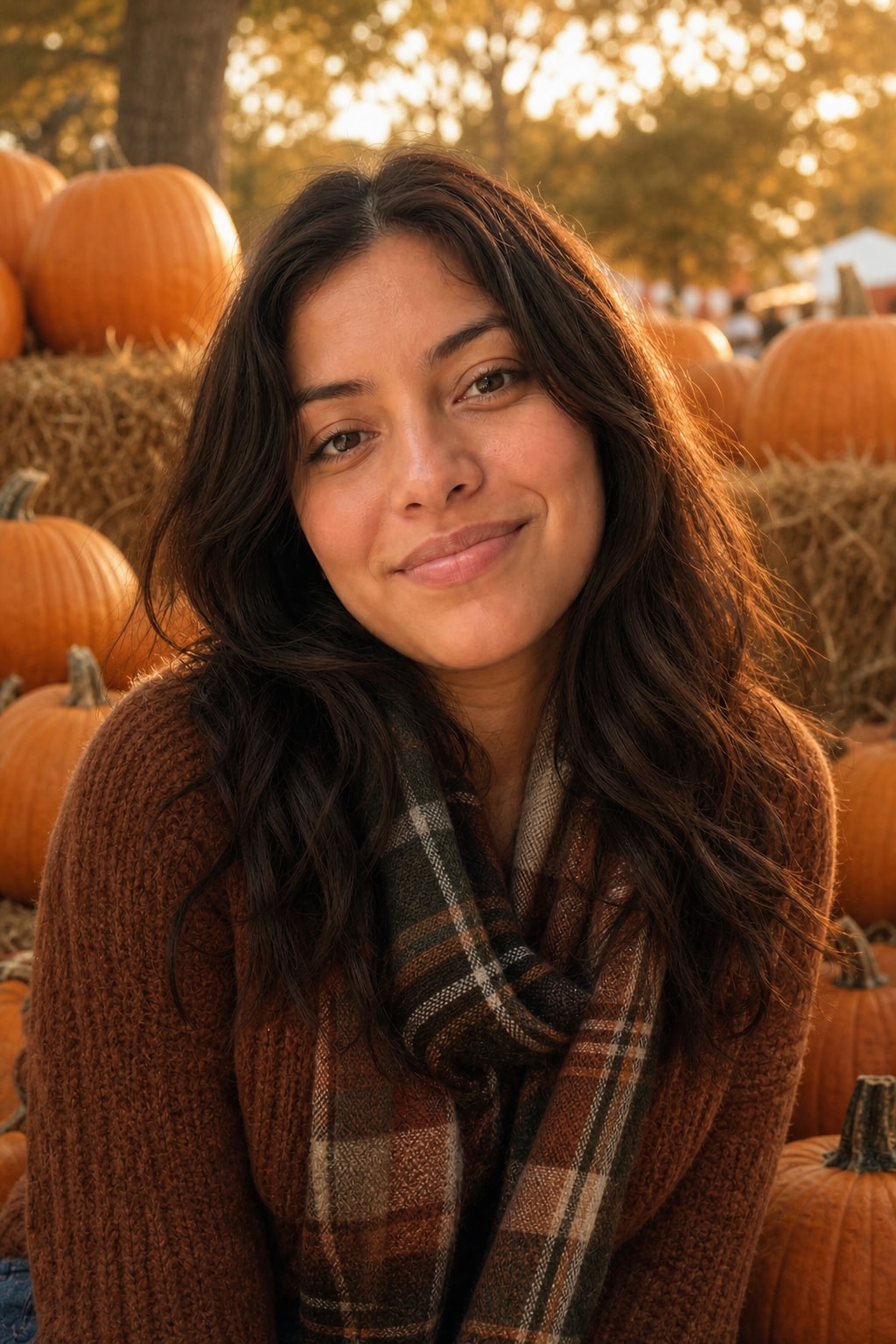
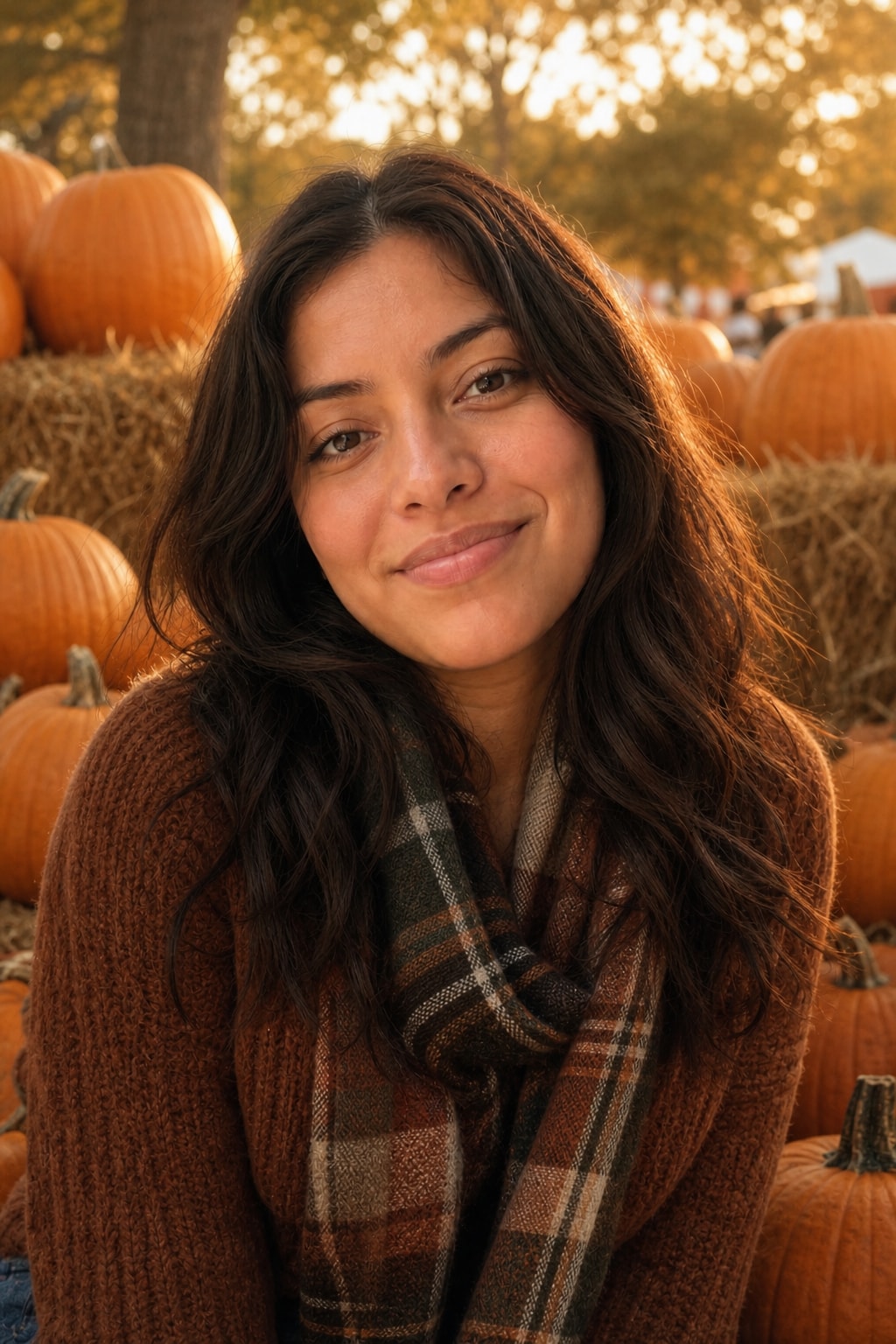
Pumpkin patch portrait — golden-hour autumn photo

The cosy, non-scary option: hay bale, knit sweater, warm backlight.

Pumpkin patch portrait — golden-hour autumn photo — BeforeBefore
Pumpkin patch portrait — golden-hour autumn photo — AfterAfter
Turn my uploaded photo into a cosy pumpkin patch portrait. Keep my exact face, likeness, age and skin tone unchanged: do not alter features, do not invent a second face, do not add people. I sit on a hay bale surrounded by orange pumpkins, wearing a chunky knit sweater and a plaid scarf. Golden-hour backlight, warm autumn colors, shallow depth of field, soft lens flare. Photorealistic lifestyle photo. 4:5 portrait.

Source: imagesv2.ai
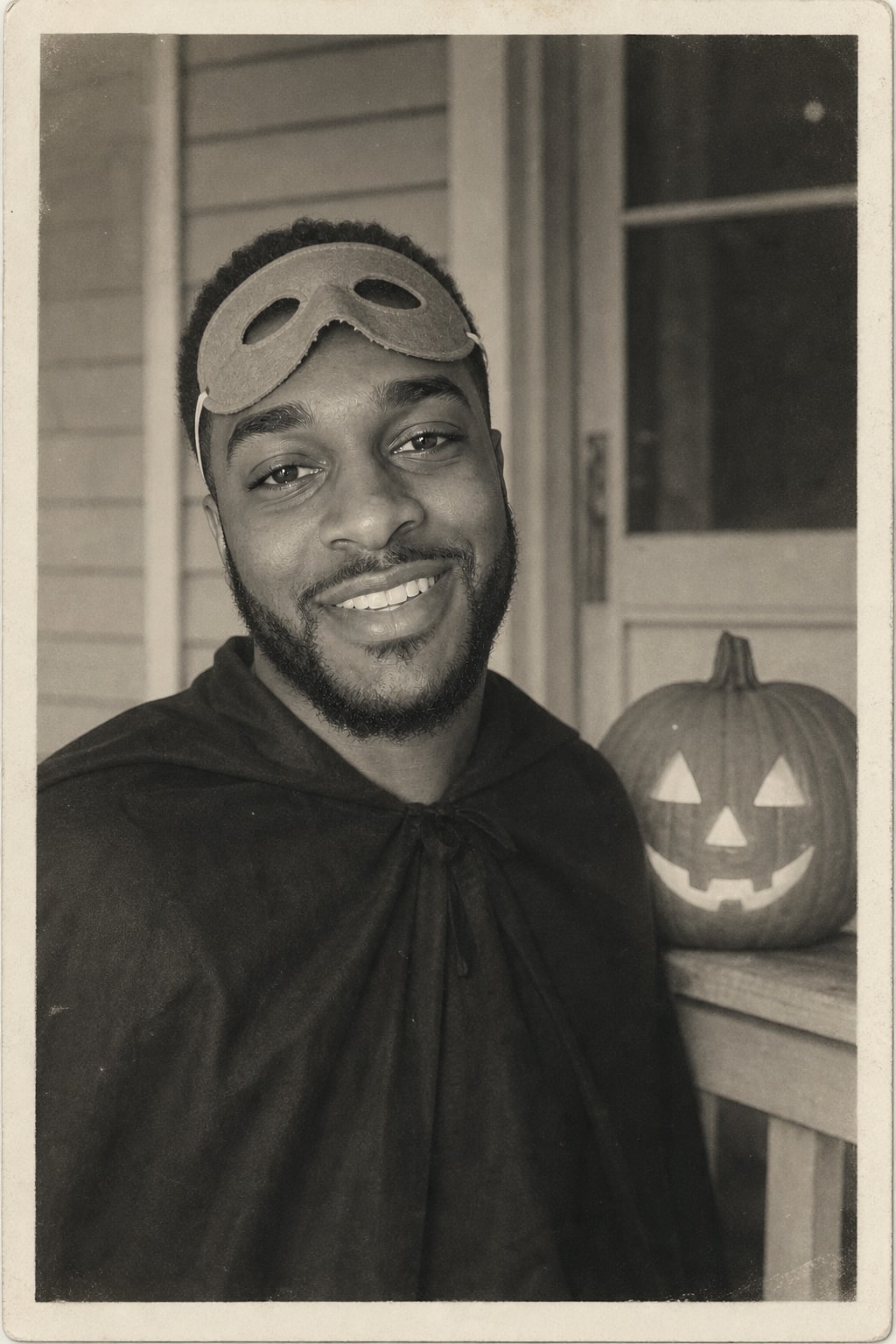
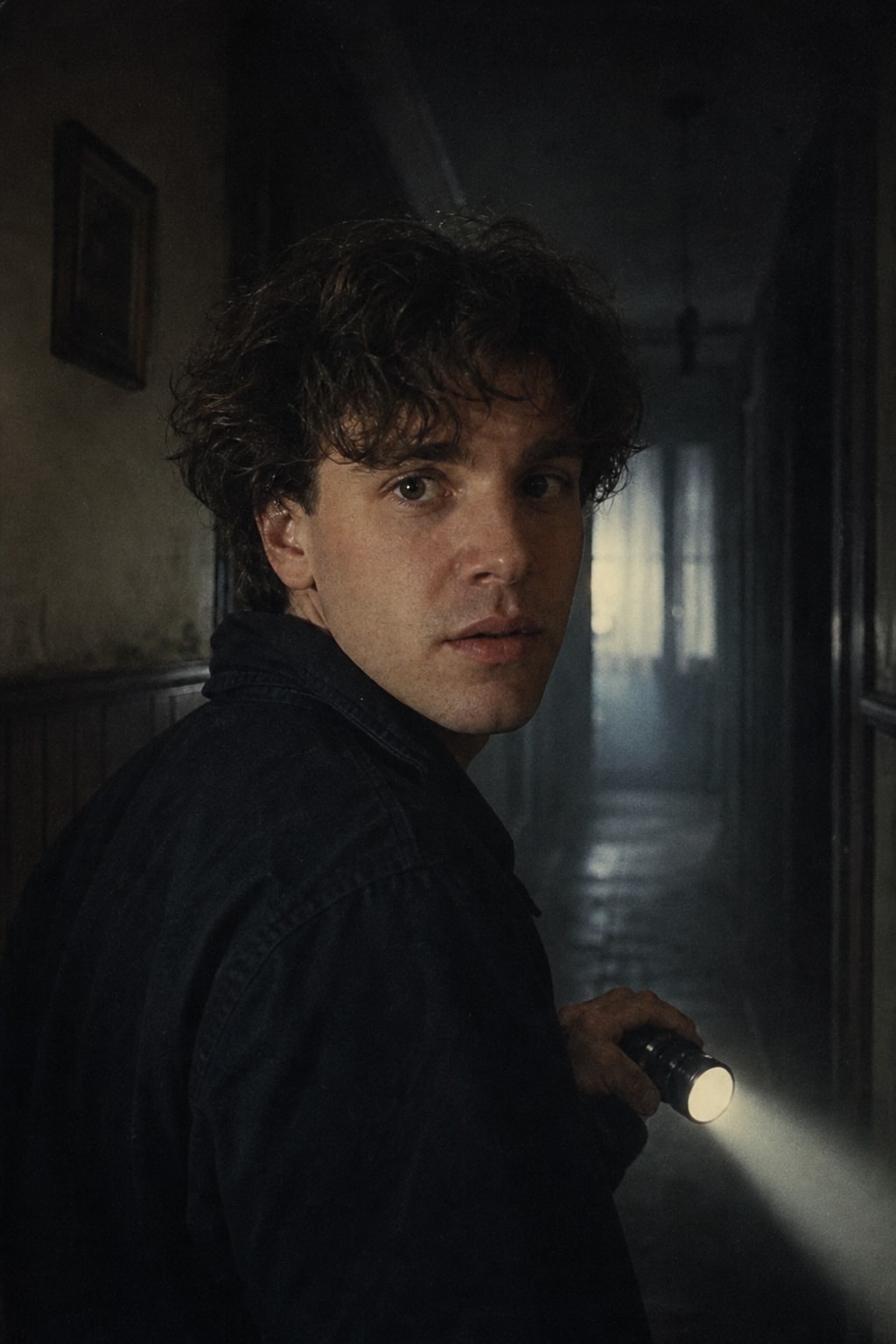
80s horror movie still — flashlight in a dark hallway

Cinematic and tense, with faded film color.

80s horror movie still — flashlight in a dark hallway — BeforeBefore
80s horror movie still — flashlight in a dark hallway — AfterAfter
Turn my uploaded photo into a still from a 1980s horror movie. Keep my exact face, likeness, age and skin tone unchanged: do not alter features, do not invent a second face, do not add people. I stand in a dark hallway of an old house holding a flashlight, looking over my shoulder, scared expression. Hard flashlight beam, deep shadows, light fog, slightly faded 35mm film color with grain. Cinematic, tense, not gory. 4:5 frame.

Source: imagesv2.ai

Zombie couple photo — a zombie love story

Upload a couple photo; romantic engagement-shoot framing, zombie makeup.

Zombie couple photo — a zombie love story — BeforeBefore
Zombie couple photo — a zombie love story — AfterAfter
Turn my uploaded couple photo into a zombie couple Halloween photo. Keep both faces, likenesses, ages and skin tones exactly recognisable; do not add people. Both of us as zombies with grey-green special-effects makeup, dark eye shadows and torn clothes, still holding hands and smiling at each other like a romantic engagement photo. Foggy cemetery at dusk, soft romantic backlight. Funny and sweet, not gory, photorealistic. 4:5 portrait.

Source: imagesv2.ai

Halloween makeup filter — skeleton bride

Preview a full gothic makeup look before you try it for real.

Halloween makeup filter — skeleton bride — BeforeBefore
Halloween makeup filter — skeleton bride — AfterAfter
Turn my uploaded photo into a Halloween makeup photo of a skeleton bride. Keep my exact face, likeness, age and skin tone unchanged: do not alter features, do not invent a second face, do not add people. Pale blue-grey skin makeup with subtle skeleton contour lines on the cheeks and jaw painted over my real face, dark eye makeup, a tattered vintage lace veil and a faded blue dress. Misty moonlit forest, cool blue light. Gothic and beautiful, photorealistic makeup photo. 4:5 portrait.

Source: imagesv2.ai
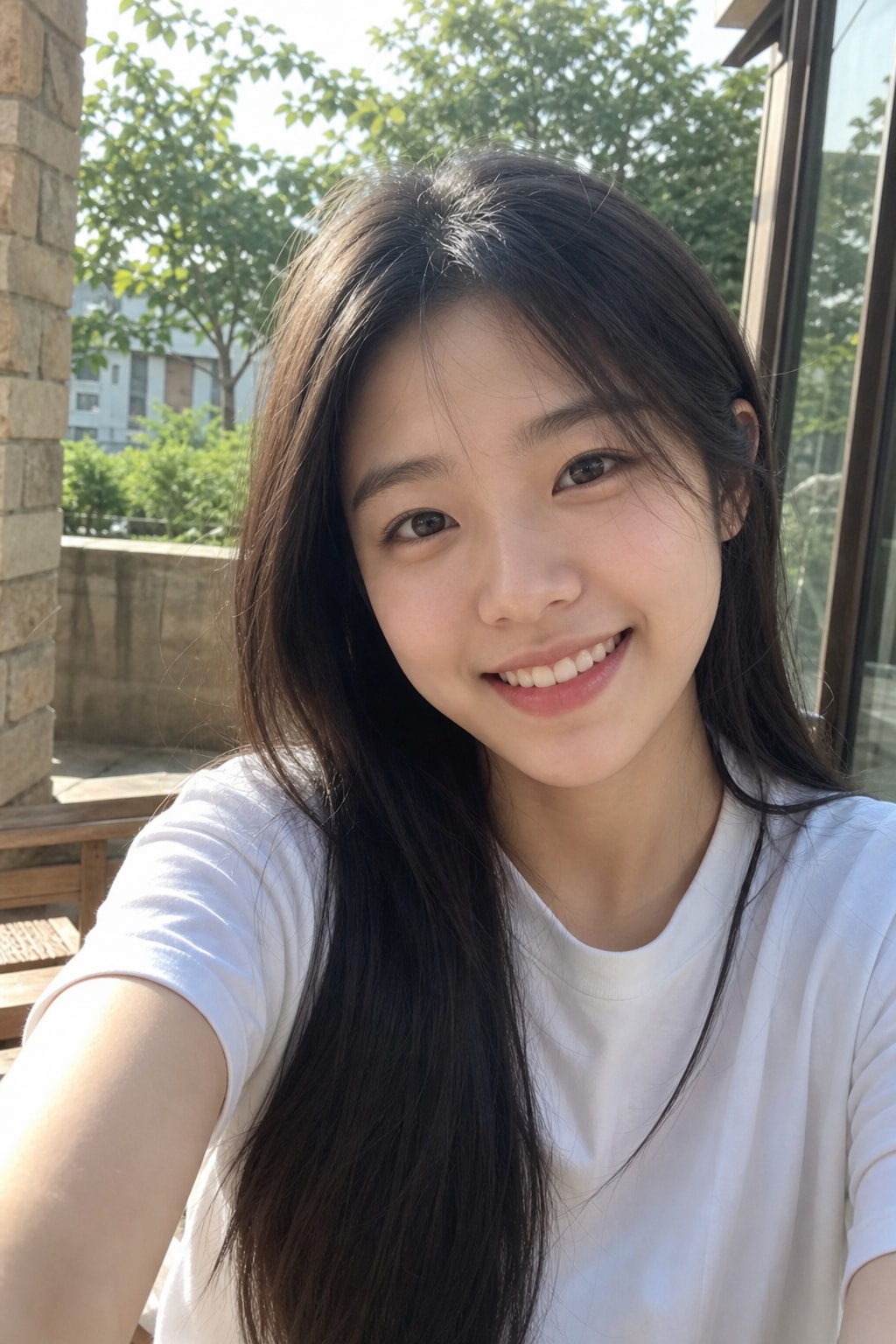
How to make an AI Halloween photo

  1. Choose a clear photo with your face visible — a selfie works fine.
  2. Upload it in the generator above, or attach it in ChatGPT / Gemini.
  3. Keep the pre-filled prompt, or click "Run this on my photo" on any card.
  4. Generate. If the face drifts, add "keep my exact face" and try again.
  5. For couple trends, upload one photo with both of you clearly visible.

Why these Halloween photo prompts work

  • Identity first: every prompt starts by locking your face, age and skin tone.
  • One look per prompt — a single costume, a single setting, a single light.
  • Camera language (35mm film, black-and-white print, golden hour) sells the photo as real.
  • "Scary, not gory" keeps results shareable and avoids blocked generations.

Looking for a costume instead?

If you want to try on a specific costume — vampire, witch, skeleton face paint, zombie, a couple costume or your pet as a pumpkin — use the costume generator.

AI Halloween photo trend — FAQ

Common questions about making Halloween photos with AI. More questions? Email support@imagesv2.ai.

ChatGPT (GPT Image), Gemini "Nano Banana" and GPT Image 2 all handle these prompts. Here they run on GPT Image 2 with the prompt pre-filled, so you only upload and click.


Use the ghost photoshoot prompt above with a clear selfie. It keeps your face visible under the sheet, adds the sunglasses and the moody autumn film look — no bedsheet or photographer needed.


New accounts get 3 free credits on sign-up, and one generation at the default quality costs exactly those 3 credits — so your first Halloween photo is covered. Later generations are charged at the normal rate.


Yes — upload one photo with both of you and use the zombie couple prompt, or replace the zombie sentence with any matching look you like.


اختر نمطًا. ارفع صورة واحدة.

رصيد التسجيل مُضمّن. في أقل من دقيقة ستنظر إلى نسخة جديدة من نفسك.