
Конвертер SVG в PNG — экспорт векторной графики в прозрачный PNG
Превращайте код SVG или файлы .svg в высококачественные изображения PNG с сохранением прозрачности.
Посмотрите предпросмотр вектора, при необходимости отредактируйте исходник, выберите фон и скачайте растровый PNG прямо из браузера.
Конвертируйте SVG в прозрачный PNG в одном месте
SVG идеален для редактируемых векторов, но многим инструментам — Notion, Slack, Office, иконкам приложений, растровым графическим редакторам — нужен PNG с настоящим альфа-каналом. Эта страница предлагает целенаправленный рабочий процесс SVG в PNG поверх уже существующей браузерной SVG-студии: загрузите или вставьте, проверьте предпросмотр, а затем экспортируйте.
Загрузите или вставьте SVG
Перетащите файл .svg или вставьте исходный код SVG/XML. Предпросмотр обновляется мгновенно, чтобы вы заметили повреждённую разметку до экспорта.
Живой предпросмотр перед экспортом
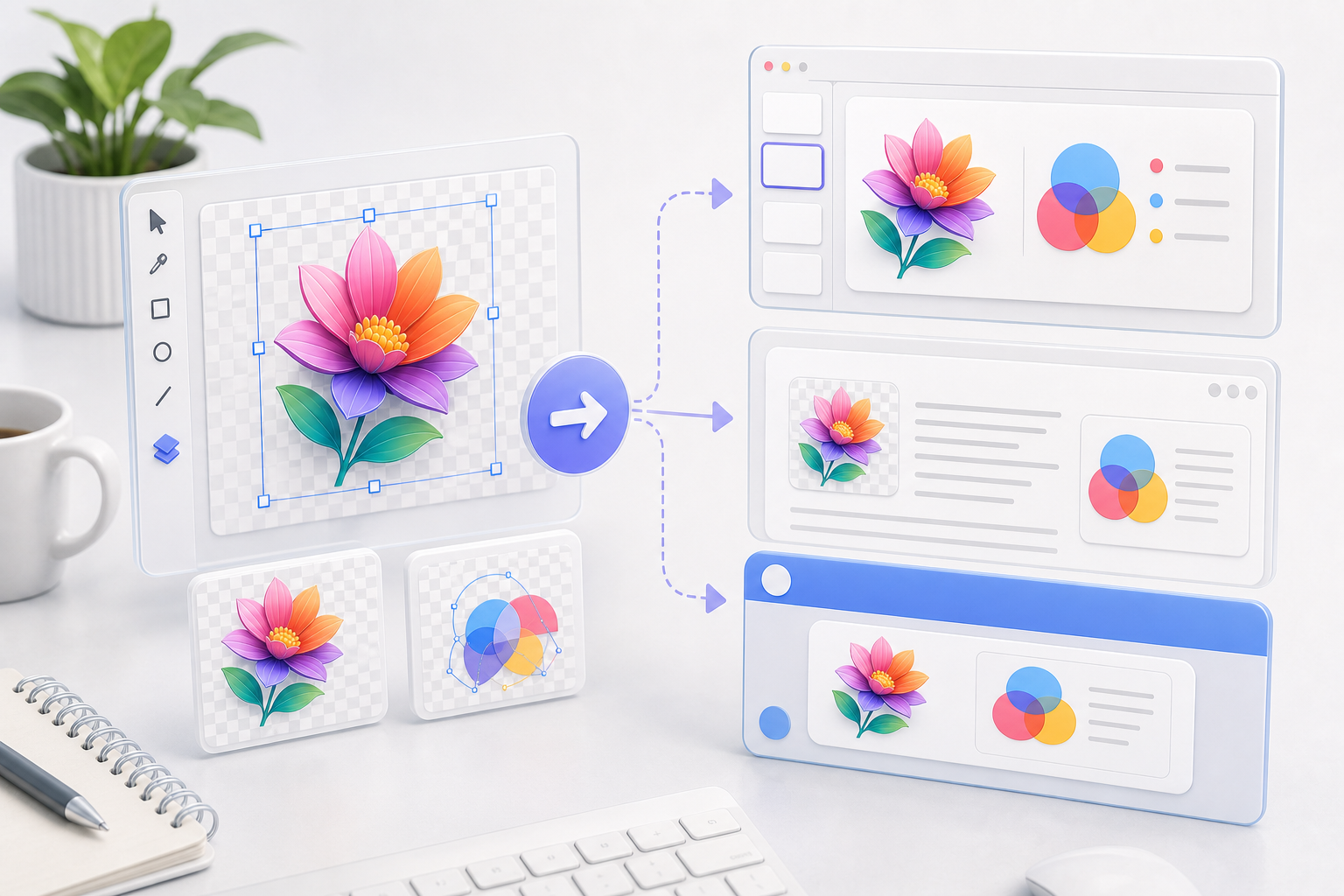
Масштабируйте, перемещайте и переключайте фоны предпросмотра, чтобы убедиться, как штрихи, градиенты и прозрачные области будут растрированы в PNG.
PNG как основное действие
Студия открывается с PNG в качестве основной цели экспорта, а SVG, JPG, PDF и ICO остаются в одном клике в выпадающем меню.
Работает в вашем браузере
Конвертация использует локальные API браузера. Ваш SVG не загружается на сервер, что делает его подходящим для приватных логотипов, иконок и внутренних диаграмм.
Зачем конвертировать SVG в PNG здесь?
Специализированный конвертер PNG убирает обычные трудности с форматами: без приложения для дизайна, без командной строки, без отдельного просмотрщика и без компромиссов с приватностью.
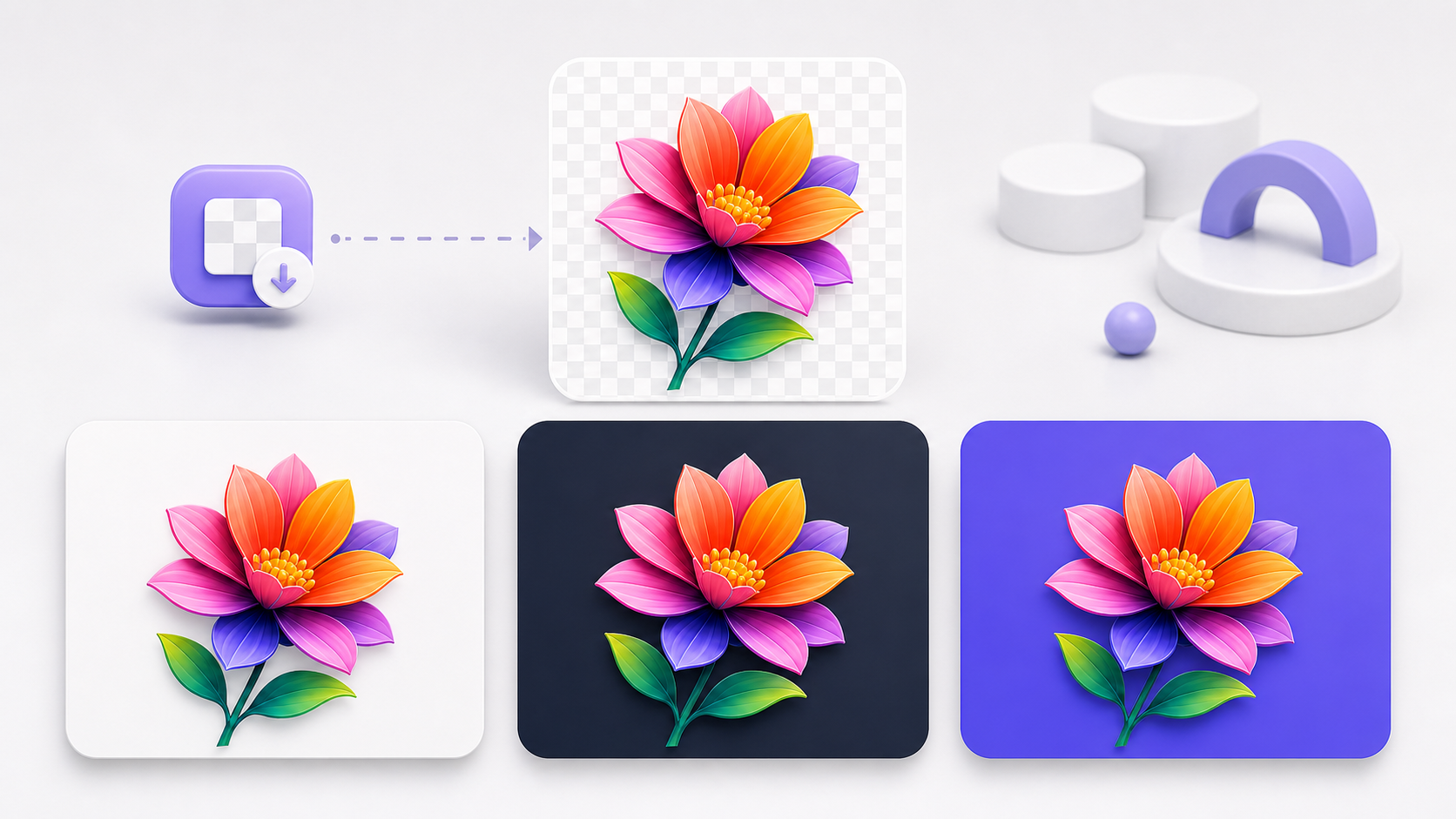
Сохраняйте прозрачность
В отличие от JPG, PNG сохраняет альфа-канал. Прозрачные области SVG остаются прозрачными в экспортированном PNG, готовыми к наложению на любой фон.
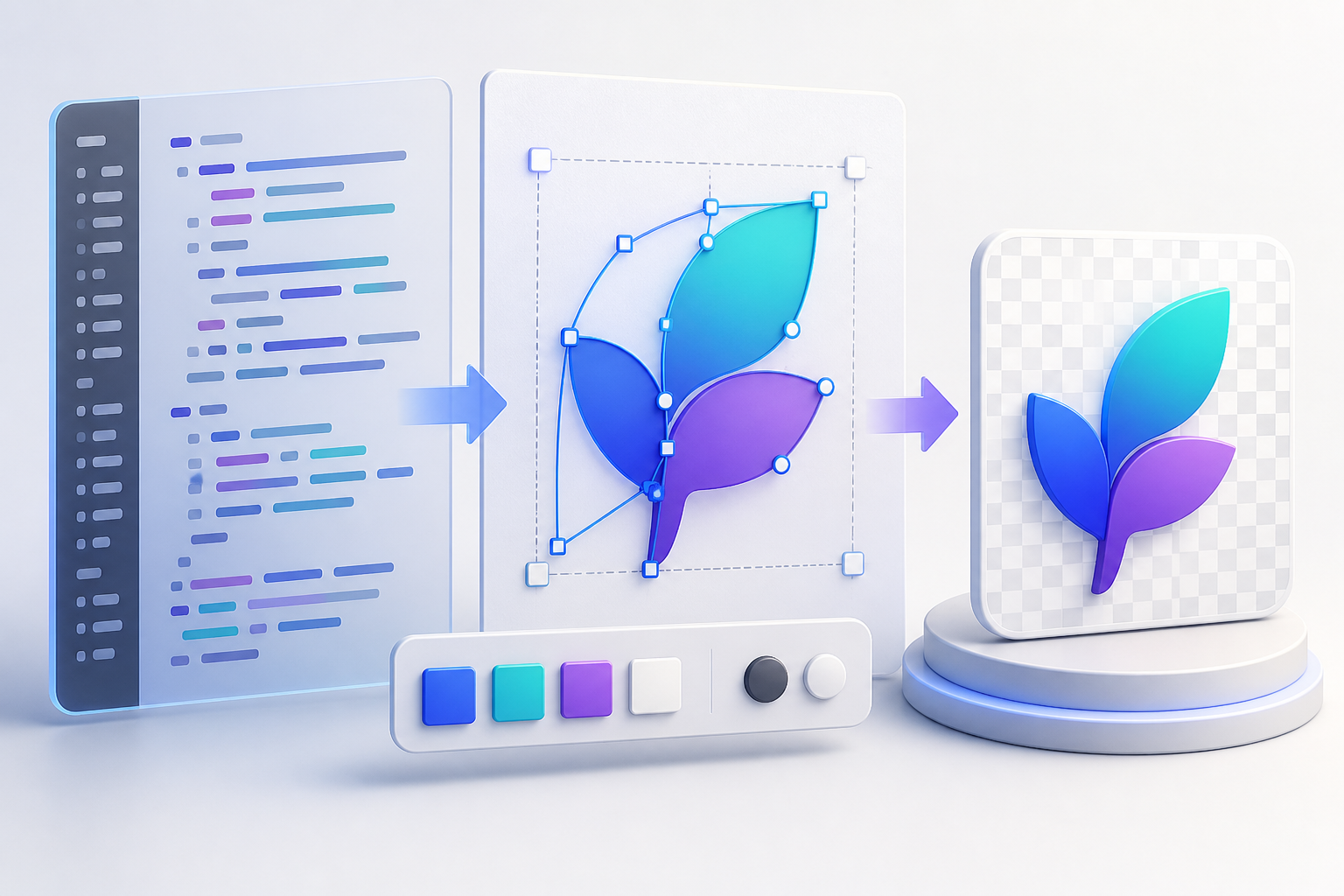
Исправляйте проблемы исходника перед растрированием
Если у SVG неправильная заливка, слишком большой viewBox или повреждённая вставленная разметка, отредактируйте исходник рядом с предпросмотром, вместо того чтобы экспортировать плохое изображение и начинать заново в другом месте.
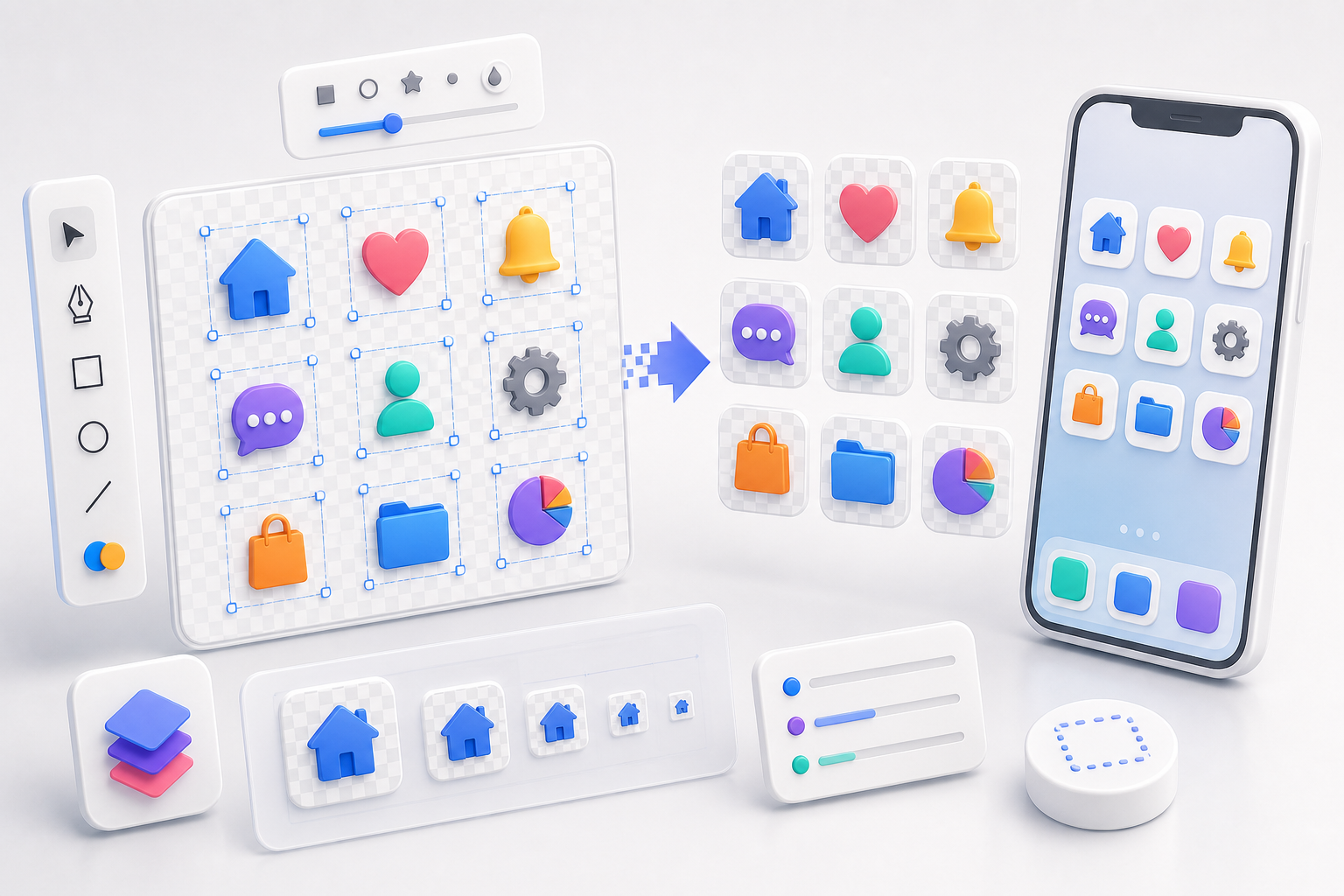
Экспортируйте в истинном разрешении SVG
Студия читает viewBox и width/height, чтобы выбрать разумный размер растра, ограниченный во избежание огромных холстов — так логотипы и иконки остаются чёткими, не раздувая размер файла.
Без регистрации, без квоты, без очереди загрузки
Поскольку конвертация происходит на стороне клиента, вы можете использовать её многократно, не дожидаясь облачных задач и не передавая свою работу стороннему конвертеру.
Создано для конвертации SVG в PNG
Страница сосредоточена на задаче SVG в PNG, сохраняя при этом инструменты осмотра и редактирования, которые делают полный SVG Viewer полезным.
Основная кнопка экспорта PNG
Основной элемент управления экспортом сначала скачивает PNG, сокращая число кликов для пользователей, пришедших сюда с конкретной задачей SVG в PNG.
Альфа-канал сохранён
Прозрачные пиксели SVG становятся прозрачными пикселями PNG. Шахматный фон — это лишь вспомогательный элемент предпросмотра, он никогда не запекается в выходной файл.
Редактор исходника с форматированием
Форматируйте или минифицируйте исходный код SVG, исправляйте атрибуты и синхронизируйте отрисованный предпросмотр по мере редактирования.
Масштаб, перемещение и подгонка
Осматривайте маленькие иконки или большие диаграммы перед экспортом с масштабированием от курсора, перетаскиванием, подгонкой к окну и сбросом на 100%.
Режим выбора для отладки
Кликните по элементу в предпросмотре, чтобы найти его строку в исходнике — полезно, когда сгенерированный ИИ или экспортированный SVG содержит сотни контуров.
Несколько резервных форматов
Нужен вместо этого JPG, векторный PDF, favicon ICO или очищенный SVG? Та же студия держит эти варианты экспорта под рукой.
SVG в PNG — частые вопросы
Распространённые вопросы о конвертации файлов SVG в PNG онлайн. Ещё вопросы? Напишите на support@imagesv2.ai.
Да. Он работает в вашем браузере без регистрации, без банковской карты и без дневного лимита.
Нет. Загрузка, разбор, предпросмотр, редактирование и экспорт в PNG происходят локально в вашем браузере. Ваш SVG никогда не покидает ваше устройство.
Да. Прозрачные области SVG остаются прозрачными в PNG. Шахматный фон лишь помогает вам увидеть эти области в предпросмотре — он не является частью выходного файла.
Да. Студия включает редактор исходника с форматированием, минификацией, живым предпросмотром и переходом по клику, чтобы вы могли исправить SVG перед растрированием.
Конвертер использует атрибуты viewBox и width/height из SVG для выбора размера растра, ограниченного 8192 px по стороне и ~32 мегапикселями, чтобы холст оставался пригодным для работы в браузере.
Выбирайте PNG, когда нужна прозрачность, чёткие края логотипов и иконок или сжатие без потерь. Выбирайте JPG, когда нужен файл поменьше для изображений фотографического типа и прозрачность не требуется.
Да. PNG — основное действие на этой странице, но меню экспорта по-прежнему предлагает варианты SVG, JPG, PDF и ICO.
Конвертируйте свой SVG в PNG прямо сейчас — или создайте совершенно новый SVG с помощью ИИ
Вставьте код SVG, загрузите файл .svg, посмотрите предпросмотр и экспортируйте прозрачный PNG прямо в браузере. Ещё нет SVG? Создайте его с GPT Image 2 менее чем за минуту.