
SVG事例集 — インスピレーションを見つけ、スタイルを選び、使う
アイコン、イラスト、装飾パターン、Web要素が必要なときは、まず用途に合うSVGスタイルを閲覧することから始めましょう。
テーマで検索し、カテゴリで絞り込み、コードをコピーし、ファイルをダウンロードし、SVG Viewerでパスや寸法を確認できます。
絞り込んだ結果を表示中










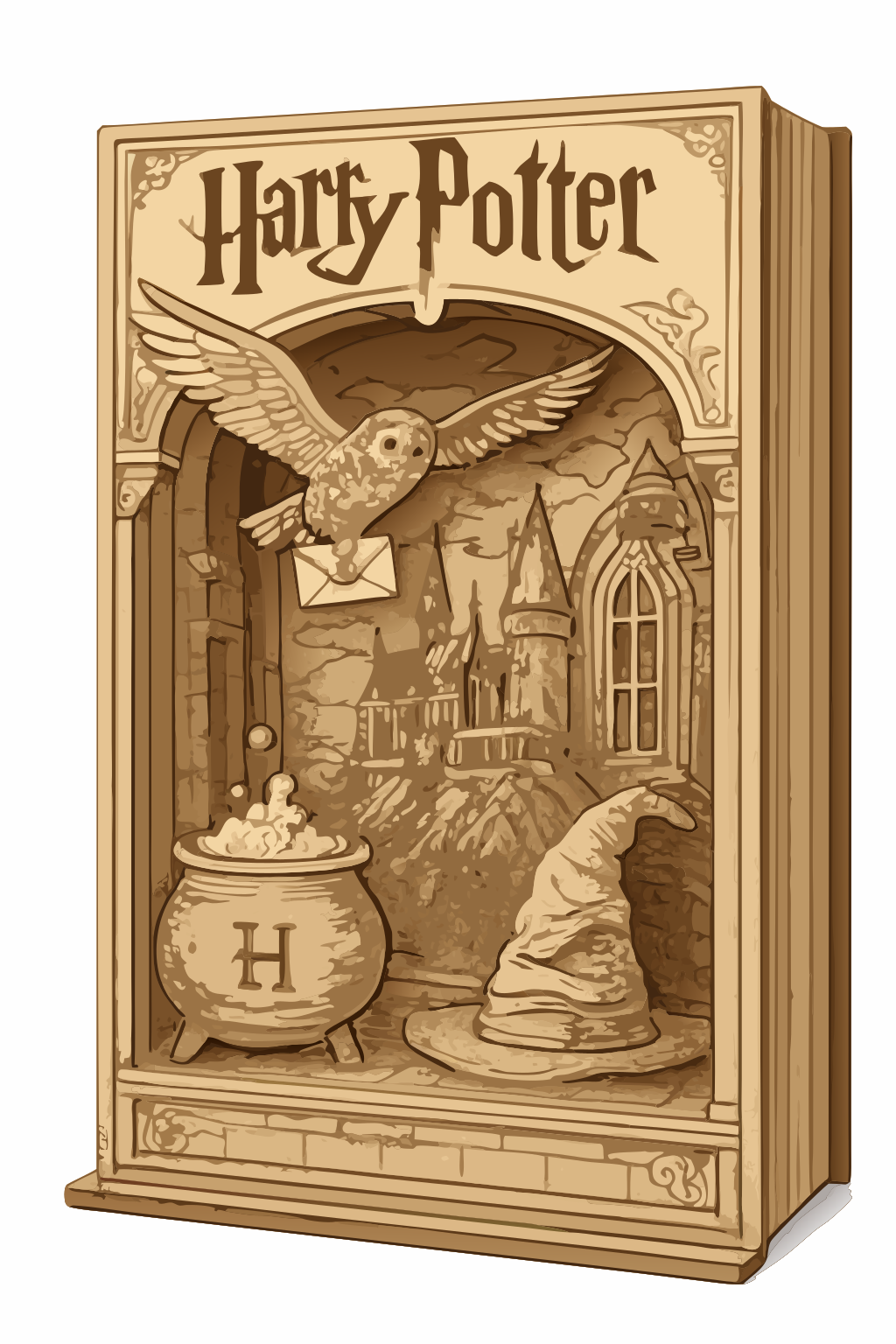



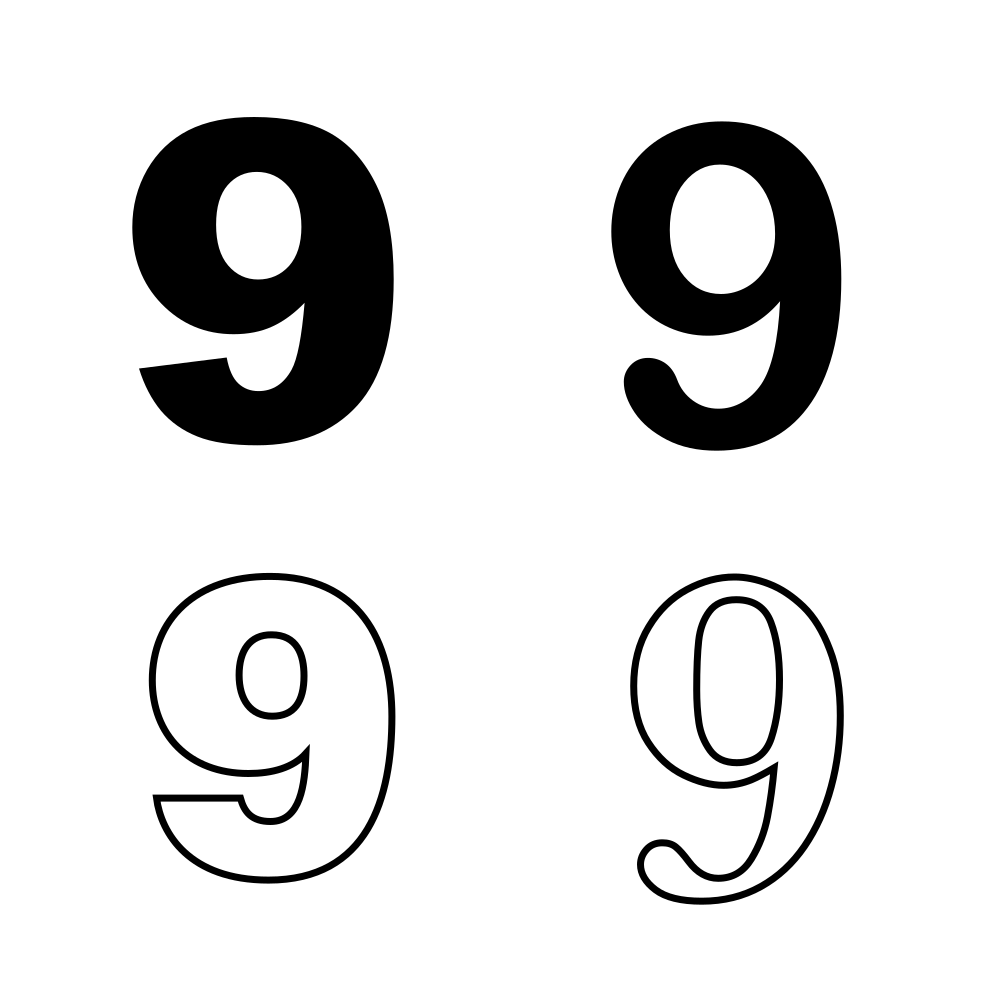
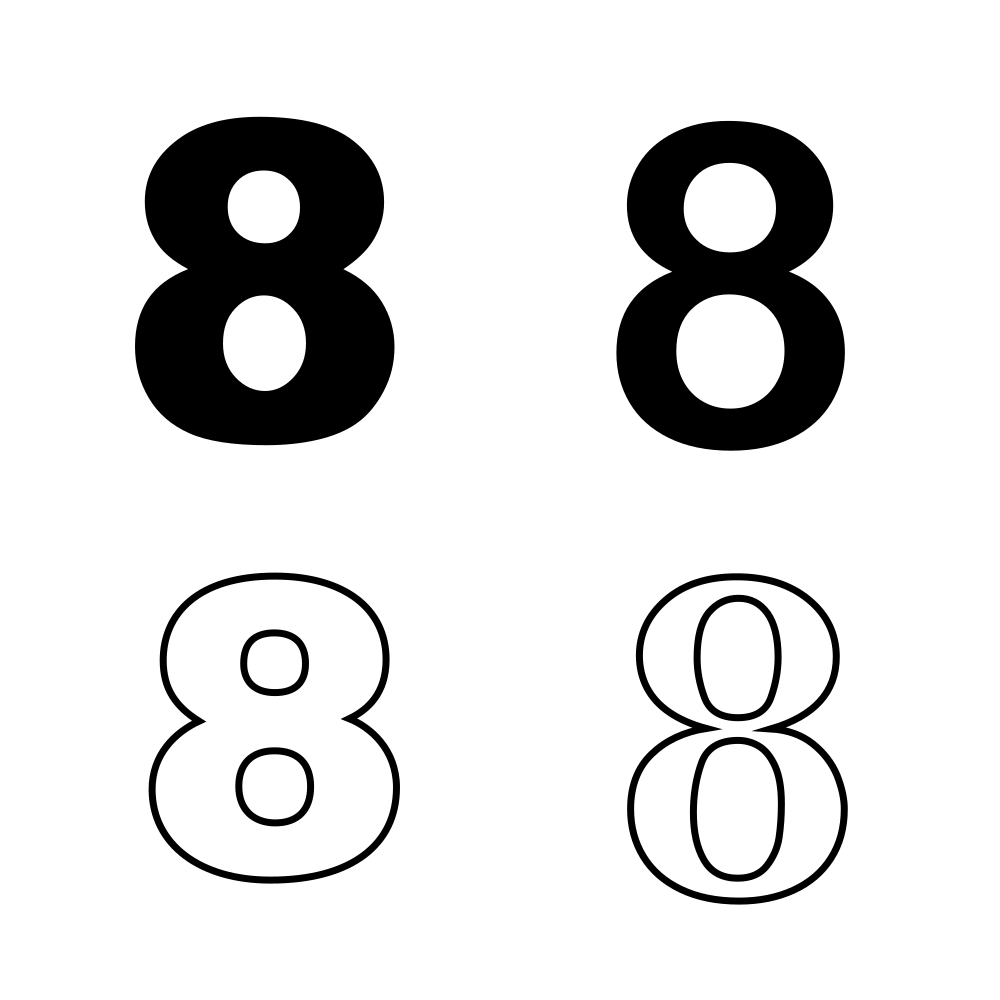





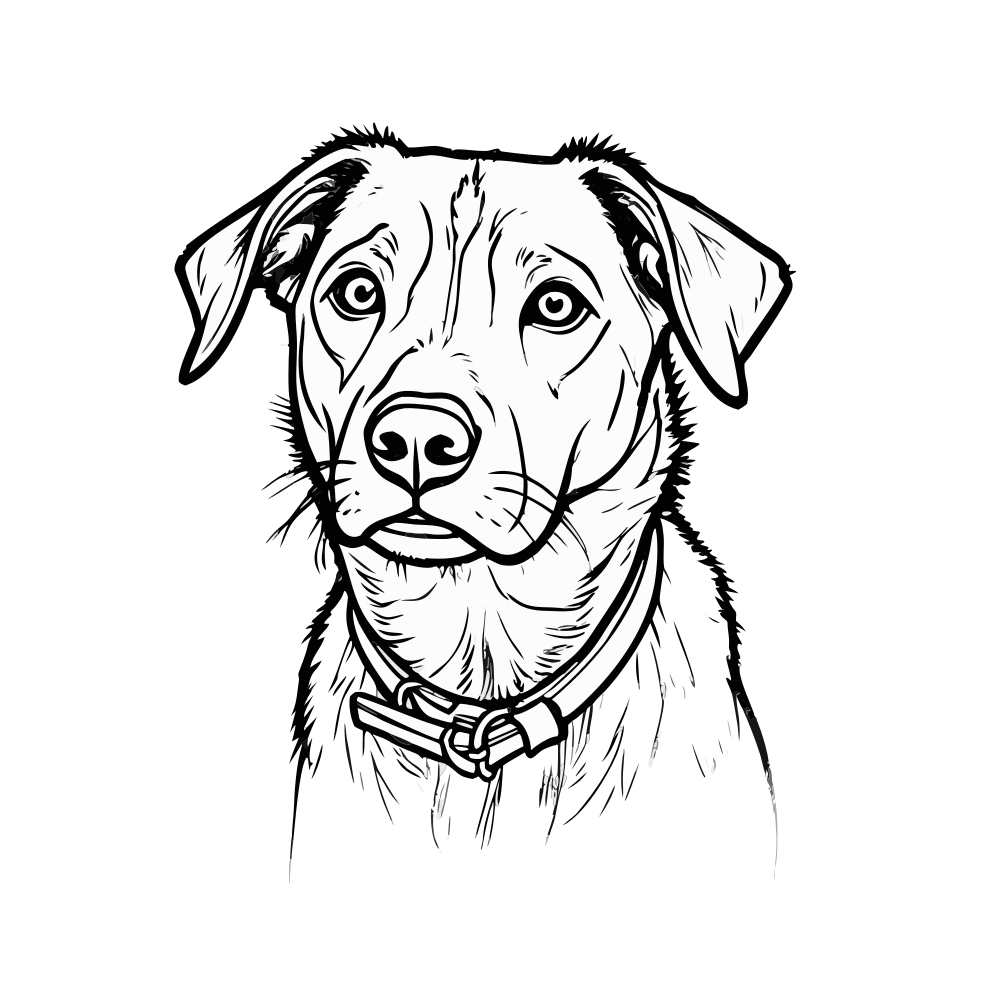





SVG事例集とは?
SVG事例集は、クリエイターと開発者のためのベクター参考ライブラリです。ビジュアルの方向性を見つけ、SVGスタイルを比較し、編集可能なベクターファイルをデザイン、Web、カッティングのワークフローに取り込めます。
作る前に比較する
アイコン、線画、フラットイラスト、版画調のSVGを並べて見ることで、試行錯誤を減らせます。
一般的なワークフローをカバー
軽量なUIアイコン、精細な装飾イラスト、ランディングページのビジュアル、ブログのグラフィック、プレゼン素材、ステッカー、カッティングファイルに使えます。
コピー、ダウンロード、すぐ次へ
SVGコードをコピーし、.svgファイルをダウンロードし、ビューアで開いて詳細を確認できます。最初に登録する必要はありません。
さらに編集しやすい
SVGはパス、寸法、構造の情報を保持するため、Figma、Illustrator、Inkscape、Cricut、Webページ、React/Vueコンポーネントでの調整が容易です。
誰のためのもの?
SVG事例集は、ビジュアルの方向性を選びたい人、ベクター要素を再利用したい人、SVGスタイルの作り方を学びたい人に向いています。

ここでできること
検索、絞り込み、コピー、ダウンロード、SVGの確認が直接行えます — 登録は不要です。
あいまい検索
どんな単語でも入力してください — タイトル、ハッシュタグ、AI生成の説明文を横断して一致します。結果はサーバーへの往復なしで即座に更新されます。
タイプとスタイルで絞り込み
カートゥーン、線画、蝶、ハート、アイコン、フラットイラストなどのカテゴリで閲覧し、対象をすばやく絞り込めます。
ワンクリックでコピー
「SVGコードをコピー」を押すと、完全なベクターソースがクリップボードに入ります。エディタ、コンポーネント、HTMLに貼り付ければ完了です。
直接ダウンロード
適切なファイル名で.svgファイルを取得できます。オフライン利用、カッティングマシン、印刷パイプライン、デザインアーカイブに対応します。
SVG Viewerで開く
内蔵ビューアに直接ジャンプして、ズーム、コードの確認、構文ハイライト、最適化が行えます — すべてブラウザを離れることなく完結します。
インラインプレビュー、待ち時間なし
軽量なアイコンは実際のSVGとしてインライン表示されます。重いAIイラストは事前レンダリングしたwebpサムネイルを使うため、スクロール中もギャラリーは滑らかに保たれます。
よくある質問
SVGを取得する前に人々が実際に尋ねる質問への回答です。その他は support@imagesv2.ai までメールを。
SVGが小さいのは、単純な図形を記述している場合だけです。精細なイラストには、版画、線画、フルカラーのカートゥーンの細部を表現するために多数の個別パスが含まれることがあります。ベクターとしてきれいに拡大縮小できる点は変わらず、ただデータが密なだけです。軽量な素材が必要なら、まずアイコン、線画、フラットのカテゴリから始めてください。
Lucideのようなアイコンライブラリは、統一されたモノラインアイコンのシステムを提供します。SVG事例集はその逆で、あえて多様性を持たせたコレクションです。どれだけ幅広いベクタースタイルが可能かを見ることができます。インスピレーションを得るならここを、一貫したUIが必要ならLucideを使ってください。
はい — 3つのAI SVGジェネレーターを用意しており、シーンに応じて選べます:AI Logo & Icon SVG Generatorはロゴ、アイコン、フラットイラスト向け、AI Poster & Pattern SVG Generatorは多言語ポスター、ブランドパターン、シームレスタイル向け、AI Flowchart & Diagram SVG Generatorはワークフロー、システムアーキテクチャ、関係図向けです。いずれも1つのテキストプロンプトから編集可能なベクター出力を生成します。
あなたのプロンプトに合わせたベクターが欲しいですか?
閲覧はインスピレーションを与え、生成は作品を生み出します。私たちのAI SVGイラストジェネレーターを試して、一文から編集可能なベクターを手に入れましょう。