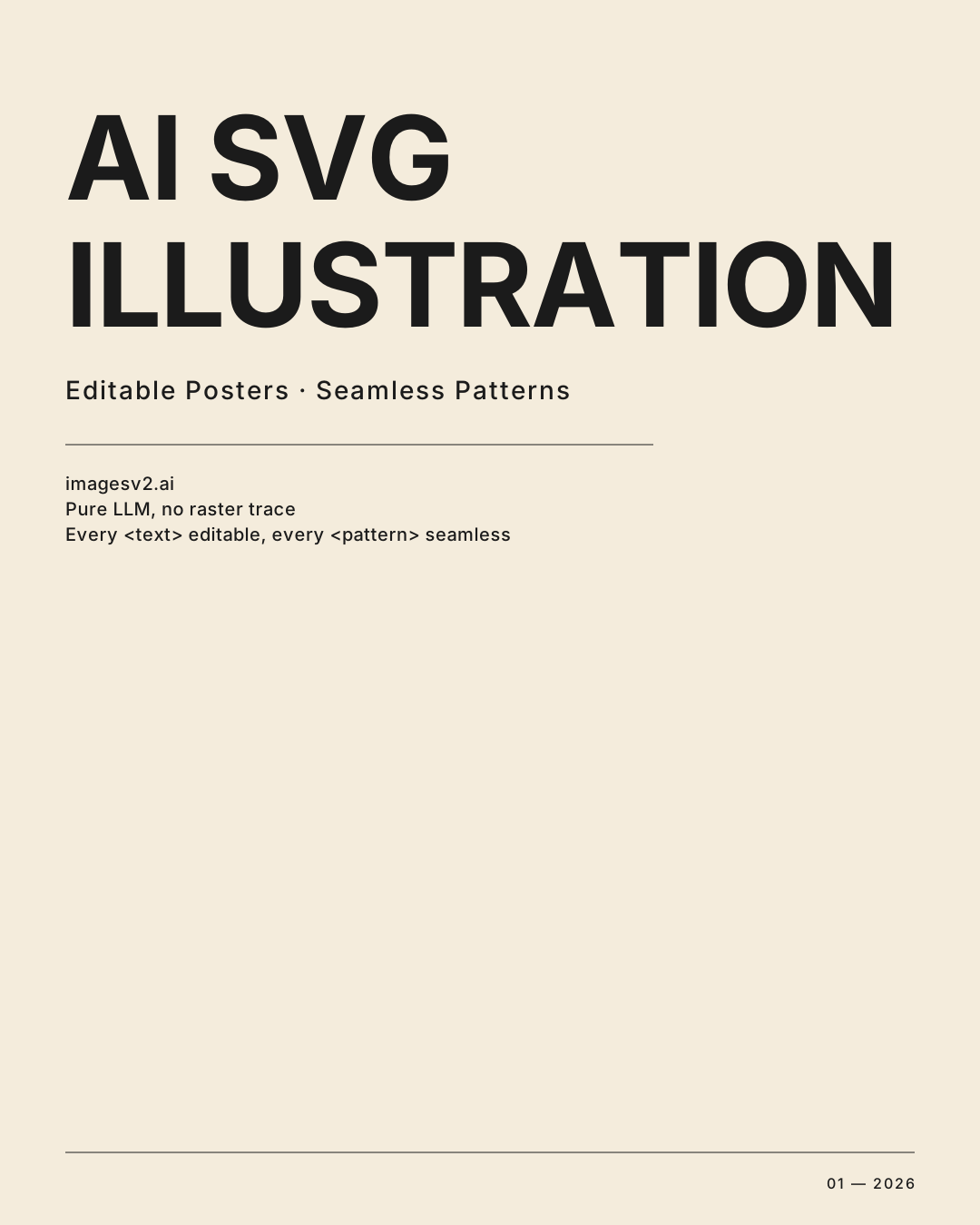
AI SVG Illustration Generator — Editable Text Posters & Geometric Patterns
Generate true vector SVG illustrations directly from a language model.
Type a prompt, get a clean SVG where every <text> node is editable and every pattern tile is seamless.
Free credits for new users — no credit card required
What is AI SVG Illustration?
Unlike our /gpt-image-2-svg pipeline (which generates a raster image then vectorizes it), this generator asks a language model to write the SVG source code directly. The model excels at geometric reasoning, symmetric composition, and typography — so the two outputs it nails are typography-driven posters and parametric geometric patterns. Every <text> node stays editable, every pattern uses real <pattern> and <symbol> defs.
Pure LLM, No Raster Trace
Claude writes the SVG XML directly — no PNG intermediate, no Image Trace, no path explosion. Every path is intentional, every element has semantic meaning you can target with CSS or query in JavaScript.
Editable Text Nodes
Posters render headlines as native <text> elements with proper font-family stacks. Open the SVG in any editor (even Notepad), change the words, save — no regeneration needed for copy swaps.
Seamless Pattern Tiles
Geometric patterns use <defs> + <pattern> so the output tiles infinitely. Drop it as a CSS background, a fabric print, or a brand-system motif — it stays sharp at any scale.
11 Style Presets
6 pattern styles (Islamic Tessellation, Art Deco, Mandala, Voronoi/Cellular, Sacred Geometry, Op-Art) and 5 poster styles (Swiss/International, Bauhaus, Brutalist, Minimal Quote Card, Vintage Poster). Each preset comes with battle-tested prompt scaffolding.
Where this generator wins
Two SVG categories where LLM-direct output beats every image-model-plus-vectorizer pipeline on the market. Use the right tool for the right job.
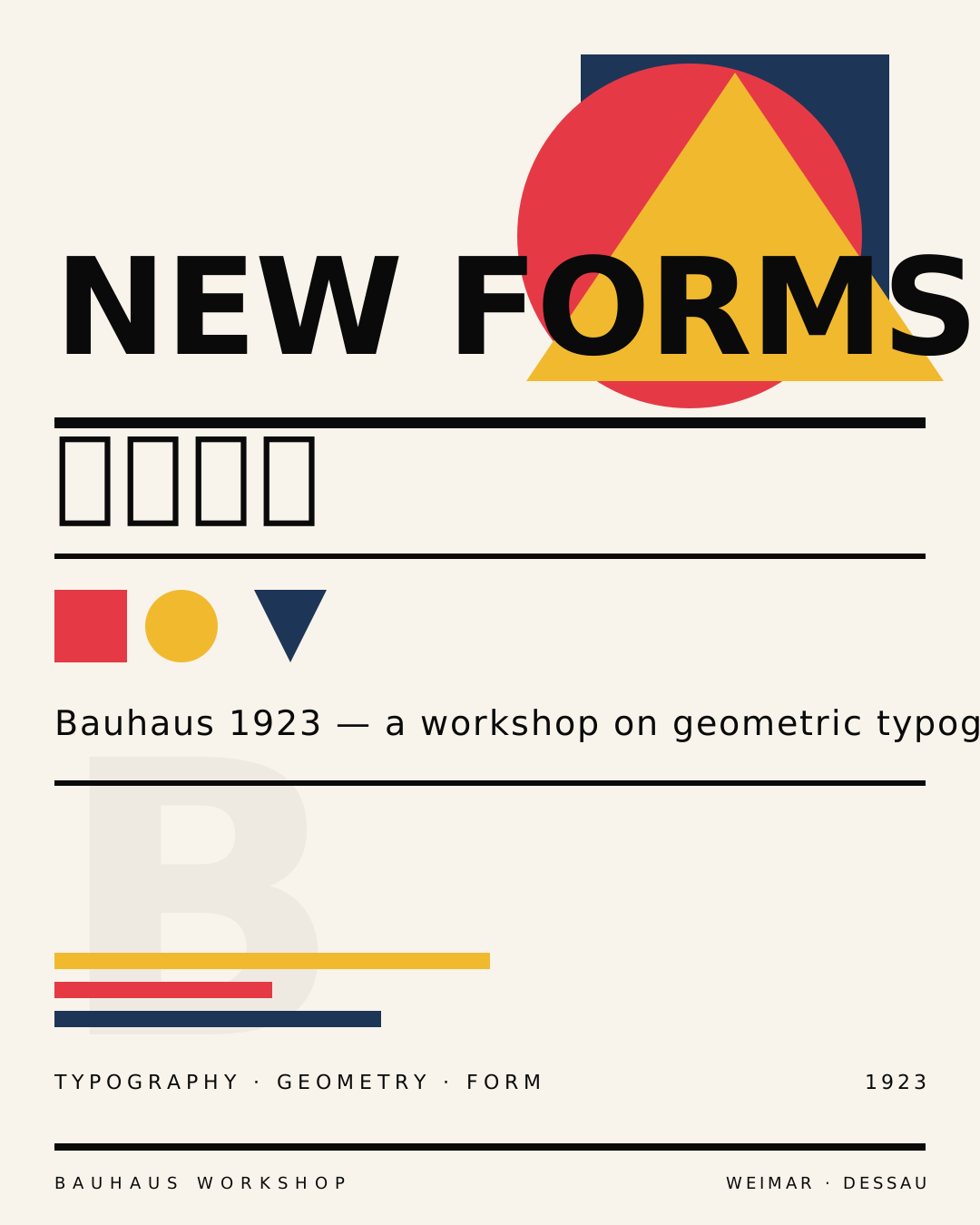
Multi-language marketing posters
One generation produces a typography poster with editable headline and body. Localize to ten languages by editing <text> nodes — same layout, same SVG file, zero re-renders. Marketing teams save credits and keep visual consistency.
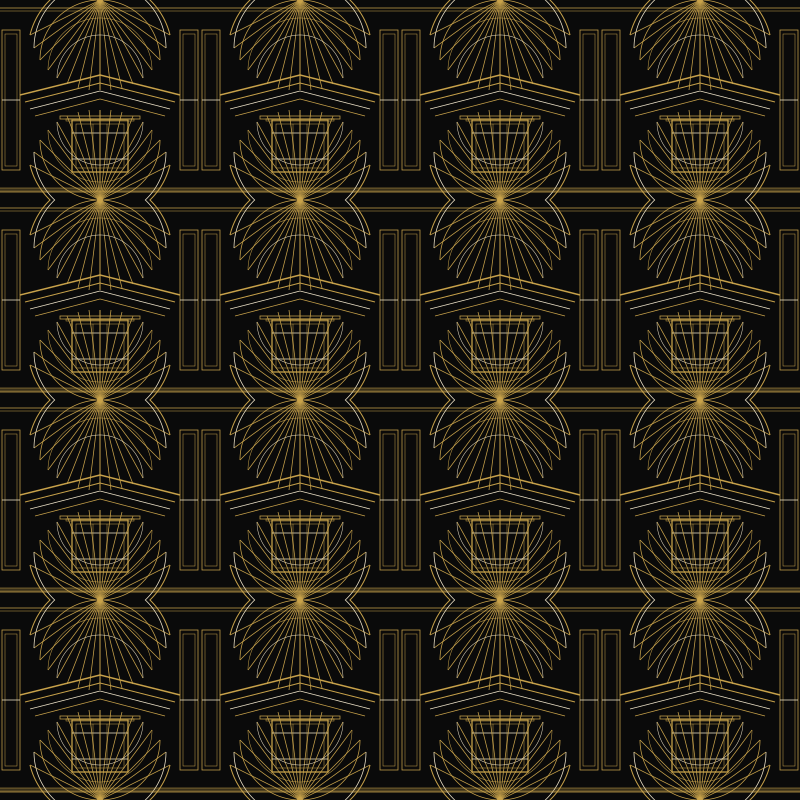
Brand pattern systems
Generate a seamless geometric pattern in your brand's mood (Art Deco for luxury, Bauhaus for modernist, Mandala for wellness). The output uses <pattern> tile defs, ready to ship as packaging, web hero backgrounds, or print collateral.
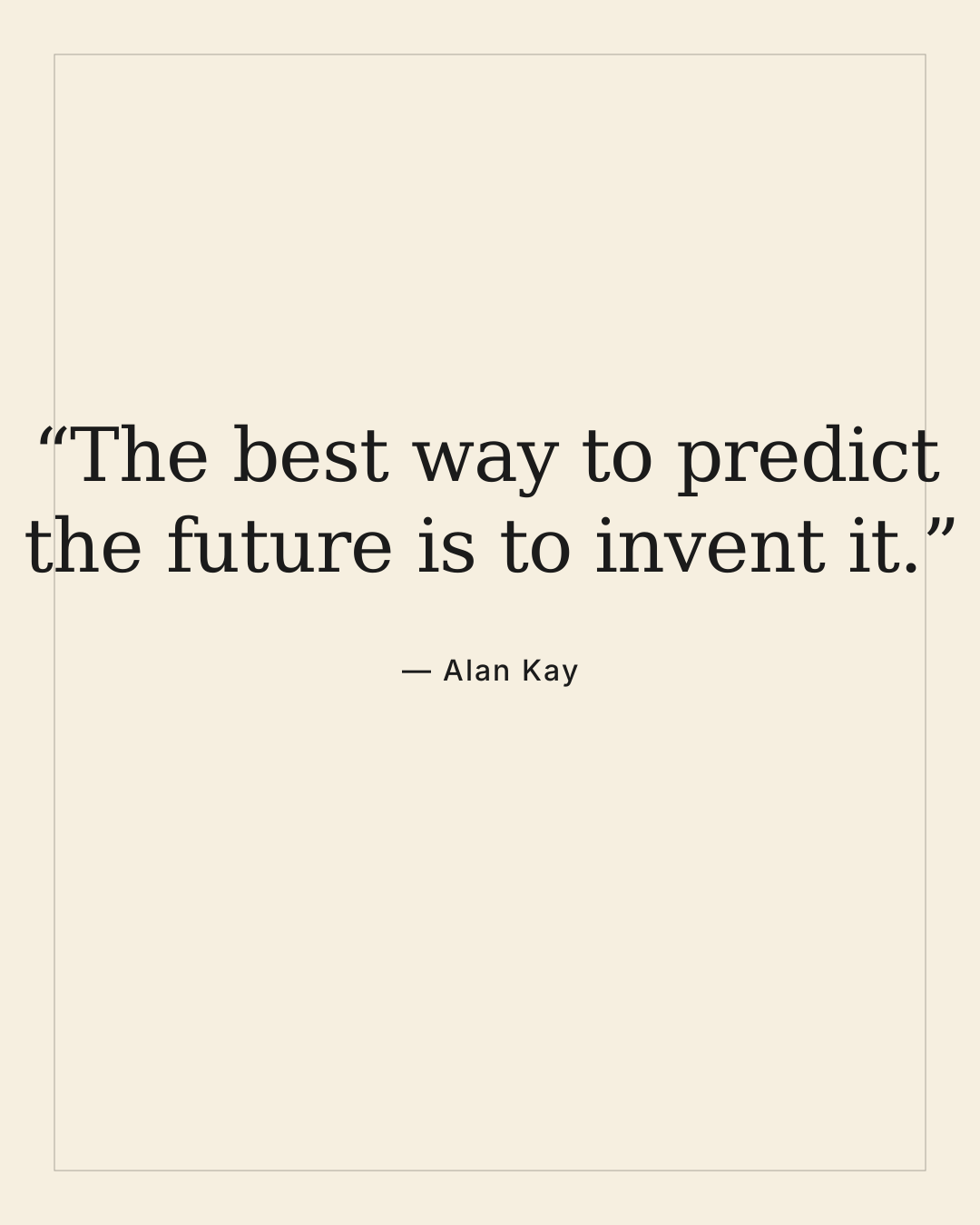
Social quote cards at scale
Need 30 Instagram quote cards on the same template? Generate one Minimal Quote Card SVG, then swap the quote text via a script. Pixel-perfect typography, infinitely scalable, no Canva subscription.

Editor UI decoration
Generate decorative geometric flourishes, dividers, and section frames as tiny inline SVG (often under 2 KB). Drop straight into React components — no asset pipeline, no image optimization step.
Built for typography and geometry, on purpose
We deliberately narrowed scope. For cute cartoon characters, kawaii illustrations, or photorealistic art, please use the GPT Image 2 SVG Generator.
True LLM Output
Single Claude Sonnet 4.6 call. No image-model intermediate, no PNG-to-vector trace step. Path coordinates and font metrics come directly from the language model's geometric reasoning.
Editable <text> Nodes
Poster headlines and body copy ship as standard SVG <text> elements with explicit font-family, font-size, and positioning. Open in any text editor, change the words, save — done.
Seamless <pattern> Defs
Geometric outputs use <defs> + <pattern> with proper viewBox math so tiles repeat without seams. Reuse the same SVG as a 16 px favicon backdrop or a 4 m wall print.
6 Pattern Styles
Islamic Tessellation, Art Deco, Mandala, Voronoi-like Cellular, Sacred Geometry, Op-Art — each preset includes symmetry rules, color palette guidance, and structural constraints baked into the system prompt.
5 Poster Styles
Swiss/International, Bauhaus, Brutalist, Minimal Quote Card, Vintage Poster. Each preset constrains layout grids, typographic hierarchy, and color theory so output looks like a designed artifact, not an AI hallucination.
Multi-Language Posters
Posters use font-family stacks that cover Latin, CJK, and Cyrillic. Localize by editing the <text> node content — the layout and visual rhythm stay identical across languages.
AI Vector Illustration Generator — FAQ
Common questions about the AI vector illustration generator. More questions? Email support@imagesv2.ai.
Four sweet spots:
(1) Multilingual marketing posters — generate the layout once and localize into N languages by swapping the text; the rest of the design never has to be regenerated.
(2) Seamless geometric patterns — Islamic tessellation, Art Deco, mandala, Voronoi and more, ready to drop in as CSS backgrounds, brand textures, or print repeats.
(3) Brand system assets — quote cards, social templates, podcast covers where the copy needs to change constantly.
(4) Programmatic / parametric illustration — anything that is fundamentally text + simple geometry.
Don't use this tool for: logos, icons, flat illustrations → use the GPT Image 2 SVG Generator; flowcharts or architecture diagrams → use the AI SVG Diagram Generator.
Yes. Poster outputs render headlines as native SVG
Geometric pattern outputs use SVG
Posters: 1080×1350 (Instagram portrait ratio 4:5) — the standard for social and print-ready letter-sized output. Patterns: 800×800 square — the canonical tile size that scales to any background. Both can be resized infinitely after download since they're vectors. Custom dimensions are on the roadmap.
Yes. Each generation is a fresh call, so re-clicking Generate (optionally with a tweaked prompt) produces a different result. Switching style presets between attempts has the biggest impact — Swiss output and Brutalist output of the same headline look completely different.
Typography posters typically come in at 3-10 KB. Geometric patterns are usually 2-15 KB depending on complexity. Both are radically smaller than equivalent PNG/JPG, and you can drop them inline into HTML/JSX without an asset pipeline.
It's not suited to cute cartoon characters, anime portraits, photorealistic scenes, or detailed illustrations with lots of organic curves. For those, use the GPT Image 2 SVG Generator instead. For flowcharts, swim lanes, or ER diagrams, use the AI SVG Diagram Generator, which is built specifically for structured diagrams.
Generate editable SVG posters and patterns in one shot
Free credits, no card. Pick a style, type a prompt, download a vector SVG with editable text and seamless tiles.