WeChat Chat Generator — AI-Powered Screenshot Maker
Describe a scene and AI writes a natural WeChat conversation, rendered as a clean screenshot. Edit any message, then export as PNG in one click.
What is the AI WeChat Chat Generator?
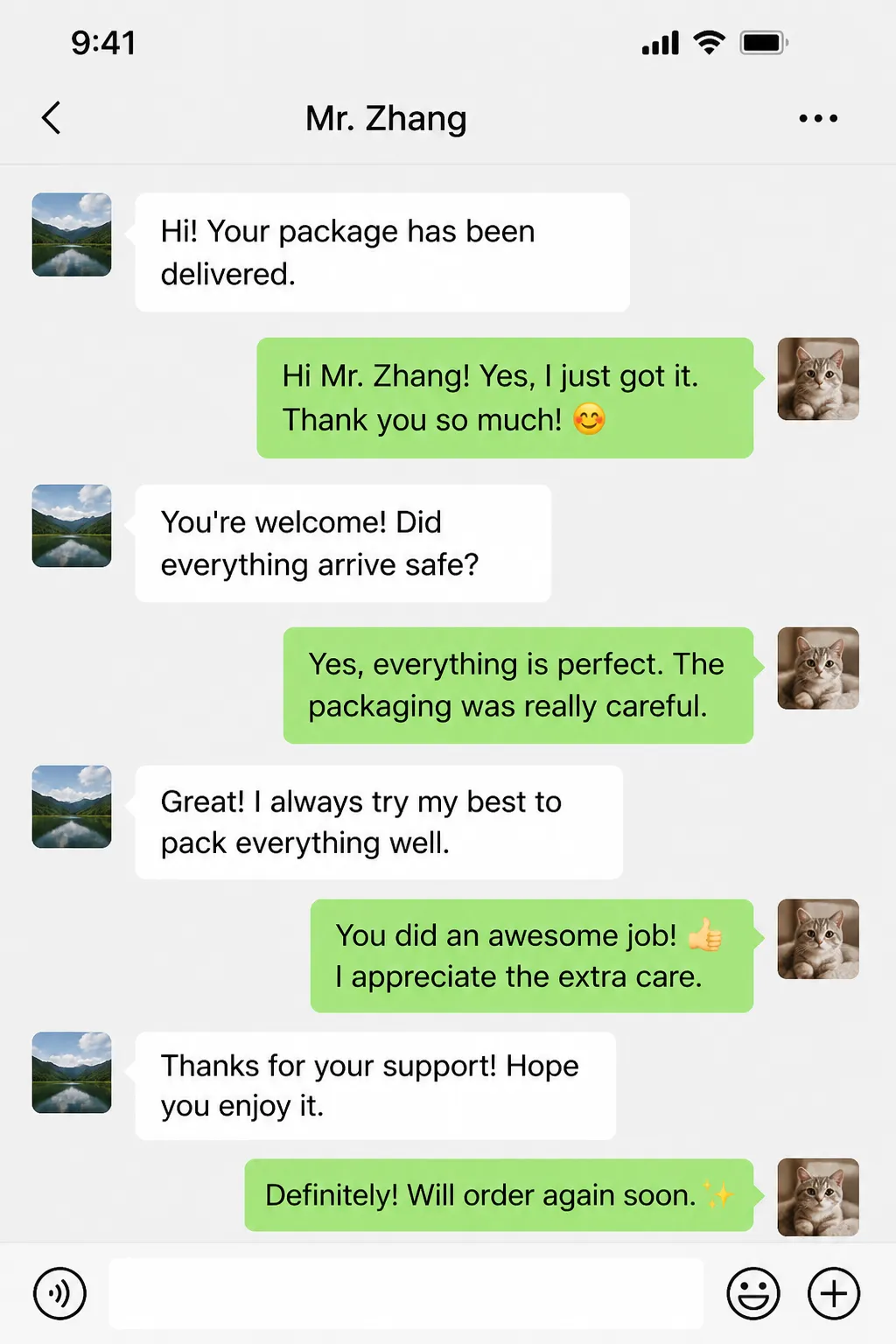
The WeChat Chat Generator is an online tool that uses AI to automatically write WeChat conversation content and render it as pixel-accurate screenshots that look like real WeChat chat captures. You don't need to install any app, you don't need design skills, you don't need Photoshop, and you definitely don't need to spend half an hour typing dialogue line by line. Just describe a scene in one sentence — for example, "customer leaves a 5-star review after delivery" or "existing customer asks about repeat-purchase discount" — and within seconds AI generates a natural, realistically-paced conversation, automatically wrapped in the WeChat 8.x interface (status bar, green/white message bubbles, avatars, input bar — all accurate), then exports the result as a 1500×2668 px PNG with one click.
The core value of this tool is collapsing the traditional 30-minute workflow (think of dialogue → type messages → arrange layout → screenshot → crop) into 1-3 minutes. Whether you're an e-commerce seller building customer-testimonial assets, a Xiaohongshu (RED) creator preparing screenshot collages for viral notes, a TikTok/Douyin video creator shooting chat-drama shorts, a WeChat-business agent showing transaction proofs, a journalist or blogger inserting reader-message illustrations into long-form articles, or a corporate trainer demonstrating customer-service scripts in slide decks — this tool lets you skip the tedious content-drafting and manual layout, freeing up your time for the actual creative work.
What makes this tool different from typical "WeChat screenshot makers" online: traditional tools only solve the rendering side — you still have to think up and type every single message yourself. This tool lets AI generate 6-20 turns of natural conversation directly, complete with the filler words, emoji, and casual short sentences that real chats actually contain. The result looks like a snippet from an actual chat history, not a sterile template. After AI generation, you keep full editorial control: every message can be re-typed, re-sided (left ↔ right), added, or deleted to fit the exact story you want to tell.
12 Most Common Use Cases
The heaviest users of this tool are e-commerce operators, short-video creators, content writers, and salespeople. Below are 12 high-frequency scenarios — see which one matches your need:
6 Real-World Sample Dialogues
Below are six sample conversations generated with this tool, covering the most common scenarios. Copy any of the "scene" lines straight into the input box above, or use them as a template for your own variation. Every dialogue here was hand-picked from real test runs — 8-12 turns, casual tone, natural pacing — ready to drop straight into a screenshot.
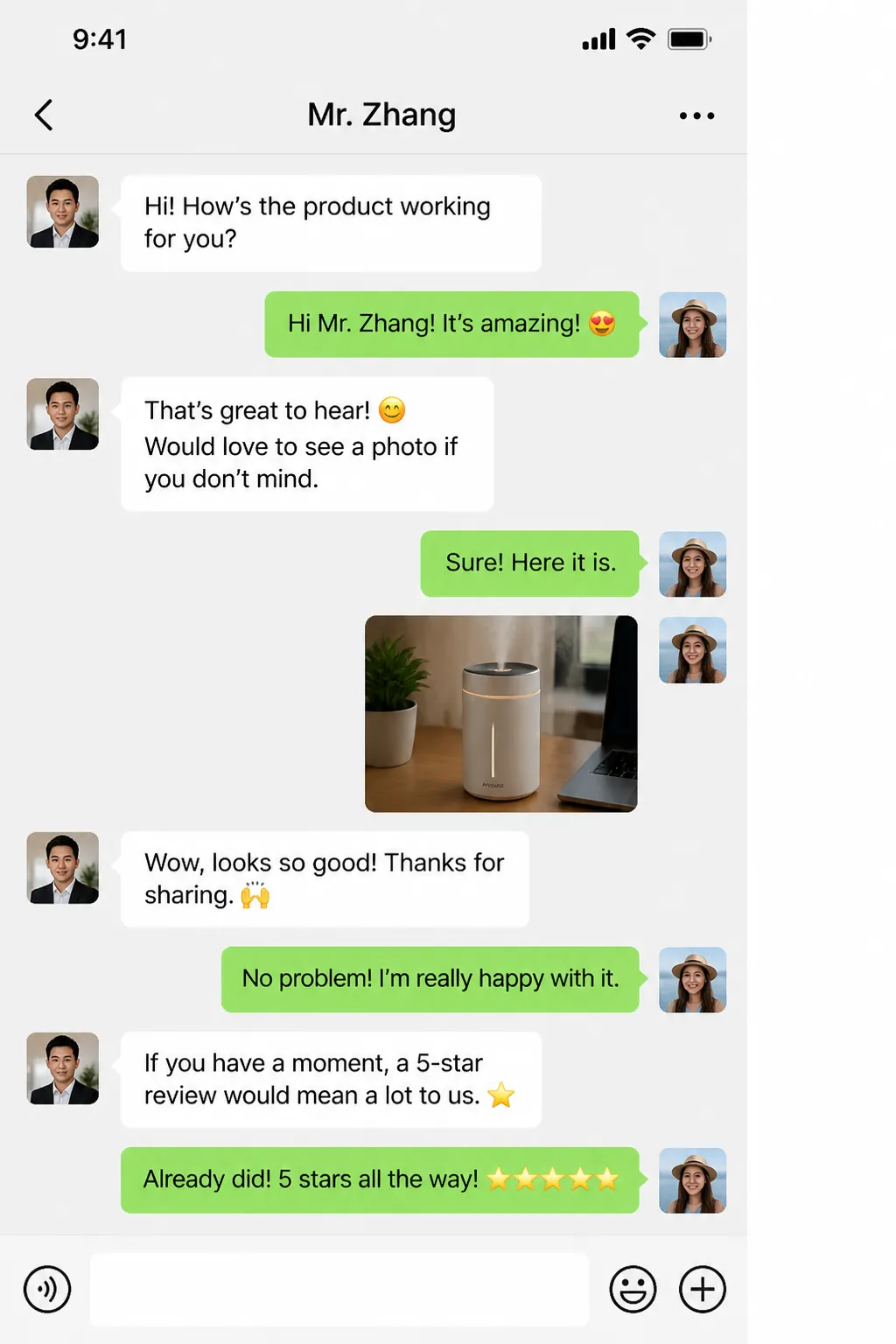
Scene: Customer receives a clothing order, leaves a 5-star review, asks when other styles will be back in stock.


Scene: Existing customer ran out of face masks, comes back asking if returning customers get a discount, ends up ordering 3 boxes.


Scene: Client signs off on the second proposal, negotiates a small budget cut and shorter payment terms, agrees to sign next Monday.


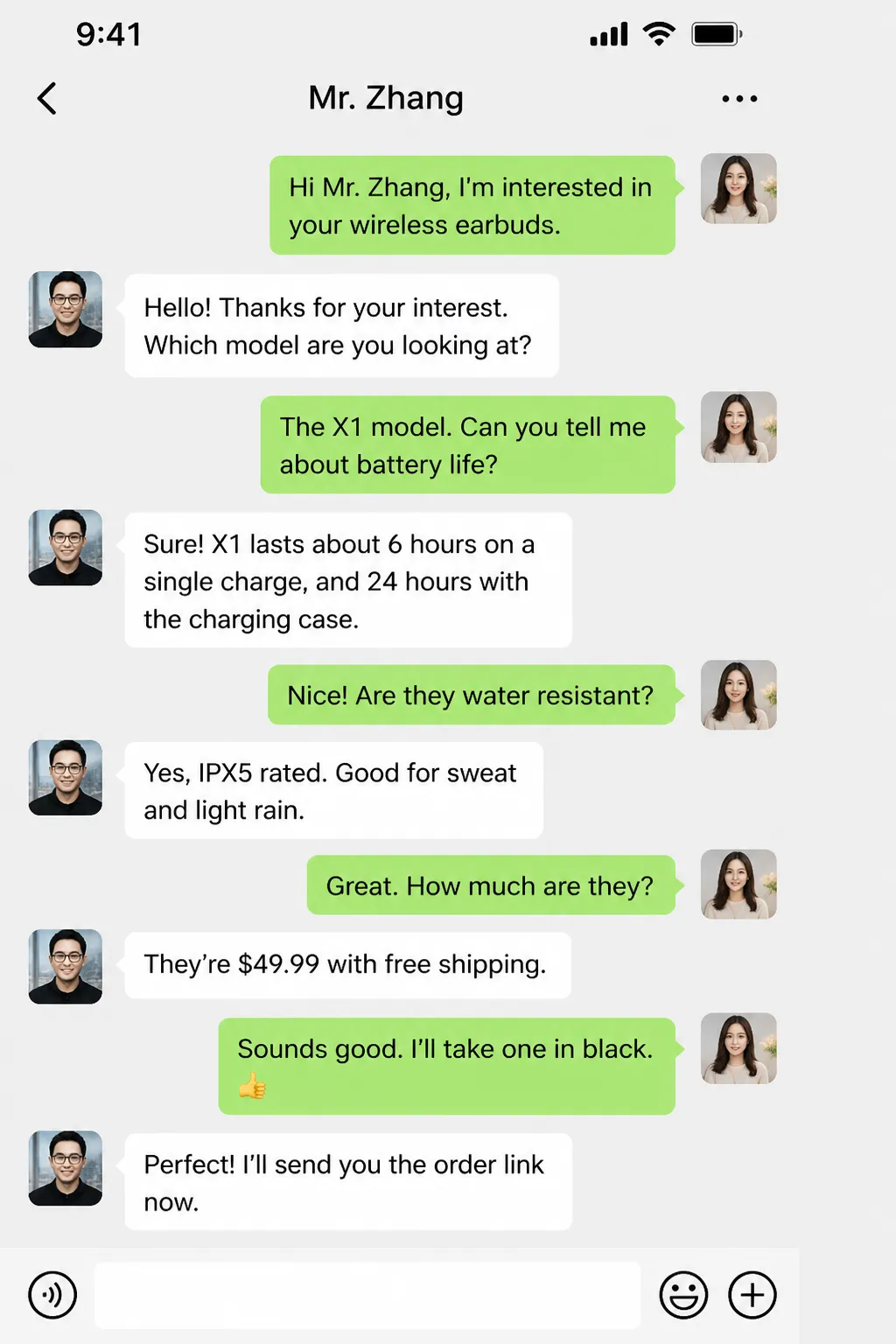
Scene: Customer is unsure of size, gives height/weight, CS rep recommends size M and explains the fit.


Scene: Two friends planning a hotpot dinner at a newly opened spot at 7pm tonight.


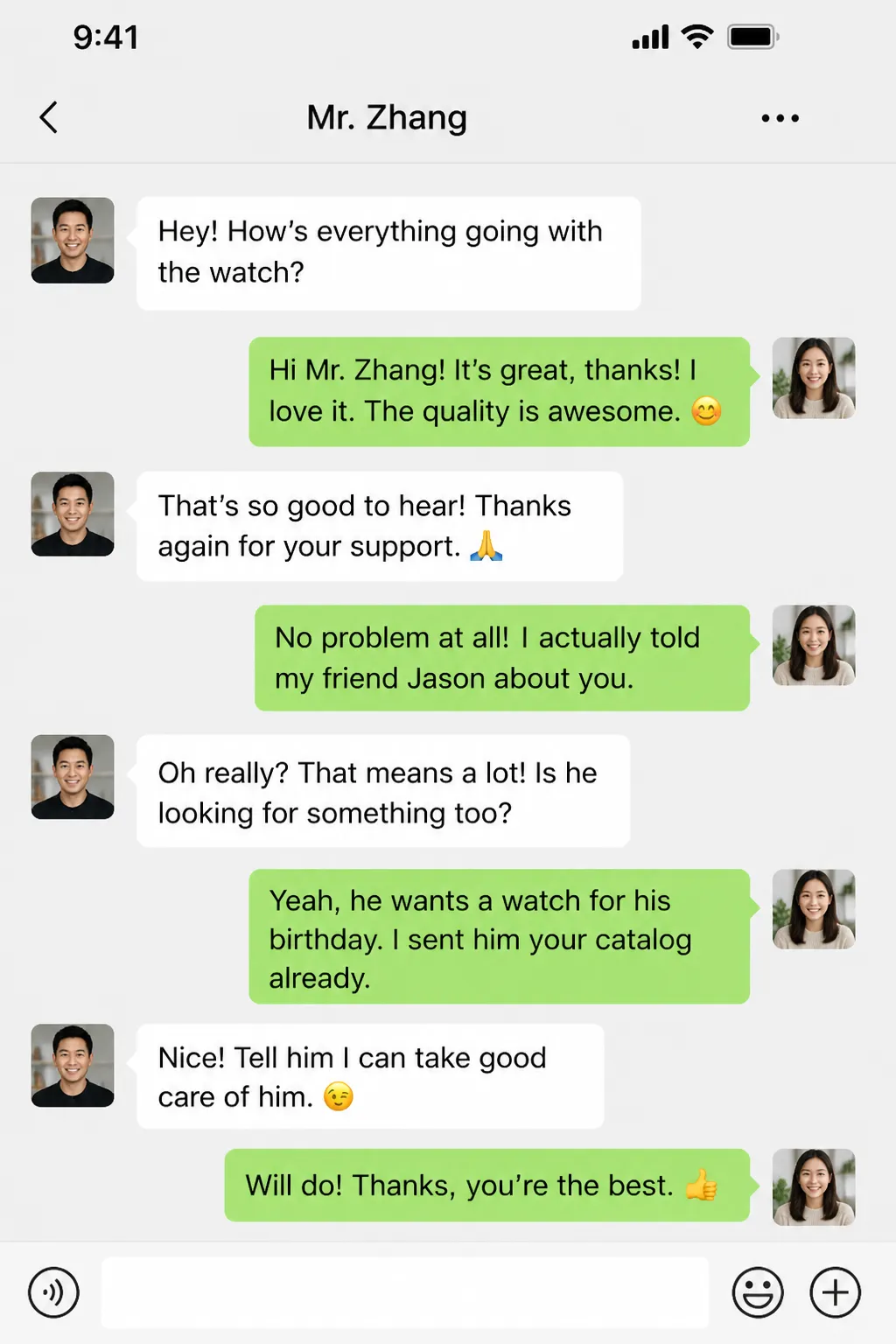
Scene: A friend admires the other person's social-media sales work and asks about becoming an agent — ends up signing up for a starter package.


Generate a Pro-Level Chat Screenshot in 4 Steps
The whole flow takes under 3 minutes — no design skills or copywriting chops required.
- 1
Describe your scene in one sentence
Type into the "Conversation scene" box. The more specific, the better the output. For example: "customer thanks seller after receiving package, asks about return policy" or "existing customer asks about repeat-purchase discount, places order for 200 units" or "business negotiation — counterparty satisfied with the proposal."
- 2
Set names and avatars for both sides
"Contact name" is pre-filled with "Mr. Zhang" and shows as the header title at the top of the screenshot (change it to Ms. Wang, Customer A, or any name). "Your name" is you — WeChat never shows your own name in a 1-on-1 chat, so you can leave it blank. The left white bubbles are the contact and the right green bubbles are you; each side can pick from 13 preset cartoon-animal avatars or upload your own image (≤2MB).
- 3
Let AI generate the dialogue
Choose the number of turns (default 10, range 6-20), then click "Generate with AI." Wait 2-6 seconds while AI generates the dialogue and renders it into the right-side preview. Each call uses 10 credits. Regenerate as many times as you like if you're not happy.
- 4
Fine-tune and export PNG
In the "Edit messages" panel you can rewrite any message, swap left/right side, delete a message, or add new ones. When satisfied, click "Download PNG" to save the 1500×2668 px high-resolution image, or click "Copy to clipboard" to paste directly into another app.
Key Features
AI dialogue generation
Context-aware AI that responds in seconds with natural conversational copy — filler words, emoji, casual short sentences — instead of robotic "AI-speak."
Pixel-accurate WeChat UI
Status bar (signal, Wi-Fi, battery, do-not-disturb icon), chat header (back arrow, name, menu), message bubbles (green sent / white received with tail triangles), and bottom input bar — all rendered to WeChat 8.x standard.
Fully editable
AI generation is just a starting point. Every message can be rewritten, re-sided, deleted, or supplemented with new ones — you control the final wording down to the character.
13 preset avatars + custom upload
13 hand-drawn cartoon-animal avatars (cat, panda, fox, rabbit, dog, bear, frog, pig, monkey, tiger, penguin, owl, sunny) ready to click, or upload your own image (auto-cropped to fit).
2x DPI high-res export
Default render is 750×1334 mobile-portrait baseline at 2x DPI, exporting 1500×2668 PNG — high-enough resolution for Xiaohongshu covers, Taobao product pages, picture-in-picture video overlays, and even print.
Bilingual interface and output
Switch the UI between English and Chinese; the AI auto-matches the dialogue language to your interface language.
How This Compares to Alternatives
There are basically three ways to produce a WeChat chat screenshot today: this AI tool, a traditional template-based screenshot maker, or capturing a real chat. Side-by-side:
| Aspect | This AI Tool | Template Tools | Real Chat Capture |
|---|---|---|---|
| Dialogue source | AI from one sentence | You type every line | Real conversation |
| Time per screenshot | 1-3 min | 20-60 min | Unpredictable (depends on reply timing) |
| Naturalness | High (AI trained on real-world dialogue) | Depends on your copywriting | High |
| Editability | Full | Full | None |
| Privacy | No real people involved | No real people involved | Real contacts — leak risk |
| Visual fidelity | Pixel-accurate WeChat 8.x | Varies; often template-y | 100% real |
| Variations / batch output | Regenerate any time | Bottlenecked by typing speed | Not feasible |
| Effort per screenshot | 10 credits, no manual typing | Manual typing for every line | Wait for real replies |
6 Tips to Make Your Screenshots Look Real
Good chat screenshots make viewers think "this looks real." Below are tips we've collected for getting AI output closer to a genuine chat.
The more specific your scene description, the better. "Customer leaves 5-star review for clothing purchase" produces much more detailed dialogue than "customer leaves a review." Add details like product category, customer profile, and time context.
Don't request too many turns. Real daily chats are usually 6-12 turns per coherent segment. 20+ turns often feels padded and unnatural — break long arcs into multiple shorter segments instead.
Always hand-edit at least one or two lines after AI generation. Even tiny tweaks — adding your own catchphrase, swapping in a frequent emoji — instantly inject "human voice" into the whole conversation.
Use a realistic business title for the contact name (the header title). "Mr. Zhang" / "Ms. Wang" / "Customer A" gives a professional context that "Friend" or "The Other" can't.
Match avatars to persona. Jewelry-customer chats look right with pink rabbit avatars; menswear with bears or foxes; B2B with a logo (uploaded as cropped square).
For cross-day arcs, generate twice and stitch. If you want a screenshot showing a conversation spanning multiple days, generate two separate sessions and (in a future version) insert a centered timestamp divider between them.
Frequently Asked Questions
WeChat chat screenshots are one of the most-used asset types in modern content creation — for testimonials, viral posts, dramatized videos, training decks, and just plain everyday humor with friends. Whether you're after a customer-praise screenshot for a Xiaohongshu post, dialogue stills for a TikTok skit, or an in-joke to send a friend, this AI WeChat Chat Generator collapses the entire workflow from 30 minutes to under 3.
Scroll back up, describe a scene, click Generate. In seconds you'll have your first pro-quality WeChat screenshot. New accounts get 3 credits free to try the tool out. Looking forward to what you create.