
AI SVG Diagram Generator — Editable SVG Diagrams with Crisp, Real Text
Describe any process, system, or relationship — we organize the nodes, swim lanes, and arrows into a clearly-readable editable SVG diagram where every label is real selectable text.
Built for flowcharts, swim-lane diagrams, sequence diagrams, mindmaps, ER, state, and gantt charts.
Node labels render as SVG text, so they stay sharp, copyable, and searchable.
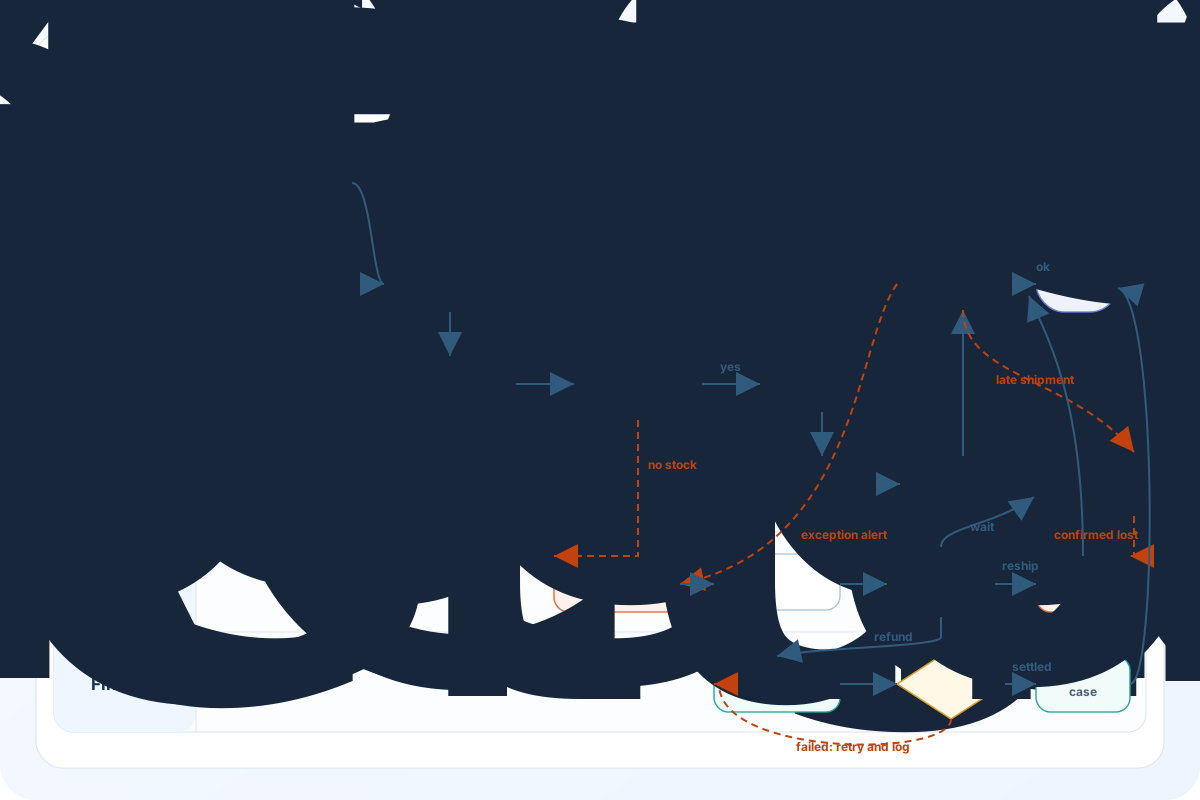
Your flowchart will appear here after generation.
What is the AI SVG Diagram Generator?
Most AI flowchart tools force a trade-off: decent layout but blurry text, or readable text on a tangled mess. Here you get both — structured, real-text, branch-complete editable SVG diagrams you can keep editing after download.
Every node, every branch, fully drawn
Write five branches and we draw five. 4+ swim lanes, 10+ nodes, feedback loops — nothing gets simplified away or quietly skipped.
Labels are real, editable text
Node names, decision diamonds, edge labels — all real text. Select them, copy them, search with Cmd+F, swap the language. Chinese, Japanese, Arabic all stay sharp.
Download and tweak in Figma
Standard SVG that opens in Figma, Illustrator, or Inkscape. Rename a node, recolor a lane, rearrange the layout — no need to regenerate.
One credit, three downloads
Each generation gives you all three formats: editable SVG, crisp 4K PNG, and the raw source. Grab whichever you need.
Built for the diagrams pure-raster generators choke on
Four real-world scenarios where pixel-based AI flowchart tools have been failing your team — and where a real-text SVG pipeline finally fixes it.
Cross-functional swim-lane processes
Four to six swim lanes, ten-plus nodes, feedback loops back into earlier steps. Image-only tools drop branches; text-only tools pile nodes on top of each other. The two-pass approach holds the layout together and keeps every step intact.
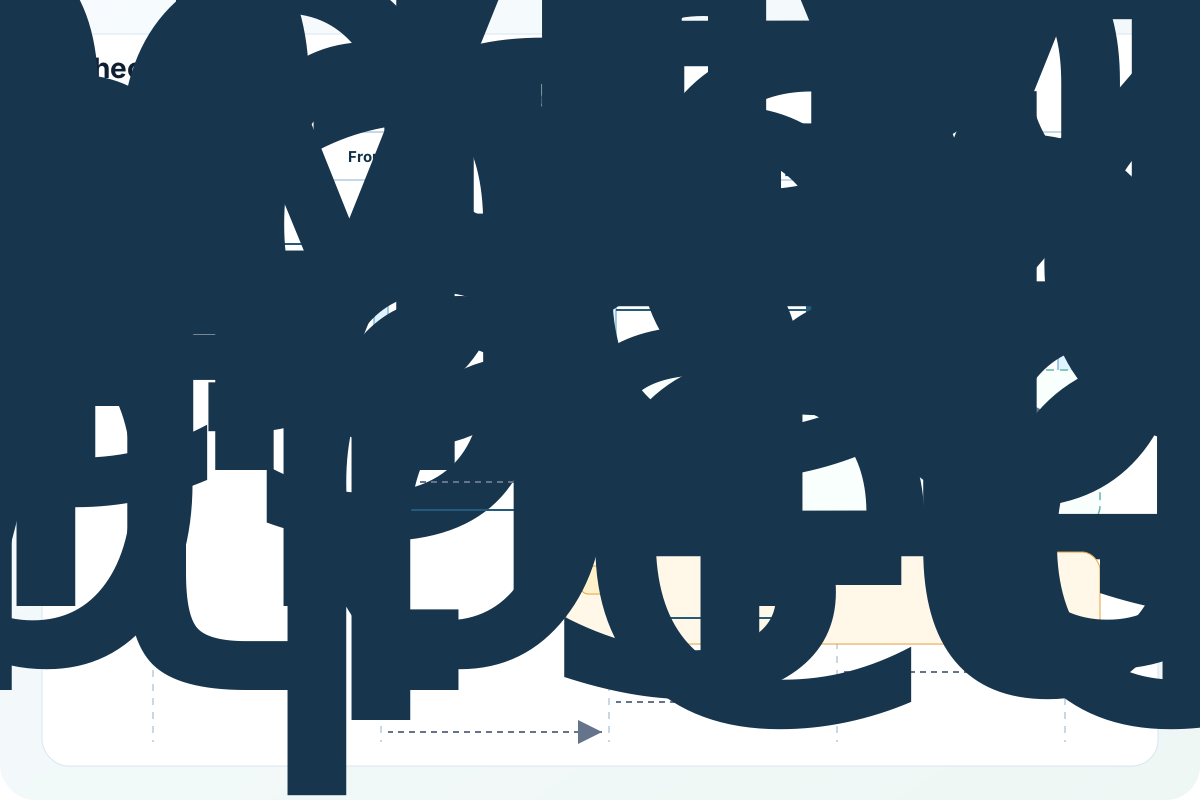
Sequence diagrams with multi-actor flows
Client, frontend, backend, payment gateway, bank — sequence diagrams with async, alt and loop blocks come out clean. Every actor label and every message label is editable text, not a pixel-traced shape.
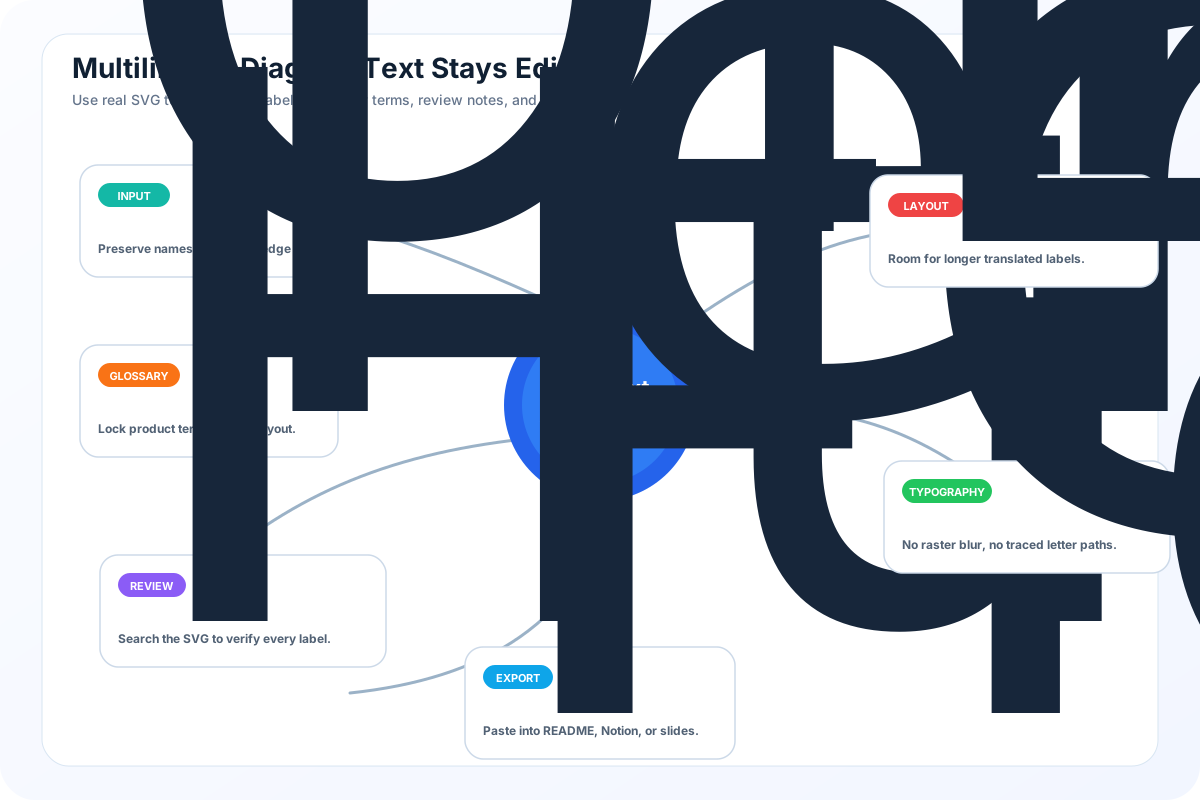
Multilingual diagrams that don't blur
Non-English labels are exactly where image-based generators fall apart — characters turn into unreadable pixel mush. Here, the AI transcribes labels straight from your original prompt as real text. Any language, any zoom level, always crisp.
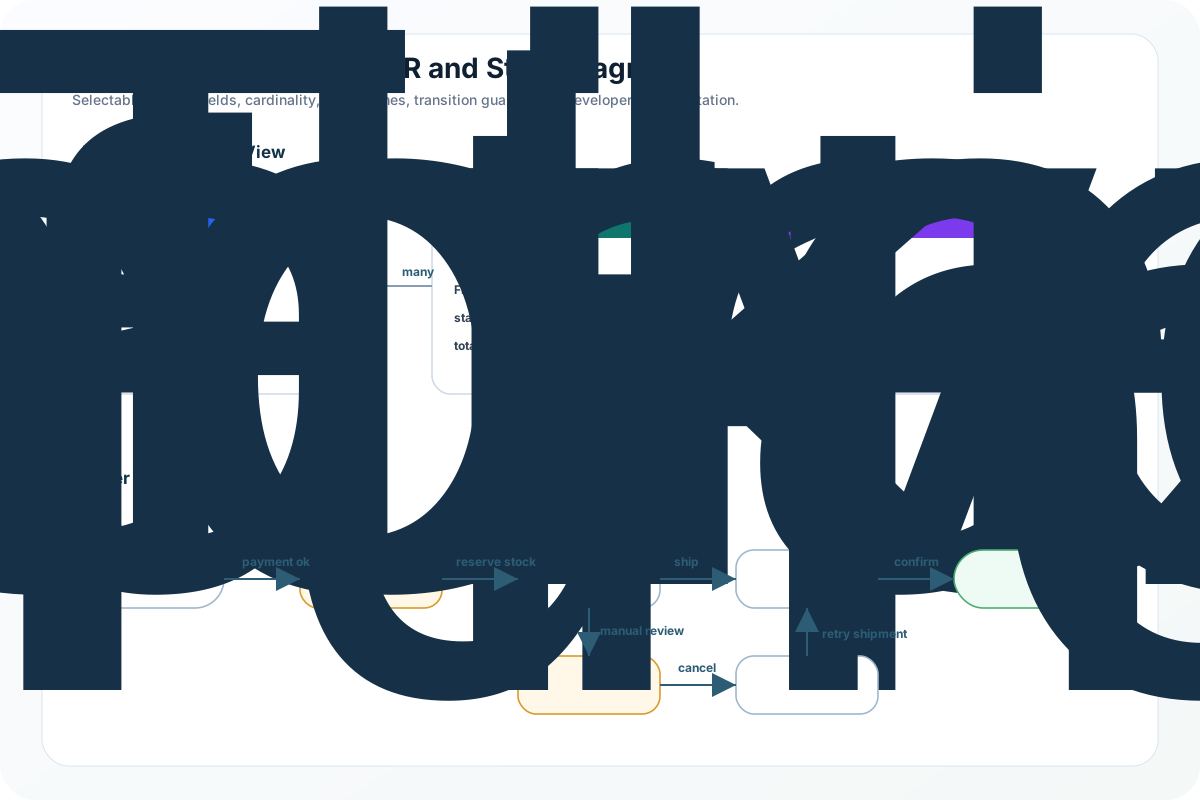
ER and state diagrams for docs
Entity-relationship diagrams with field lists and cardinality, state diagrams with named transitions — both render with selectable text you can search and copy straight into your README, Notion, or Confluence page.
Everything you need, in one place
Turn a plain-language description into an editable, searchable, embed-anywhere SVG diagram — one tool, no switching.
Sharp, selectable, searchable text
Every label is real text, not a traced shape. Zoom to 400% and it stays crisp; hit Cmd+F and you can search inside the diagram.
No missing nodes, no blurry text
Complex flows usually lose branches or pile nodes on top of each other. Here every node, every lane, every loop comes through intact. One credit.
Many diagram types supported
Flowcharts, swim lanes, sequence diagrams, mindmaps, ER, state, and gantt. The AI picks the right type from your description — no syntax to learn.
Labels in any language
Whatever language you write the prompt in, the labels follow — and stay crisp at every zoom level. Chinese, Japanese, Arabic, all fine.
Three downloads per generation
Editable SVG (opens in Figma / Illustrator / Inkscape), 4K PNG with crisp text, and the raw source — all available from a single generation.
AI SVG Diagram Generator — FAQ
Common questions about generating real-text editable SVG flowcharts. More questions? Email support@imagesv2.ai.
Three sweet spots — all built on nodes, edges, and editable text:
(1) Complex business flowcharts — 4+ swim lanes, 10+ nodes, branches and feedback loops.
(2) System architecture diagrams — services, modules, data flows.
(3) Sequence / ER / state / mindmap / gantt charts — any structured diagram. The AI picks the right type from your description, and every label is real text you can select, search, and translate.
Not the right tool for: logos, icons, or flat illustrations → use the GPT Image 2 SVG Generator; editable text posters or geometric patterns → use the AI SVG Illustration Generator.
For a simple linear flow, asking an AI to draw it is usually fine. The moment you have more than 4 swim lanes, 10+ nodes, or feedback loops, you start losing branches, getting blurry labels, or watching nodes pile on top of each other. This page is tuned specifically for complex business diagrams — multi-lane, multi-branch, with loops — and the text stays crisp and editable throughout.
The GPT Image 2 SVG Generator is great for logos, stickers, and flat illustrations — shapes where the visual is the point. But for flowcharts and architecture diagrams where the text is the point, those outputs end up with labels you can't select or search, which makes editing painful. This page is built for diagrams where the text matters: every label is selectable, copyable, and translatable, and the SVG file stays small.
Flowcharts, swim lanes, sequence diagrams, mindmaps, ER diagrams, state diagrams, and gantt charts. The AI picks the right type from your description — no syntax or code required.
10 credits per generation, the same as a basic GPT Image 2 image. New users get free credits to try it out.
Yes — that's the entire point. The SVG file is a real editable vector — open it in Figma, Illustrator, or Inkscape to reshape nodes, recolor lanes, or rearrange the layout. Or download the source code and edit it in any text editor.
Most generations finish in 30 to 90 seconds. Flowcharts with many nodes can take up to two minutes. The UI shows a long-wait hint after 60 seconds so you know we haven't stalled.
Yes. The diagrams you generate are yours and free for commercial use.
Generate a real editable flowchart now
Free credits for new users. Describe your process, get back an editable SVG you can scale, a 4K PNG with crisp text, and the raw source for round-tripping. No more pixel-soup diagrams.