
One engine. 30+ AI image tools.
From posters to ID photos, SVG to PSD, 360° panoramas to chat screenshots — every tool shares one account, one credit pool, one GPT Image 2 engine. Pick a tool to start, or browse the prompt library for inspiration.
Free trial for new users — no credit card required
Core Generation
GPT Image 2 Series
Five tunings of OpenAI's latest image model GPT Image 2: base generation, poster design, transparent background, SVG output, editable text.
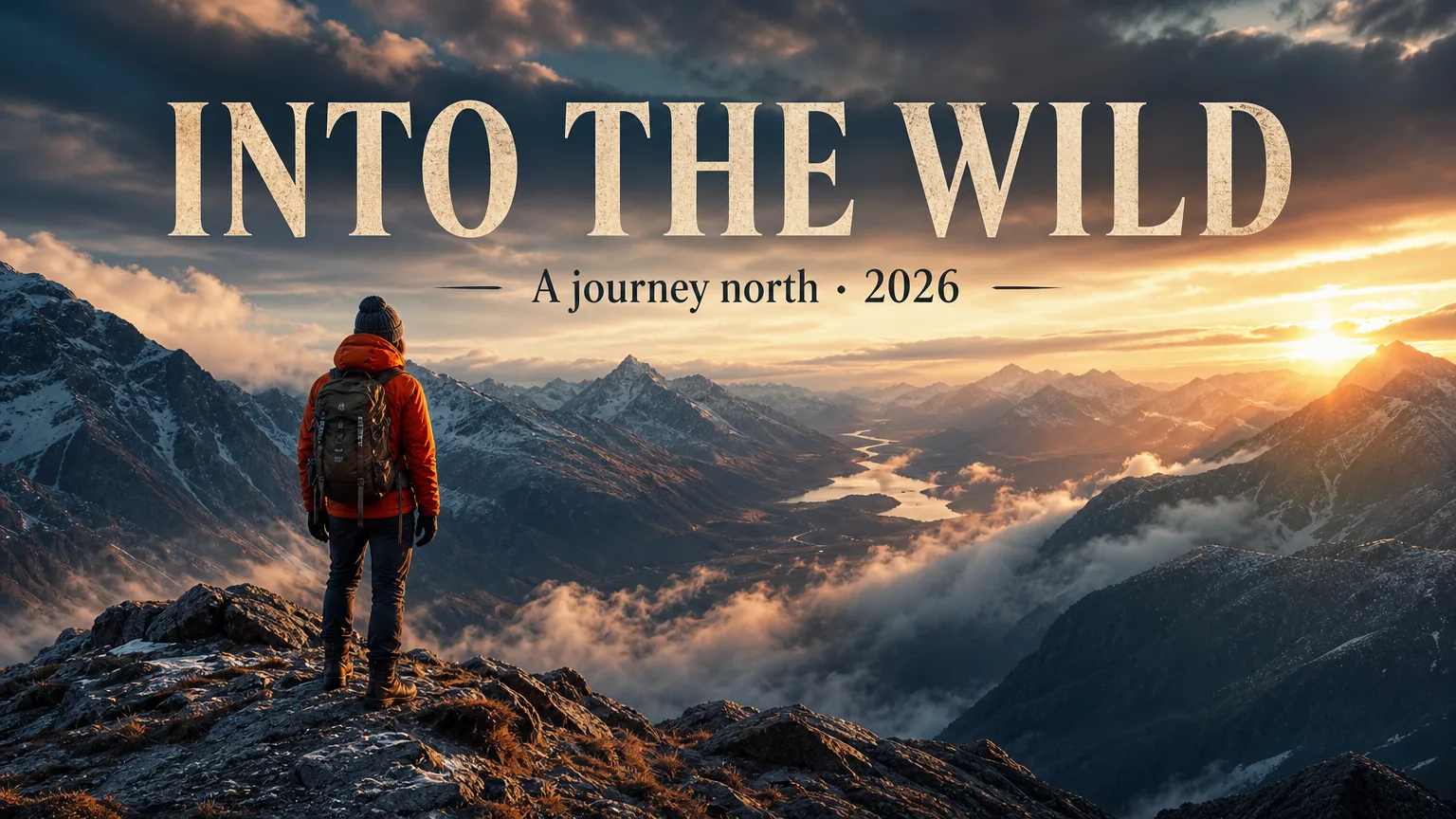
GPT Image 2 Generator
Generate photorealistic images, posters, and key visuals with the latest model — sub-second response, 99%+ text accuracy.
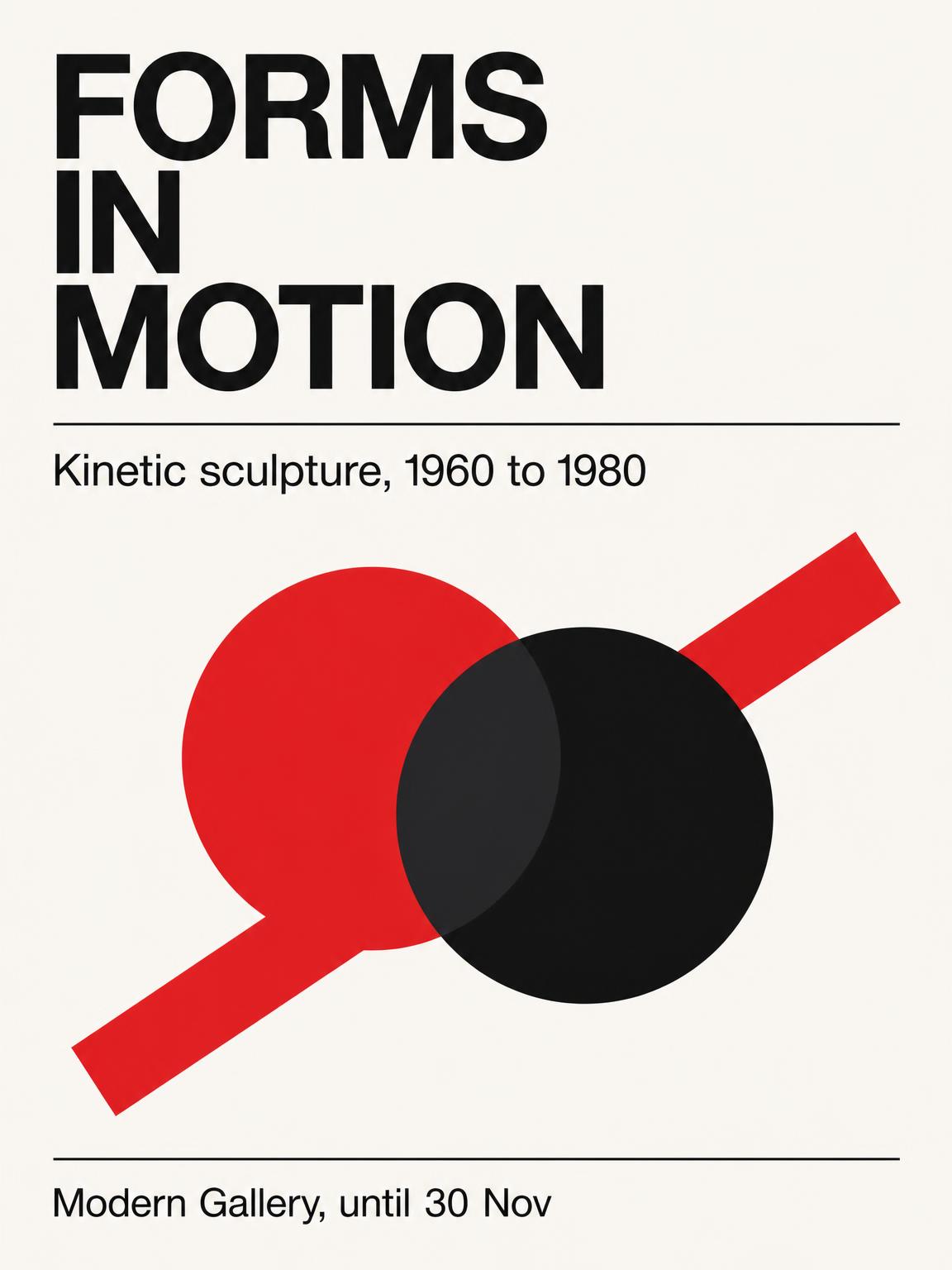
Poster Generator
Turn one sentence into a finished poster — gigs, launches, exhibitions, sales, film festivals — and export a crisp PNG.
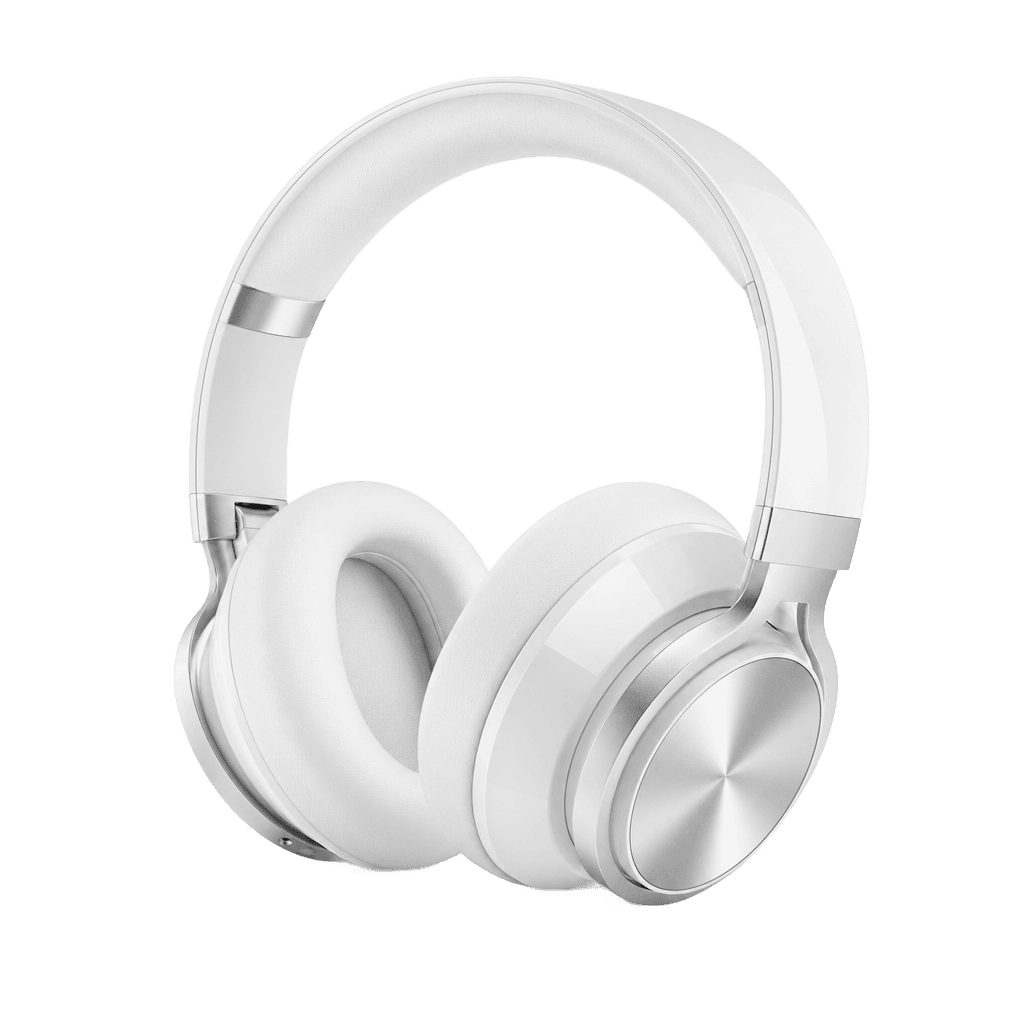
Transparent Background
One-click RGBA transparent PNG output — no more white-background cutout. Drop directly into Figma, Keynote, or PowerPoint.

SVG Vector Generator
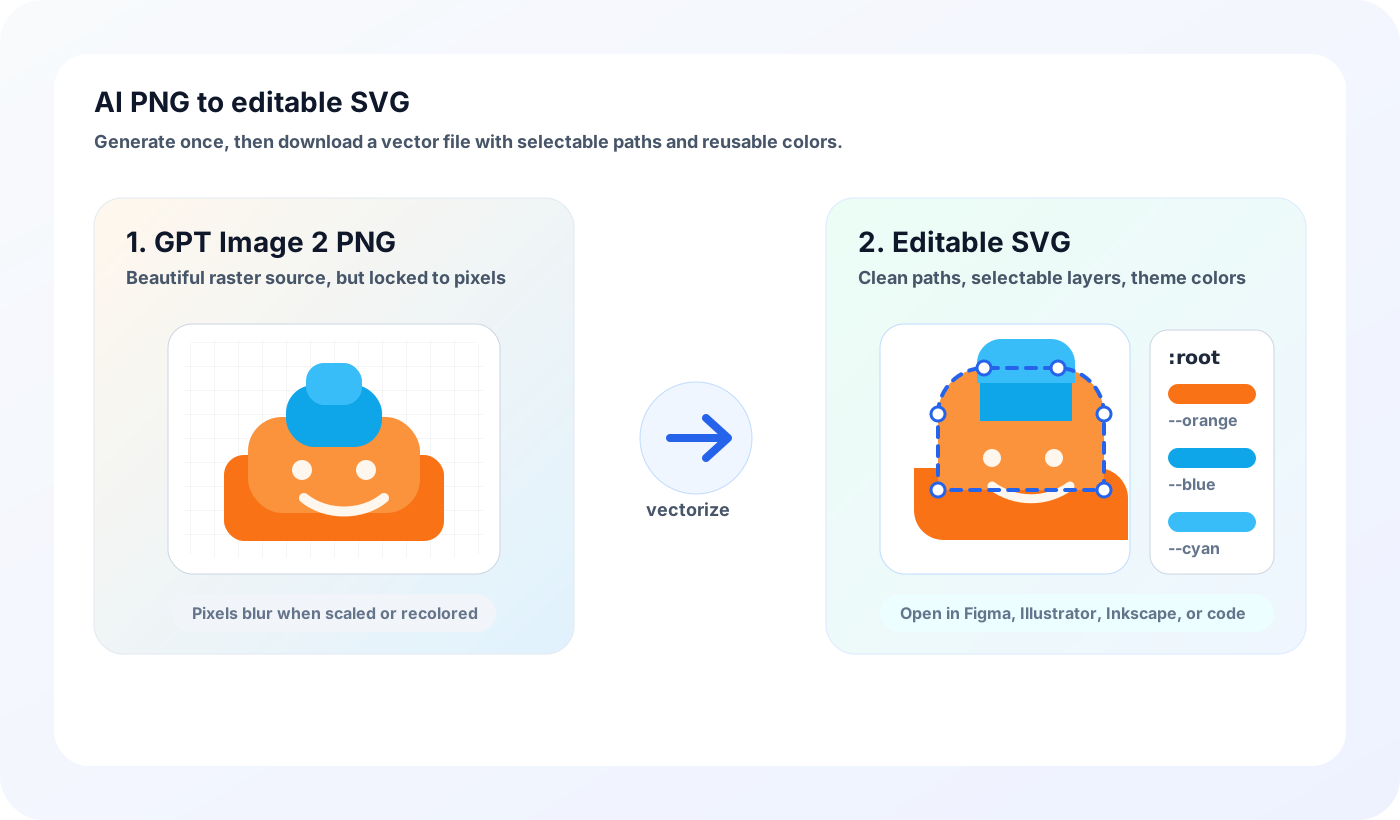
Generate editable SVG vectors — clean paths, swappable theme colors, perfect for icons, logos, and flat illustrations.
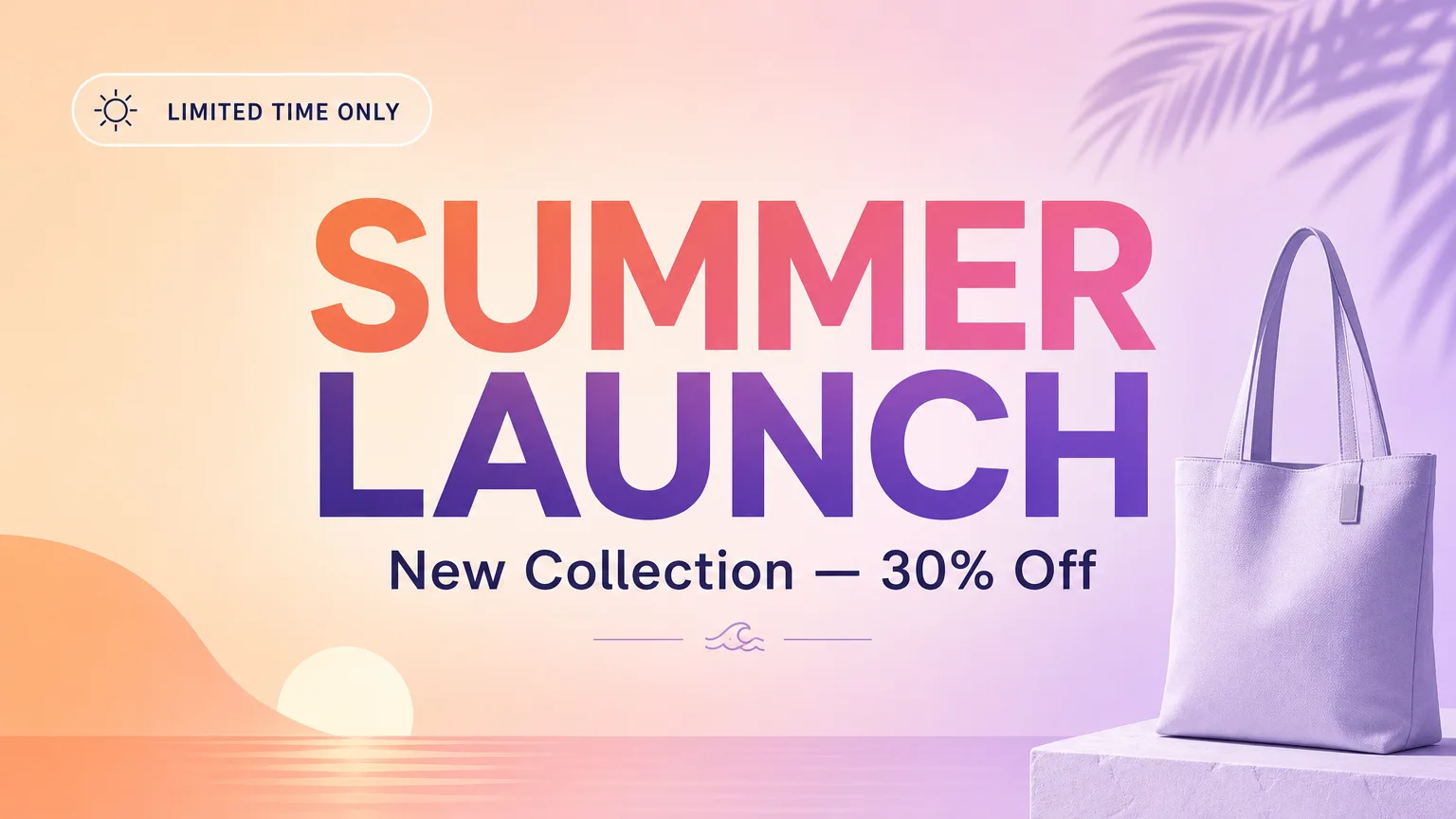
Editable Text
Real drag-editable text layers, not baked-in pixels — change copy later without regenerating.
Models
All Models
Browse all available image models, from newest to oldest.
GPT Image 2.5
OpenAI's newest release (Sept 2026) — Flare for speed, Sunburst for quality, up to 16 reference images and steadier multi-turn edits.
GPT Image 2
Generate and edit images from text prompts and reference images.
Nano Banana 2
Create and edit images with Google Gemini 3.1 Flash Image.
GPT Image 1.5
The transitional release between GPT Image 1 and 2 — quality already approaches 2 in many scenarios.
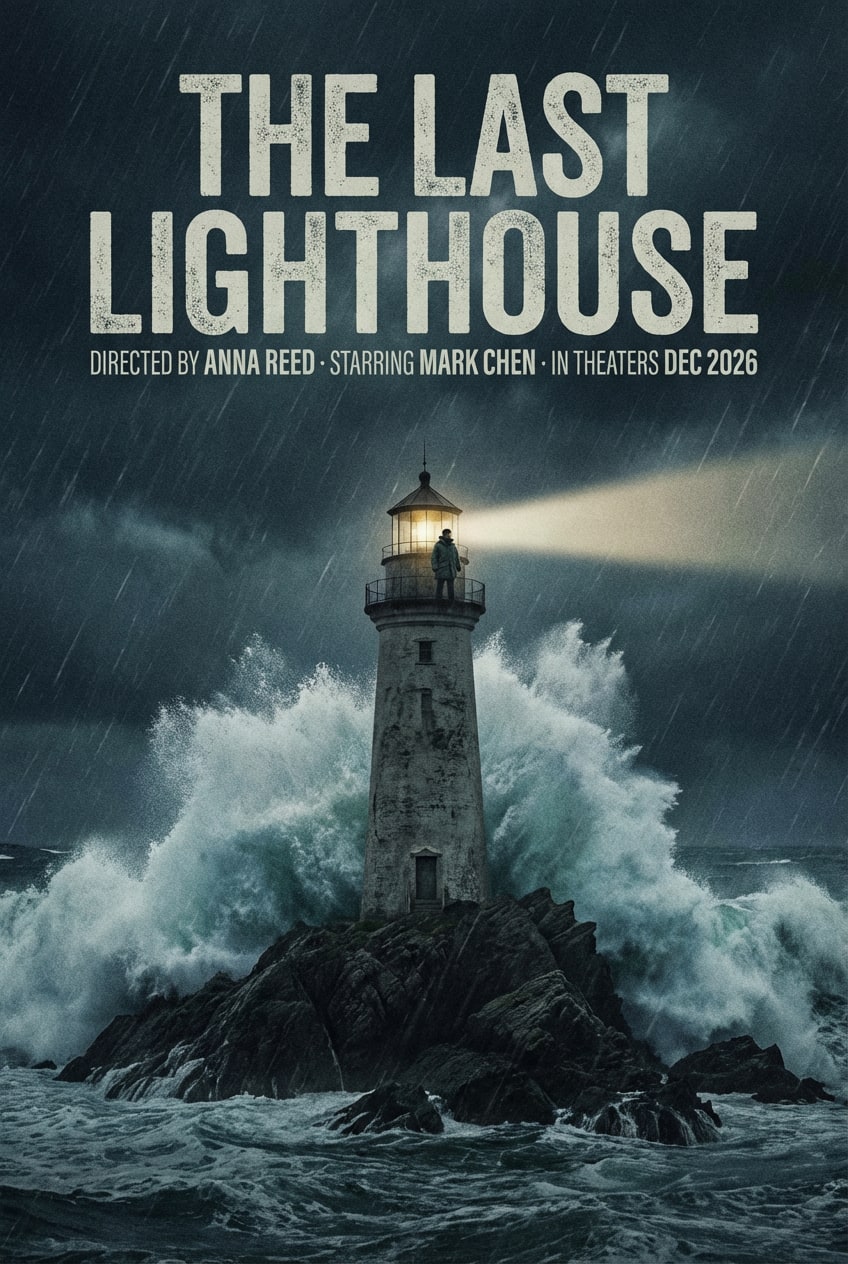
Nano Banana Pro
Google Gemini 3 Pro Image — frontier-tier quality as a benchmark option.
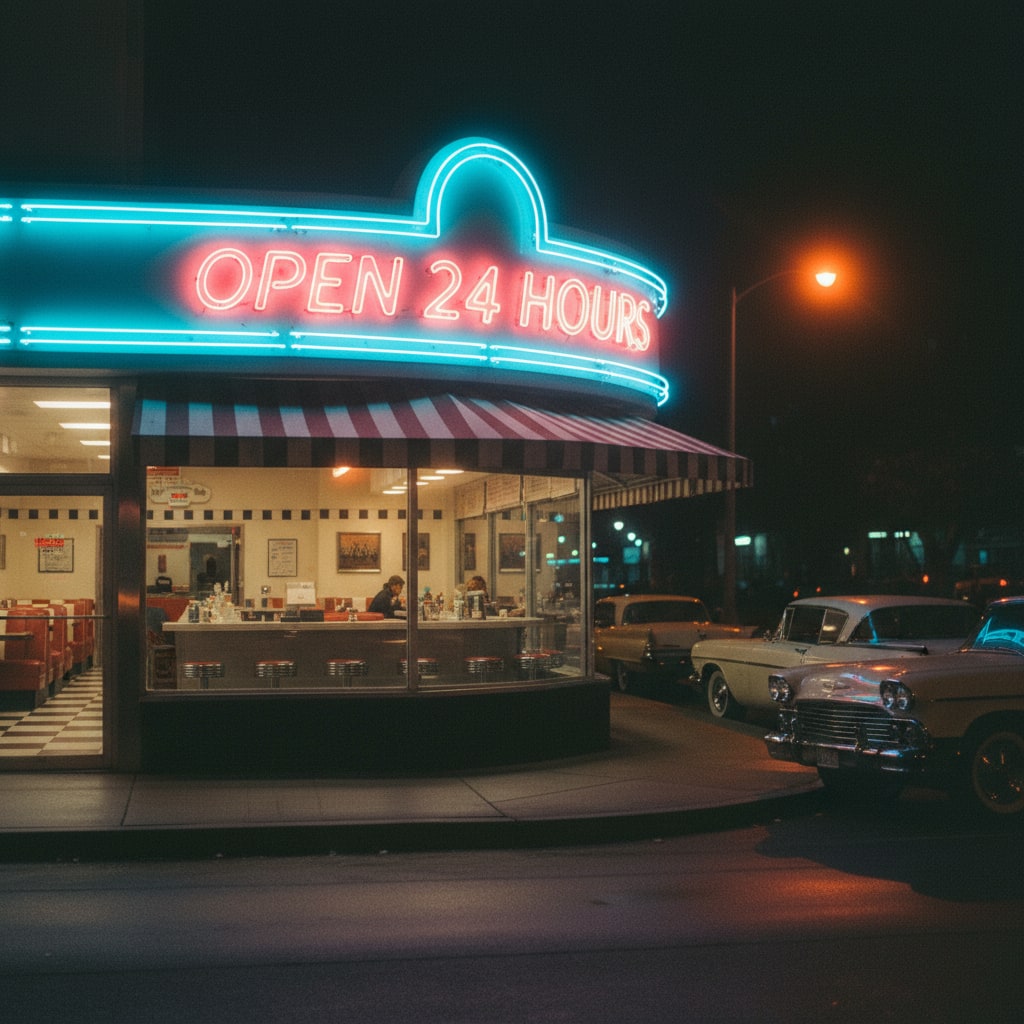
Nano Banana
Google Gemini 2.5 Flash Image — fast, sharp text, ideal for quick social media output.
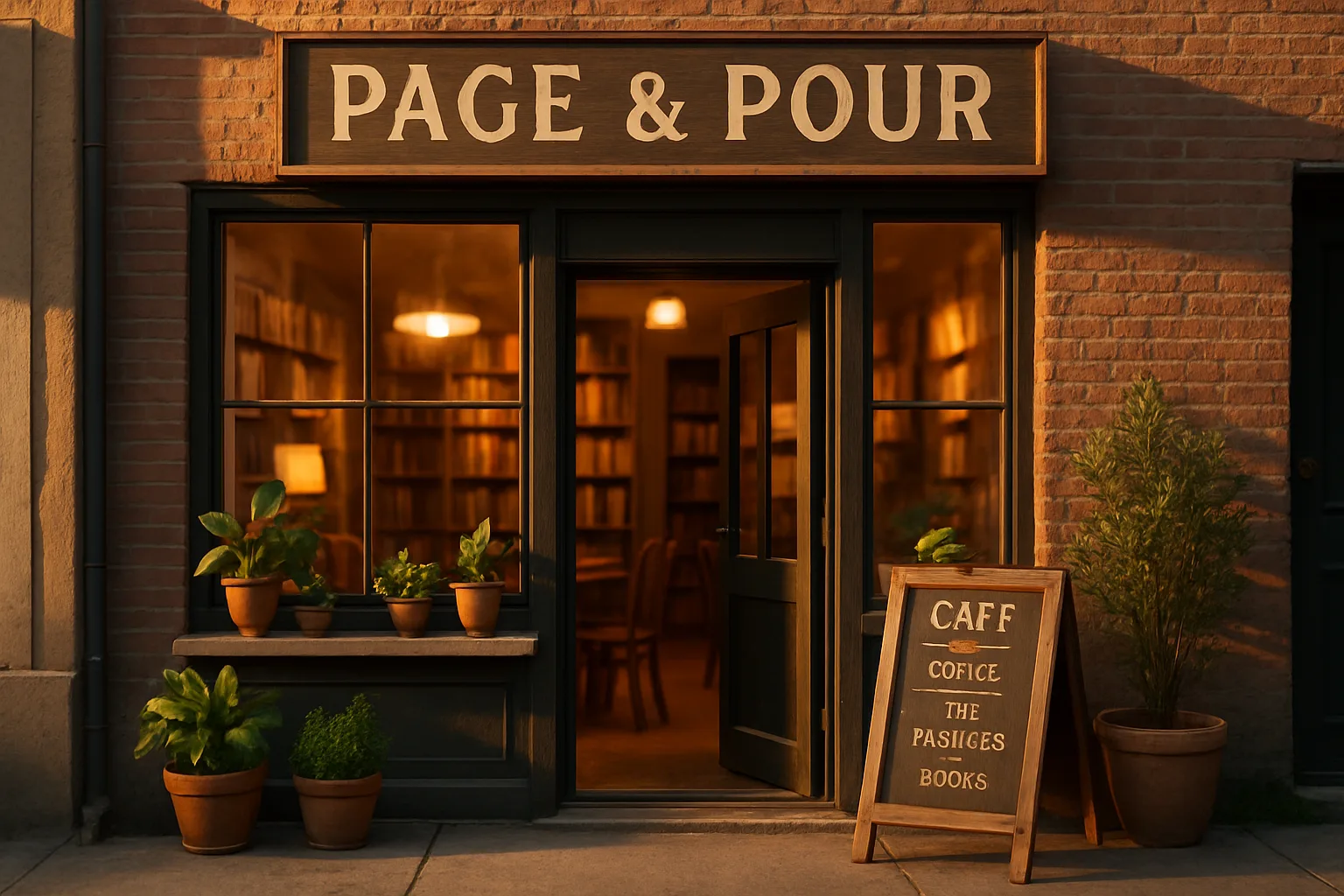
GPT Image 1
OpenAI's previous-generation image model — still a strong value for quick drafts within the free tier.
SVG Toolkit
SVG Generators, Viewer & Sample Library
AI-editable vectors, a browser-native viewer/editor, and a curated sample library — a full SVG workflow without leaving the site.

SVG Animation Generator
Describe a motion in one sentence and get a self-contained animated SVG — CSS keyframes inside the file, no JavaScript, and it plays right inside an img tag.
AI SVG Diagram Generator
Describe any process and we organize nodes, swim lanes, and arrows into an editable SVG diagram where every label is real selectable text.
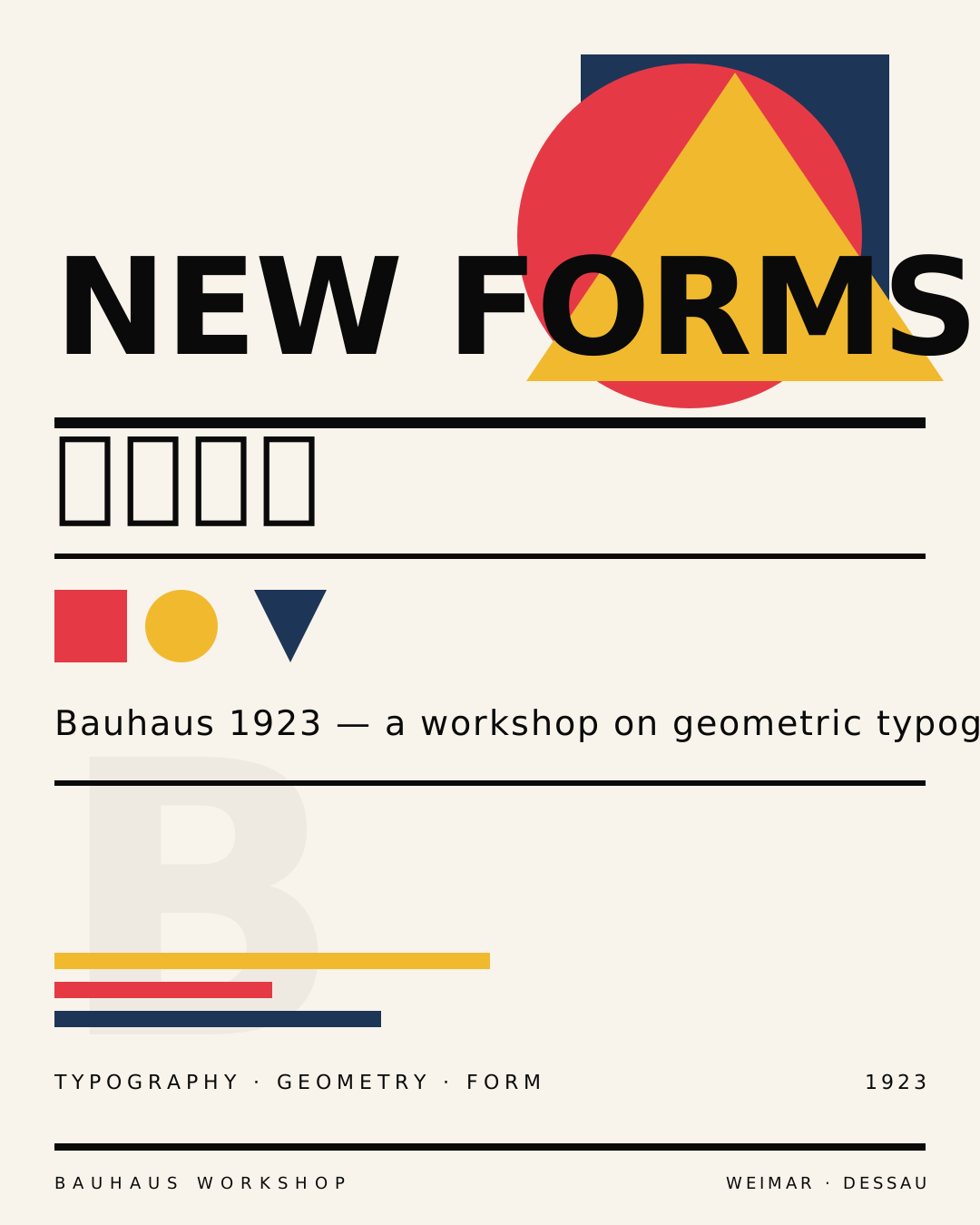
AI SVG Illustration
True vector illustrations with editable <text> nodes and seamless geometric patterns — pure LLM output, no raster trace.
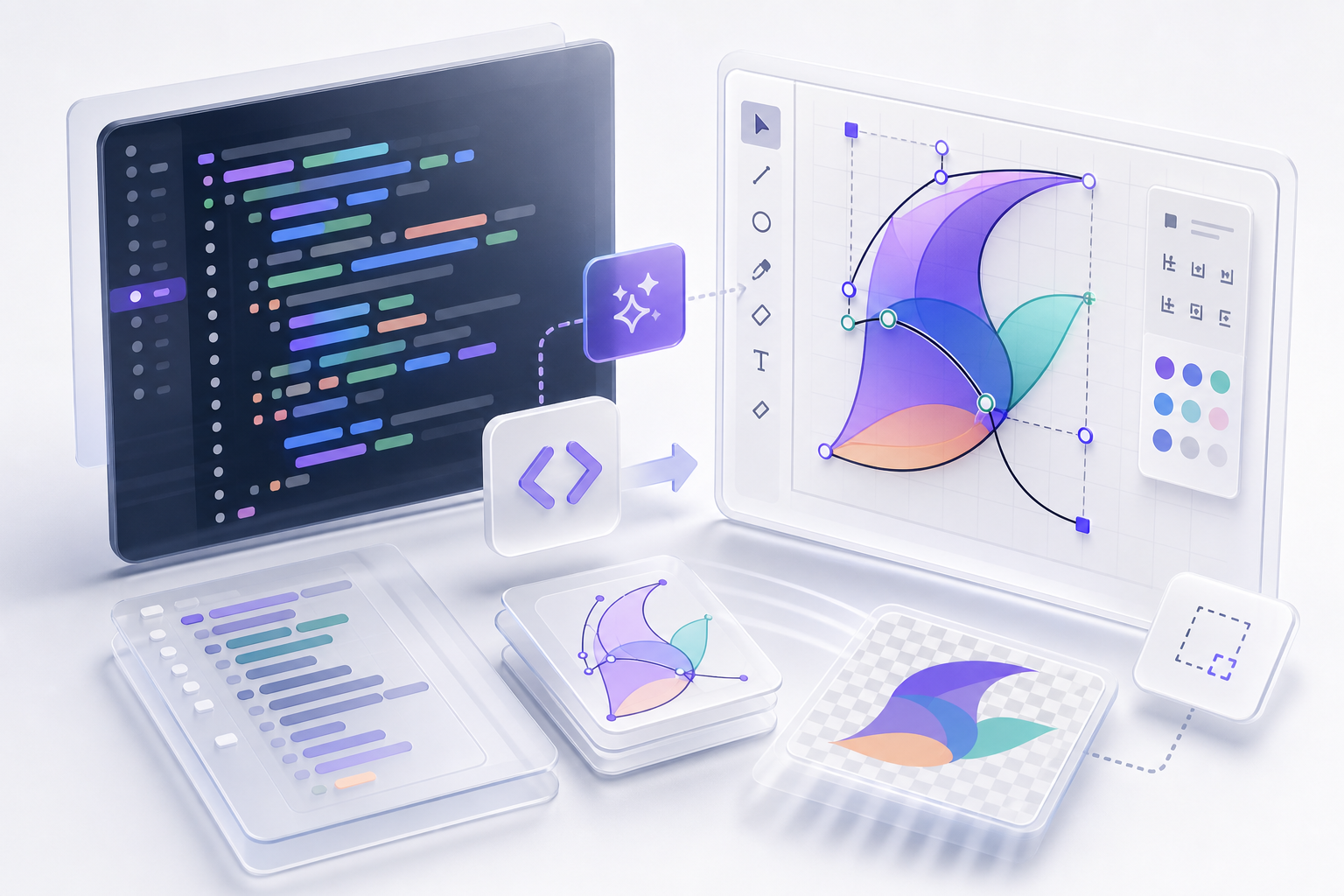
SVG Viewer & Editor
Paste SVG code or drop a file — render in real time, edit the source with live preview and click-to-locate, then export to SVG/PNG/JPG/PDF/ICO. All in your browser.
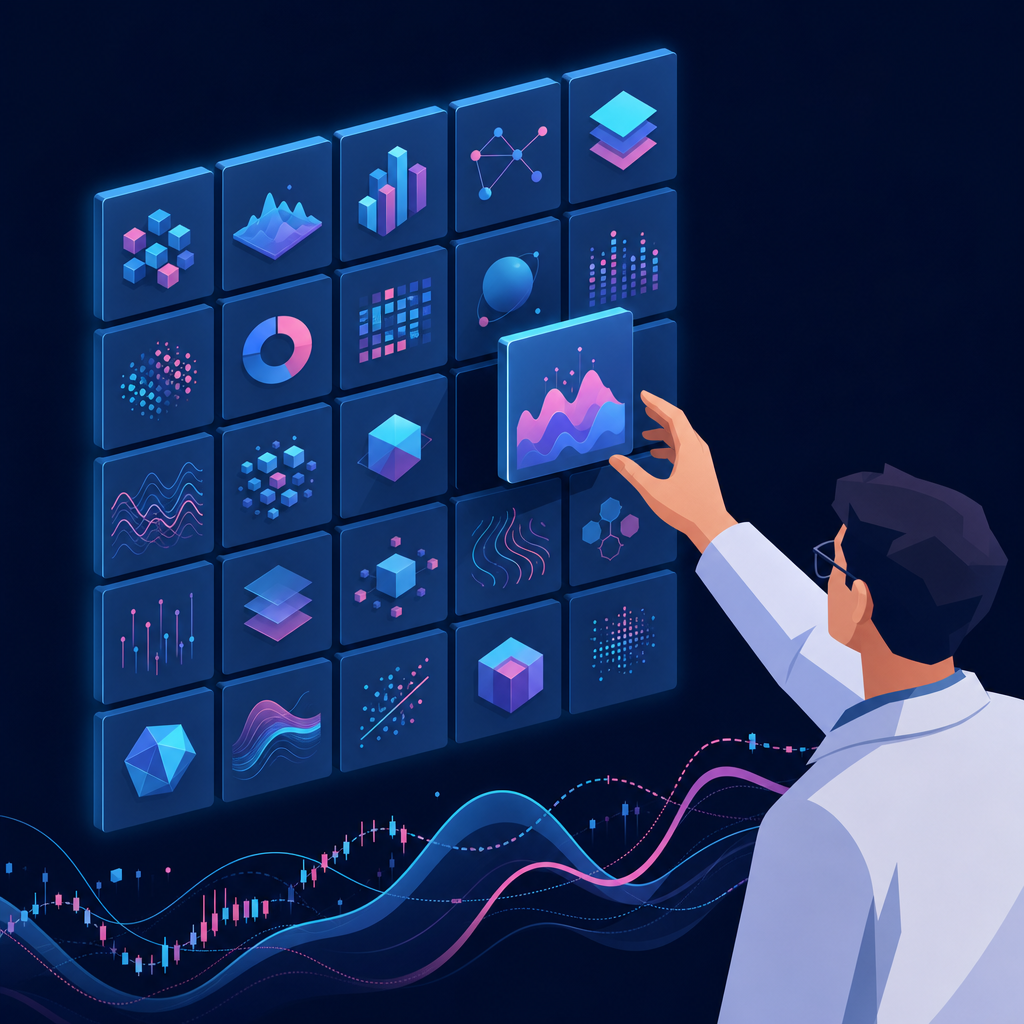
SVG Cases
Curated SVG samples — clean icons and AI illustrations with editable paths. Search, copy code, download, or open in the SVG Viewer.
Format Converters
SVG Format Converters
Convert SVG to common raster or document formats entirely in your browser — no upload, no signup.
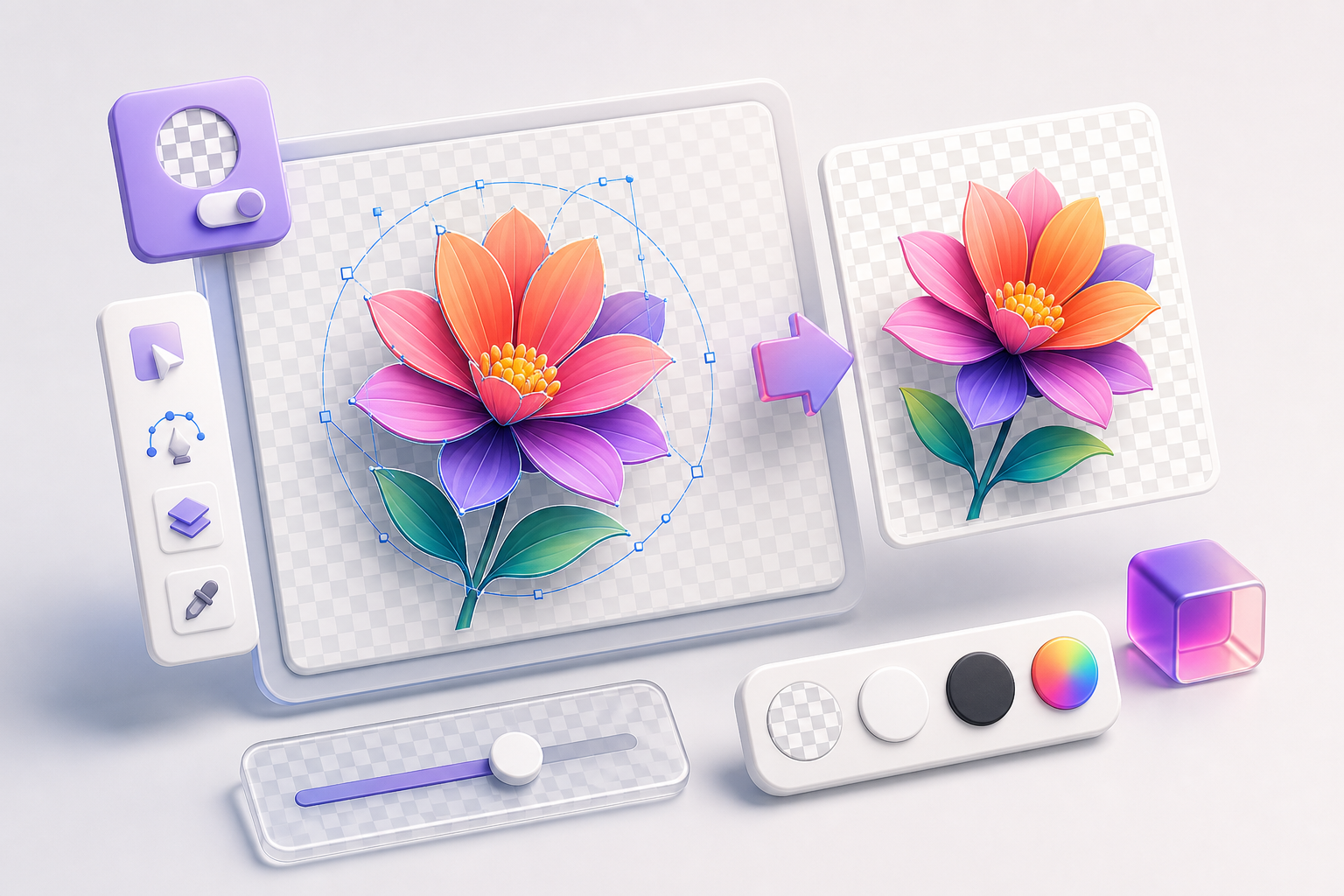
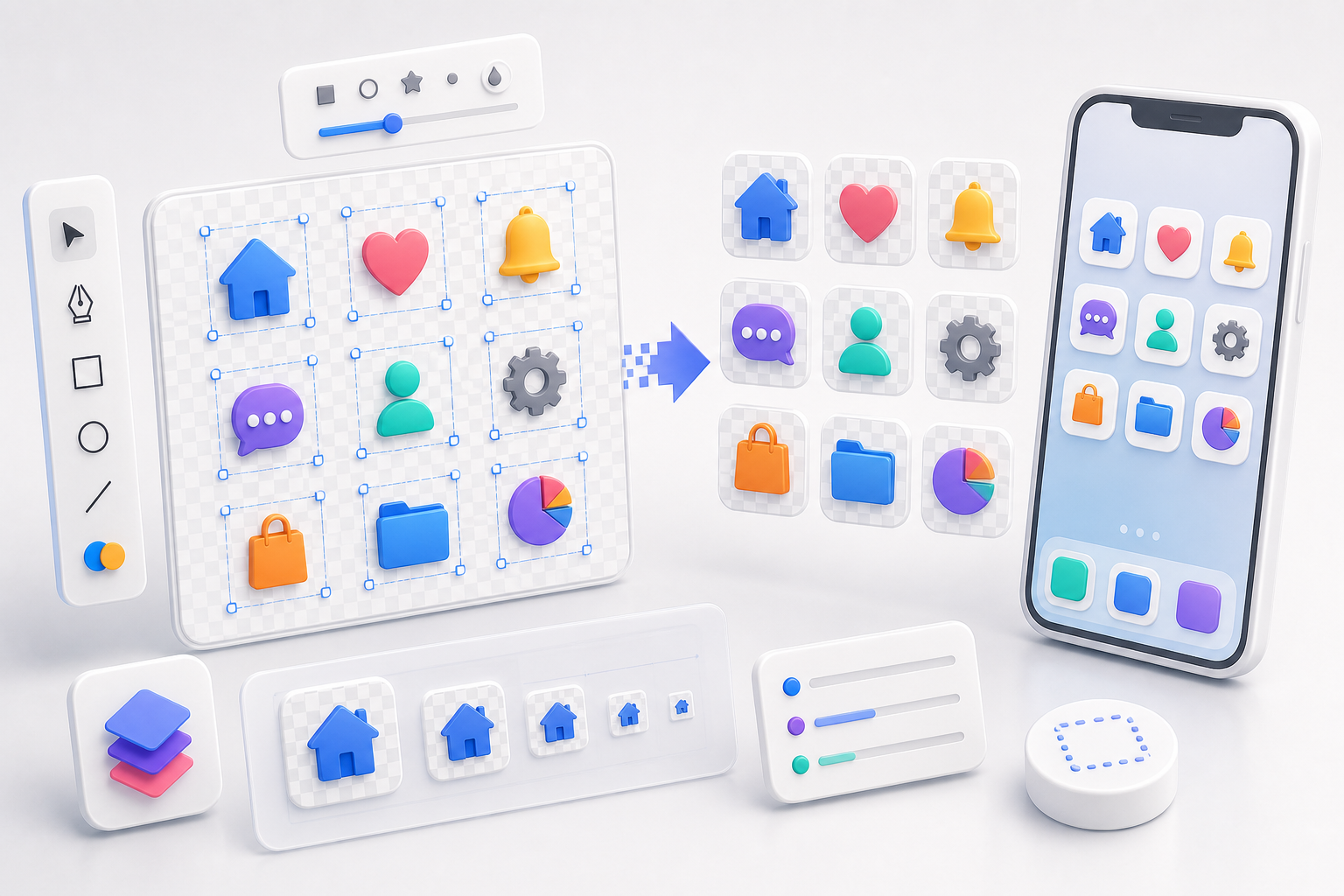
SVG to PNG
Export crisp PNGs with transparency preserved — pick the resolution and download instantly.
SVG to JPG
Flatten SVG to a clean JPG with a white or dark background — share-ready in one click.
SVG to PDF
Produce a true vector PDF — text and paths stay sharp at any zoom, no rasterization.

SVG to ICO (Favicon)
Generate a multi-resolution favicon.ico (16/32/48/64/128/256) ready for any site.
Photo Tools
Photo Processing & Asset Output
From old photo restoration to layered PSD export — bring generated output into real design workflows.
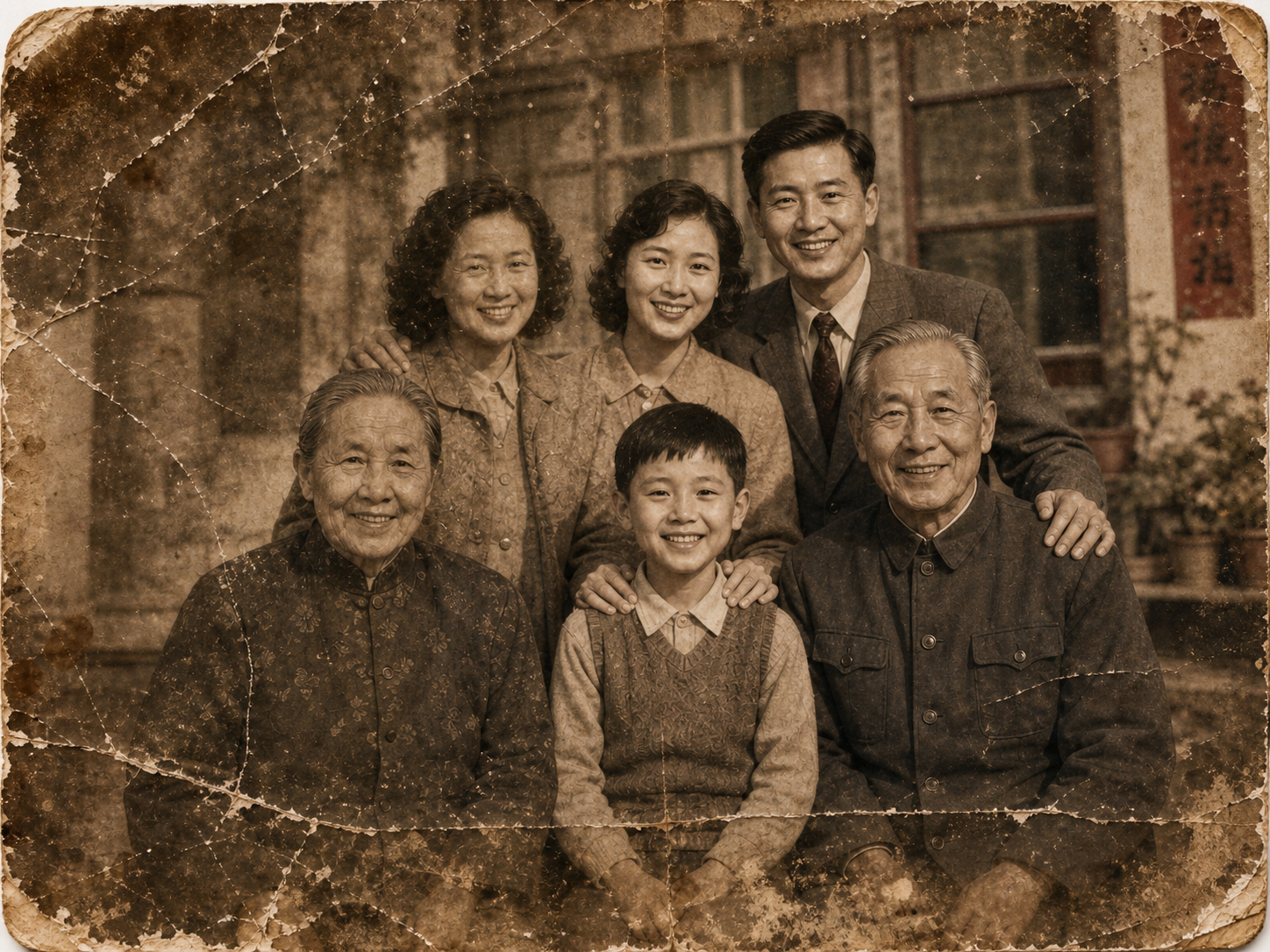
Old Photo Restoration
Restore faded, blurred, and damaged scans to high-end quality while preserving the original composition.
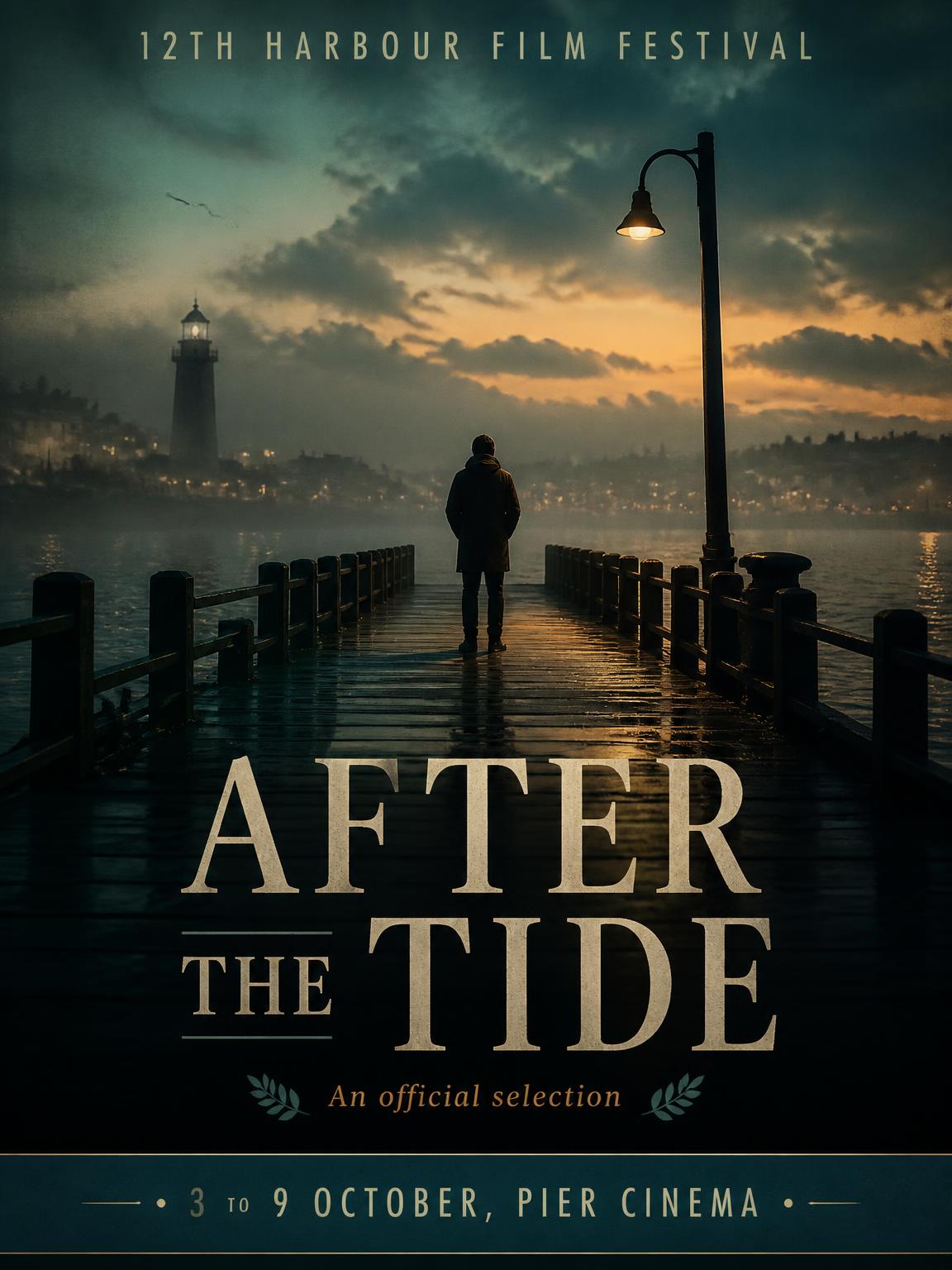
Poster to PSD (Beta)
Generate posters with auto-built layered Photoshop files — text layers and FX groups pre-placed.
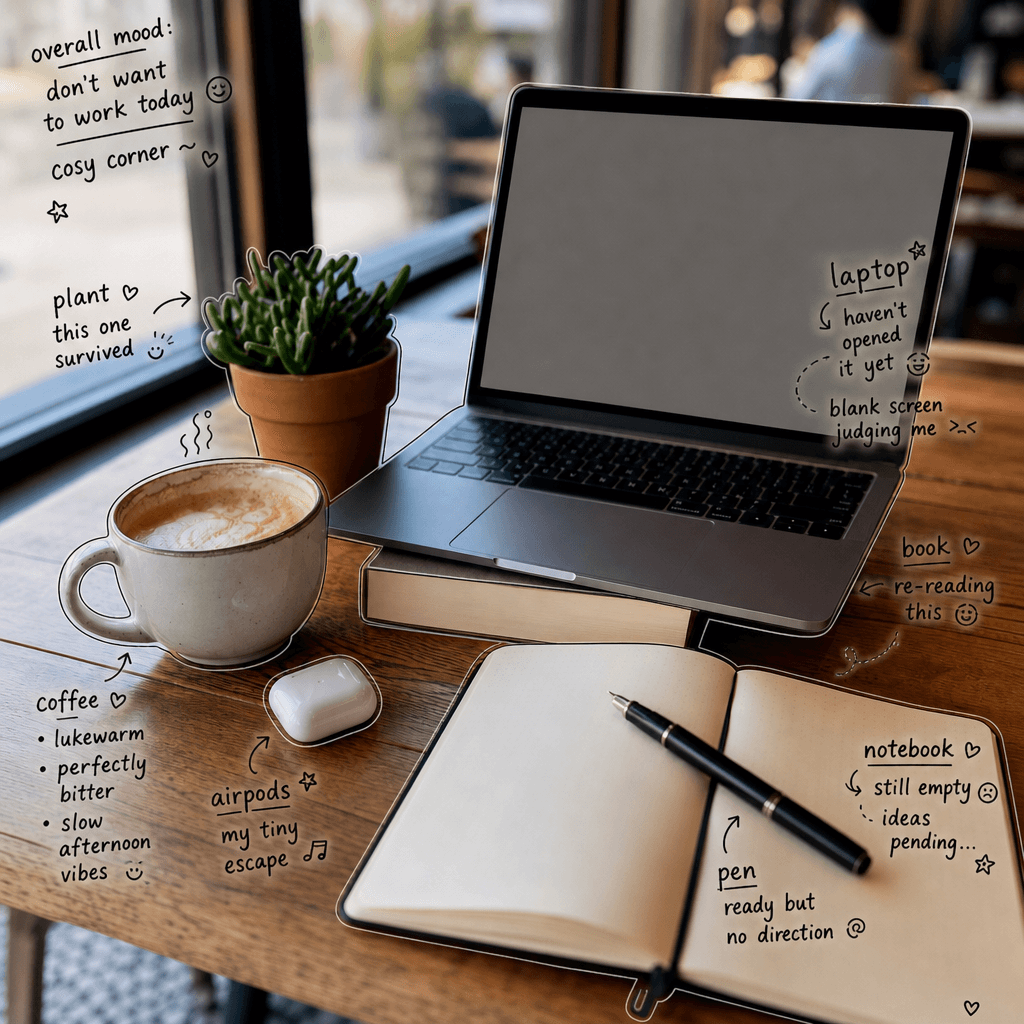
Handwritten Photo Annotation
Add Japanese-style handwritten notes to casual photos — produce Instagram-ready atmosphere shots in one click.
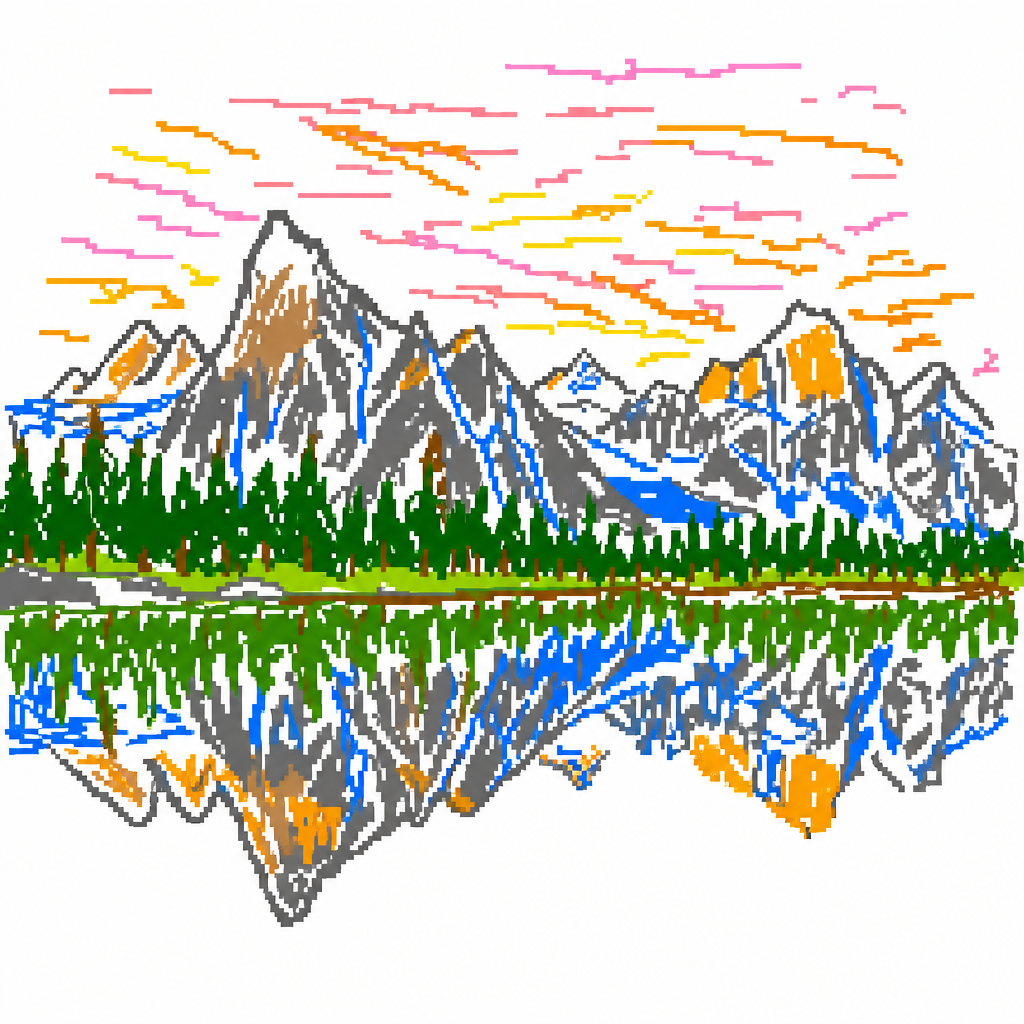
MS Paint Redraw
Redraw any photo as a clumsy MS Paint scribble — the viral GPT Image 2 meme prompt.
Style & Portrait
Style, Portraits & Color
One photo, multiple looks — headshots, style cards, color analysis, all based on AI's real read of facial features and skin tone.
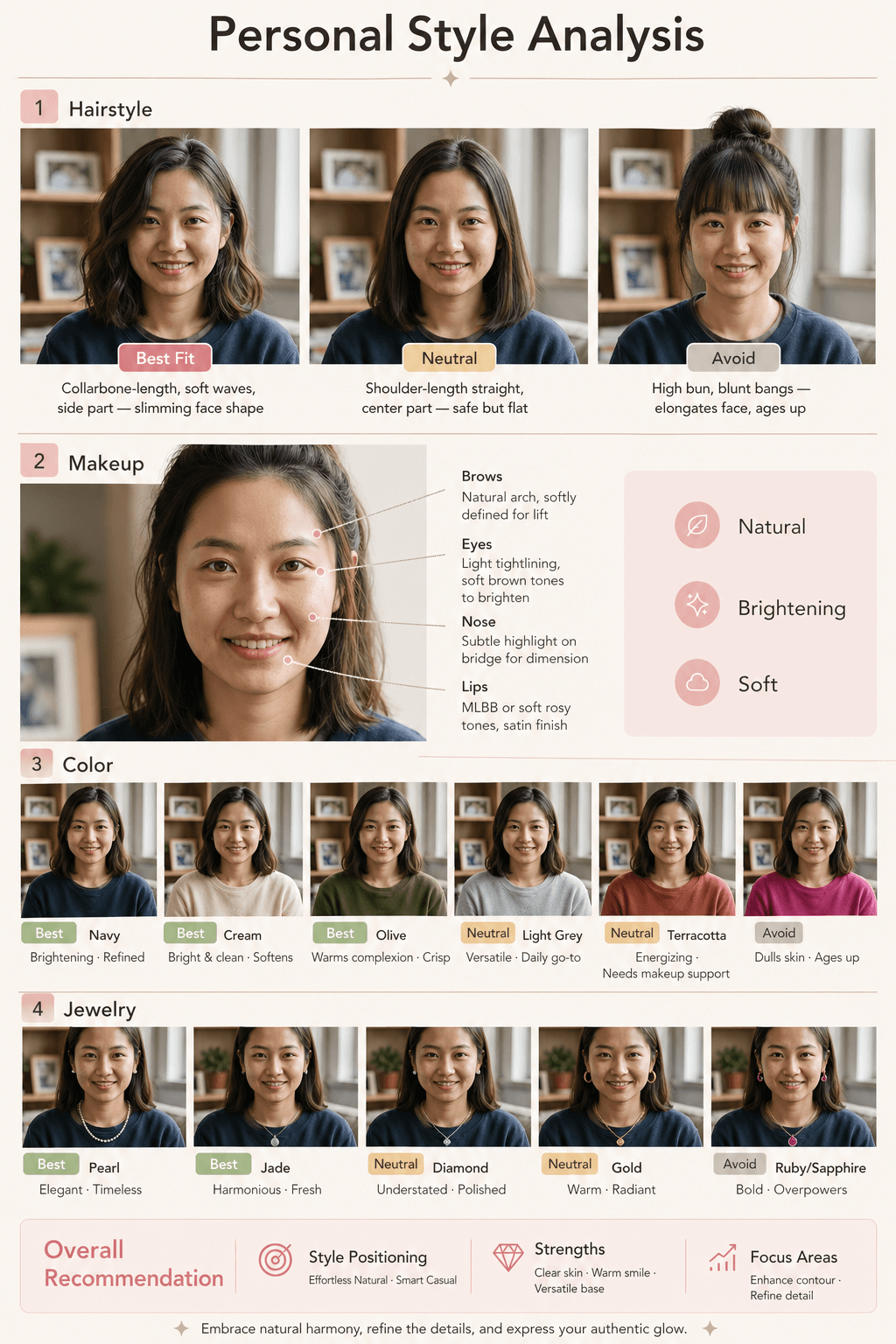
Personal Style Card
Upload one photo, get AI-tailored hairstyle, makeup, color, and accessory recommendations.
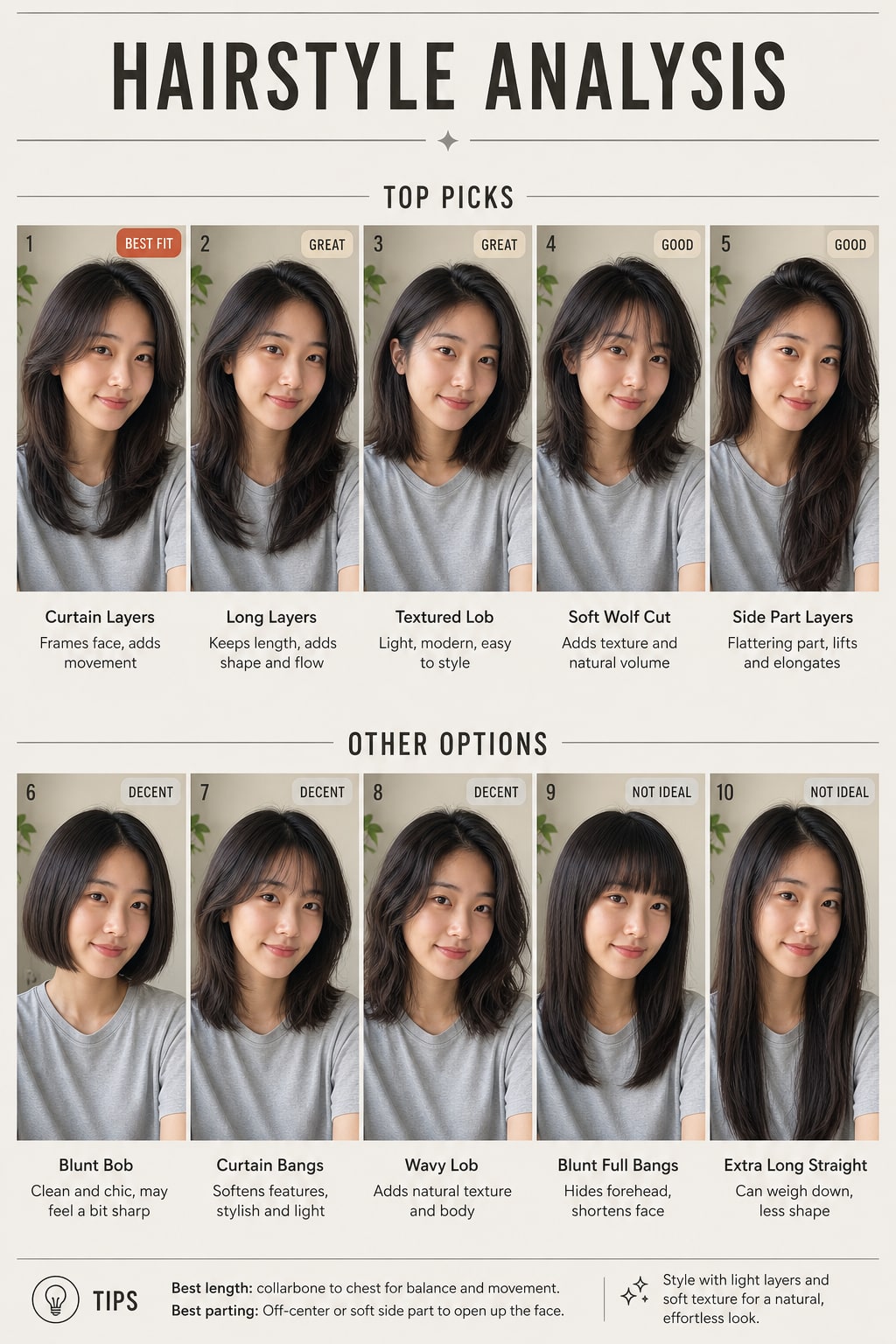
AI Hairstyle Changer
Upload a selfie to get a ranked hairstyle analysis, or try up to 9 haircuts and new hair colors on your own face.
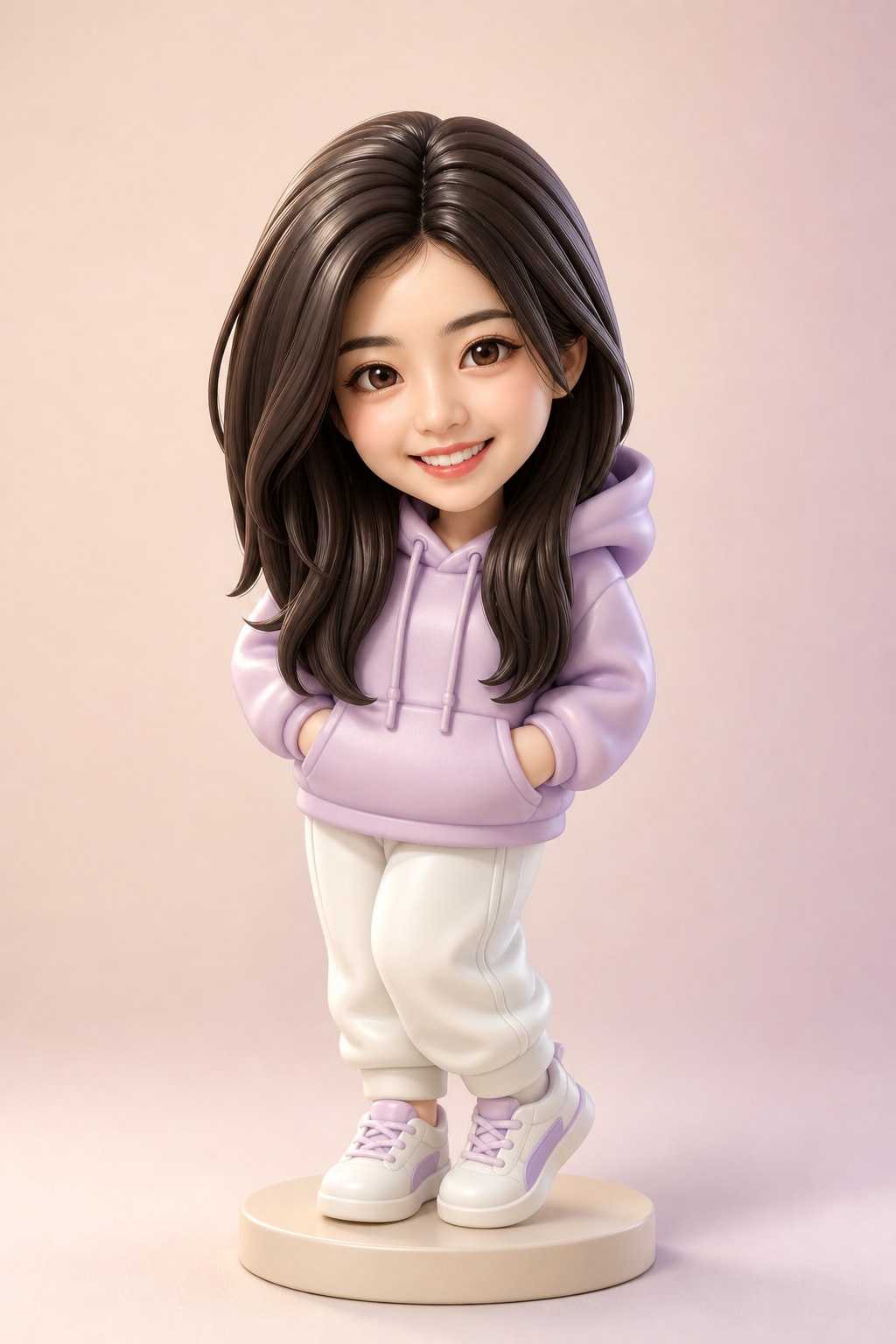
AI Portrait Styles
One photo, many looks — pro headshot, 3D figure, film portrait, wedding shoot, and more.
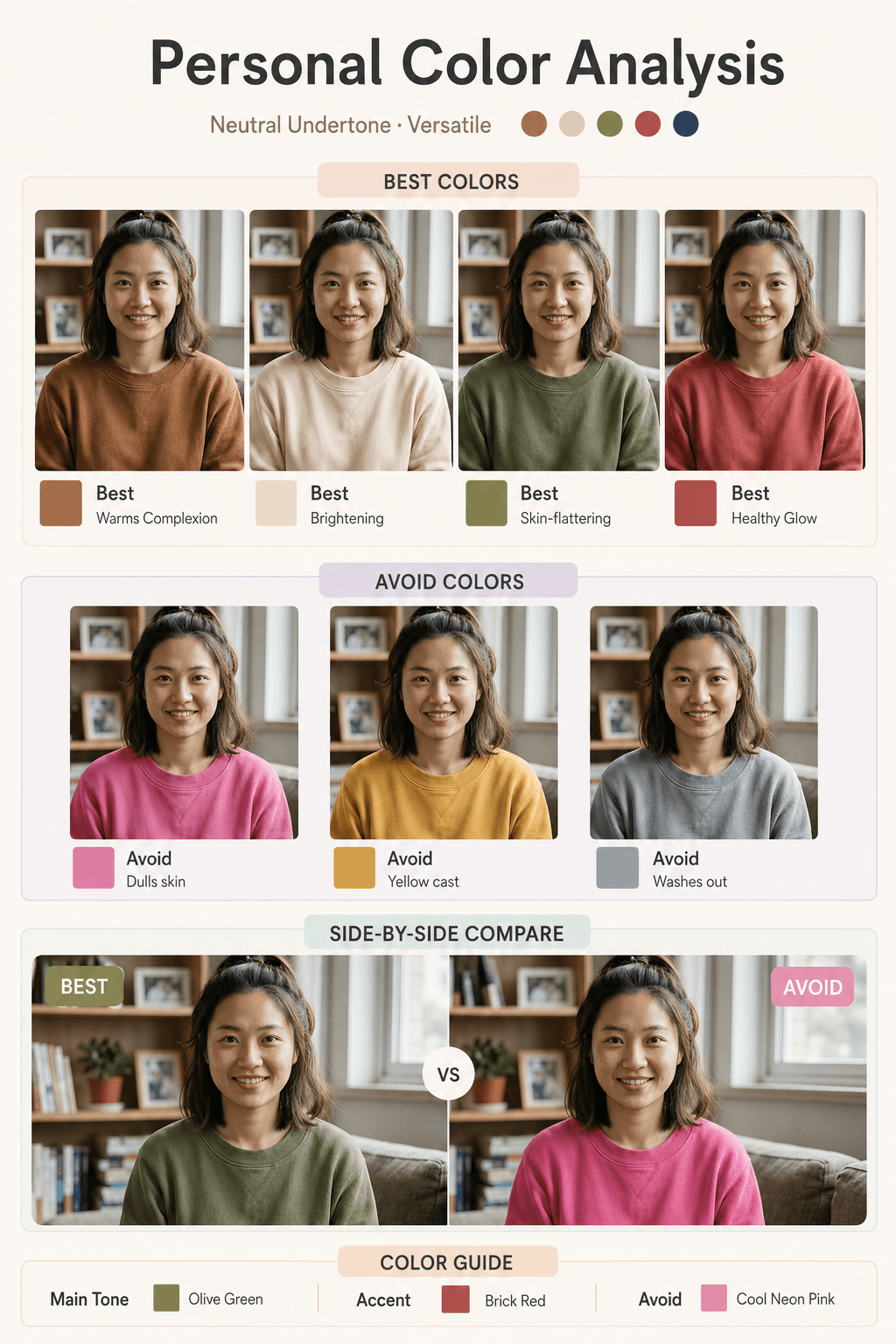
AI Color Analysis
Upload a portrait, AI infers your skin undertone and outputs your most flattering vs. avoid clothing colors.
Creative Scenes
Creative Scenes & Vertical Use Cases
Generators tuned for specific use cases — Instagram grids, 360° panoramas, wallpapers, article illustrations, app mockups.
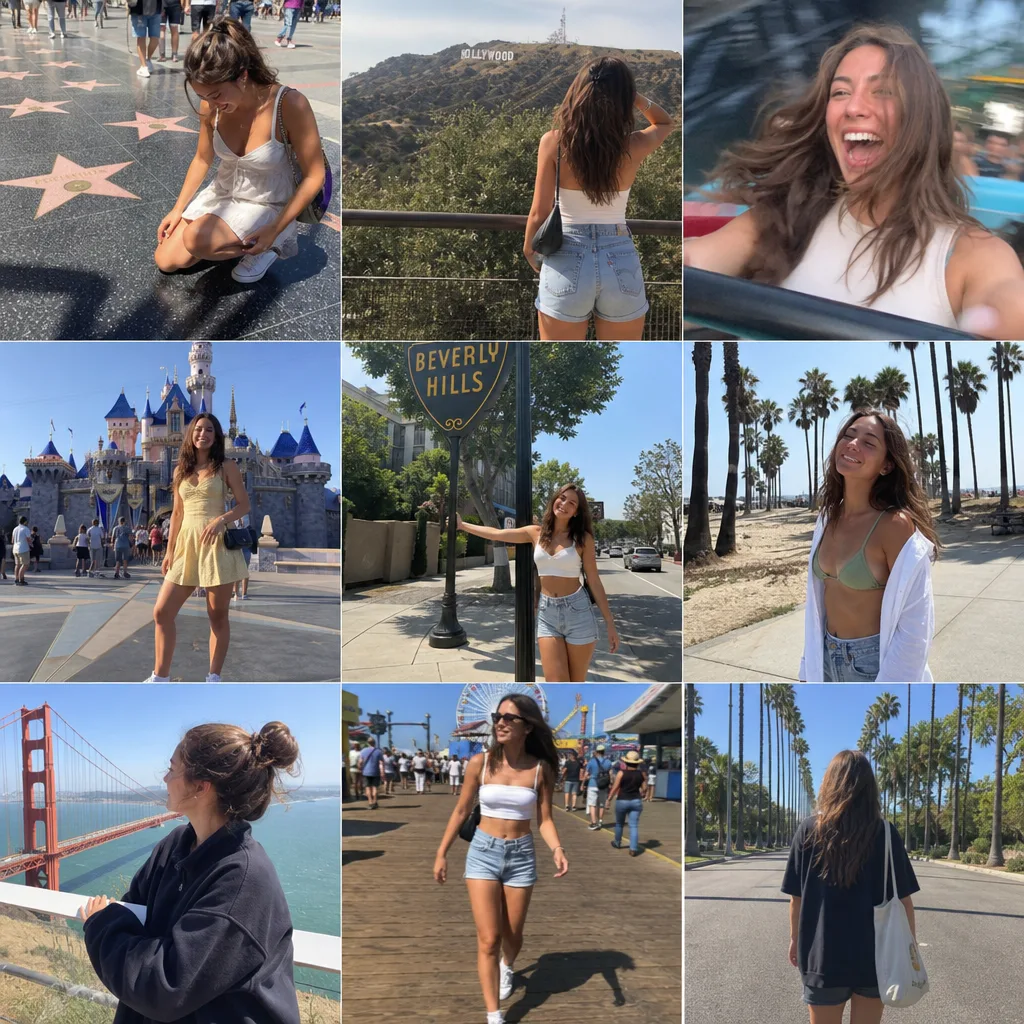
Instagram Grid Generator
One prompt to a full 3×3 travel photo wall — nine candid shots of the same person, laid out like a real Instagram profile.
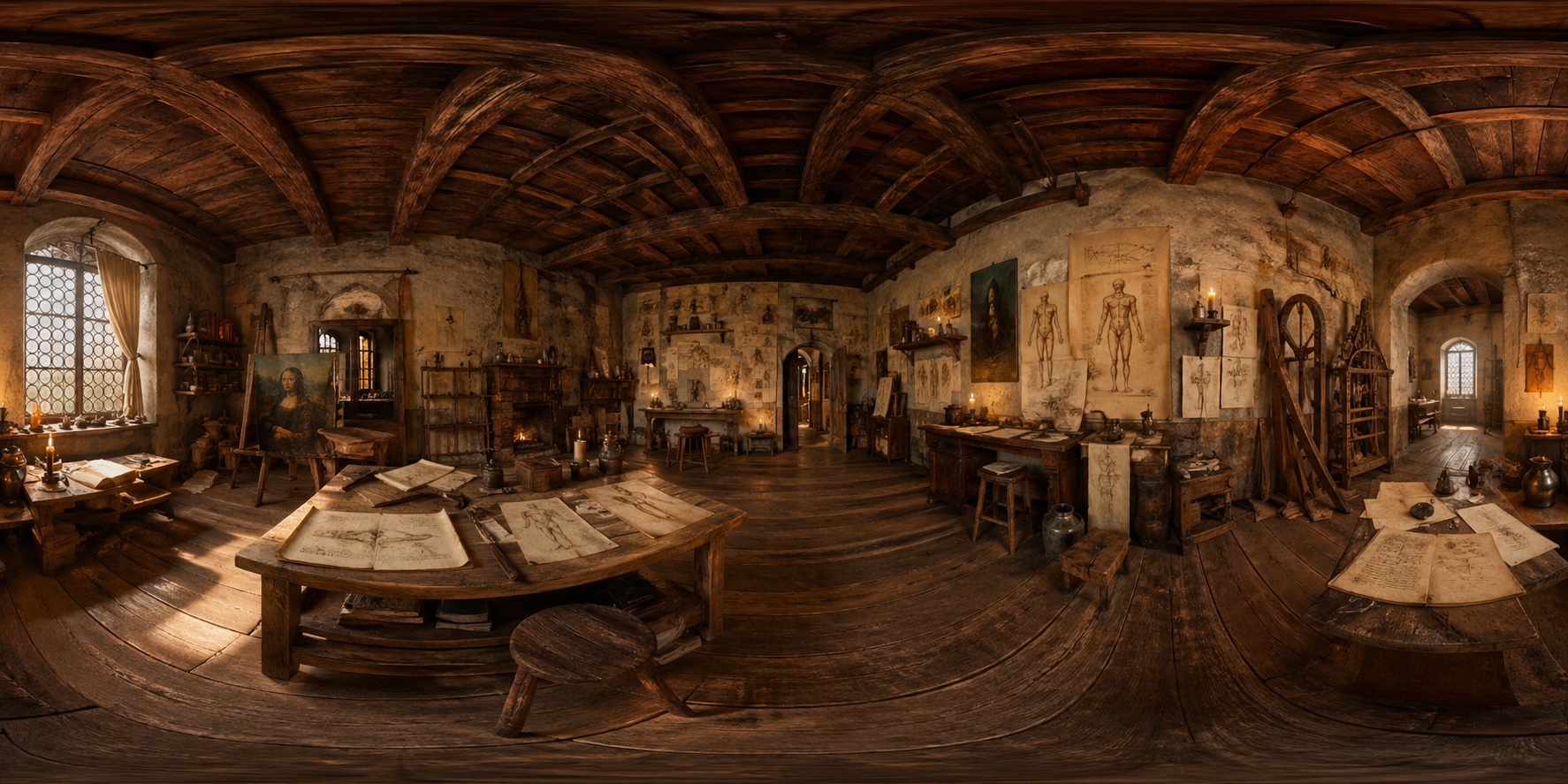
360° Panorama Generator
One sentence to a drag-to-explore equirectangular panorama — VR content, immersive backgrounds.
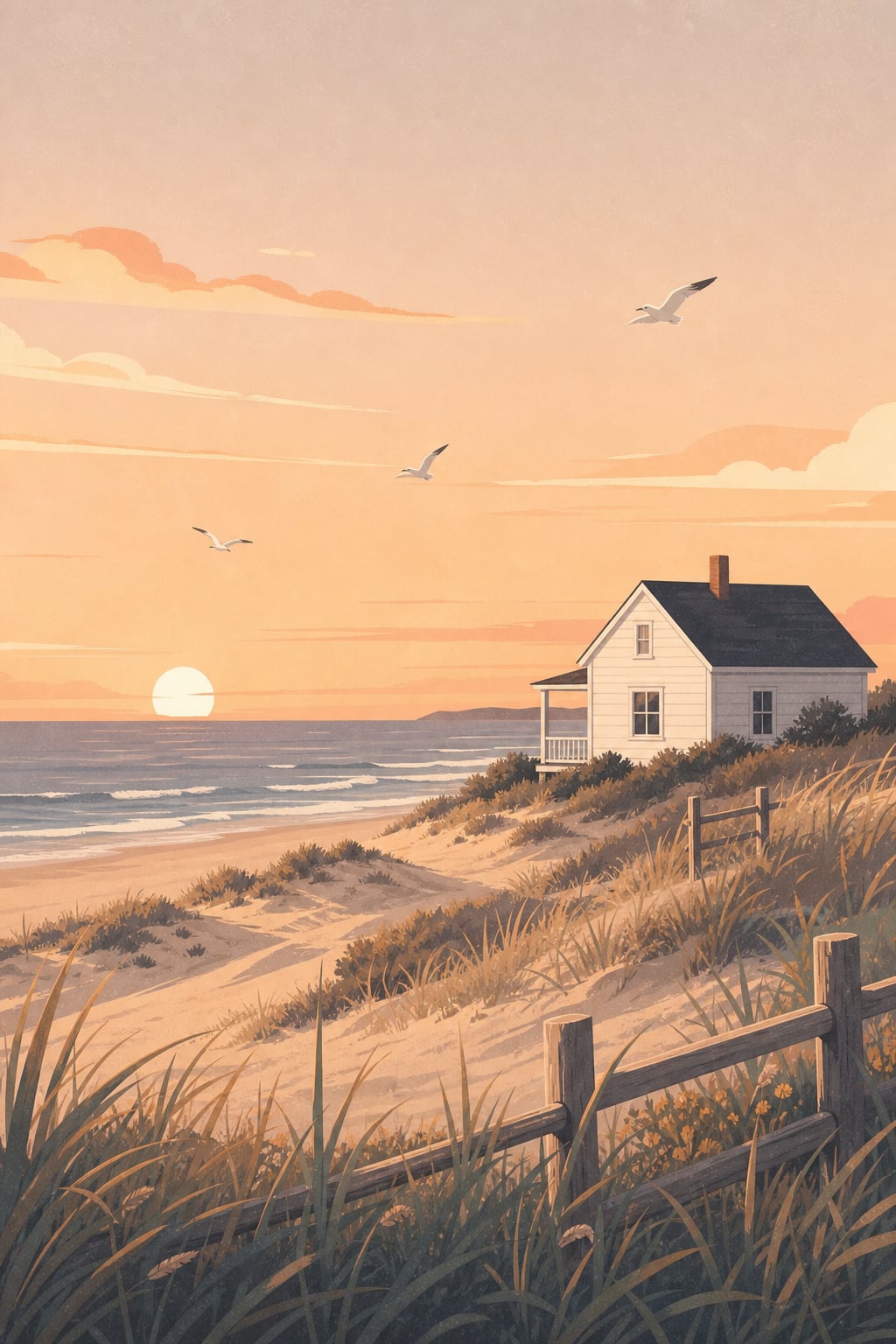
Healing Landscape Illustration
9:16 portrait composition with 18 wallpaper prompts — generate phone-wallpaper-ready flat illustrations.

Article Illustration
Paste an article, AI picks the visual moments and renders matching illustrations — a lifesaver for bloggers.
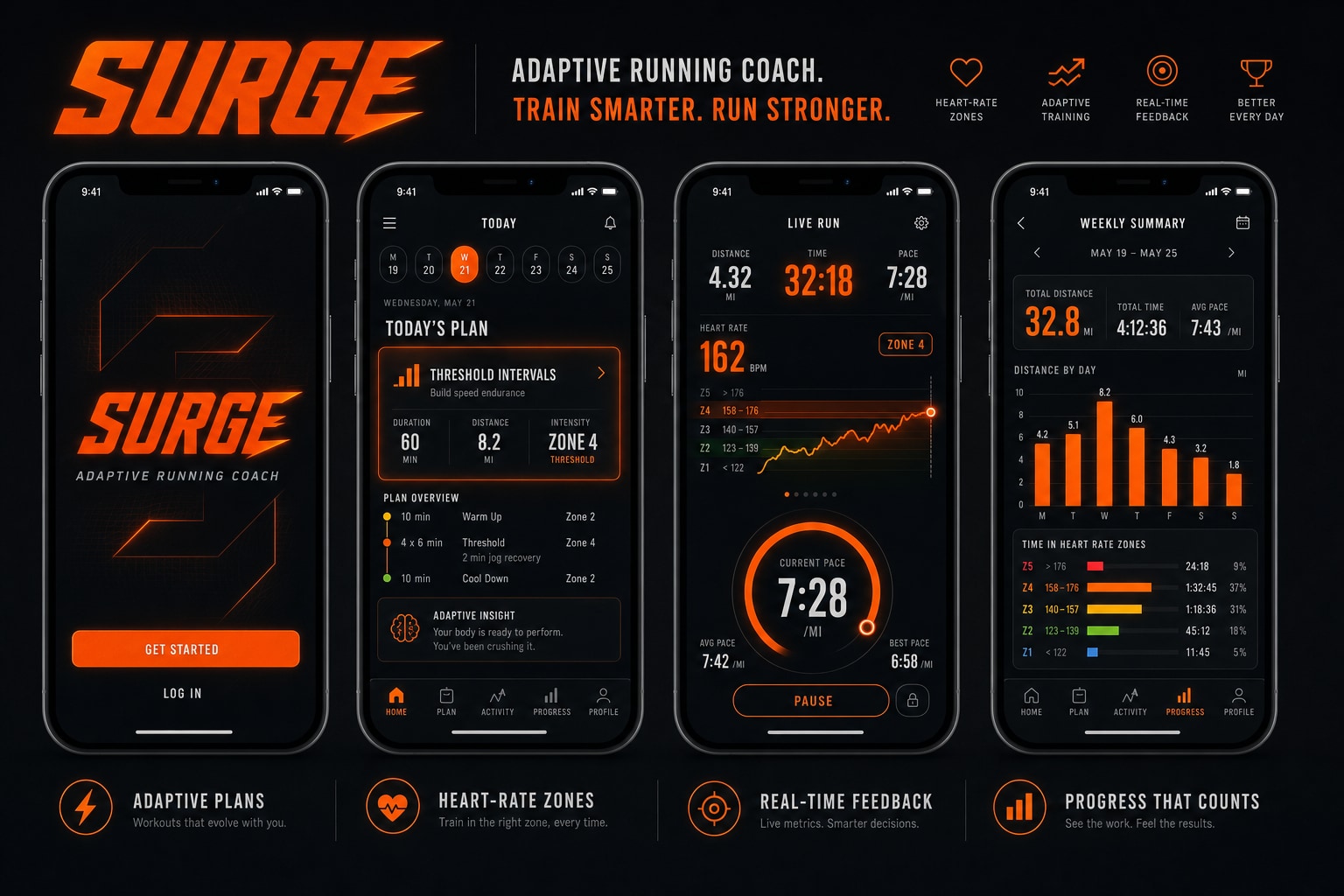
AI App Mockup Generator
One-line brief to a 4-screen app UI mockup poster — preset design systems make demos ship instantly.
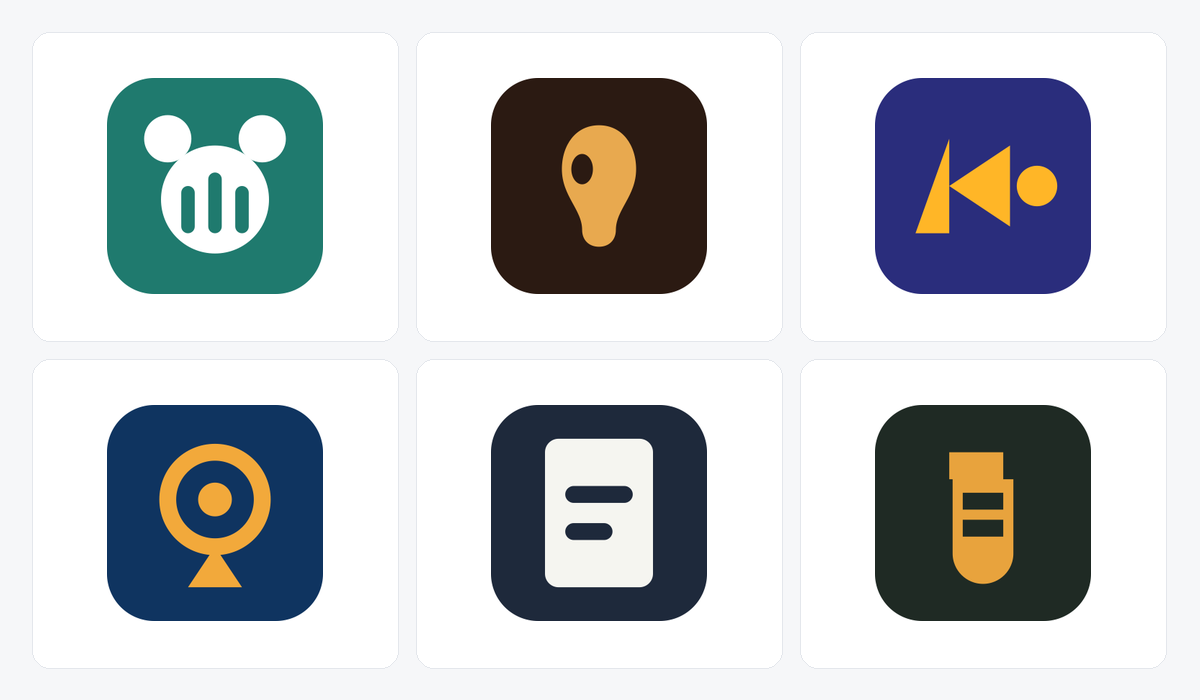
AI Brand Kit Generator
One sentence to a full brand kit — editable vector logo, the whole favicon set, colour palette and type scale, packed as a zip.
Not sure what to generate? Browse the verified prompt library
100+ curated GPT Image 2 prompts with full sample outputs — portraits, posters, UI mockups, character design, game assets, all categorized. Hit "Make This" to instantly load into the playground.
Verified Outputs
Every prompt ships with hand-picked sample outputs — no quality surprises.
6 Category Filters
Portraits, posters & illustration, UI mockups, character design, games — fastest path by use case.
One-click Reuse
Hit "Make This" to drop the prompt straight into the playground — skip the copy-paste.
Source Attribution
Every prompt preserves the original author and source link — transparent and traceable.
Tool Directory — FAQ
Common questions about how the tools fit together. Other questions? Email support@imagesv2.ai.
Core generation runs on GPT Image 2. The image model pages (GPT Image 1 / 1.5 / Nano Banana / Pro) switch the underlying model. Post-processing tools (SVG vectorization, PSD layering, photo restoration) chain a dedicated pipeline on top of GPT Image 2 output. All tools share one account and one credit pool — no separate signup per tool.
If you have no specific use case, start with the GPT Image 2 generator on the homepage — it's the most general entry point. For specific needs: pick Transparent Background for RGBA PNGs, Poster to PSD for editable Photoshop files, SVG Generator for scalable vectors, or anything under Social Screenshots for content assets. Every tool page has dedicated presets and examples.
Tools are "generators" — tuned for a specific use case with custom input parameters, output formats, and post-processing. The prompt library is a "recipe collection" — verified prompts that produce good output, usable in any tool. Best path: find a sample you like in the prompt library → hit "Make This" to load it into the playground → tweak parameters to generate your own version.
One shared credit pool. The per-generation cost depends on the model, resolution, and whether post-processing (SVG / PSD / vectorization) runs — exact deduction is shown before you click Generate. Paid tiers have no extra per-tool charges: one plan covers all 30+ tools.
Yes. Each model upgrade (GPT Image 1 → 1.5 → 2) ships a new model page and matching post-processing support. Social screenshots and vertical use case tools roll out by user-feedback priority — email support@imagesv2.ai with requests.
Pick a tool to start, or browse the prompt library
Free trial for new users — no credit card required. All tools share one account and one credit pool: sign up once, unlock all 30+ tools.
Social Screenshots
Social Platform Screenshot Generation
AI writes natural conversations and comments, then renders pixel-perfect platform screenshots — an asset machine for content creators.
WeChat Chat Generator
AI writes natural WeChat conversation scripts, then renders clean screenshots — more authentic than typing it yourself.
Douyin / TikTok Live Screenshot
AI generates live-room viewer comments composited with a host scene — perfect for content samples or demo decks.
Tweet Screenshot Generator
AI writes viral-style tweets and renders pixel-accurate X / Twitter screenshots.