
Unblur Face in Photo with AI
Missed focus, a shaky hand or a face cropped from a group shot — upload the photo and the AI brings back sharp eyes, brows, skin and hair at 2K or 4K.
It is built to keep the face you know: same features, same age, same glasses and wrinkles.

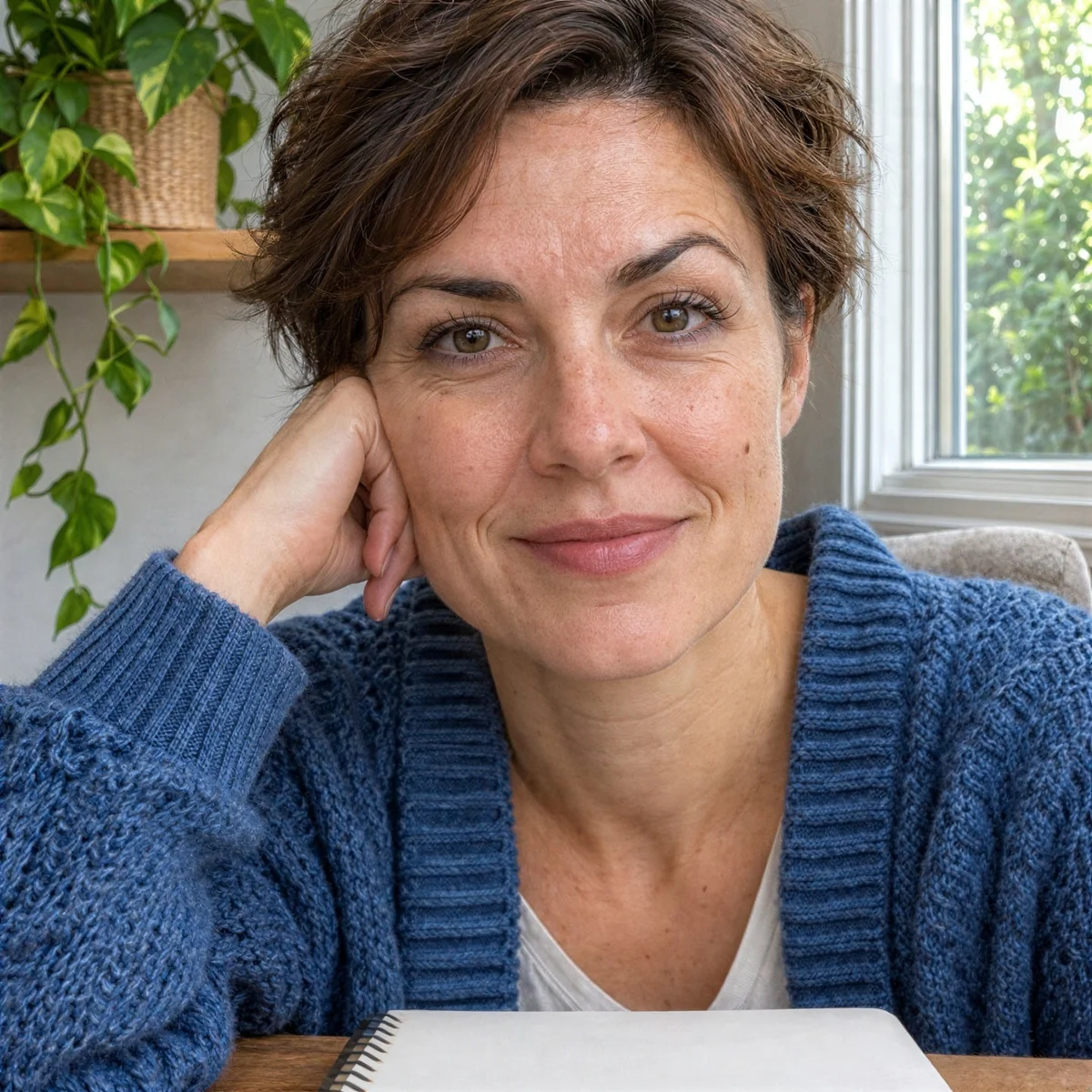
Image type
Output size
3 credits per image
New accounts get 3 free credits — exactly enough for your first generation.
Results made with the free sign-up credits carry a watermark. Any credit purchase removes it from new results.
Have many images? Upscale up to 20 at once →Unblur face examples
Close-up crops of the same face before and after one pass: blurry original on the left, result on the right.
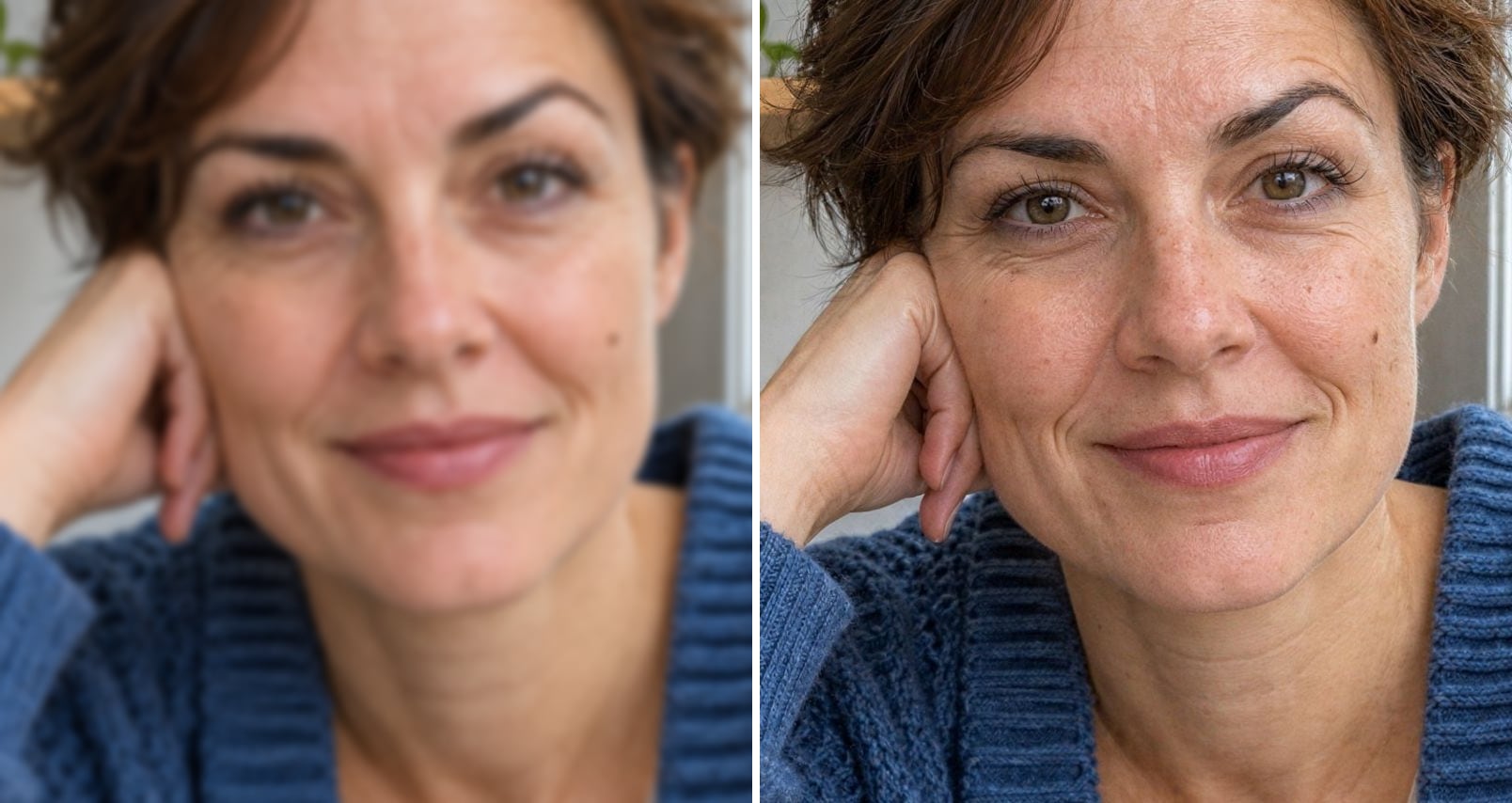
- Before
- Soft focus: eyes, brows and lips blur into the skin.
- After
- Eyes, brows and skin texture are crisp; same face, same expression.
Out of focus by the window
The camera focused past her and the face went soft. After one pass her eyes, brows and skin are sharp again, and her features and expression are unchanged.
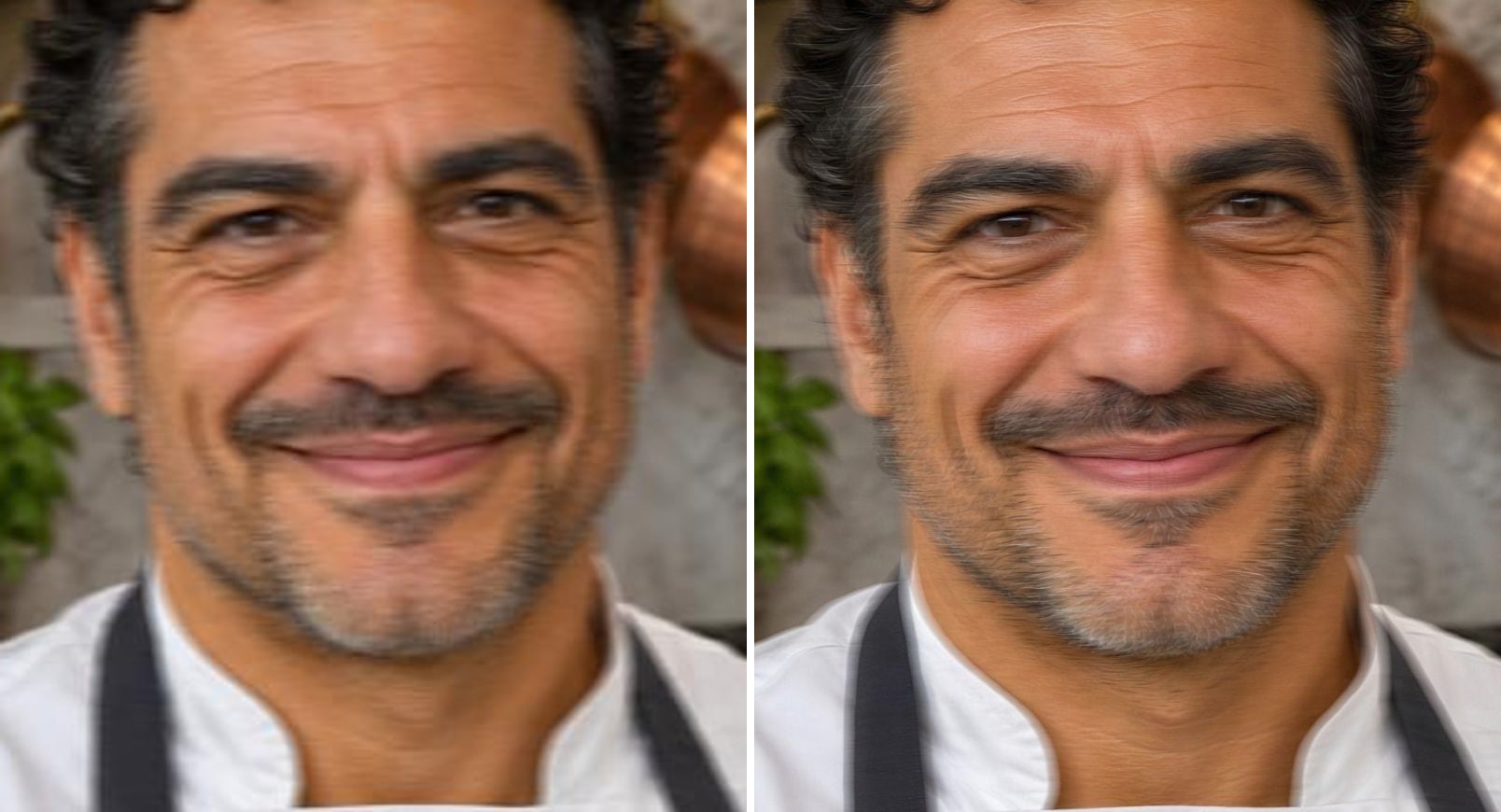
- Before
- Sideways motion blur and compression; the eyes are smeared.
- After
- Eyes, smile lines and stubble are sharp, and it is still him.
Camera shake in a busy kitchen
A quick shot with a shaky hand smears everything sideways. The result sharpens the eyes, smile lines and stubble without turning the chef into someone else.
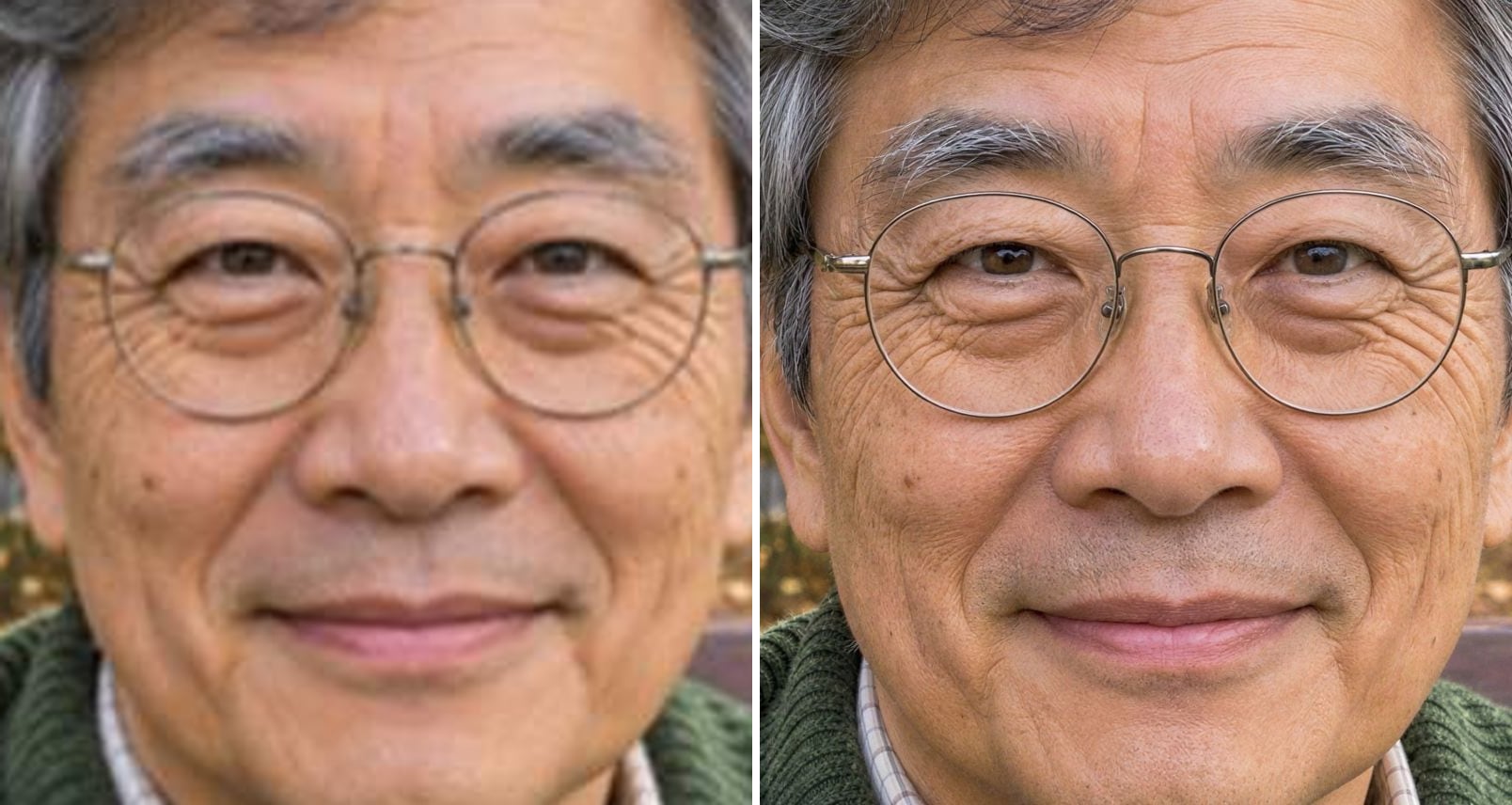
- Before
- Low resolution and blur: the glasses frames and wrinkles dissolve.
- After
- Thin glasses frames, wrinkles and grey brows are defined again.
Glasses, wrinkles and grey brows kept
Older faces are where many face restorers go wrong: they iron out wrinkles and make people look younger. Here the thin glasses frames, the wrinkles and the grey eyebrows come back sharp and stay where they were.
Why faces come out blurry — and how AI unblurs them
Most blurry faces come from missed focus, movement or too few pixels. A sharpen filter only adds halos to the blur. This tool uses an AI restoration model that redraws the photo at a higher resolution and rebuilds the face from what is still there, without swapping it for a generic AI face:
Missed focus
Faces that are soft because the camera focused on the background.
Camera shake
Slight motion blur from a shaky hand or a moving subject.
Too few pixels
Faces cropped from group shots, screenshots or small scans.
Compression
Blocky JPEG noise from messaging apps is cleaned up, not enlarged.
Identity first
Eyes, nose, mouth, moles, wrinkles and age stay as they are.
2K or 4K output
The whole photo is restored, up to 6× its original size.
How to unblur a face in a photo
Three steps, no software to install:
Upload the photo
Drop, paste or choose a JPG, PNG or WebP up to 10 MB.
Choose 2K or 4K
2K is selected by default and suits most portraits; pick 4K for prints. The exact output size is shown before you start.
Compare and download
Most photos finish in 15–60 seconds. Drag the slider across the face, then download.
Who unblurs faces in photos
Anyone with a photo that matters and a face that came out soft.
Family photos
The one picture of everyone together, where a face came out blurry.
Events and parties
Low-light shots where people moved at the wrong moment.
Profile pictures
A great photo of you that is just slightly out of focus.
Old prints and scans
Small, soft faces in scanned photos, before printing or framing.
Video stills
A frame grabbed from a video, sharpened before you share it.
Related photo tools
Other one-click fixes for the same photo.
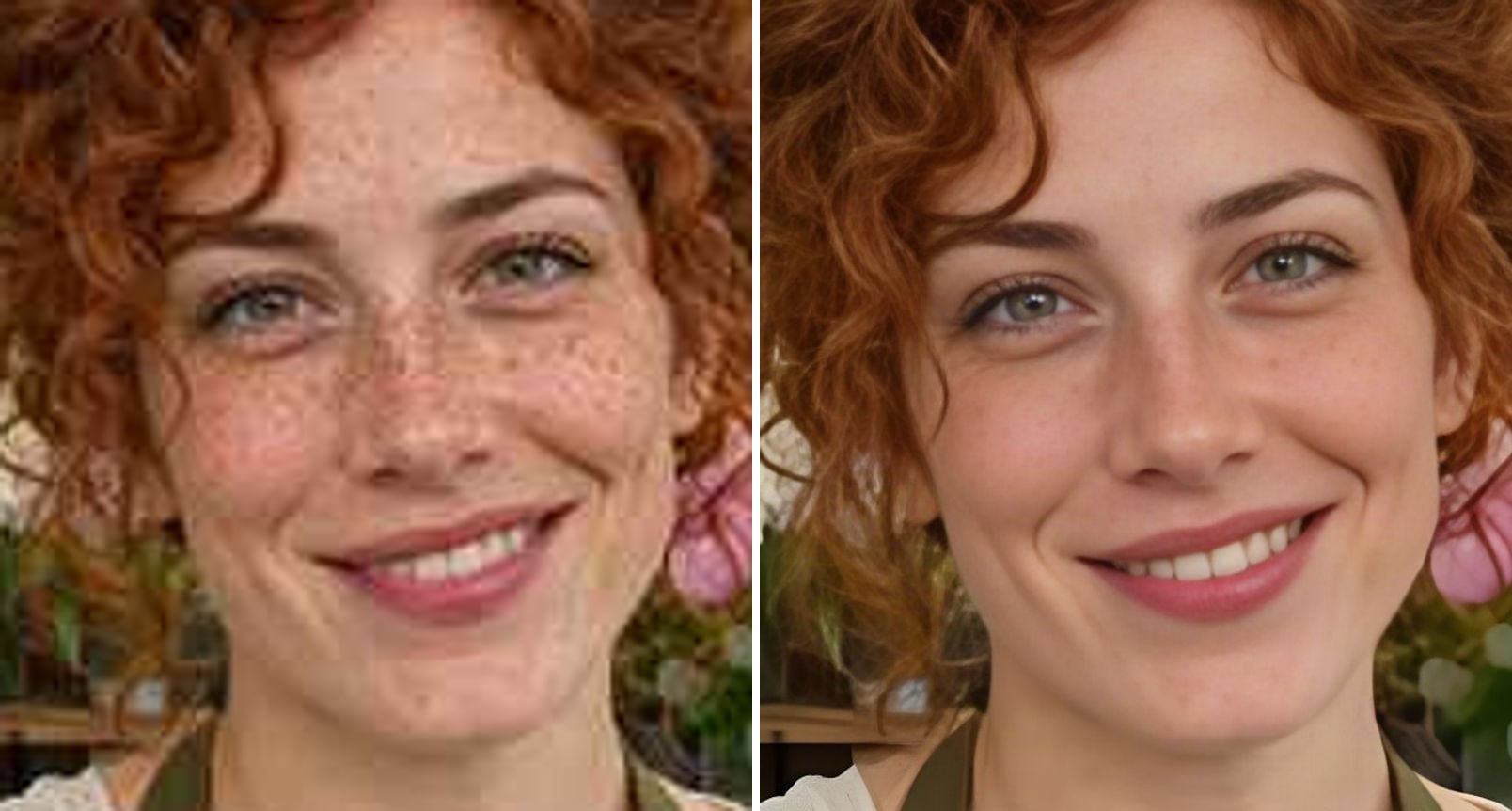
GFPGAN Face Enhancer
Run GFPGAN face restoration with Real-ESRGAN online for very sharp faces, with smoother skin.
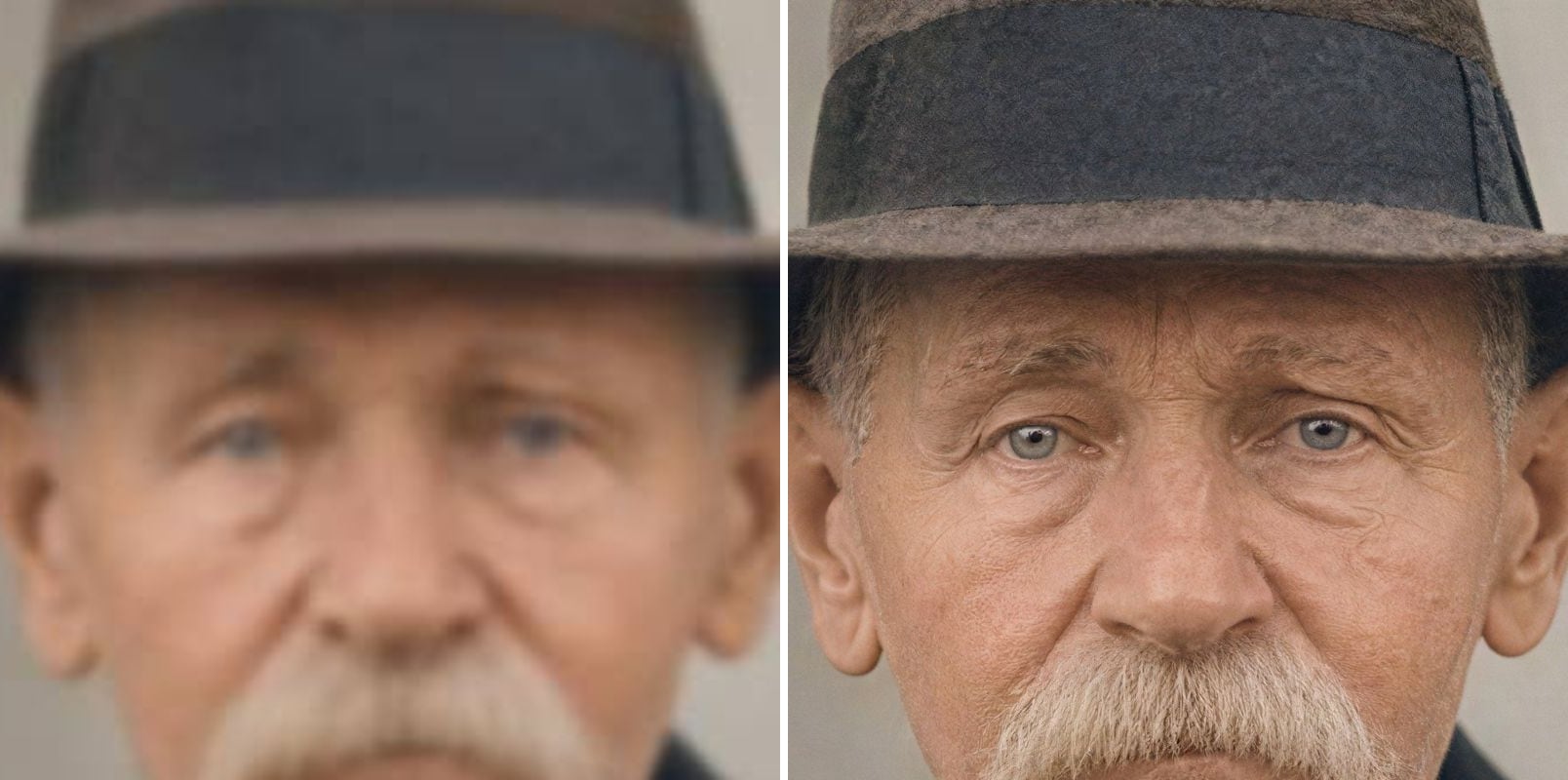
Unblur Image
Fix blurry photos and faces with AI.
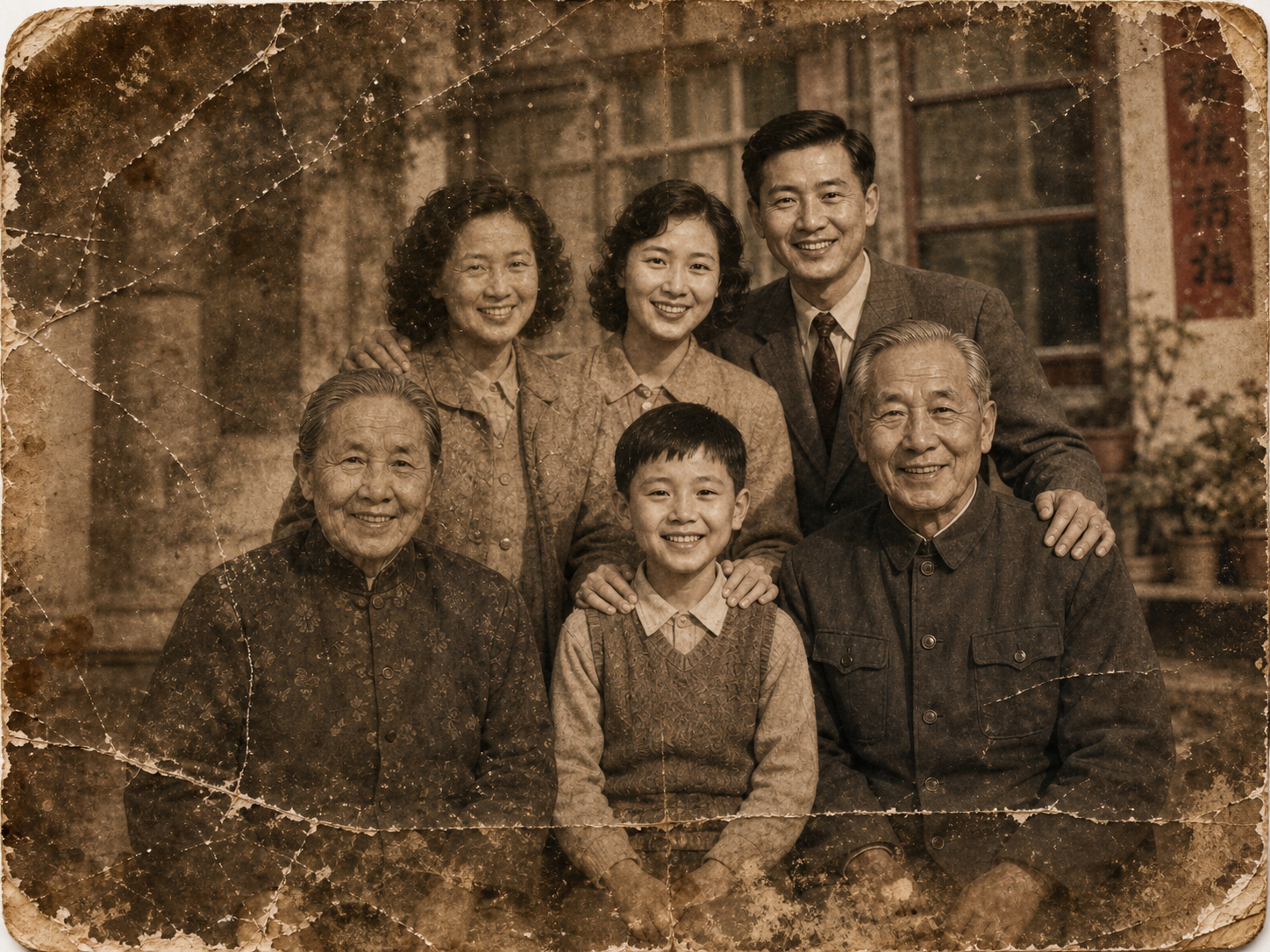
Old Photo Restoration
Restore faded, blurred, and damaged scans to high-end quality while preserving the original composition.
AI Image Upscaler
Upscale blurry or low-resolution images to 2K or 4K with AI — real detail restored, same face.
Unblur Face in Photo — FAQ
More questions? Email support@imagesv2.ai.
Upload the photo above, keep 2K or choose 4K, and click Upscale. The AI restores the whole photo at a higher resolution and rebuilds the face, eyes and hair. Compare with the slider and download.
That is what this page is built for. It uses a restoration model that keeps identity: eye shape, nose, moles, wrinkles and age stay as they are. On very blurry faces small details can still shift, so compare with the slider before you use the result.
No. If a face is so blurred, pixelated or censored that you can't tell who it is, the information is gone and no tool can bring the real face back. It works best on faces that are soft but still recognisable.
GFPGAN rebuilds faces aggressively. It looks very sharp, but it tends to smooth skin, remove freckles and make people look younger. This page uses a different model that stays closer to the original face. If you prefer the GFPGAN look, try our GFPGAN Face Enhancement page.
No — the whole photo is upscaled and restored, so hair, clothes and background get sharper too.
Slight motion blur from a shaky hand, yes. Long streaks from a fast-moving subject are too much to reverse.
A 2K upscale uses 10 credits, 4K uses 20 credits and 8K uses 40 credits. New users get free credits on sign-up, and your first upscale (2K or 4K) costs just 3 credits. 8K is available after any credit purchase. If an upscale fails, the credits are refunded automatically.
Results made with the free sign-up credits carry a watermark. After any credit purchase, new results come without one.
Make the face sharp again
Free credits for new users. Upload a photo and download the unblurred version in seconds.