
8K Image Upscaler — Upscale Images to 8K
Take a photo all the way to 8K. A 1280×720 image comes out at 7680×4320 — about 33 megapixels — with wood grain, fabric weave and feathers redrawn at full resolution instead of stretched.
Made for large prints, 8K screens and crops that need to hold up close.
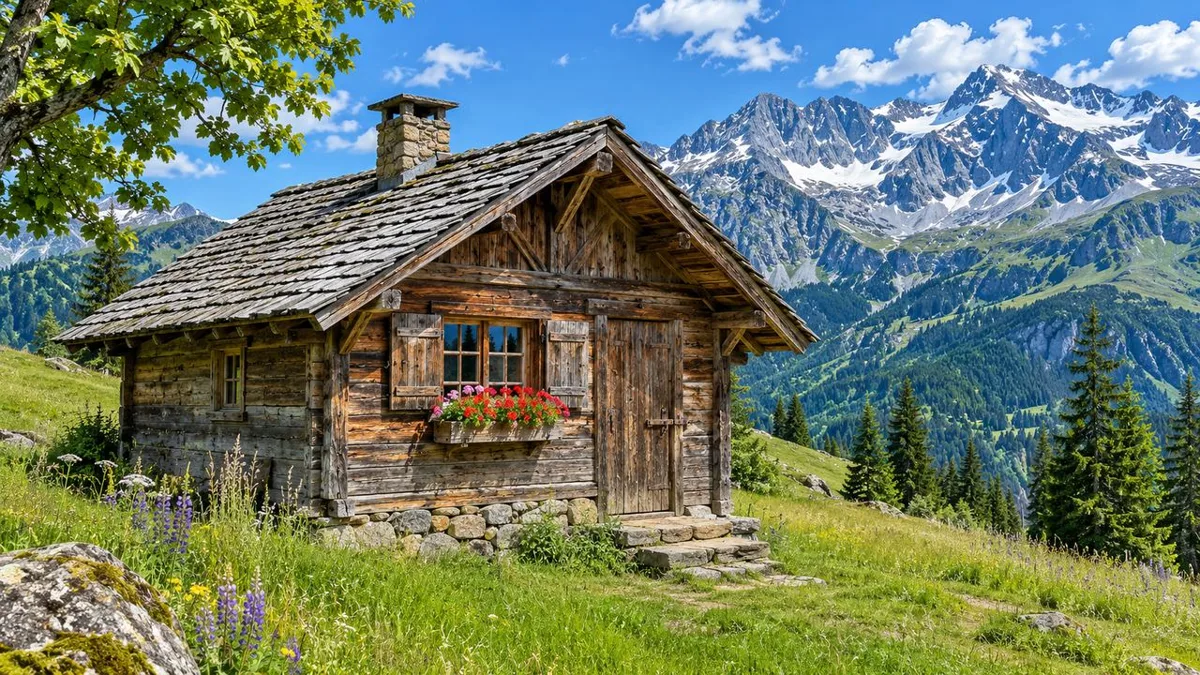
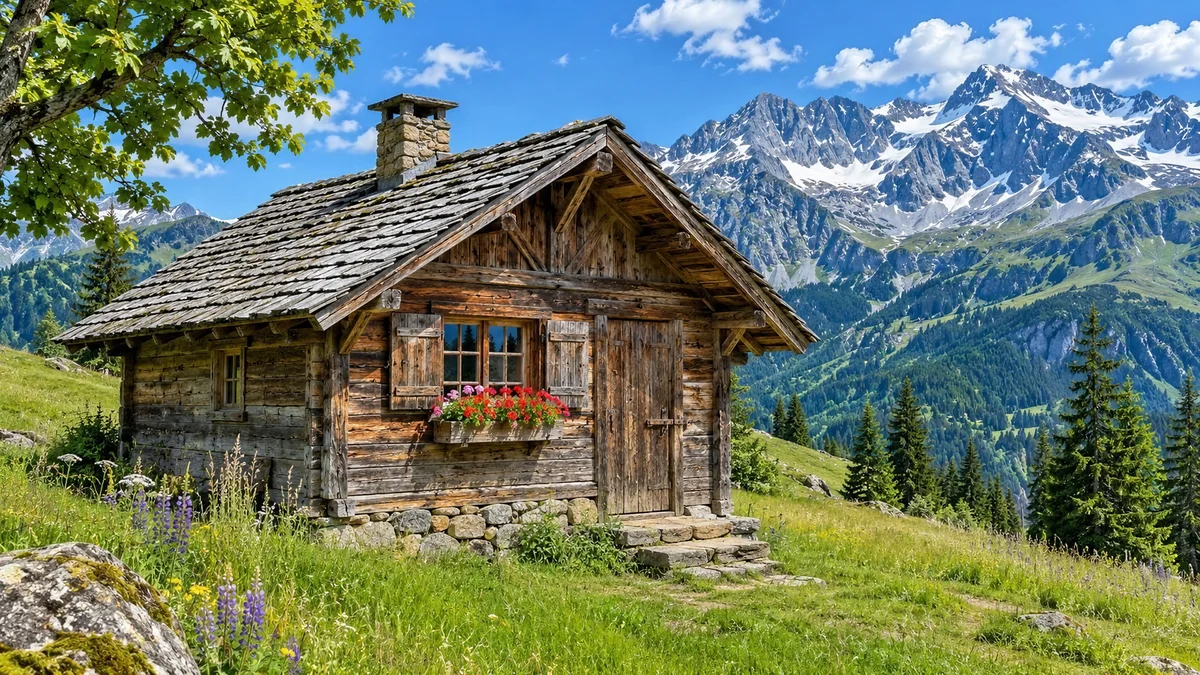
Image type
Output size
40 credits per image
New accounts get 3 free credits — exactly enough for your first generation.
Results made with the free sign-up credits carry a watermark. Any credit purchase removes it from new results.
Have many images? Upscale up to 20 at once →8K upscale examples
Close-up crops from 1280×720 images upscaled to 8K: original on the left, 8K result on the right. The full results are 7680×4320.
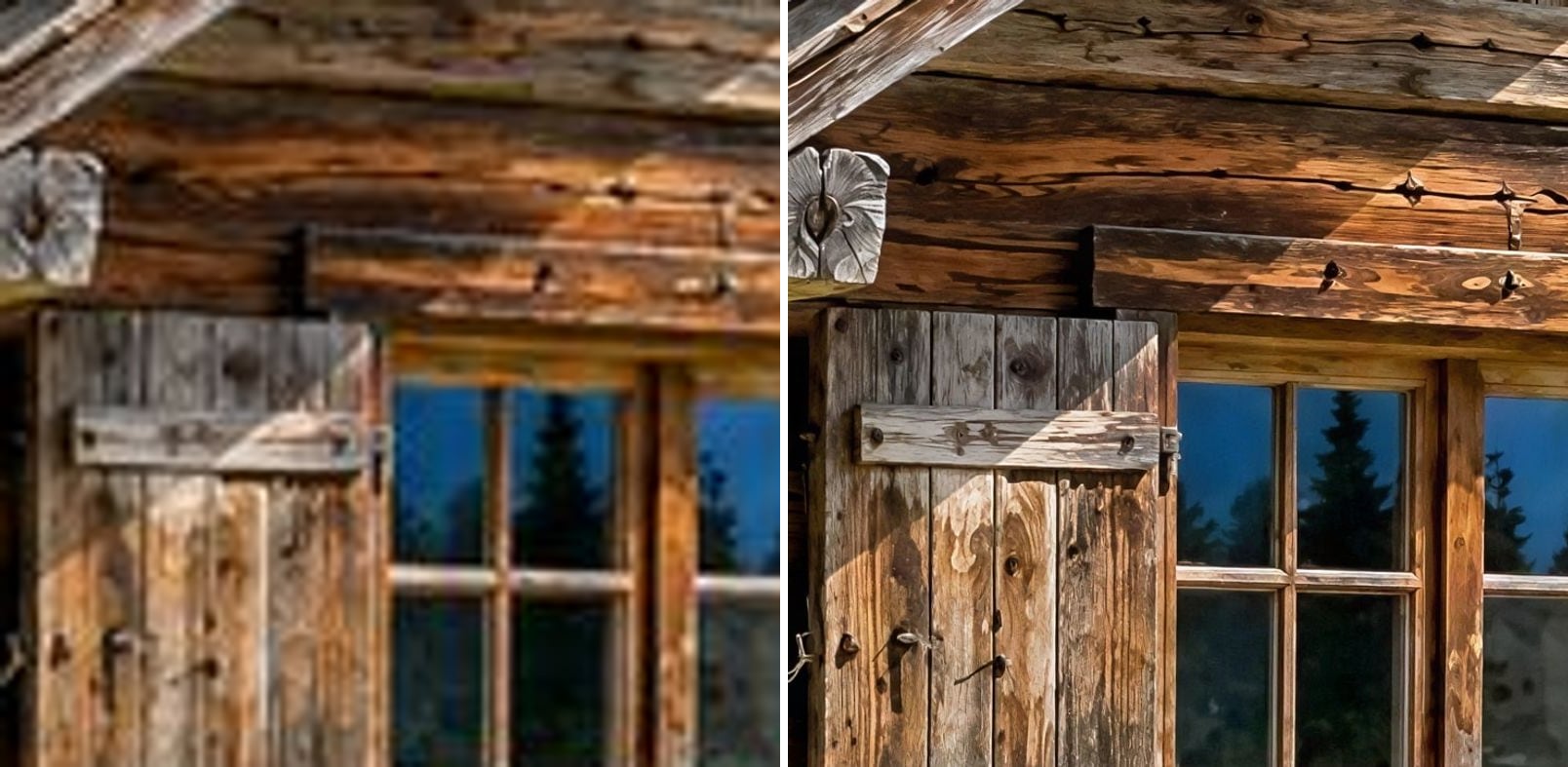
- Before
- 720p, compressed: wood grain and nails are smudged together.
- After
- Wood grain, cracks and nail heads are sharp; window frames are clean.
An alpine cabin for a large print
At 720p the weathered planks are a brown blur. At 8K each board shows its grain, cracks and nail heads, and the window frames are straight and clean — detail that holds up on a wall-sized print.
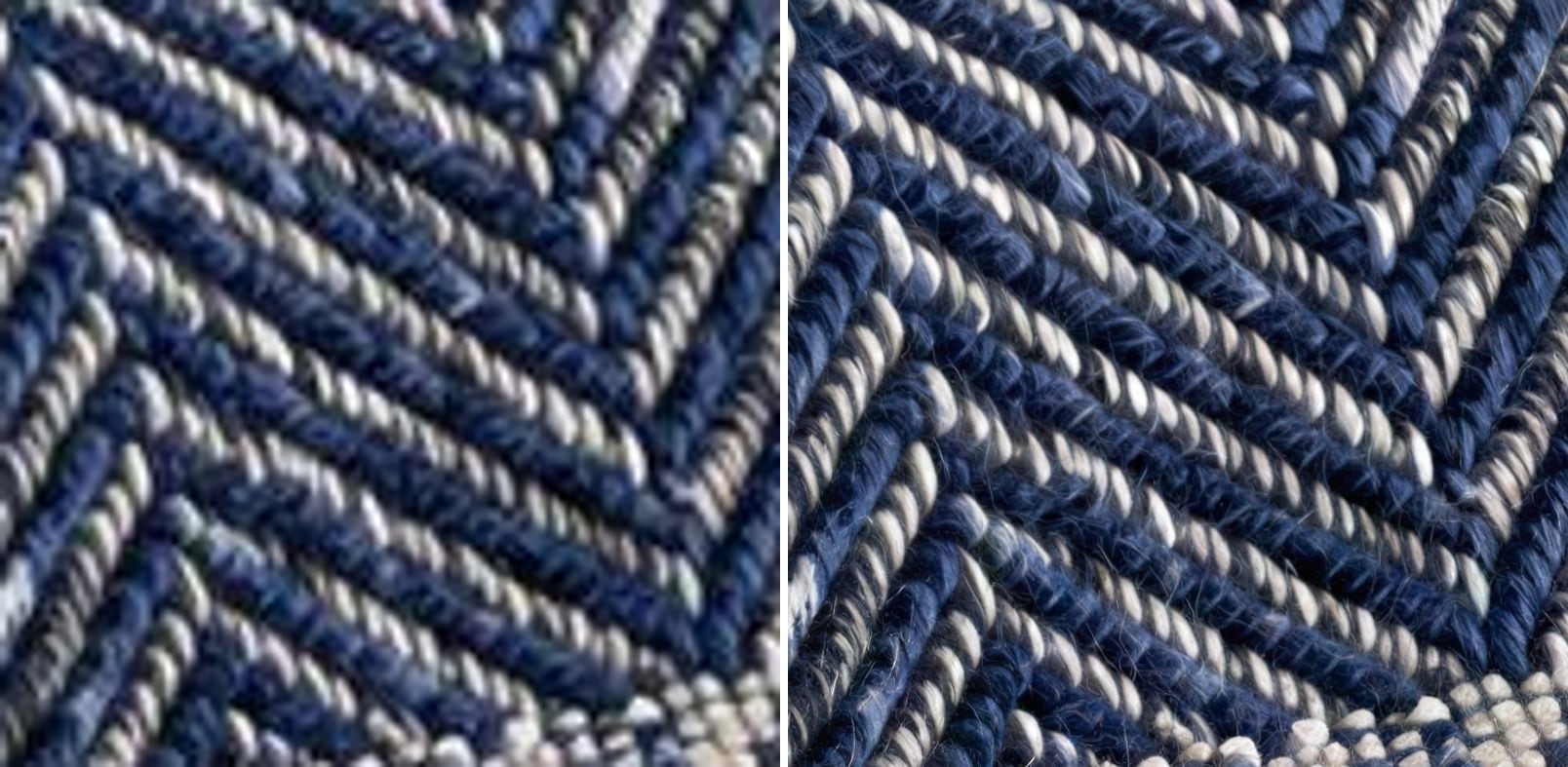
- Before
- Heavy compression blocks blur the weave into noise.
- After
- The herringbone keeps its structure, with individual twisted threads.
Woven fabric without fake texture
Fine repeating textures are a hard test: weak upscalers invent a pattern that wasn't there. Here the herringbone weave keeps its real structure, with individual twisted threads instead of blocky noise.
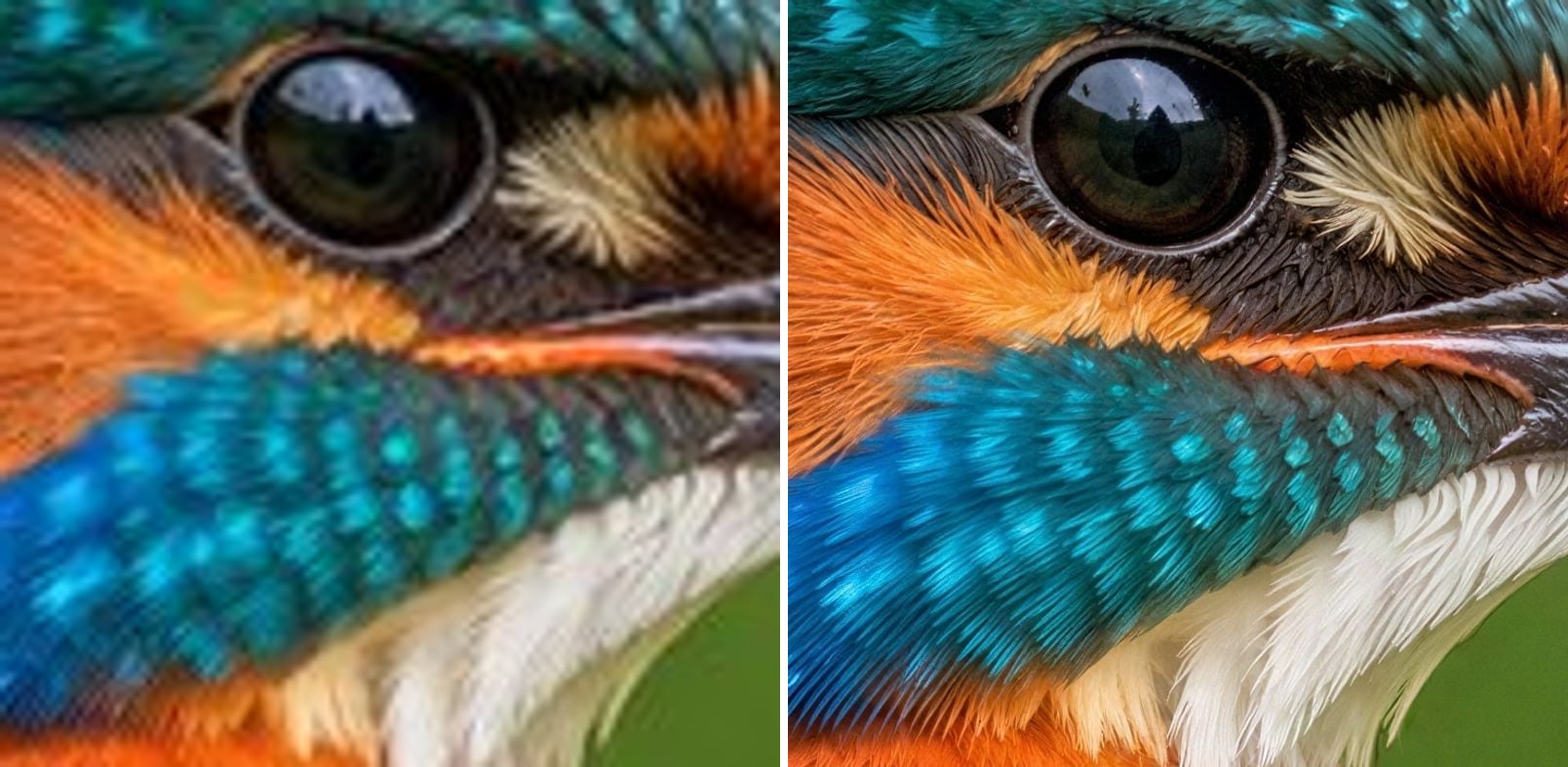
- Before
- Soft eye, and the feathers merge into patches of colour.
- After
- A crisp eye highlight and separate blue and orange feathers.
Kingfisher feathers at 8K
Wildlife shots are often cropped hard. Upscaled to 8K, the kingfisher's eye has a clean highlight and the blue and orange feathers are separate strokes again. Note that fine feathers are redrawn by the AI, not recovered from the camera.
What does 8K mean for an image?
8K UHD is 7680 × 4320 pixels — four times the pixels of 4K and sixteen times Full HD. Resizing a photo that far in an editor just makes a huge blurry file. AI 8K upscaling draws in the detail that should exist at that size:
4320p on the short side
A 16:9 image comes out at 7680×4320; other shapes follow your aspect ratio.
From 720p and up
Photos are enlarged up to 6×, so a 1280×720 image reaches full 8K.
Large prints
At 300 PPI, 7680×4320 is about 25.6 × 14.4 inches (65 × 37 cm).
8K screens and video walls
Fill a big display without visible softness.
Room to crop
Crop deep into a scene and still have a sharp image.
4K when 8K is too much
Choose 4K for a lighter file; it works from smaller images too.
How to upscale an image to 8K
Three steps, no software to install:
Upload the image
Drop, paste or choose a JPG, PNG or WebP up to 10 MB. For full 8K, start from at least 1280×720.
Keep 8K selected
8K is selected by default. Pick Photo or Anime & art; the exact pixel size is shown before you start.
Download the 8K image
8K takes longer than 4K, often around a minute. Compare with the slider, then download.
What people upscale to 8K
Images that will be seen very big or very close.
Large prints and canvas
Landscapes and travel photos printed at poster and wall size.
8K wallpapers
Backgrounds for 8K monitors, TVs and video walls.
Product and texture shots
Fabrics, materials and products that customers zoom into.
Wildlife and nature
Tight crops of birds and animals that need detail back.
AI images for print
AI images generated at 1K–2K, taken to 8K for large formats.
Related photo tools
Other one-click fixes for the same photo.
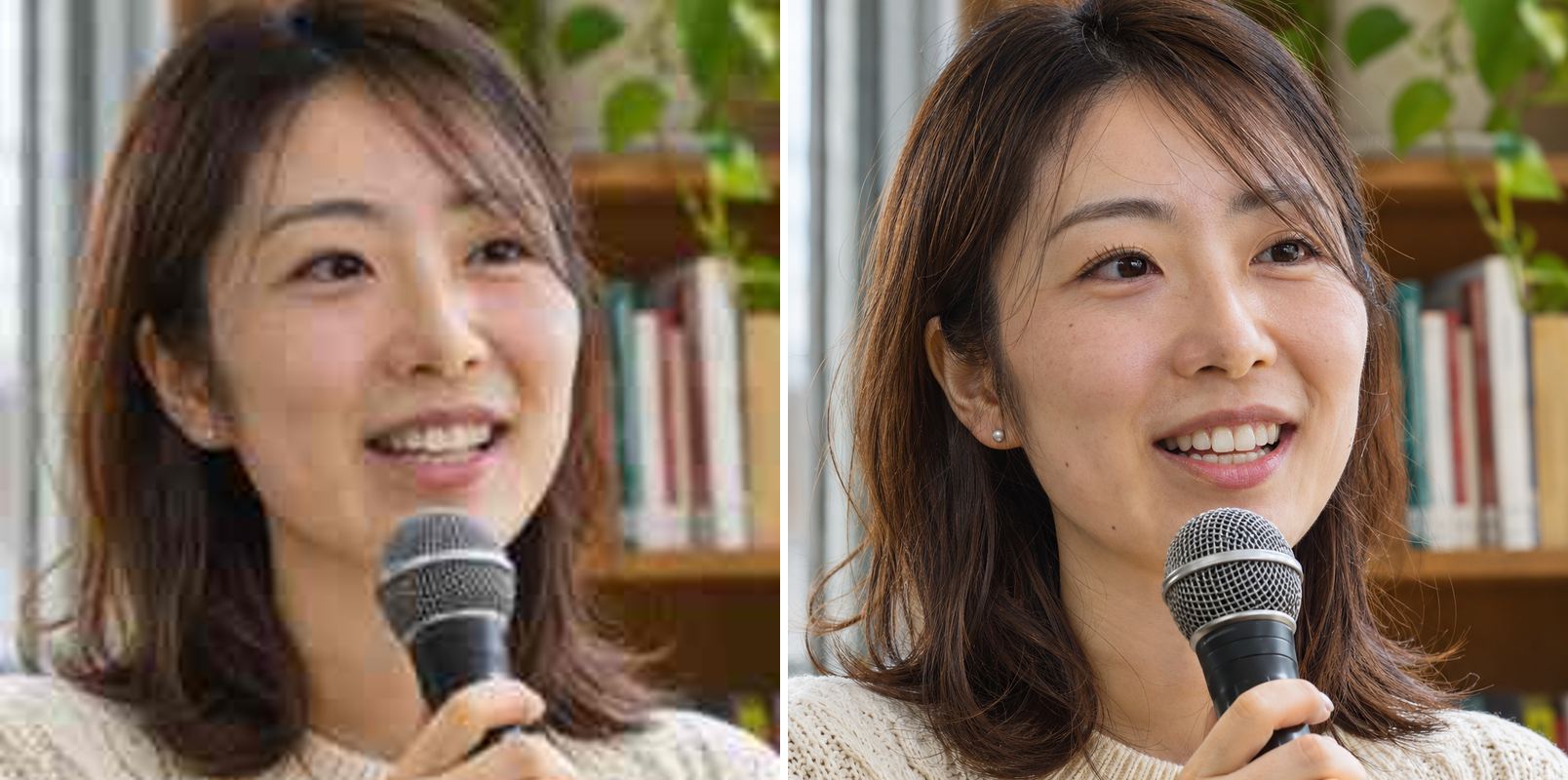
Upscale Image to 4K
Turn any image into a sharp 4K picture with AI.

Batch Image Upscaler
Upscale up to 20 images to 2K or 4K at once and download them all as a ZIP.
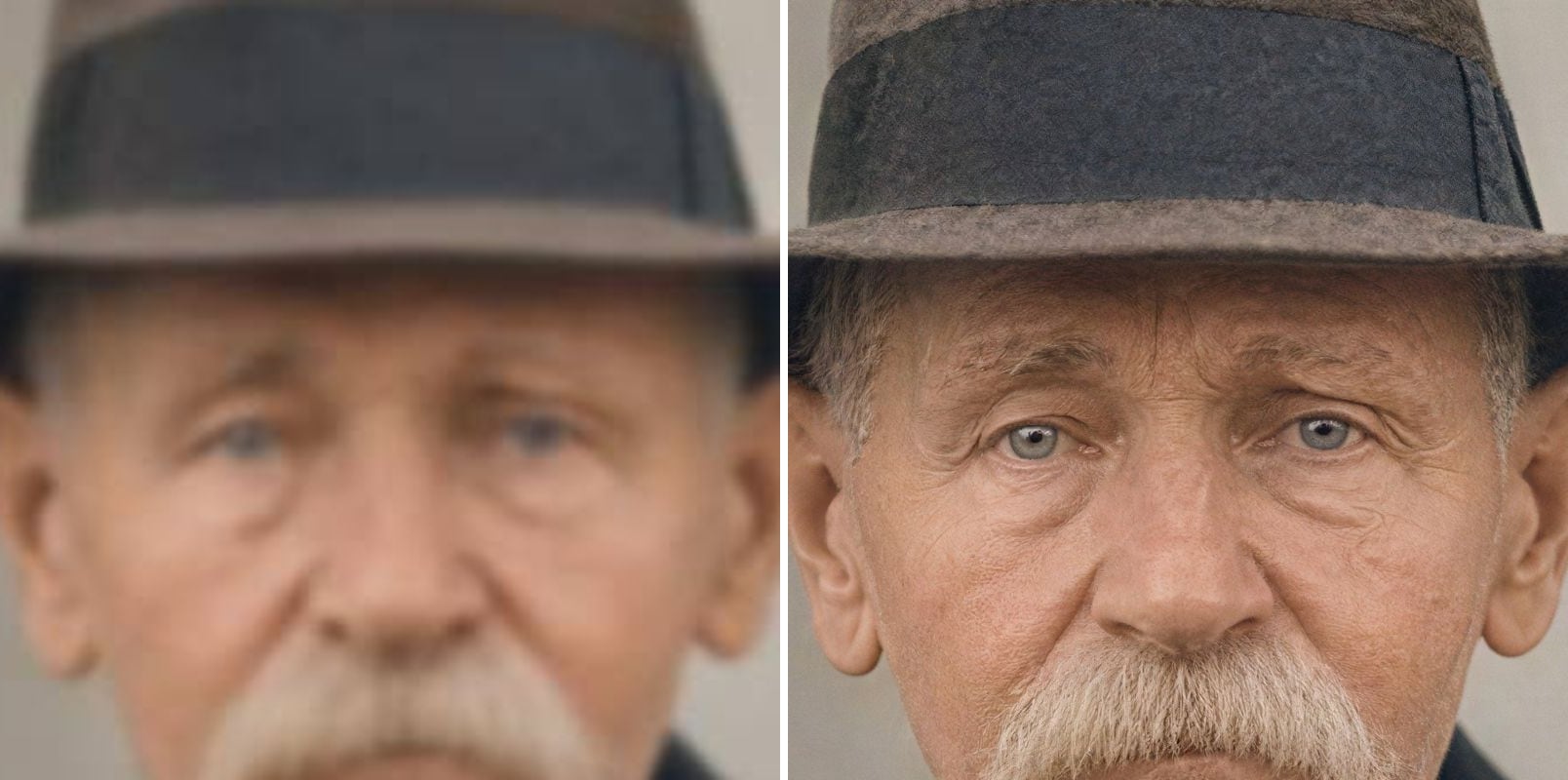
AI Image Upscaler
Upscale blurry or low-resolution images to 2K or 4K with AI — real detail restored, same face.
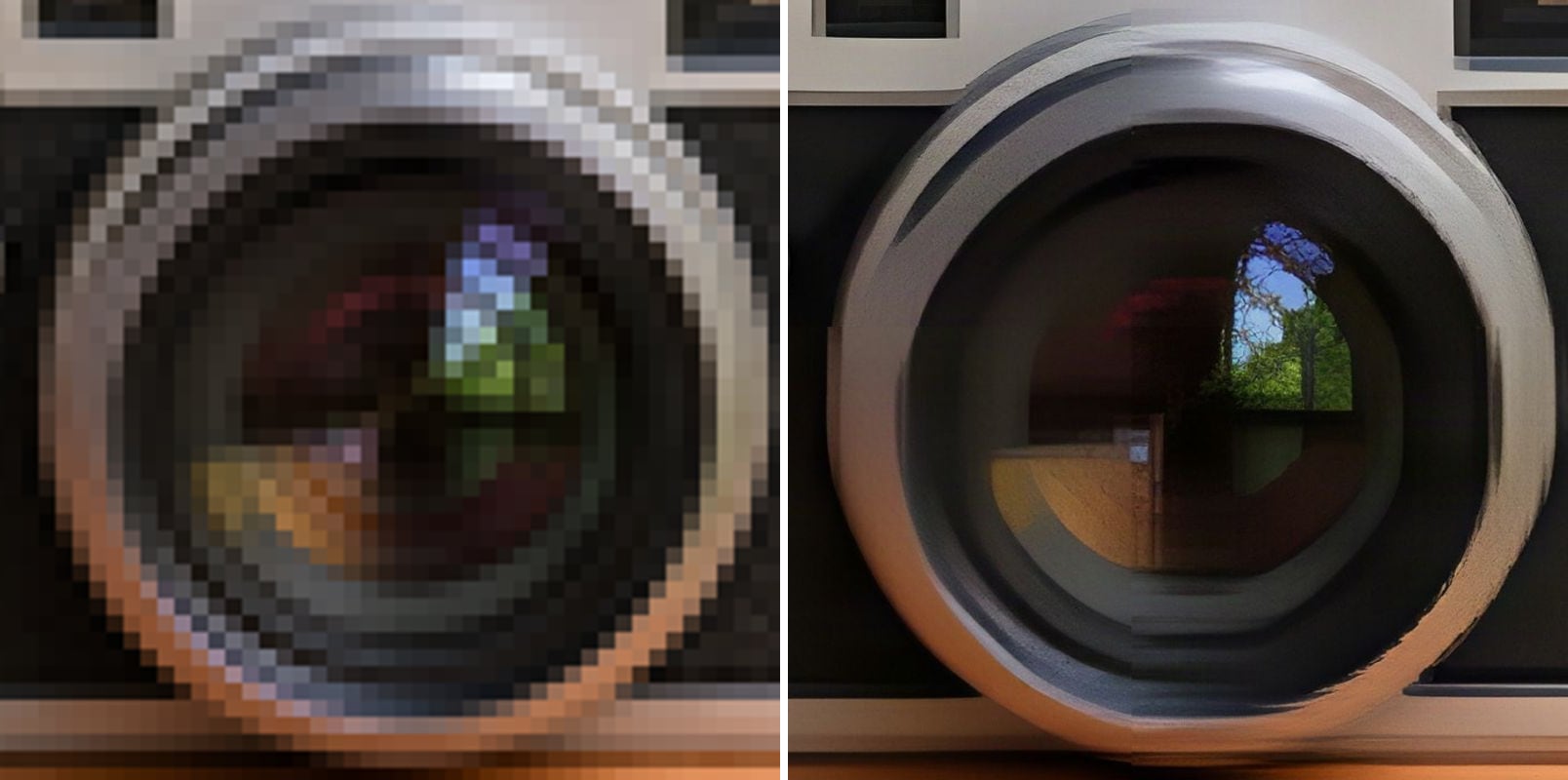
Unpixelate Image
Remove pixel blocks and JPEG artifacts and enlarge the image to 2K or 4K.
8K Image Upscaler — FAQ
More questions? Email support@imagesv2.ai.
Upload it above, keep 8K selected and click Upscale to 8K. The AI renders a new version with 4320 pixels on the short side and restored detail, which you can download as a JPG.
The short side is 4320 pixels and the long side follows your image's shape — 7680×4320 for a 16:9 image. Very tall or very wide images are capped at around 36 megapixels, so they come out slightly below 4320 on the short side.
Photos are enlarged up to 6× (4× in Anime & art mode). A 1280×720 photo reaches full 8K; smaller images get as close as that limit allows. For anime and illustrations, start from about 1080 pixels on the short side.
It adds detail that looks right at 8K — texture, edges and fine lines — predicted by the AI. It is not the exact detail a better camera would have captured, so very fine structures like feathers or distant text are a believable reconstruction.
At 300 pixels per inch, 7680×4320 is about 25.6 × 14.4 inches. Large prints viewed from further away can go much bigger.
No. This tool upscales still images only.
An 8K upscale uses 40 credits, 4K uses 20 and 2K uses 10. 8K is available after any credit purchase; your first upscale at 2K or 4K costs just 3 credits. If an upscale fails, the credits are refunded automatically.
Results made with the free sign-up credits carry a watermark. After any credit purchase, new results come without one.
Take your image to 8K
Upload an image and download the 8K version. New users get free credits to try 4K first.