
Remove Text from Image with AI
Upload a photo with a caption, a promo slogan, a subtitle or an old orange date stamp. One pass erases the lettering — outlines and shadows included — and rebuilds the wood, fabric, sand or skin that was behind it.
The rest of the image stays exactly the same.
New accounts get 3 free credits — exactly enough for your first generation.

Remove text from image: examples
Each pair is the same image before and after one pass with the built-in instruction: with text on the left, result on the right.

A promo slogan off a product photo
Big 'WEEKEND OFFER' letters covered the vase and the sideboard. After one pass the terracotta, the plaster wall and the oak grain run through cleanly, so the photo can be reused without the old campaign.

A subtitle removed from a video still
Burned-in subtitles with a black outline sat across the bowl. The text and its outline are gone, and the bowl rim and the stone counter are rebuilt without smears or letter ghosts.
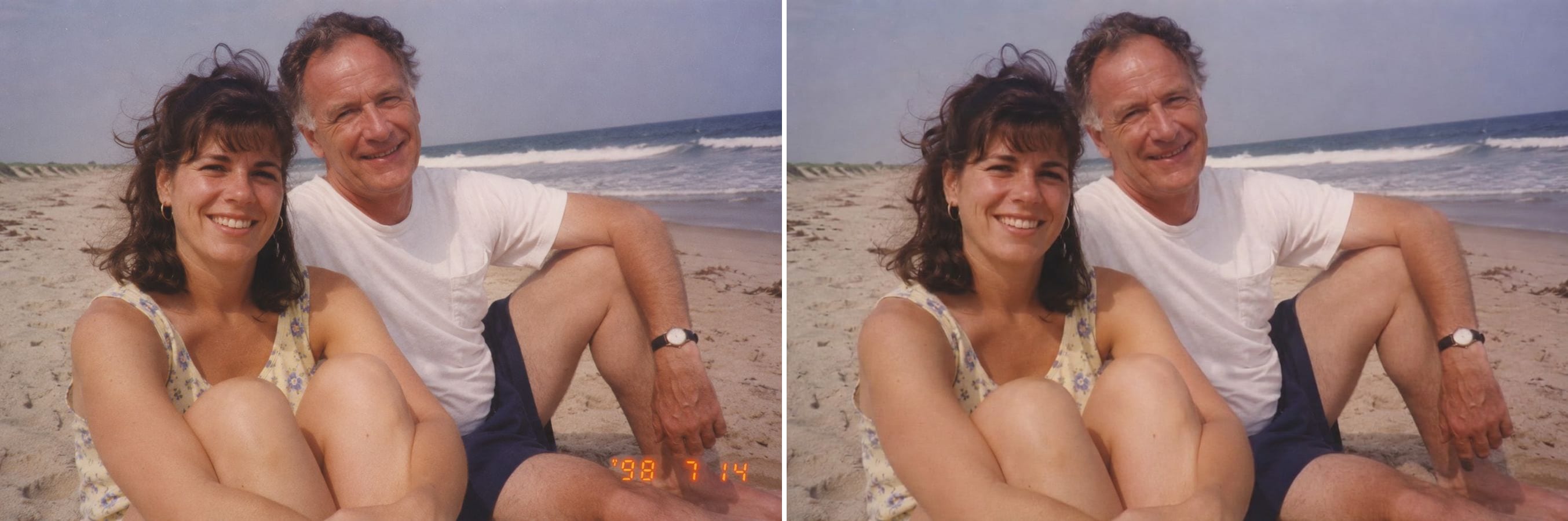
An orange date stamp off a 1990s snapshot
Film cameras printed the date into the corner of every print. The stamp is erased and the beach sand behind it continues naturally, while the faces and the film grain of the old snapshot stay as they were.
What can an AI text remover erase?
Removing text is two jobs: taking the letters away and rebuilding what was behind them. Cloning by hand leaves smudges and repeated patterns; the AI redraws the background so the area looks like it never had text on it. It works on:
Captions and overlaid words
Slogans, labels and headlines placed on top of a photo.
Subtitles
Burned-in subtitles on video stills and screenshots, outline included.
Date stamps
The orange date printed in the corner of old film prints.
Outlines and shadows
Stroke, drop shadow and glow around the letters go too.
Clean backgrounds
Wood grain, fabric, sand, skin and walls continue without smudges.
Everything else kept
Colours, objects and composition outside the text stay the same.
How to remove text from an image
The text-removal instruction is already built in. Three steps:
Upload the image
Photos, video stills or screenshots with lettering on them. JPG, PNG or WebP.
Click generate
The built-in instruction erases all lettering. To keep some text, click Customize and say which words to remove.
Check and download
Look for leftover outlines or smudges where the text was, then download.
Who removes text from images
Anyone who wants the picture back without the words on it.
Shops and marketers
Reuse your own product photos after the sale slogan has expired.
Video creators
Clean thumbnails and stills without burned-in subtitles.
Families with old prints
Scanned snapshots without the orange date stamp in the corner.
Designers
Strip placeholder text from mock-ups to start a new layout.
Powered by Nano Banana 2.1
The text remover runs on Nano Banana 2.1, an image model that is especially good at keeping a person's identity while changing only what you ask for.
Related photo tools
Other one-click fixes for the same photo.
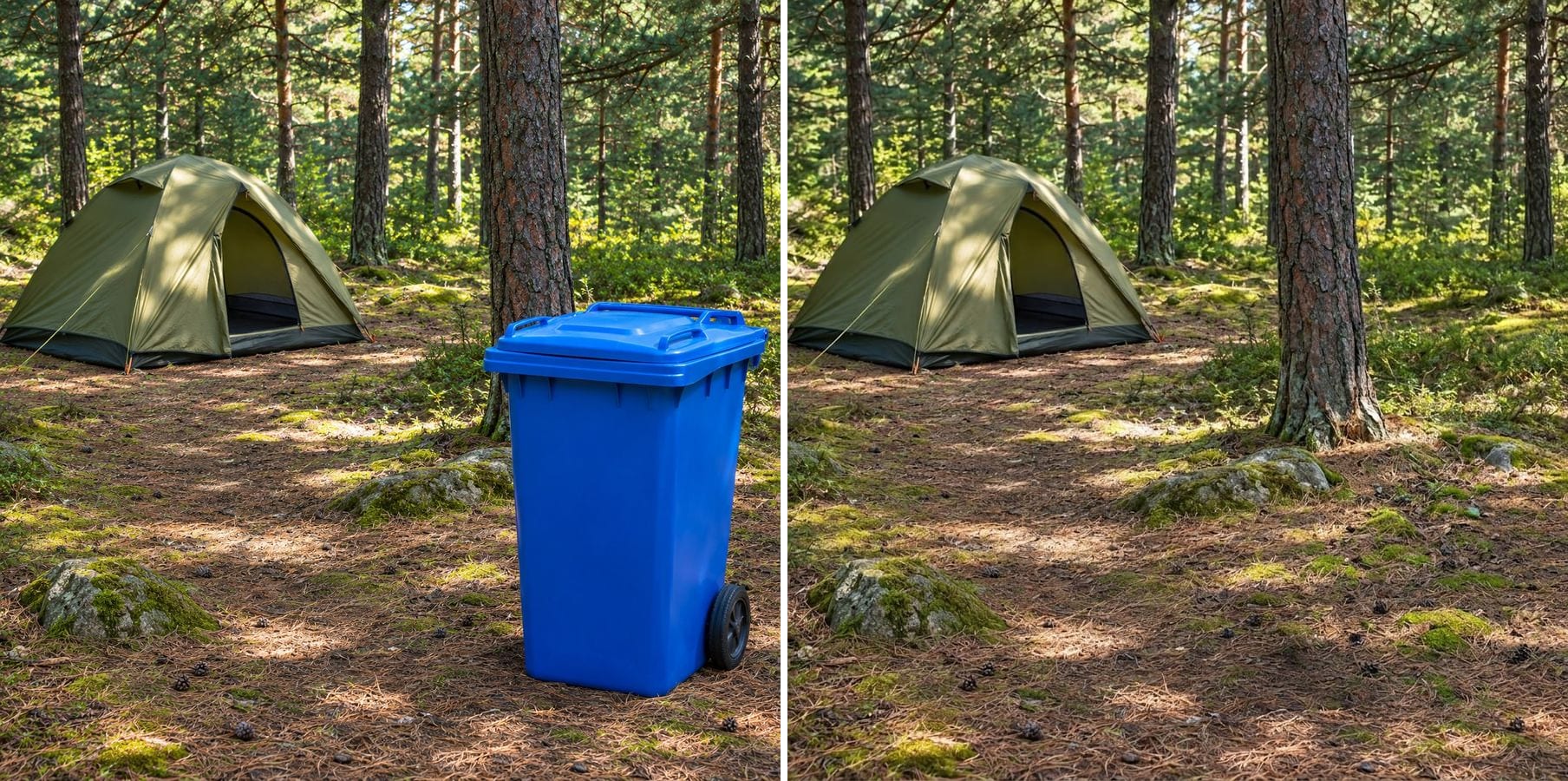
Object Remover
Type what to remove — a cable, a bottle, a bin — and the scene is filled in without masking.
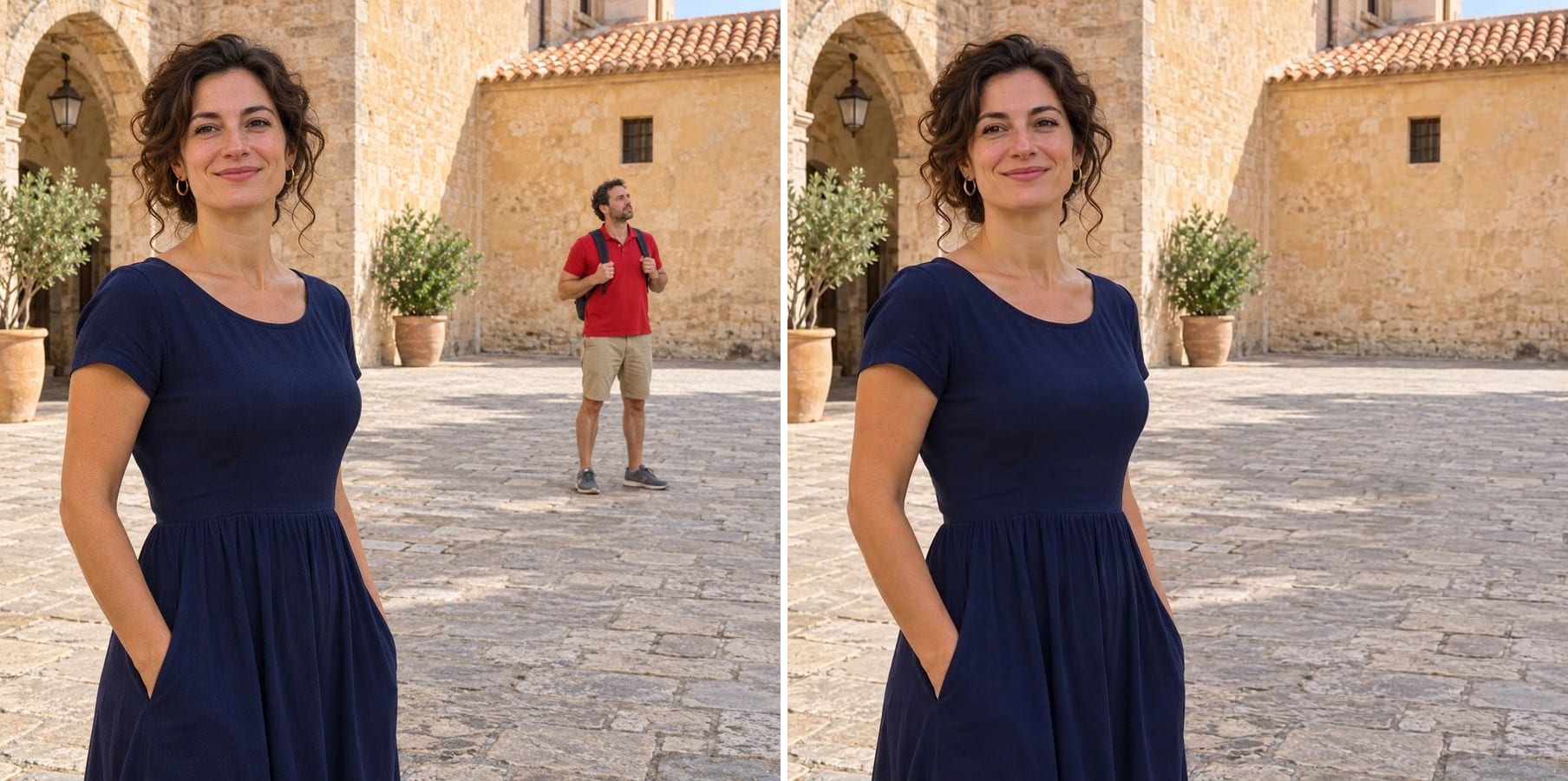
Remove Person
Describe the tourist or photobomber to remove and the background is filled in naturally.
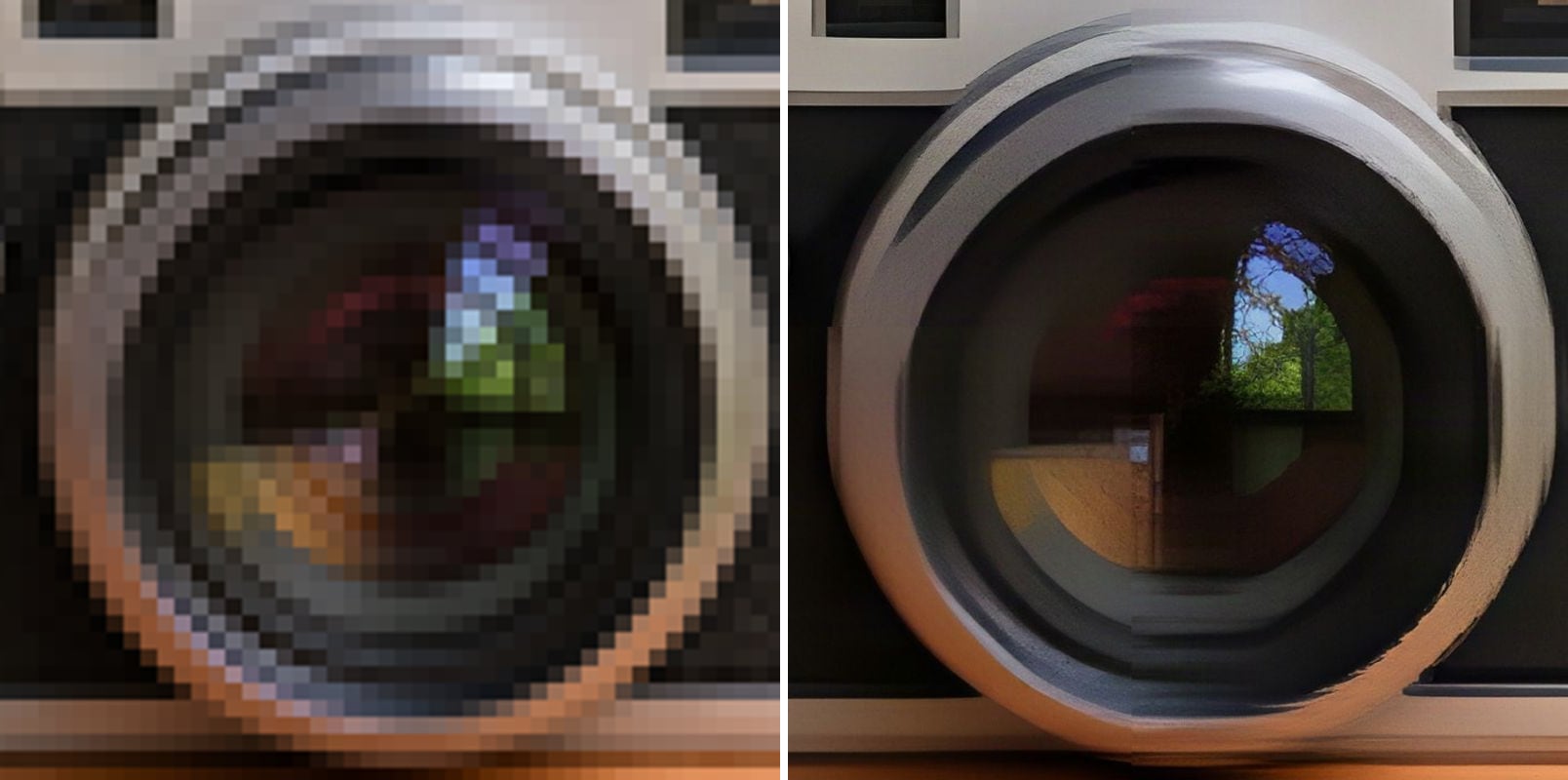
Unpixelate Image
Remove pixel blocks and JPEG artifacts and enlarge the image to 2K or 4K.
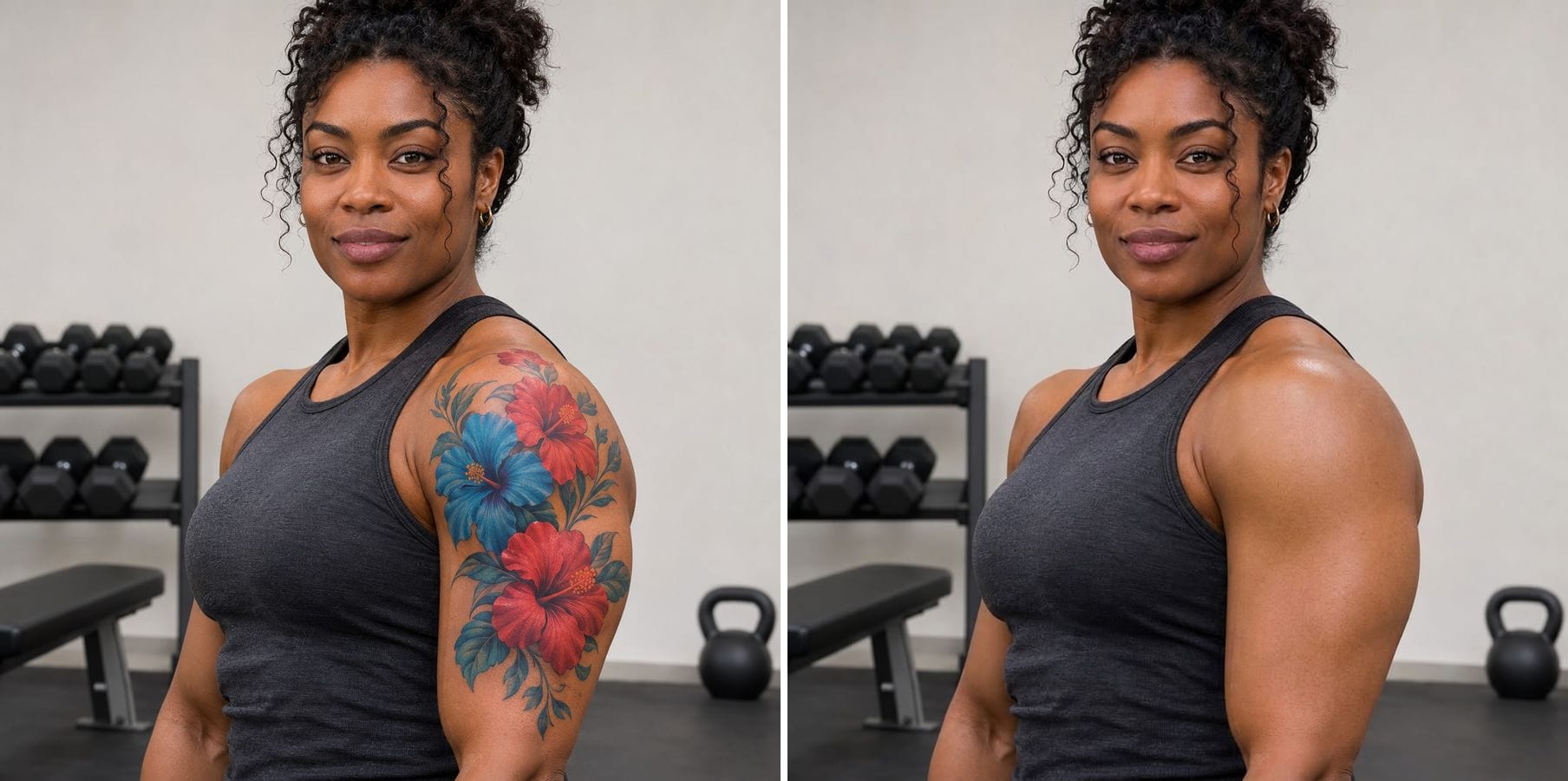
Remove Tattoo
Erase tattoos from a photo and get natural skin that matches tone, texture and light.
Remove Text from Image — FAQ
More questions? Email support@imagesv2.ai.
Upload the image above and click generate. The AI erases the lettering, including outlines and shadows, and rebuilds the background behind it.
Yes. Click Customize and say which words to remove — for example 'remove only the subtitle at the bottom and keep the logo on the cup'.
Yes. The orange date in the corner of film prints is erased and the background behind it is rebuilt, while the film grain and the people stay the same.
No. This tool is for captions, overlaid words, subtitles and dates on images you own or have the right to edit. Watermarks protect someone else's copyright, so we don't support removing them.
Usually, yes — wood, fabric, sand, food and skin are rebuilt well. On very detailed backgrounds, check the area closely; what was hidden behind the letters is reconstructed, not recovered.
Results come back at about 1K resolution, which is plenty for profiles, social media and messages. For prints or a bigger file, run the result through the AI Image Upscaler to take it to 2K or 4K.
A standard edit uses 60 credits. New users receive free credits on sign-up, and a brand-new account's first generation costs just 3 credits, so the bonus covers your first try. After that, each image uses credits from any credit pack or subscription.
Results made with the free sign-up credits carry a watermark. After any credit purchase, new results come without one.
Remove text from your image
Free credits for new users. Upload an image and click generate — the text-removal instruction is already built in.