
AI Pose Changer — Change the Pose in Any Photo
Love the photo but not the pose? Upload it and type the pose you want — arms crossed, hand on the hip, palms open. The AI moves the arms and body and keeps the same face, outfit, background and light.
No reshoot needed.
New accounts get 3 free credits — exactly enough for your first generation.

AI pose changer examples
Each pair is the same photo before and after one pass: original pose on the left, new pose on the right. The instruction described the new pose.
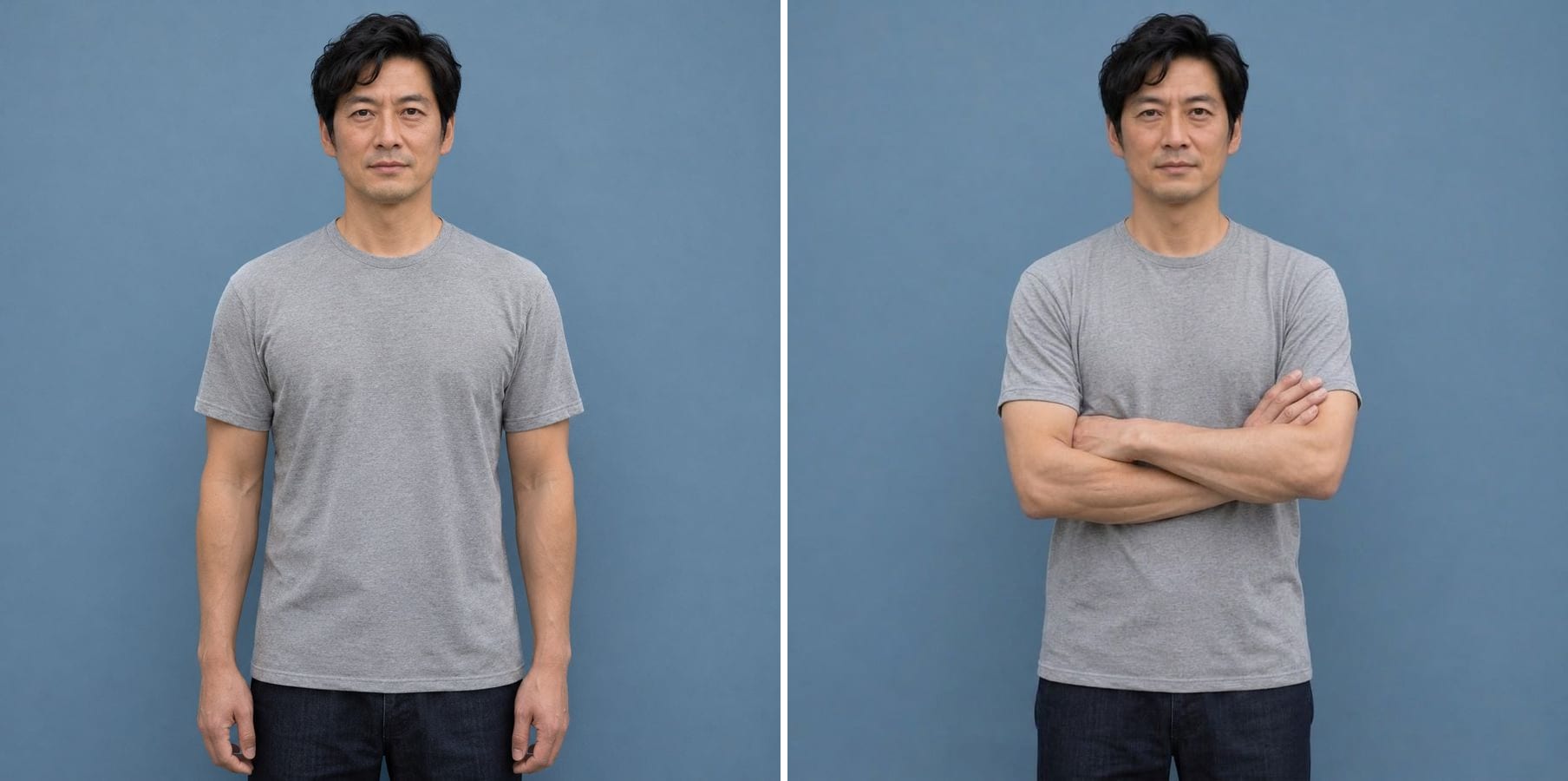
Arms down to arms crossed
Instruction: change his arms to a natural crossed-arm pose at chest level. The hands and fingers are drawn correctly, and his face, T-shirt and the blue wall stay the same — a confident portrait from a plain one.
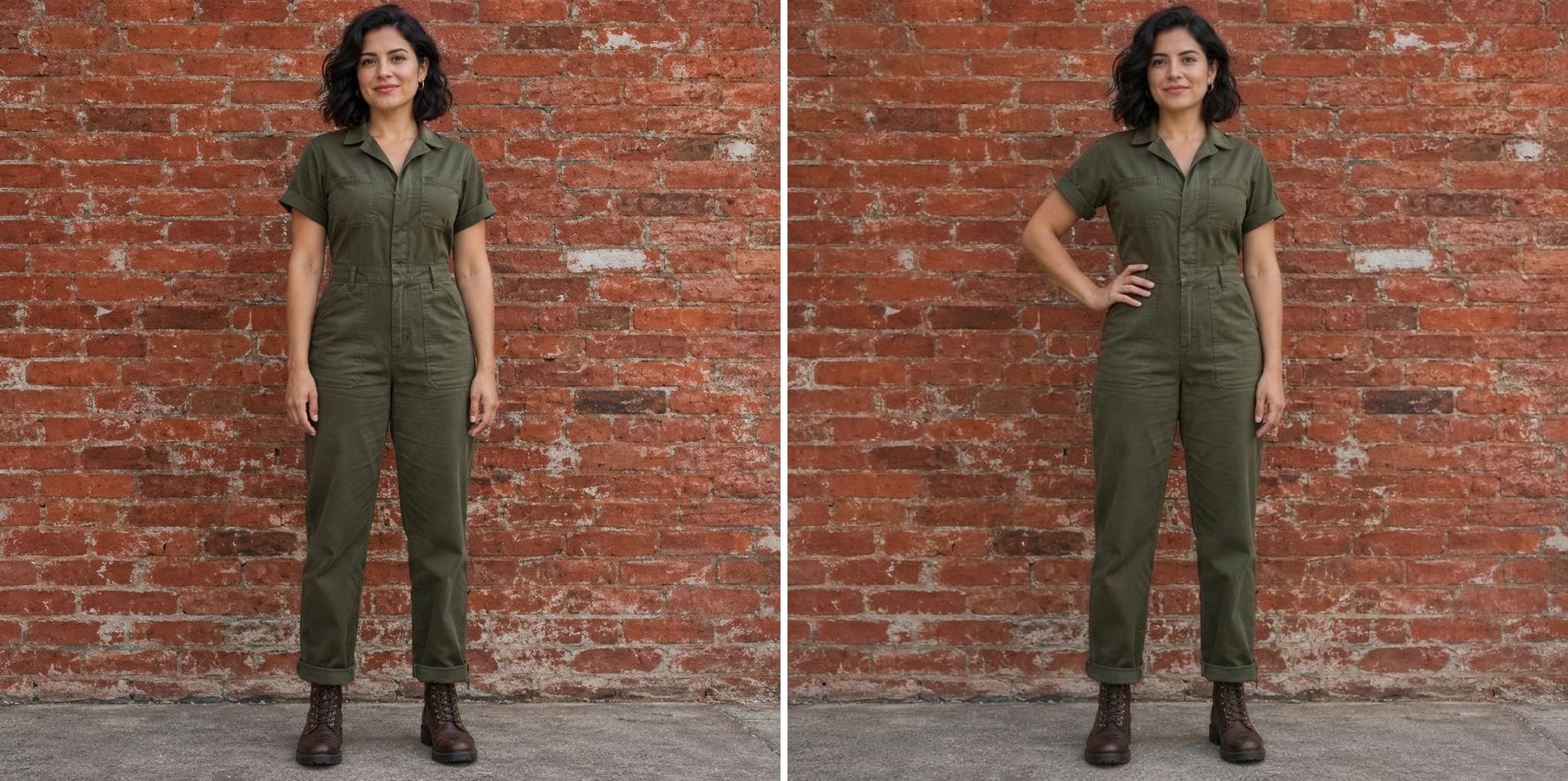
A relaxed stance to hand on hip
Instruction: move her right hand to her right hip, elbow out, left arm relaxed. The jumpsuit folds with the new pose, and the brick wall, light and framing are unchanged.
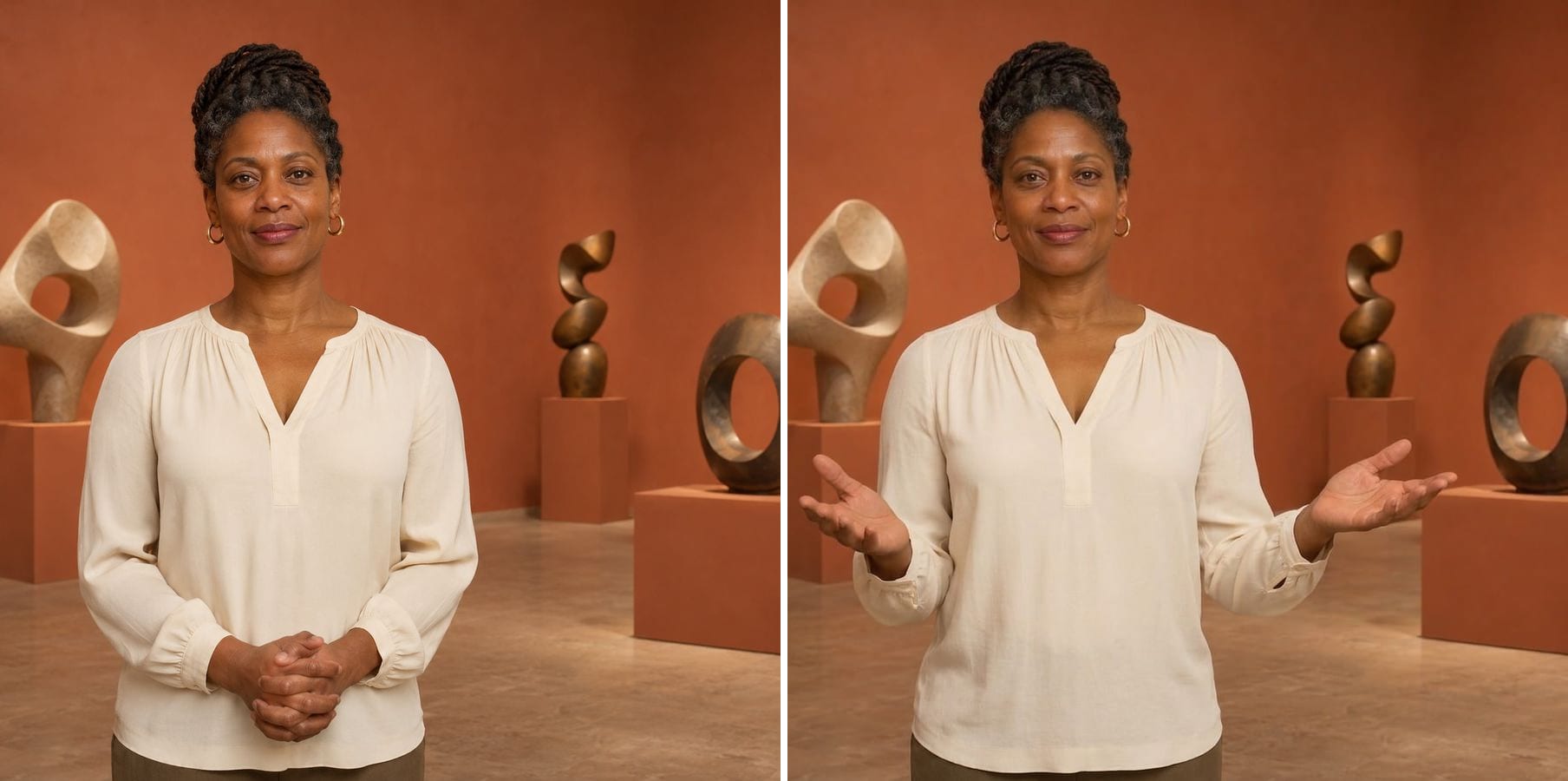
Clasped hands to a welcoming gesture
Instruction: open both forearms outward, palms up, in a welcoming gesture. The presenter's face, blouse and the gallery sculptures stay put, and the gesture reads naturally for a host or speaker photo.
What can an AI pose changer do?
An AI pose changer redraws a person in a new position while keeping who they are and where they are. You describe the pose in words; the AI moves the arms, hands and body, adjusts clothing folds and shadows, and leaves the face and background as they were. Typical changes:
Arm and hand poses
Crossed arms, hands on hips, hands in pockets, a wave or open palms.
Sitting and standing
Put someone on a chair or have them stand up straight.
Natural hands
Fingers and joints are drawn with correct anatomy.
Clothing that follows
Sleeves and folds adjust to the new pose.
Same face and outfit
Identity, hair and clothing are kept.
Same scene
Background, light and camera angle stay the same.
How to change a pose in a photo
The editor opens with an example instruction. Three steps:
Upload the photo
A clear photo of one person works best. JPG, PNG or WebP.
Describe the new pose
Edit the example instruction: say what each arm and hand should do, e.g. 'cross her arms at chest level, keep her head turned to the camera'.
Generate and check
Look at the hands and the face, then download. If a detail is off, describe it more precisely and run it again.
Who uses an AI pose changer
Anyone with the right photo and the wrong pose.
Professionals
Turn a stiff headshot into a confident crossed-arm portrait for LinkedIn or a website.
Fashion and e-commerce
Get more poses from a single model photo for a product page.
Creators
Match a pose to a thumbnail, a post layout or a story.
Event and speaker photos
Swap clasped hands for an open, welcoming gesture.
Powered by Nano Banana 2.1
The pose changer runs on Nano Banana 2.1, an image model that is especially good at keeping a person's identity while changing only what you ask for.
Related photo tools
Other one-click fixes for the same photo.
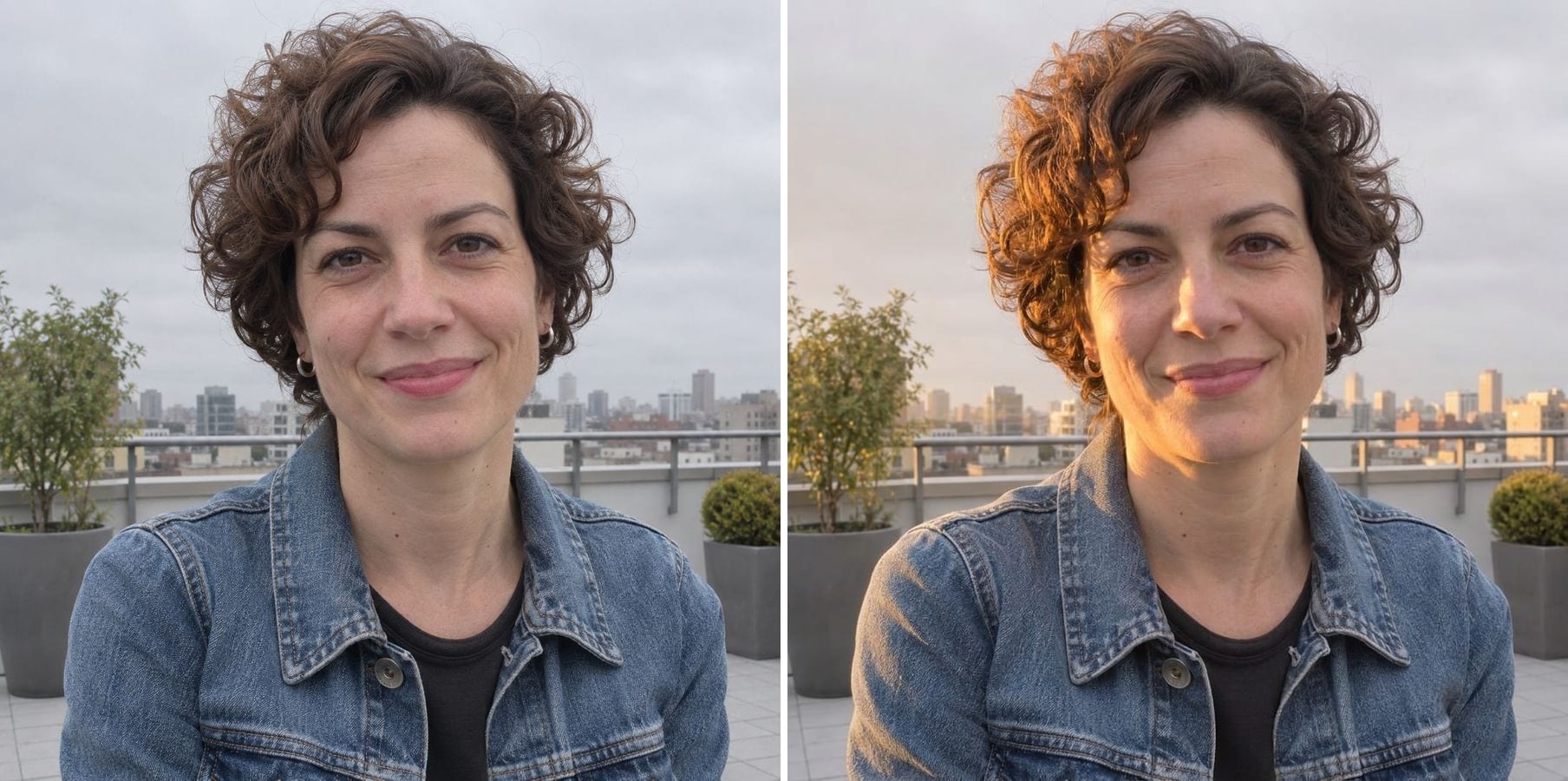
Relight Photo
Describe new light — golden hour, studio side light, evening glow — and relight the whole photo.
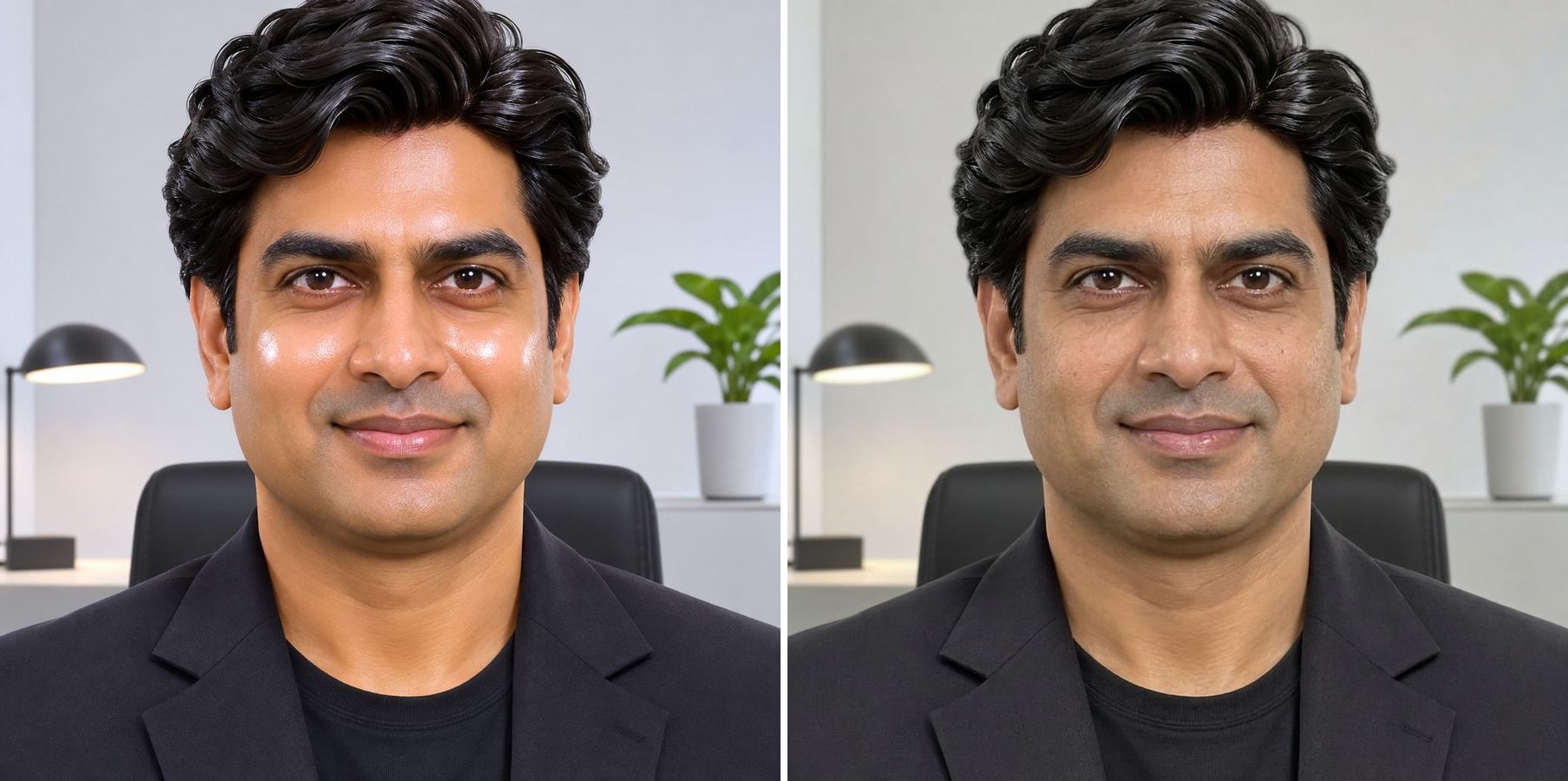
Make AI Photo Realistic
Remove plastic skin, orange grading and HDR glow so an AI image looks like a real photo.
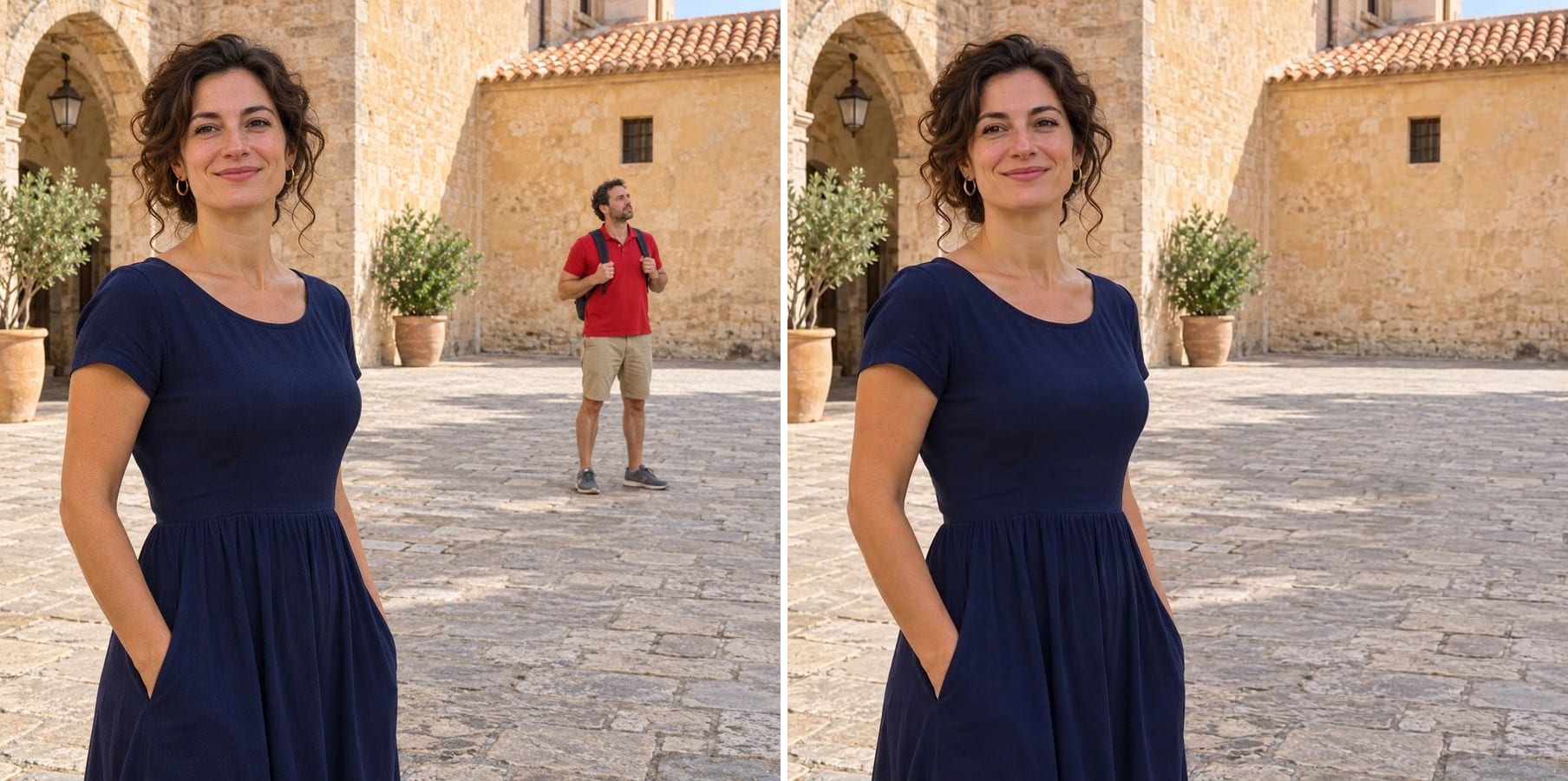
Remove Person
Describe the tourist or photobomber to remove and the background is filled in naturally.
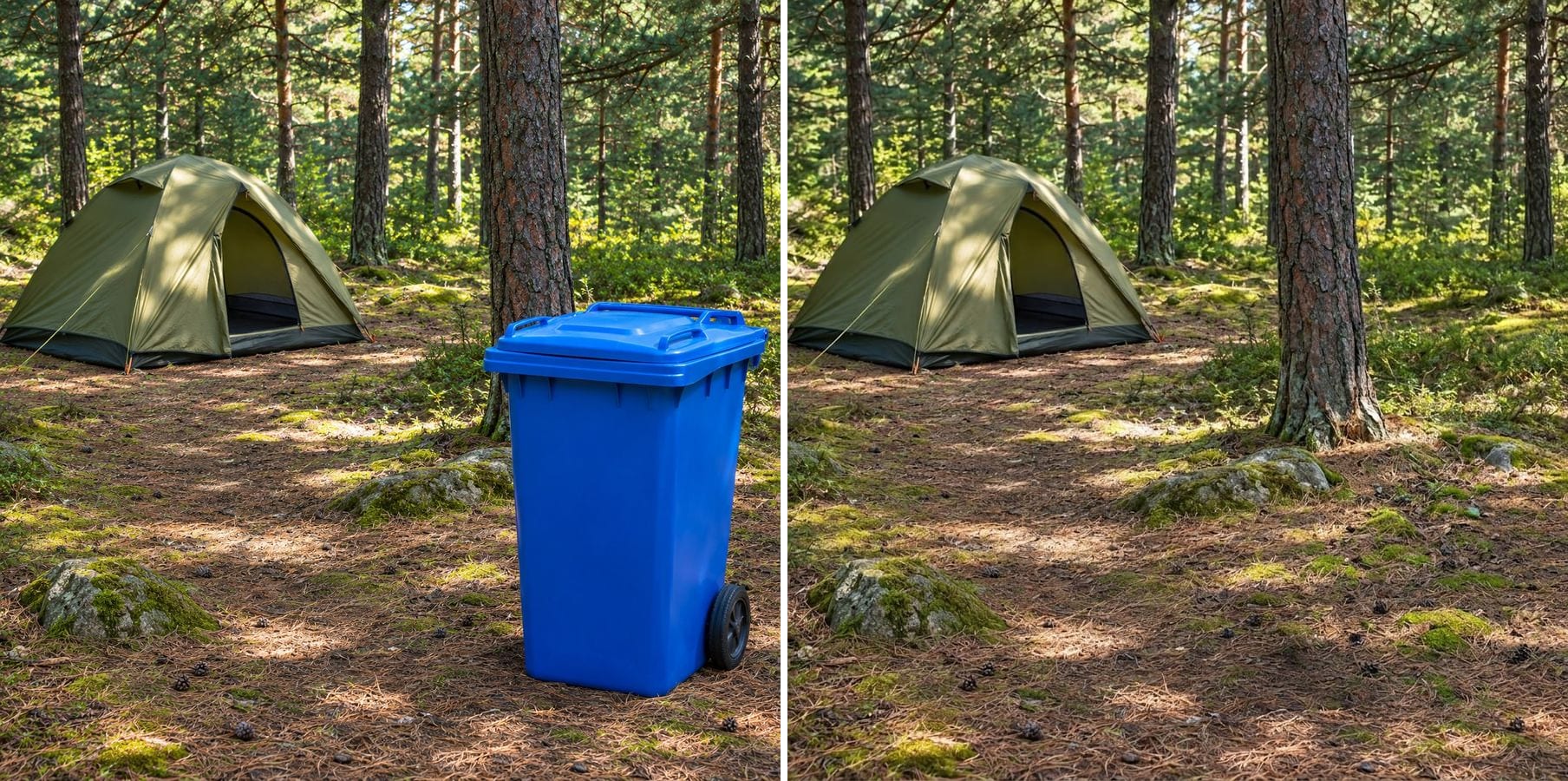
Object Remover
Type what to remove — a cable, a bottle, a bin — and the scene is filled in without masking.
AI Pose Changer — FAQ
More questions? Email support@imagesv2.ai.
Upload the photo above, edit the instruction to describe the new pose and click generate. The AI redraws the person in that pose with the same face, outfit and background.
Be specific about arms, hands and body: 'right hand on the right hip, elbow out, left arm relaxed by her side'. Mention what should stay, such as 'keep the head facing the camera'.
No. This tool takes one photo and a written instruction; describe the pose in words.
Yes, but name the person: 'the man on the left crosses his arms'. Changes to one person in a group are harder, so check everyone else stayed the same.
Run it again with a clearer instruction, for example 'five fingers on each hand, fingers resting on the elbow'. Simple poses give the most reliable hands.
The instruction keeps the same person, face, hair, clothing, background, lighting and camera angle. The model keeps identity well, but it can change small details, so compare the result with your photo before you use it. Big turns, such as facing away, are harder because the AI must invent parts that were not visible.
Results come back at about 1K resolution, which is plenty for profiles, social media and messages. For prints or a bigger file, run the result through the AI Image Upscaler to take it to 2K or 4K.
A standard edit uses 60 credits. New users receive free credits on sign-up, and a brand-new account's first generation costs just 3 credits, so the bonus covers your first try. After that, each image uses credits from any credit pack or subscription.
Results made with the free sign-up credits carry a watermark. After any credit purchase, new results come without one.
Change the pose in your photo
Free credits for new users. Upload a photo, describe the pose and click generate.