
GFPGAN Face Enhancement Online
Run GFPGAN face restoration together with Real-ESRGAN upscaling — no Python, no GPU, no install. Upload a small or compressed photo and get sharp eyes, clean skin and crisp hair at 2K or 4K.
Know the trade-off: GFPGAN tends to smooth skin, soften freckles and make faces look younger.
Image type
Output size
3 credits per image
New accounts get 3 free credits — exactly enough for your first generation.
Results made with the free sign-up credits carry a watermark. Any credit purchase removes it from new results.
Have many images? Upscale up to 20 at once →GFPGAN face enhancement examples
Close-up crops of the same face before and after one pass with Face restore: low-quality original on the left, GFPGAN result on the right.
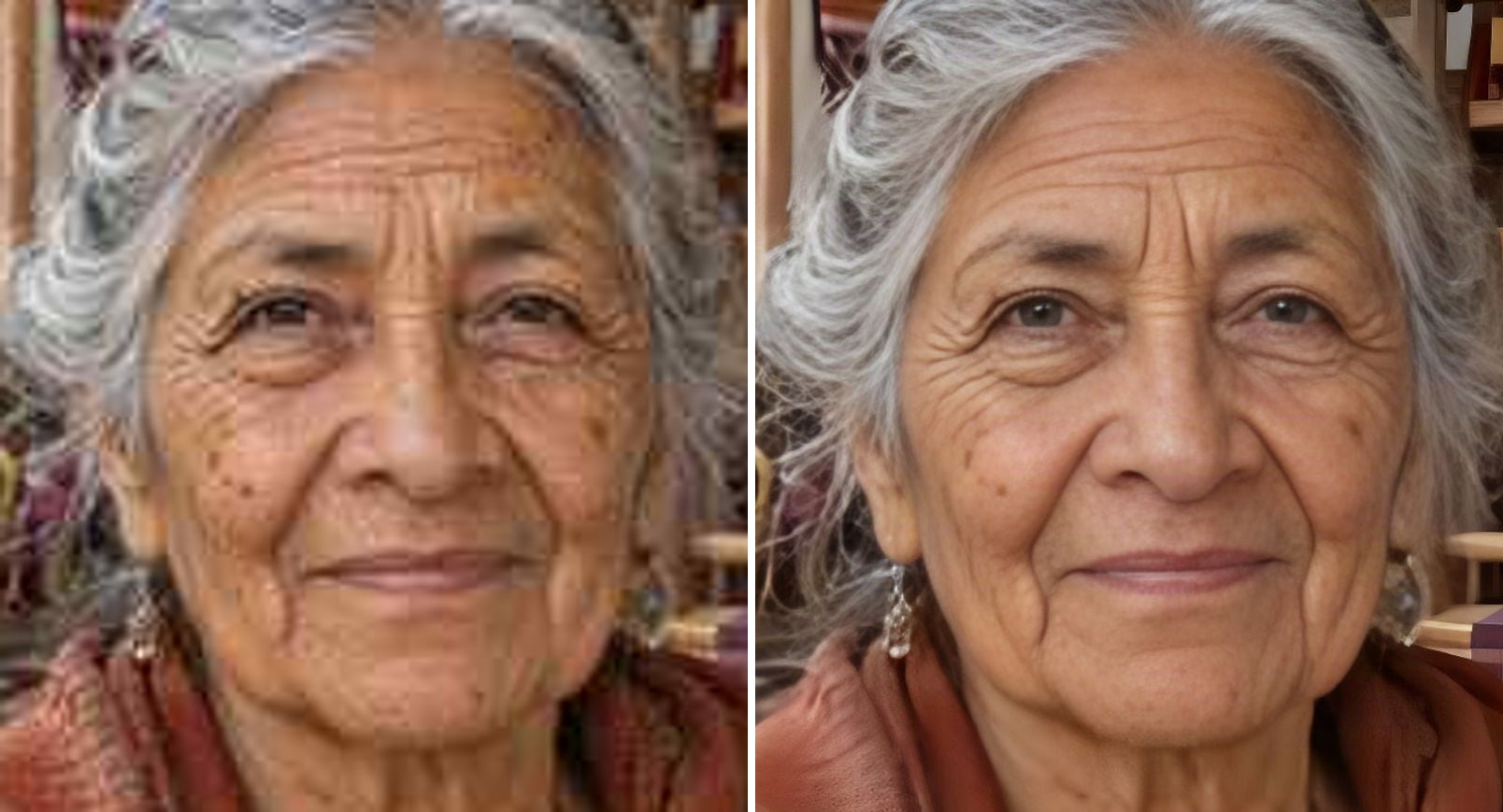
- Before
- Small and soft: eyes and wrinkles are blurry.
- After
- Clear eyes and hair; some wrinkles and spots are smoothed.
An older face: sharper, but smoother
GFPGAN brings back clear eyes, silver hair and a defined smile. Look at the skin, though: some deep wrinkles and age spots are softened, so she reads a little younger. If that matters, use Unblur Face in Photo instead.
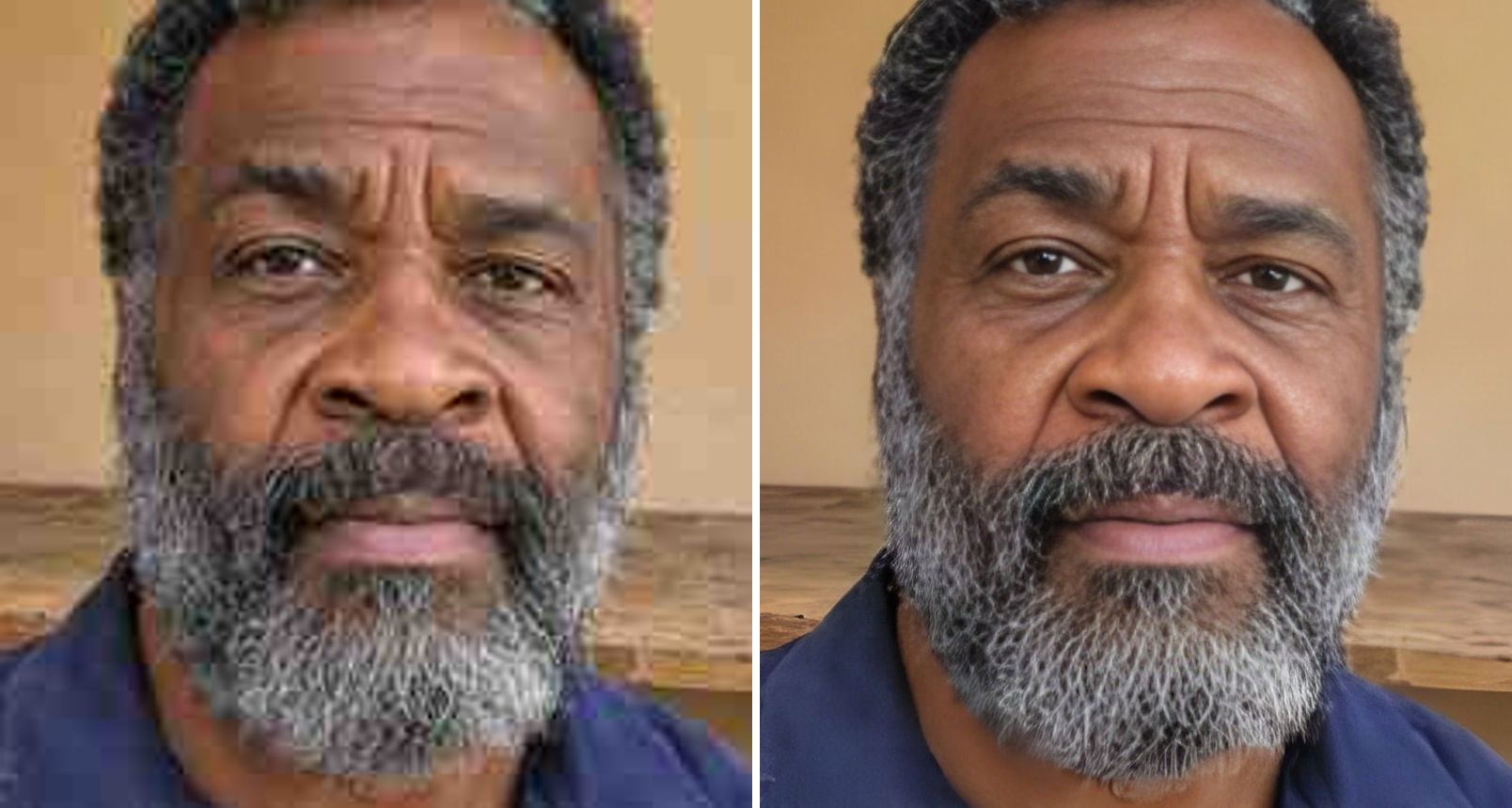
- Before
- Heavy JPEG blocks across the face and beard.
- After
- Eyes, nose and grey beard are defined again.
A heavily compressed face restored
From a blocky, low-quality JPEG, GFPGAN rebuilds the eyes, the nose and the grey beard with strong definition. This is where it shines: badly compressed faces that a normal upscale can't save.
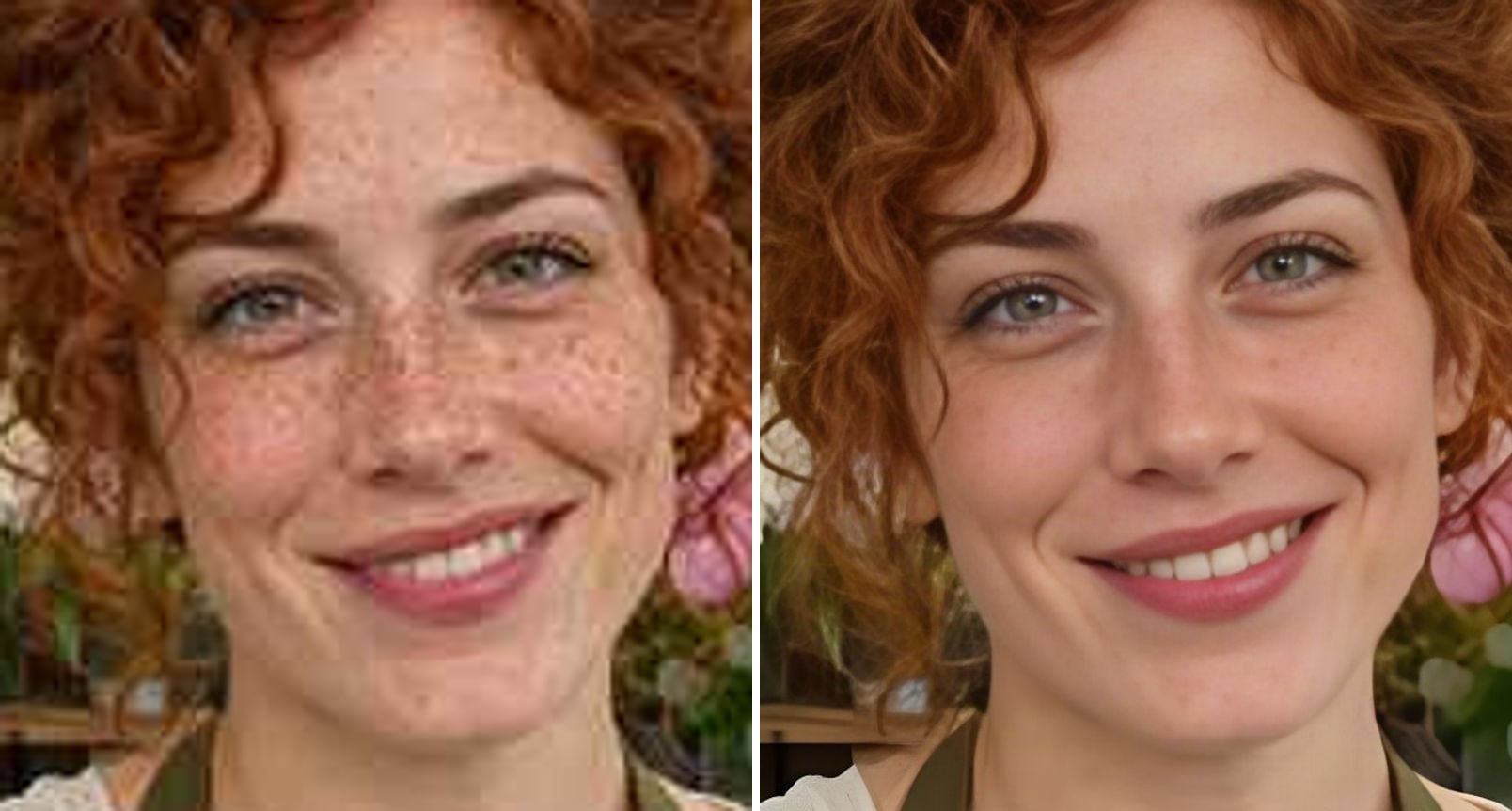
- Before
- Soft and small; freckles visible across the cheeks and nose.
- After
- Sharp eyes and smile, but most freckles are smoothed away.
Freckles: the honest trade-off
The face comes out bright and sharp, but most of her freckles are gone and the skin is smoother than in the original. That is typical of GFPGAN. For faces where freckles and skin texture must stay, Unblur Face in Photo keeps them better.
What is GFPGAN face enhancement?
GFPGAN is a face restoration model: it detects faces in a photo and redraws them using what it has learned about how faces look. Here it runs together with Real-ESRGAN, which upscales the rest of the image. The result is very sharp faces — with some predictable side effects:
Strong face restoration
Rebuilds eyes, teeth and hair even from small, heavily compressed faces.
Real-ESRGAN for the rest
Background, clothes and hair are upscaled alongside the face.
Smoother skin
Pores, fine lines and wrinkles are often softened.
Fewer freckles and spots
Freckles, moles and age spots can fade or disappear.
Younger look
Older faces often come out looking a few years younger.
Identity-first alternative
Switch to Photo mode, the model behind Unblur Face in Photo, to keep faces closer to the original.
How to use GFPGAN online
Three steps, no install:
Upload the photo
Drop, paste or choose a JPG, PNG or WebP up to 10 MB.
Keep Face restore selected
Face restore runs GFPGAN with Real-ESRGAN. Choose 2K or 4K; the exact output size is shown before you start.
Compare and download
Drag the slider over the face. If the skin looks too smooth, try Photo mode instead.
When GFPGAN is the right choice
It is strongest where the face has very little information left.
Tiny faces
Faces only a few dozen pixels wide in group photos and old scans.
Heavy compression
Faces destroyed by repeated sharing on messaging apps.
Avatars and thumbnails
Small profile images where a clean, sharp look matters more than every pore.
AI images with broken faces
Generated images where the face came out mushy.
Testing without setup
Try GFPGAN results before installing anything locally.
Related photo tools
Other one-click fixes for the same photo.
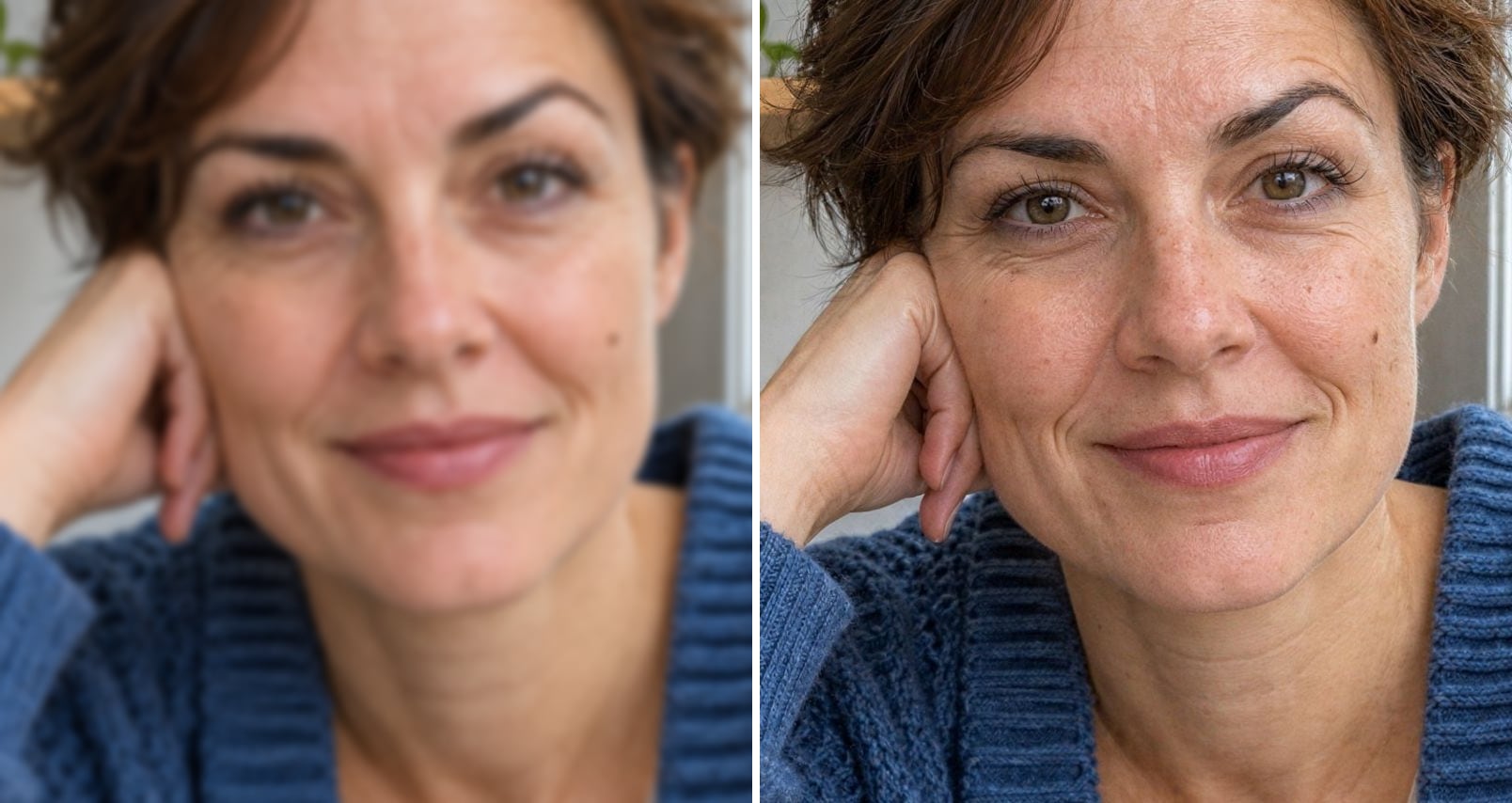
Unblur Face
Sharpen blurry faces at 2K or 4K while keeping the same person, glasses and wrinkles.
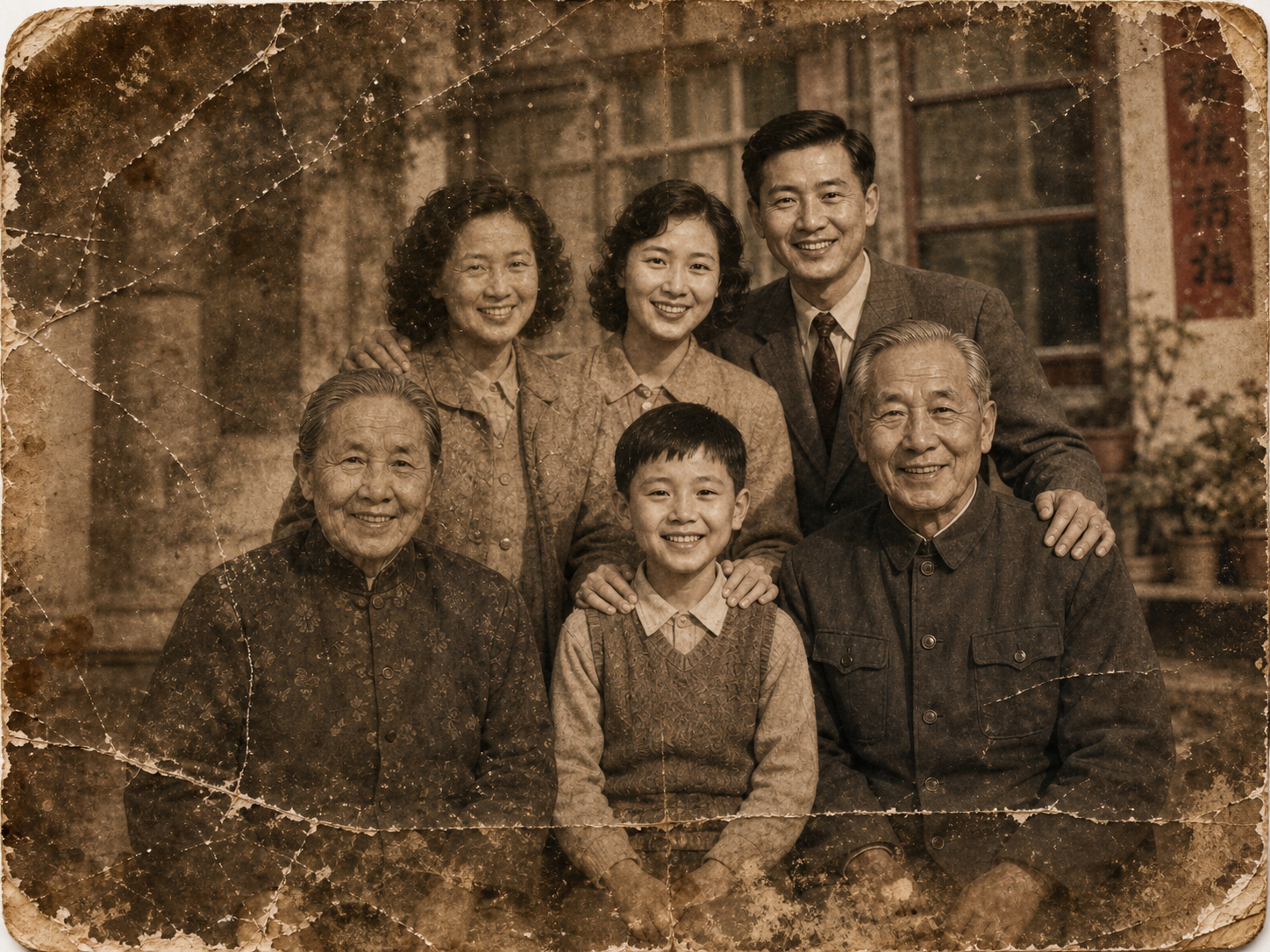
Old Photo Restoration
Restore faded, blurred, and damaged scans to high-end quality while preserving the original composition.
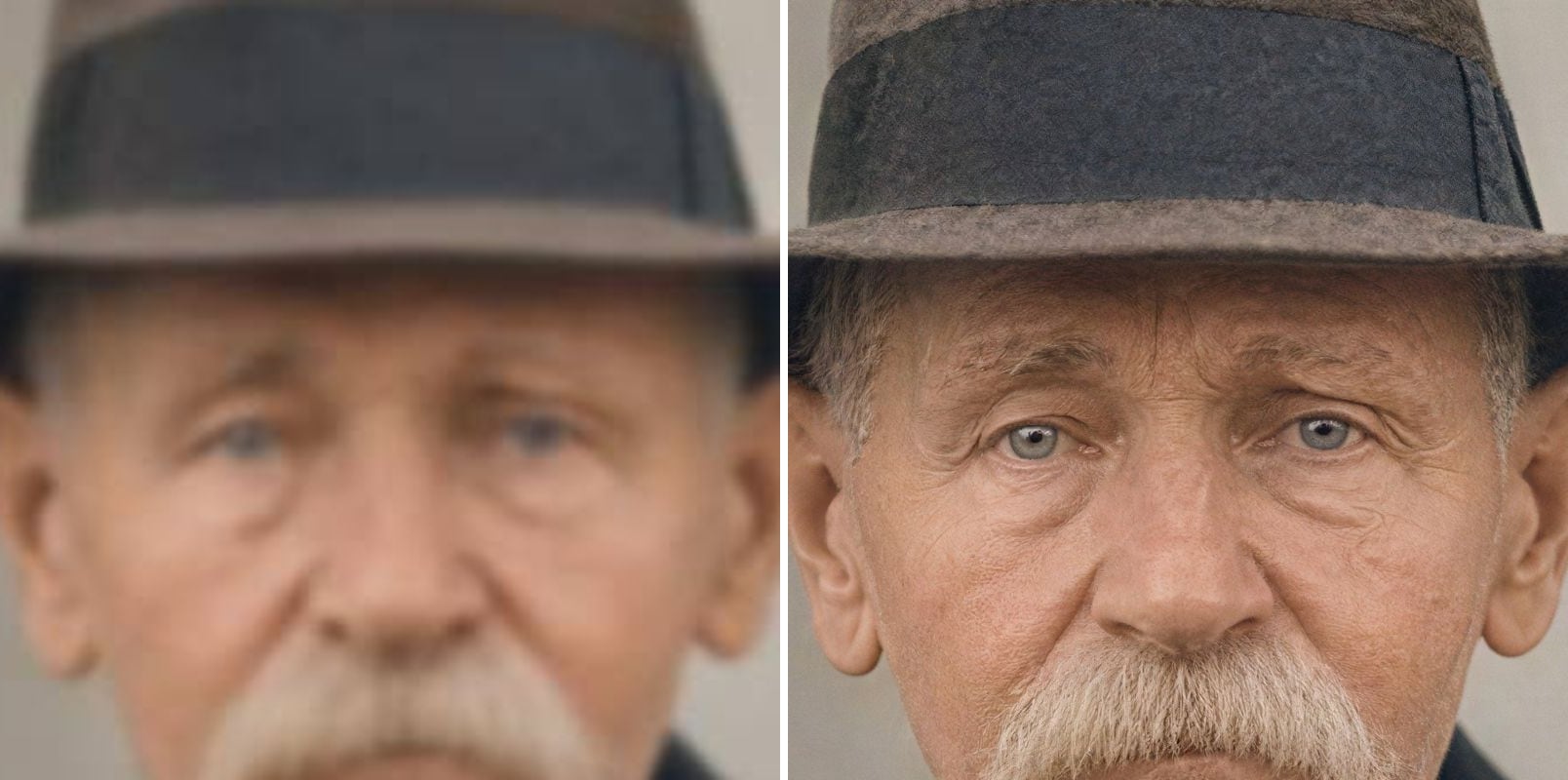
Unblur Image
Fix blurry photos and faces with AI.
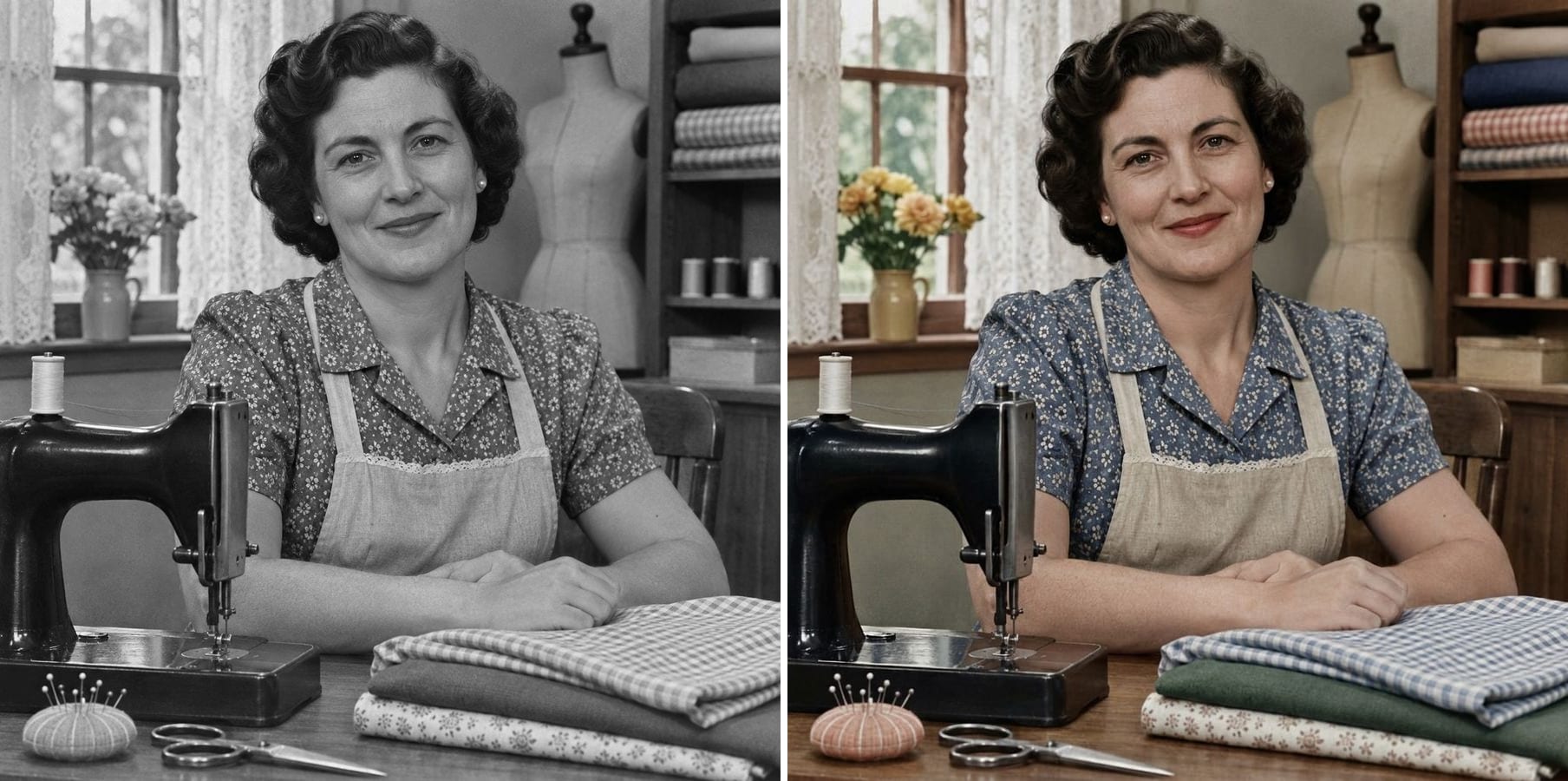
Colorize Photo
Turn black and white photos into natural colour while keeping every face and the film grain.
GFPGAN Face Enhancement — FAQ
More questions? Email support@imagesv2.ai.
GFPGAN is an open-source face restoration model. It uses knowledge of how faces look to rebuild eyes, skin and hair in low-quality photos. On this page it runs together with Real-ESRGAN, which upscales the whole image.
Yes. Upload a photo above, keep Face restore selected and click Upscale. There is no Python, GPU or command line involved.
It keeps the overall face, but it tends to smooth skin, remove freckles and age spots and make people look younger. For photos where the exact face matters — family portraits, older relatives, freckled skin — use Unblur Face in Photo, which uses a different model that keeps identity better.
Yes. Switch the image type to Photo. That uses the identity-preserving restoration model instead of GFPGAN.
Choose 2K (1440 pixels on the short side) or 4K (2160). Face restore enlarges images up to 4×, so very small images get as close to the target as that allows.
It is good at rescuing faces that are tiny or badly damaged. For old family photos where wrinkles and character should stay, try Photo mode or Old Photo Restoration first.
A 2K upscale uses 10 credits, 4K uses 20 credits and 8K uses 40 credits. New users get free credits on sign-up, and your first upscale (2K or 4K) costs just 3 credits. 8K is available after any credit purchase. If an upscale fails, the credits are refunded automatically.
Results made with the free sign-up credits carry a watermark. After any credit purchase, new results come without one.
Try GFPGAN on your photo
Free credits for new users. Upload a photo and compare the GFPGAN result with the slider.