
Unblur Image — Fix Blurry Photos with AI
Missed focus, a shaky hand or a heavily compressed picture? The AI blur remover rebuilds the sharp detail — eyes, eyelashes, hair, edges and lettering — and gives you a clear, higher-resolution photo with the same face.
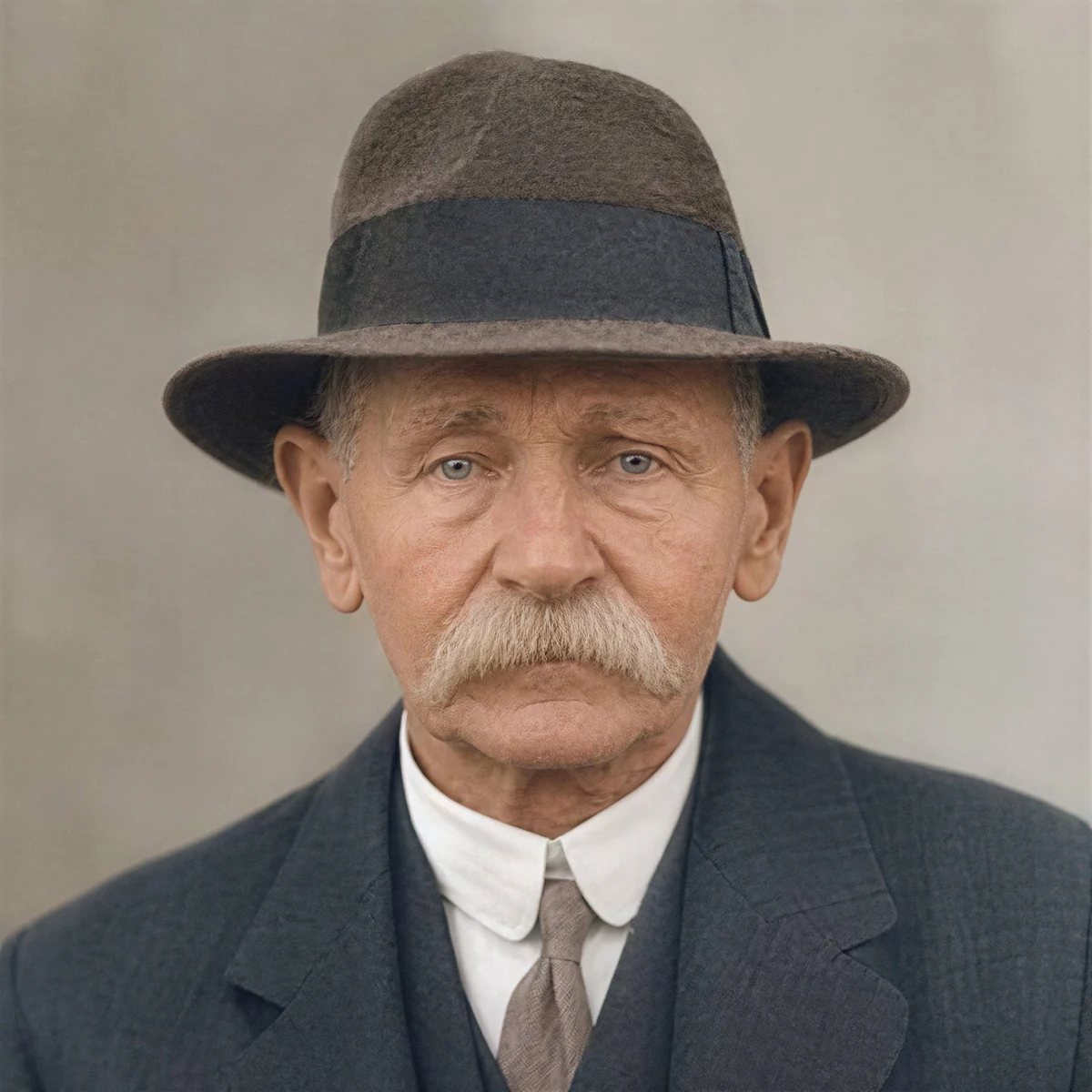
Image type
Output size
3 credits per image
New accounts get 3 free credits — exactly enough for your first generation.
Results made with the free sign-up credits carry a watermark. Any credit purchase removes it from new results.
Have many images? Upscale up to 20 at once →Unblur image examples
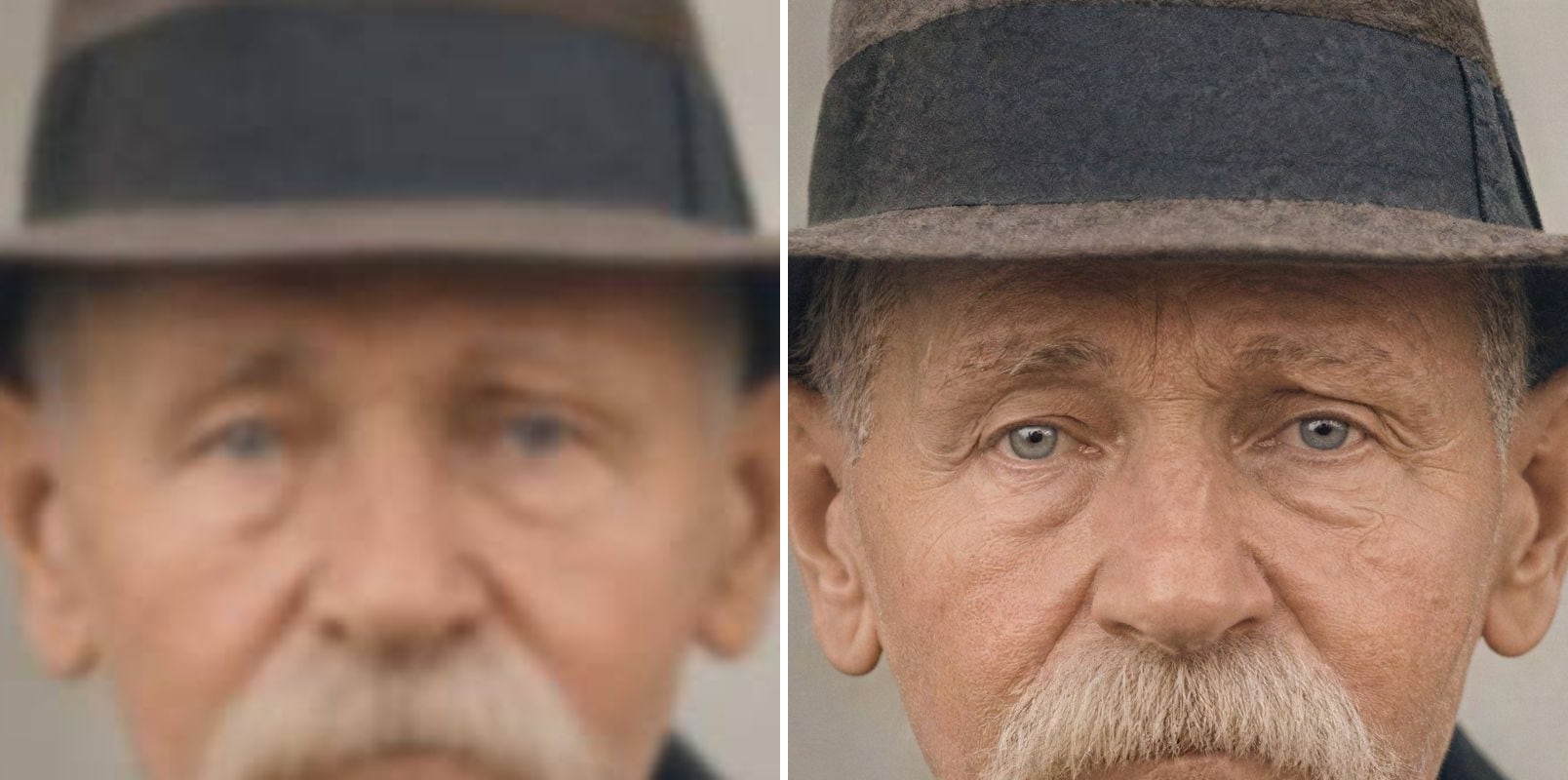
Before and after one pass: blurry original on the left, unblurred result on the right.
- Before
- Out of focus: eyes and wrinkles melt together, and the hat shows no texture.
- After
- Eyes, wrinkles and moustache are sharp, and the hat’s felt texture is back.
Unblur a face that missed focus
The eyes, the wrinkles and the texture of the hat come back from a soft, out-of-focus portrait — and it is clearly the same person.
- Before
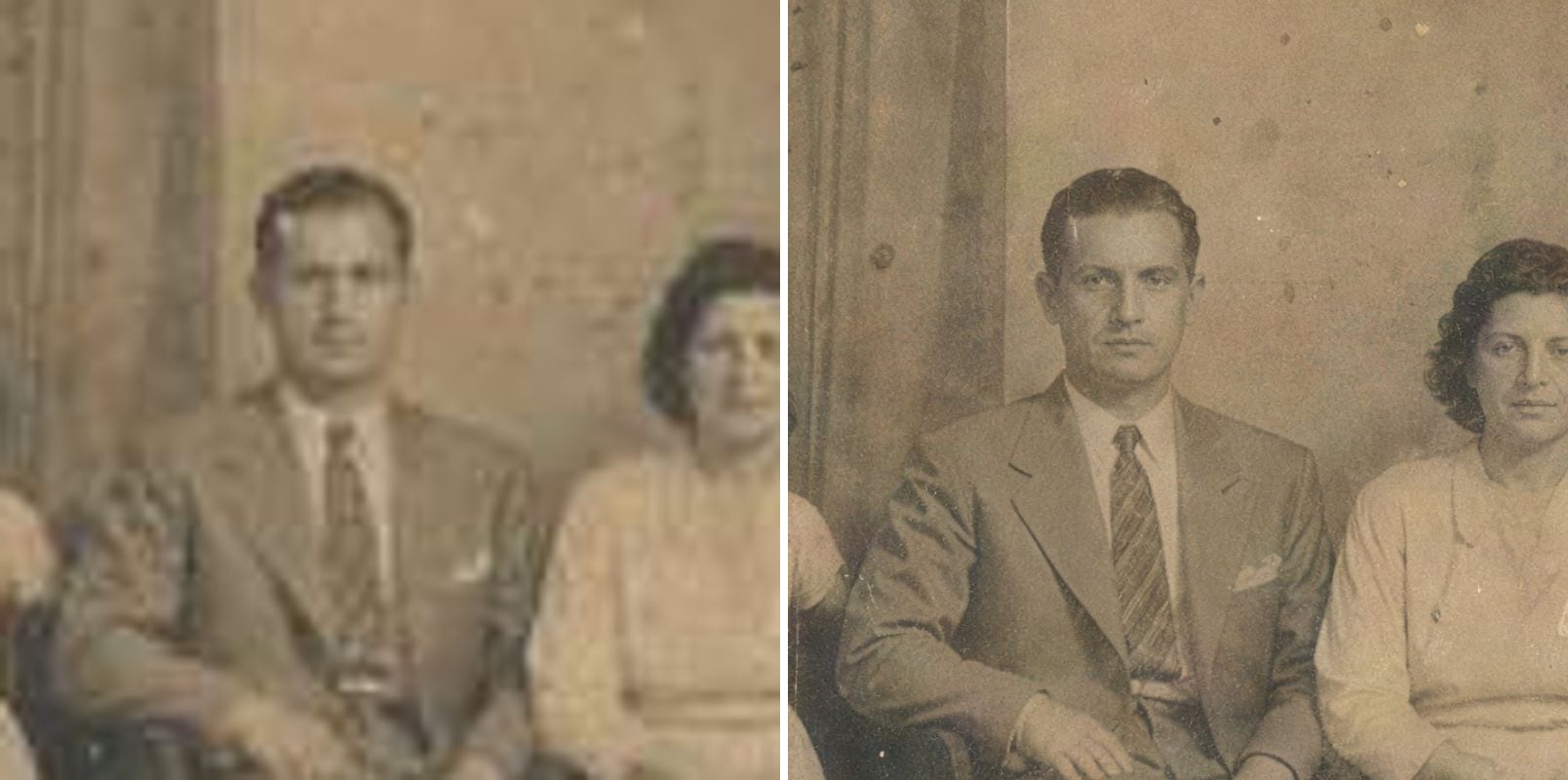
- Noise and colour blocks cover the faces; the suit and tie blur together.
- After
- Faces and hair are clear, lapels and tie stripes are distinct, and the photo’s age marks remain.
Old family photos at print size
Small scans of old prints lose everything that made them personal. Upscaling brings back the expressions and the fabric of the clothes without inventing new faces, so the photo is ready to print or frame.
- Before
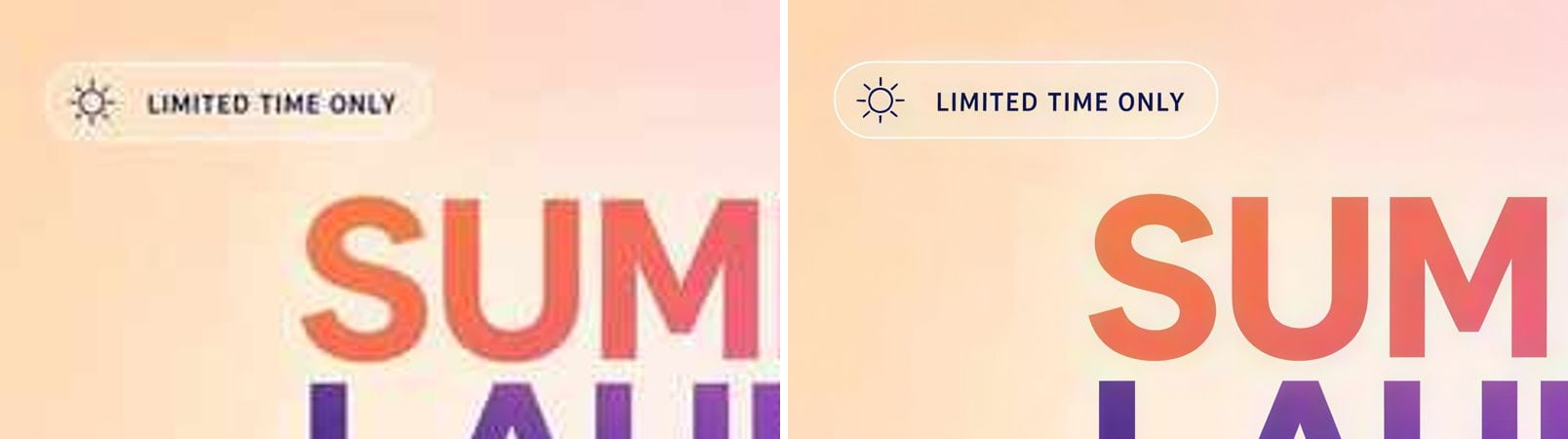
- Small text is fuzzy and speckled; icon and headline edges are jagged.
- After
- Small text is sharp and readable; the badge outline, icon and headline edges are clean.
Make blurry text readable
Soft screenshots and photographed posters get crisp, correctly shaped letters again.
- Before
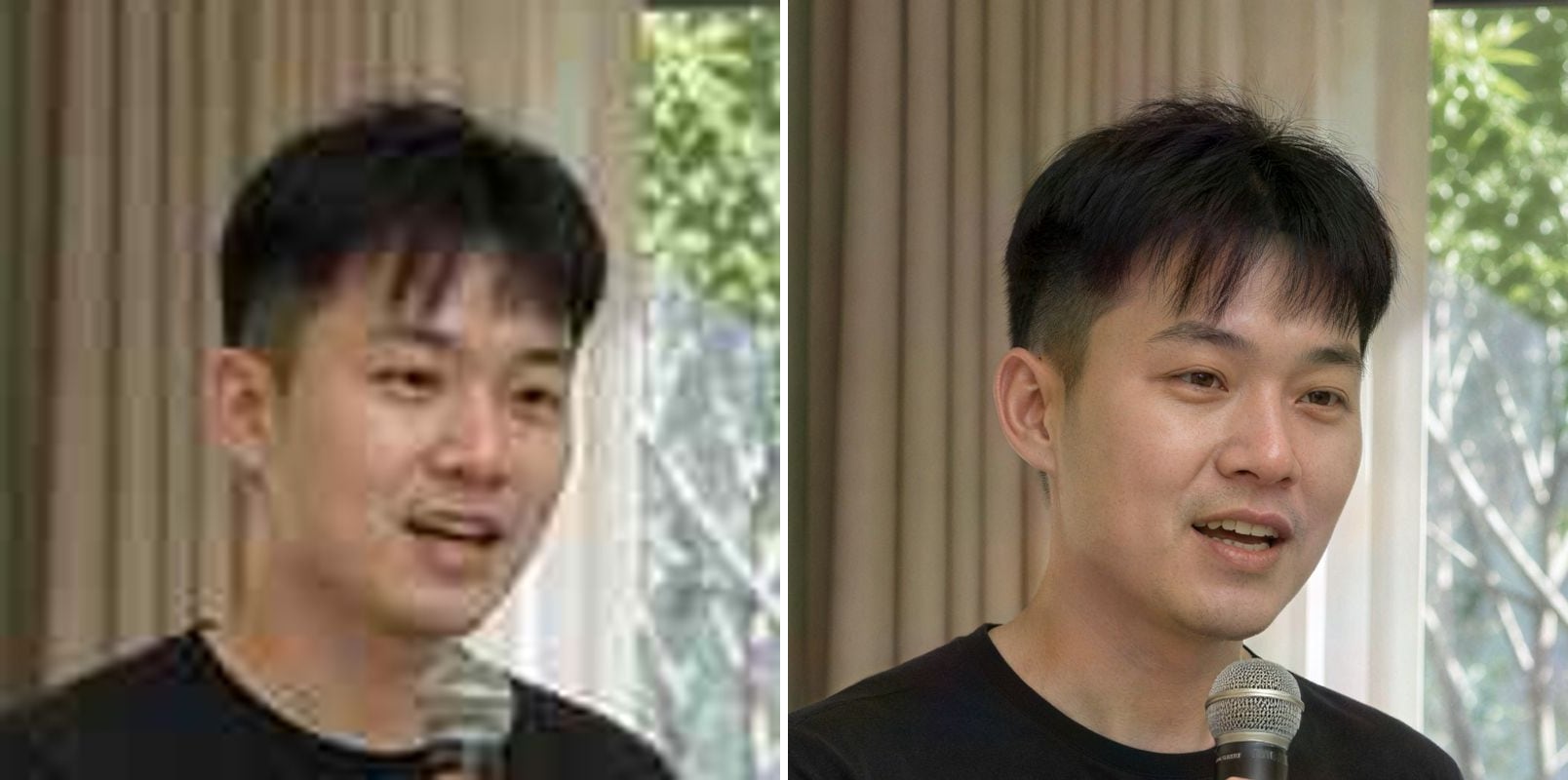
- Too low-res, with blocky compression; hair and microphone turn to mush.
- After
- Hair strands, skin and the microphone mesh are clear, and the blocks are gone.
Low-resolution portraits for profiles and print
A 360-pixel headshot becomes a sharp high-resolution portrait with natural hair strands and skin, ready for a profile, a slide or a printed badge.
- Before
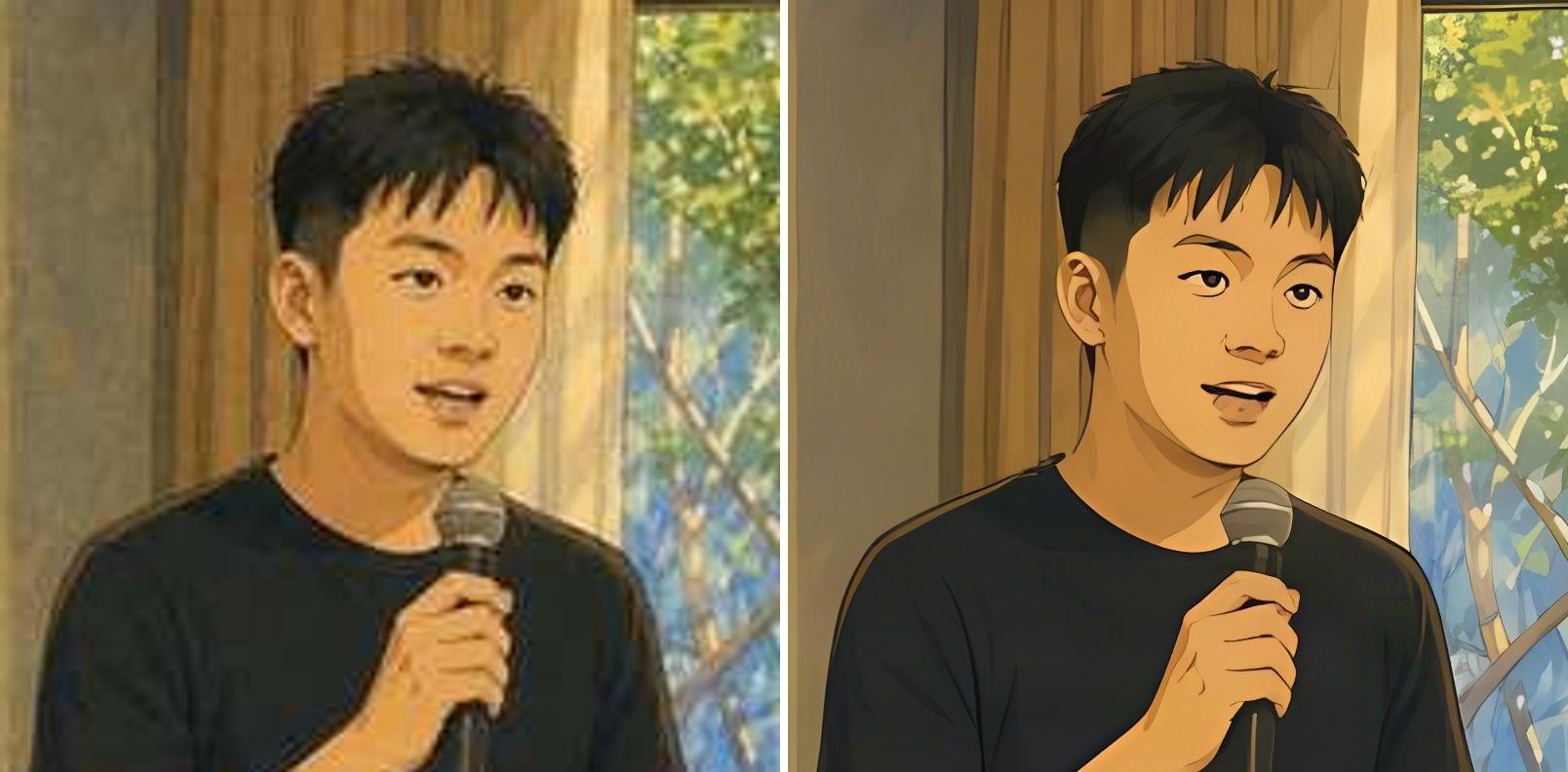
- Soft lines, fuzzy edges and muddy colour areas.
- After
- Crisp, clean lines, flat colour areas and well-defined features.
Anime and illustrations with clean lines
Anime mode keeps flat colour flat and lines crisp — no painted-on texture, no halo around the edges. Ideal for wallpapers and fan art.
Why are photos blurry, and what can AI fix?
Blur comes from missed focus, camera shake, low light or heavy compression. A sharpening filter only boosts edges and adds noise. The AI blur remover rebuilds the detail itself:
Out-of-focus shots
Soft focus on faces and subjects is turned back into clear detail.
Slight camera shake
Small motion blur from handheld shots is cleaned up.
Blurry faces
Eyes, lashes and skin texture are restored without changing who it is.
Compressed images
Blocky, smeared JPEGs from chats and social apps are cleaned up.
Blurry text
Letters in screenshots and posters become readable again.
Higher resolution too
Every unblurred photo is also upscaled to 2K or 4K.
How to unblur an image
Three steps, no software to install:
Upload the blurry photo
Drop, paste or choose a JPG, PNG or WebP up to 10 MB.
Pick type and size
Choose Photo for camera pictures or Anime & art for drawings, then 2K or 4K.
Download the sharp photo
Most images finish in 15–60 seconds. Drag the slider to compare, then download.
When people unblur photos
Anyone who has the right picture at the wrong size.
The one shot that missed focus
Save a group photo, a pet portrait or a moment that can't be retaken.
Old and scanned photos
Soft prints and low-quality scans of family photos.
Profile pictures
Make a soft selfie sharp enough for a profile or ID-style crop.
Screenshots and documents
Make small, blurry text readable again.
Product and listing photos
Sharpen soft photos before they go on a store page.
Unblur Image — FAQ
More questions? Email support@imagesv2.ai.
Upload the photo above, choose Photo (or Anime & art for drawings), pick 2K or 4K and click the button. The AI returns a sharp version in about 15–60 seconds.
Yes, for soft focus, slight camera shake and compression blur. The model has learned what sharp eyes, hair, skin and letters look like and redraws them. If a picture is so blurred that the subject can't be recognised at all, the original detail can't be recovered.
The photo mode is designed to keep the person's identity: it sharpens features rather than replacing them. Always check the result with the slider, especially for very small or heavily damaged faces.
Mild motion blur improves noticeably. Long streaks from fast movement are much harder and may only partly improve.
A sharpen filter only increases contrast at existing edges and adds noise. AI unblurring rebuilds missing detail, so the result looks naturally sharp rather than crunchy.
Each image uses 10 credits at 2K or 20 credits at 4K. New users get free credits on sign-up, and failed attempts are refunded automatically. Your first upscale costs just 3 credits.
Results made with the free sign-up credits carry a watermark. After any credit purchase, new results come without one.
Unblur your photo now
Free credits for new users. Upload a blurry image and download the sharp version in seconds.