
Curated GPT Image 2 Prompt Library
Discover high-quality image examples, study their composition, style, and ideas, then copy a prompt to start creating. Browsing and copying are free with no sign-in; image generation requires an account and credits.
Some prompts may be rejected by safety policies. Use them as a reference and adapt as needed.
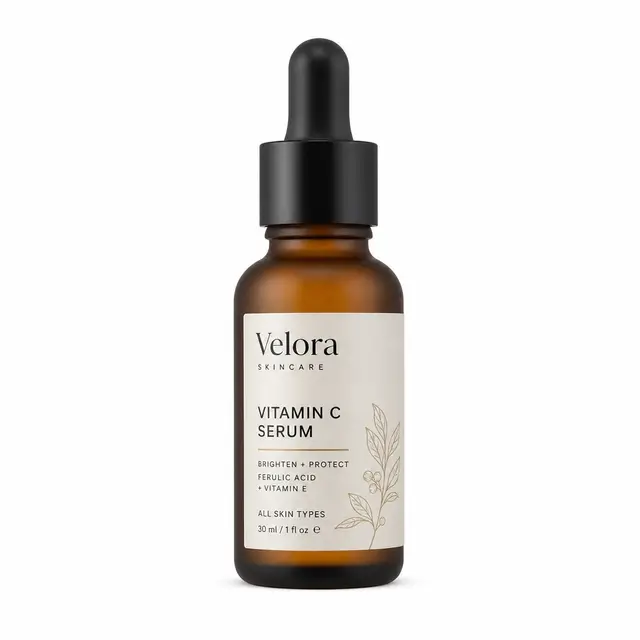
Pure White Background Product Hero
Place 【your product】 centered on a pure seamless white background. Soft three-point studio lighting, crisp clean specular highlights, a faint soft contact shadow beneath it,
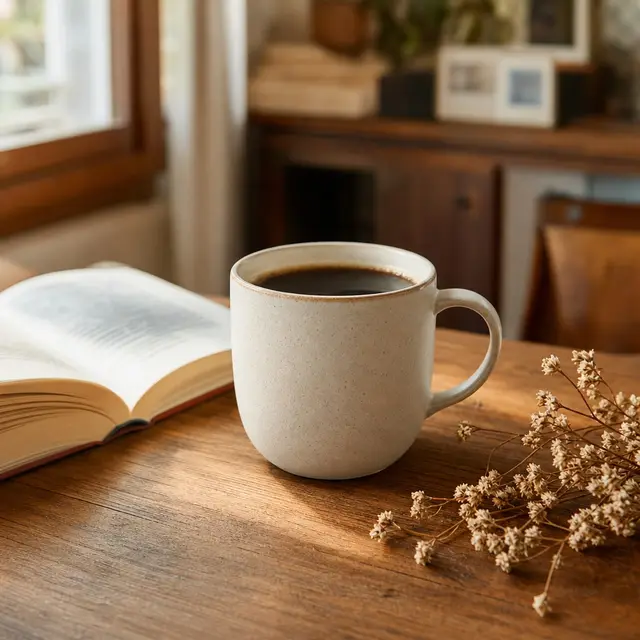
Lifestyle Product Scene Photo
Place 【your product】 naturally in 【a scene: oak tabletop / marble bathroom counter / sunlit windowsill…】. Soft natural side-window light, gentle shadows, shallow depth of field
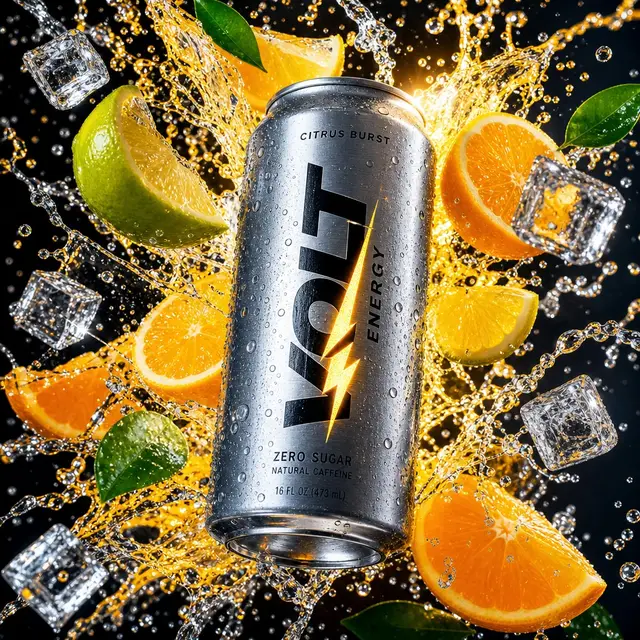
Dynamic Splash Product Ad
【Your product】 suspended in the center of the frame, with 【related elements: water splashes / fresh fruit / ice cubes / powder…】 frozen swirling around it mid-air. Dramatic hard
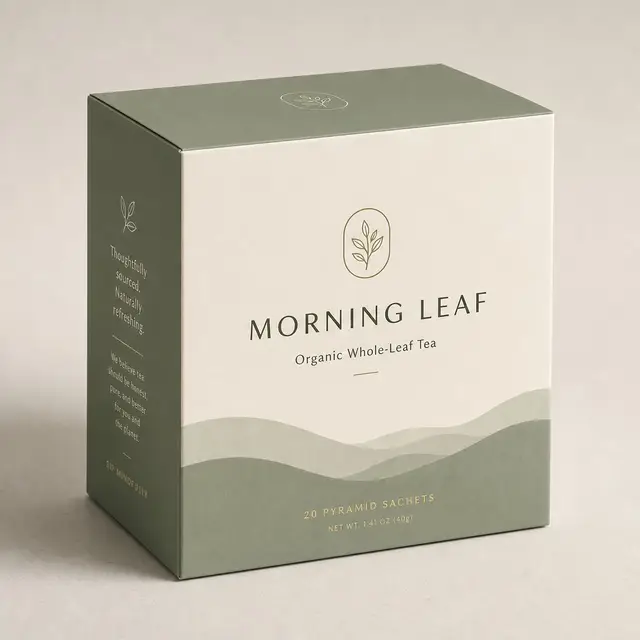
Product Packaging Design Mockup
Design packaging for 【brand / product】 in the form of 【a box / bottle / pouch / can】, in 【a style: minimalist Scandinavian / Chinese-trend / retro…】. Include the full front visual
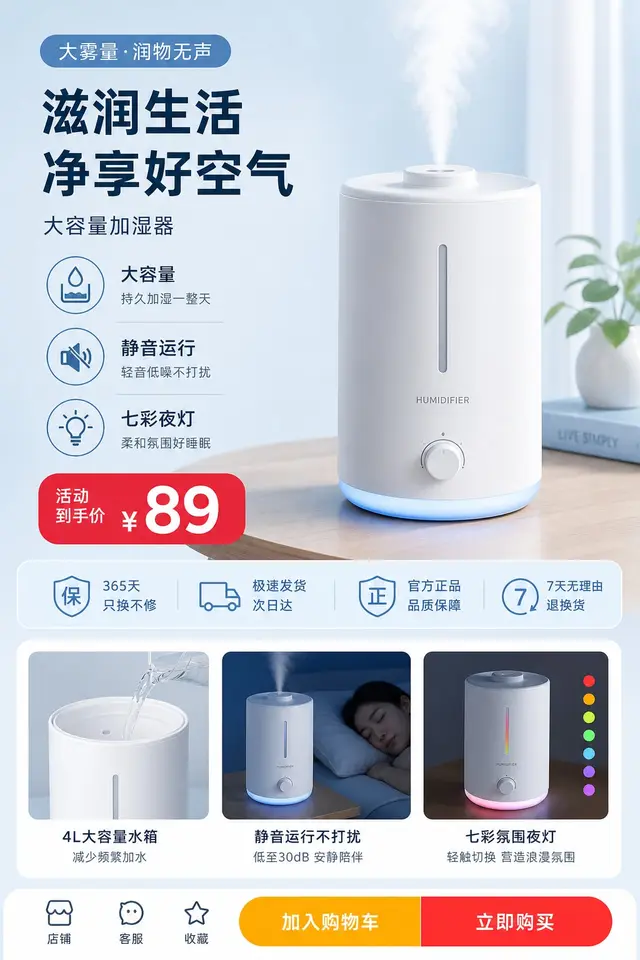
Taobao Product Detail-Page Section
A vertical e-commerce product detail-page section. The hero is a clean photo of 【your product】, surrounded by 3–4 selling-point callouts — each a small flat icon with a short
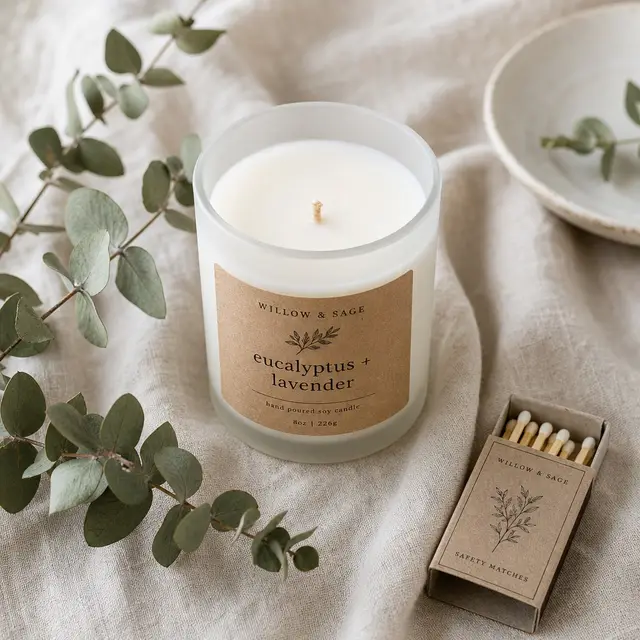
Etsy-Style Handmade Listing Photo
Style 【your handmade / boutique product】 as a flat-lay on 【natural linen / light wood / marble】, with 2–3 minimal natural props. Soft natural daylight, airy and clean, warm
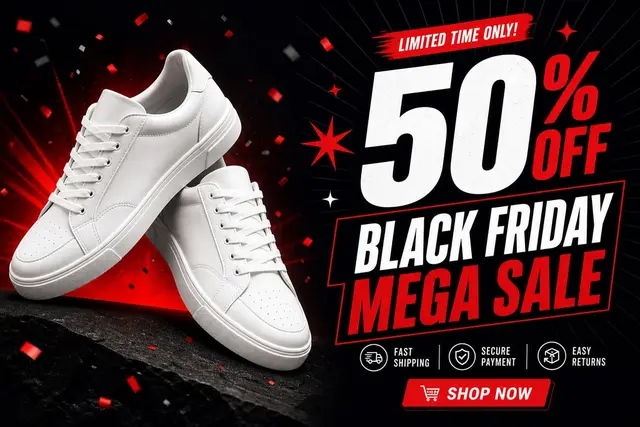
E-Commerce Sale Banner
A horizontal e-commerce promotional banner. 【Your product】 as the hero on one side; on the other, a huge bold discount headline and 【a sale name: Black Friday / Double 11 /
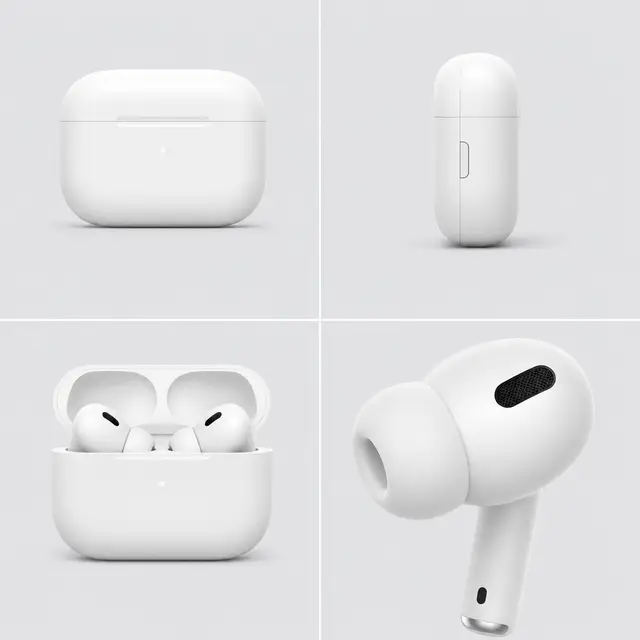
Multi-Angle Product Showcase Grid
A multi-angle showcase grid of 【your product】: four panels showing front, side, back / open state, and a close-up detail. Identical clean background and consistent soft lighting
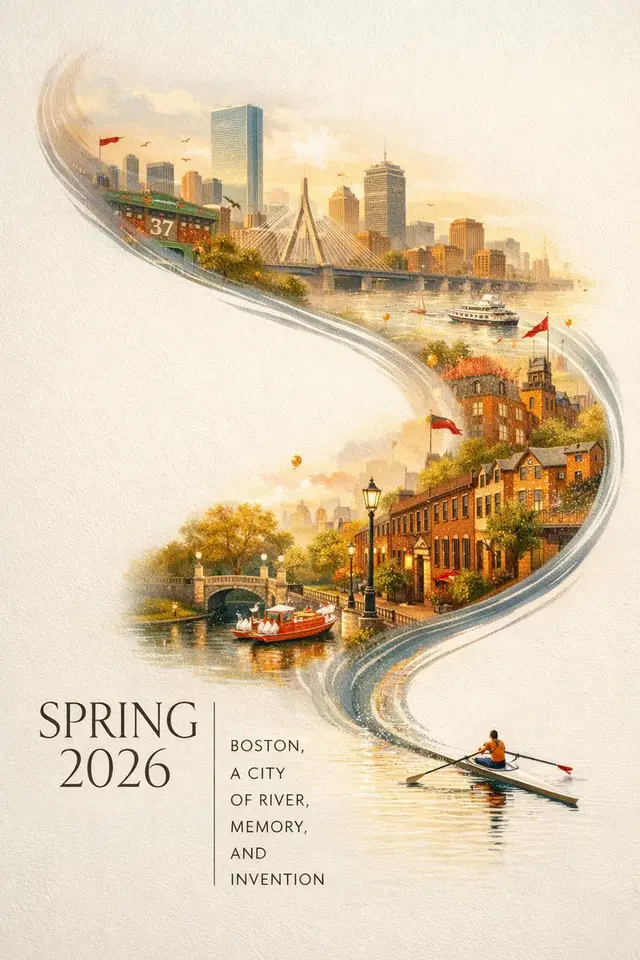
Boston Spring 2026 City Poster
A striking Spring 2026 city poster for Boston with an elegant celebratory mood and a bold contemporary design. On a clean off-white textured background with large areas of
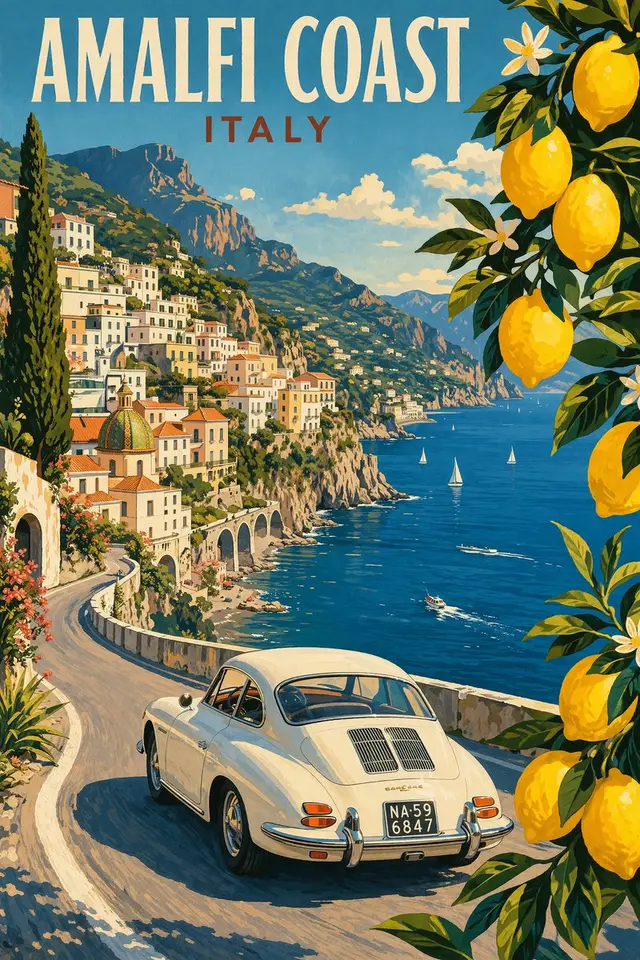
Vintage Amalfi Travel Poster
Modern pencil illustration of Vintage travel poster illustration of the Amalfi Coast, Italy, panoramic coastal cliff road scene, classic 1960s white car driving along a curved
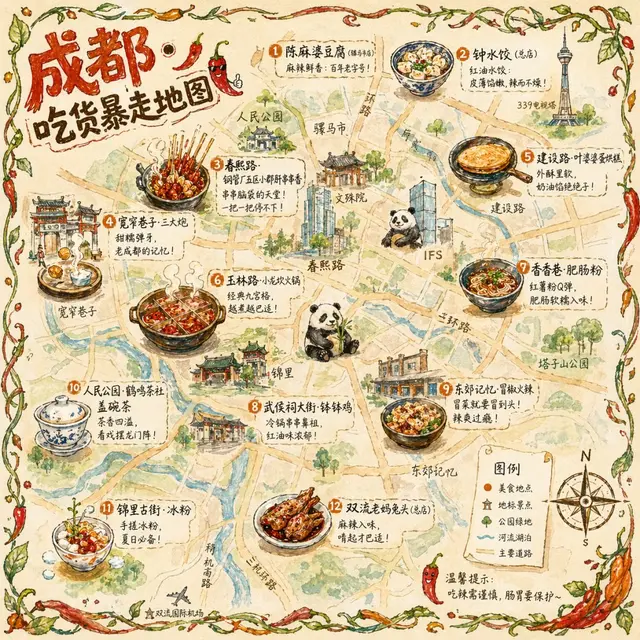
Chengdu Food Map Illustration
A hand-drawn-style city food map themed around Chengdu. The base is a bird's-eye-view, hand-drawn simplified city map with major roads and landmarks marked — not aiming for
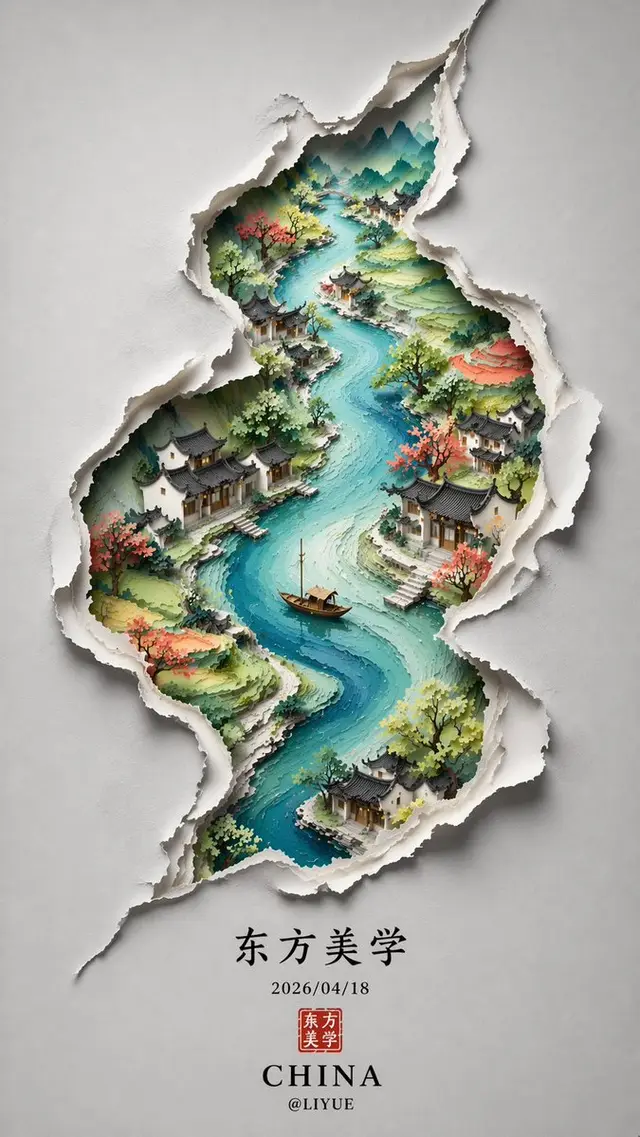
Chinese Minimalist S-Shaped Poster
Minimalist New Chinese aesthetic style. The image is set on a soft, elegant gray-white background, presenting a paper-art-like sense of dimensionality. An S-shaped winding
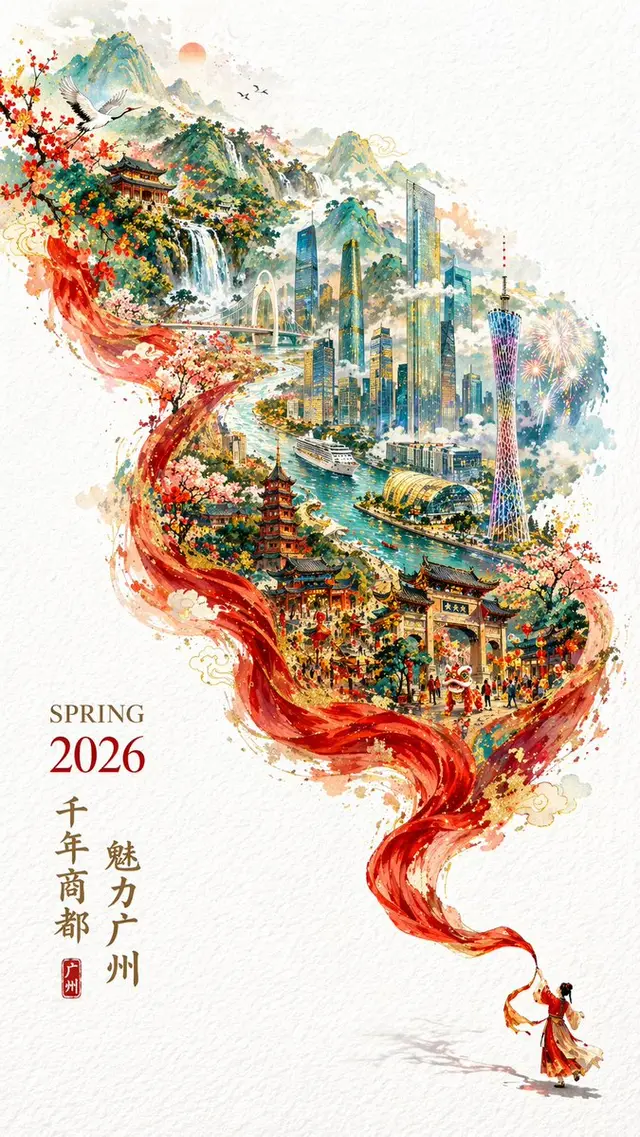
2026 Spring Guangzhou City Poster
A 2026 city promotional poster full of festive Spring Festival atmosphere yet refined and elegant. Double exposure, with the composition continuing the flowing S-shape; In the
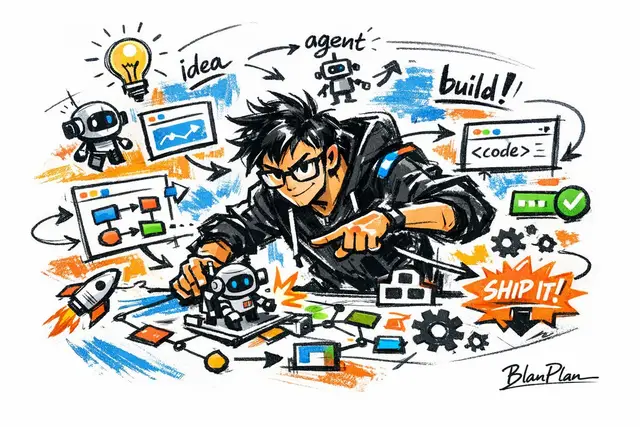
Doodle Sketch AI Builder
Express [an outstanding AI builder] in a doodle/sketch style, with an overall feel of quick gestural strokes, free distortion, improvised hand-drawing, and rough-draft visual
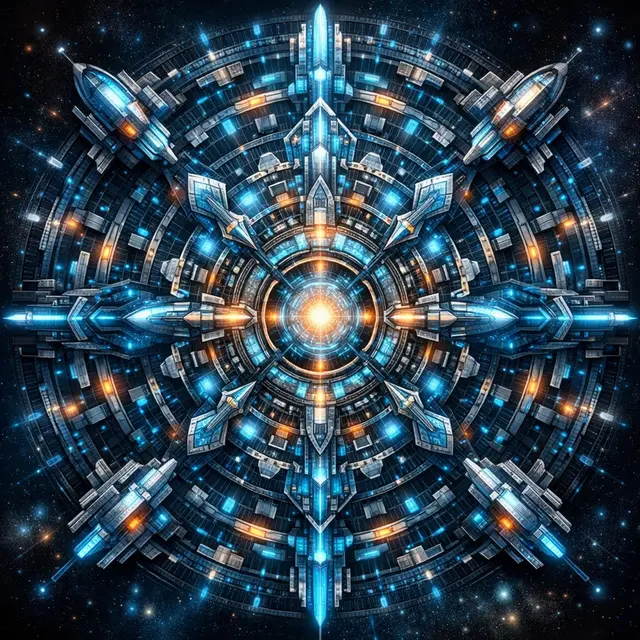
Futuristic Mandala Illustration
Draw a near-future sci-fi version of a mandala.
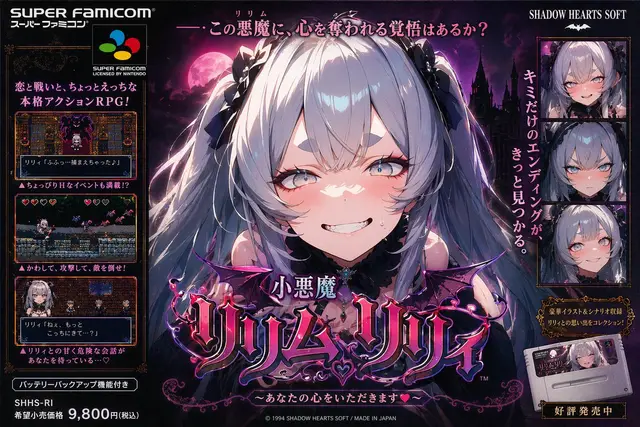
Super Famicom Poster Style
Design a poster for the little devil character Lilim Lily as if she were a Super Famicom game.
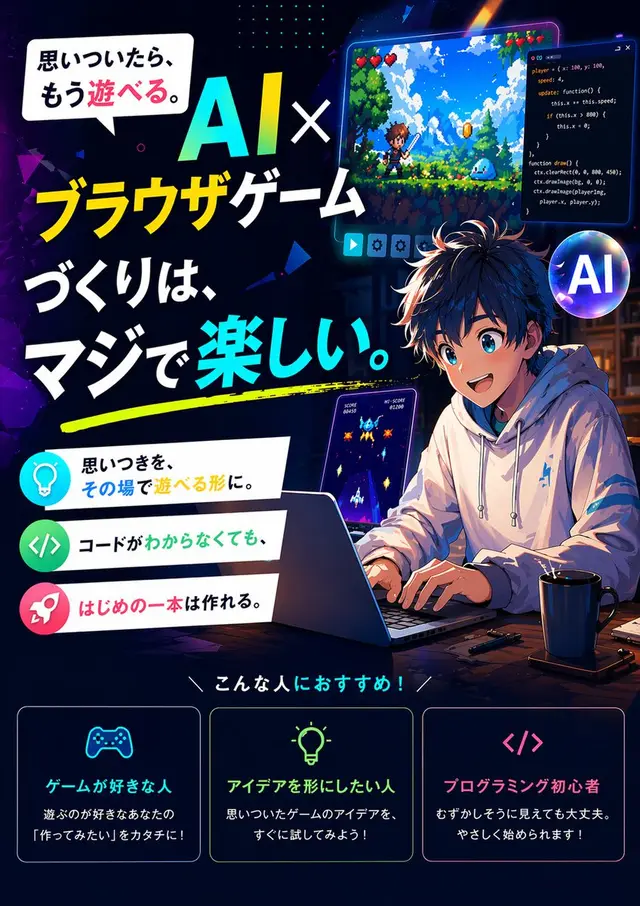
Browser Game Ad Creative Poster
Create a 1:1 poster that includes the following text. The finish should be high-quality and look like the work of a professional ad designer, suitable for promoting books,
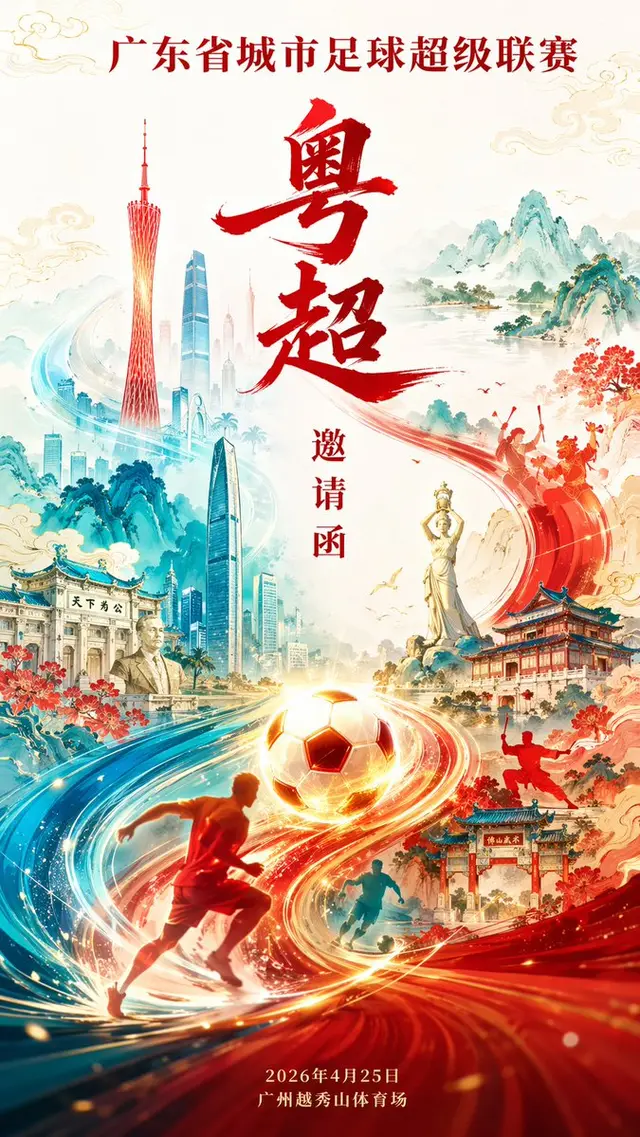
Guangdong Super League Invitation Poster
Invitation poster design for the Guangdong Provincial City Football Super League (Yue Chao), aspect ratio 9:16. S-shaped flowing composition, with a glowing soccer ball and
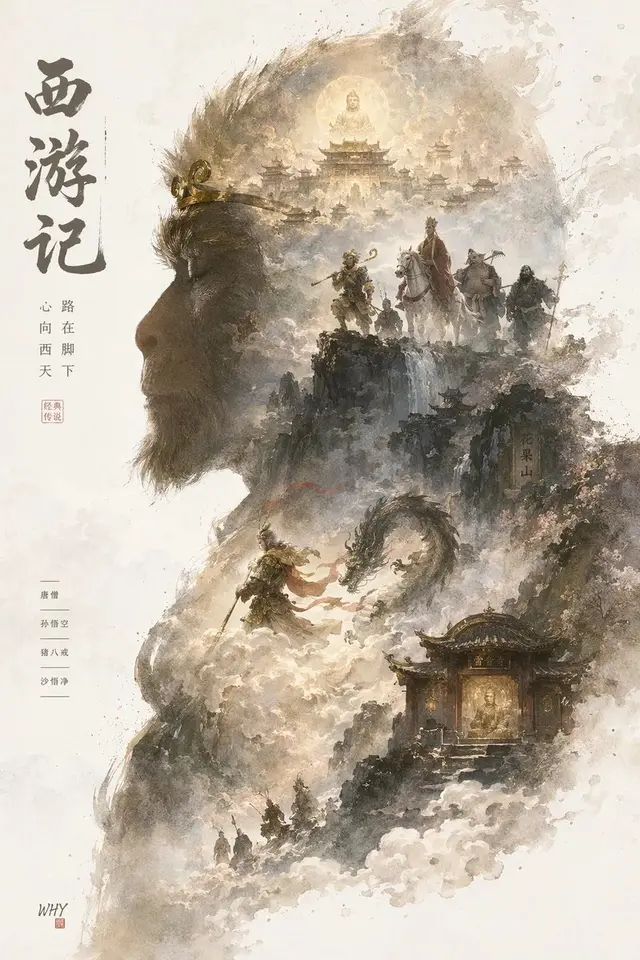
Epic Silhouette World Poster
Collector's edition epic poster, with a complete worldview and classic scenes growing out of a character's profile silhouette. Overall leans toward cinematic poster combined with
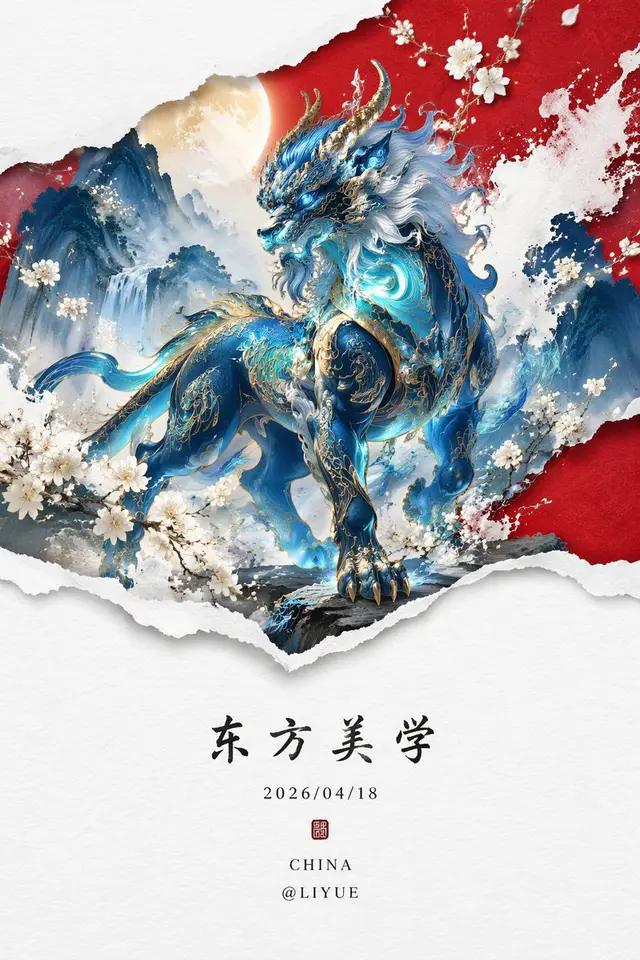
Qiongqi Eastern Aesthetics Poster
Minimalist, New Chinese style three-dimensional graphic design. At the lower portion of the image are Chinese kaiti (regular script) characters: "Eastern Aesthetics",
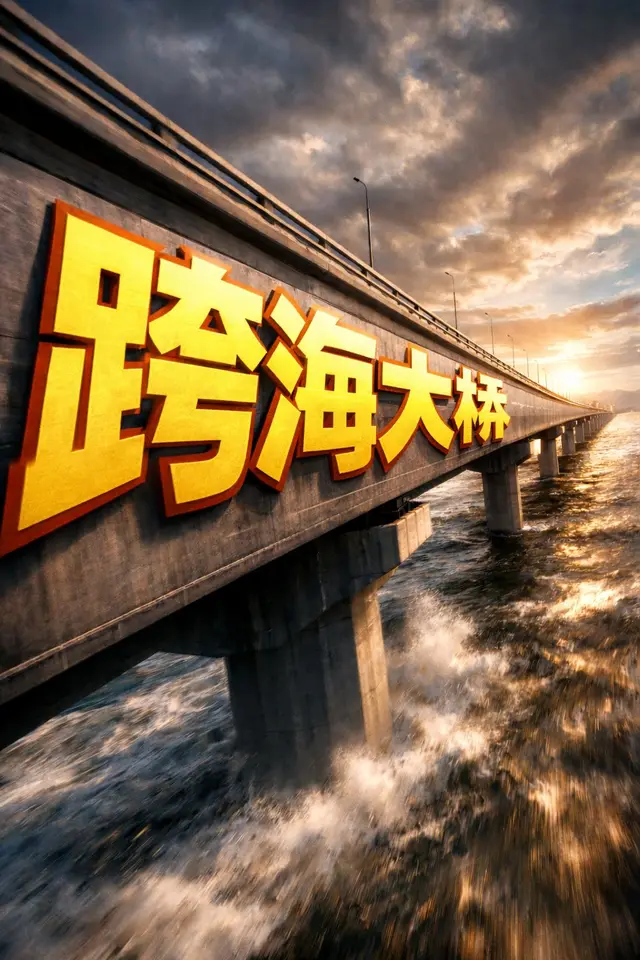
Extreme Perspective Typography Bridge
①场景 跨海大桥的侧面,dramatic cinematic angle。 巨型 bold sans-serif 文字「___②文字内容 跨海大桥」painted onto the surface of ___③主体物 无,从靠近镜头的前端开始,沿表面向远端 progressively foreshortens 逐渐透视压缩,letterforms
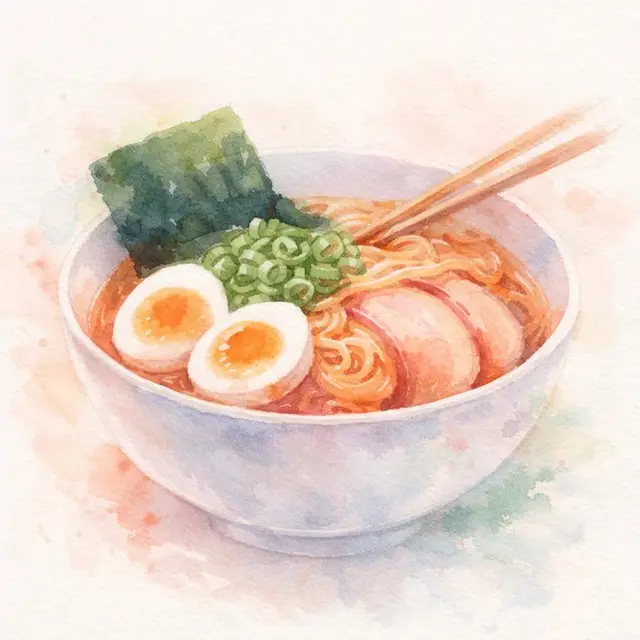
Dreamy Watercolor Editorial Illustration
Ilustración en acuarela de estilo onírico de [sujeto], con estética impresionista ligera, pinceladas sueltas y lavados translúcidos en tonos [color1] y [color2]. Difuminado suave
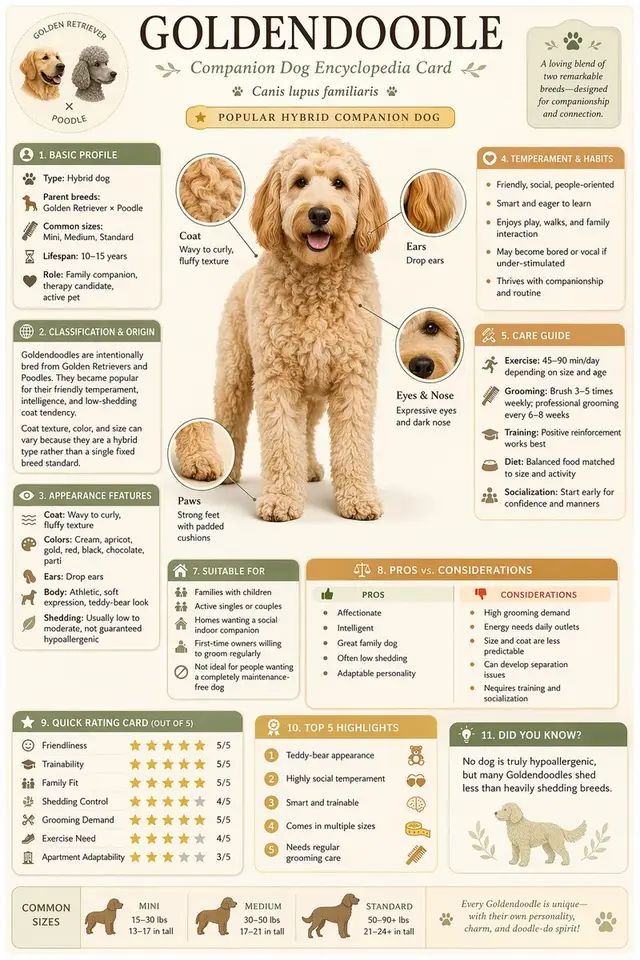
Science Encyclopedia Vertical Poster
Generate a high-quality vertical science popularization encyclopedia image based on [Theme].
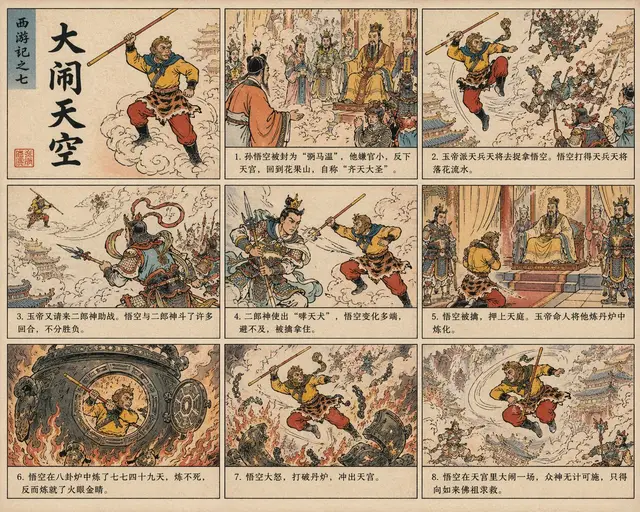
Journey to the West Chinese Comic
Help me draw "Havoc in Heaven" (Sun Wukong's uproar in the celestial palace) in the style of a Chinese lianhuanhua (illustrated story booklet, also known as xiao ren shu).
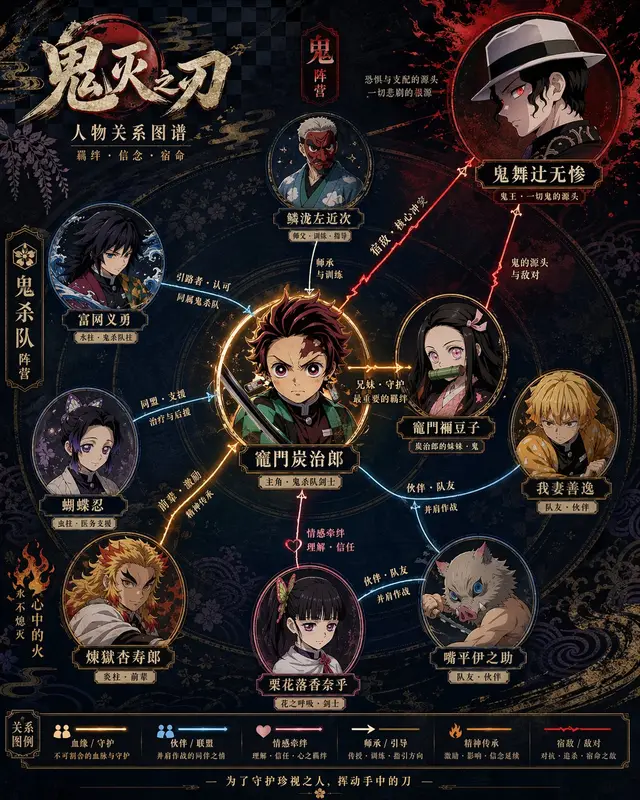
Character Relationship Map Poster
Please generate a highly designed character relationship map poster based on [Theme].
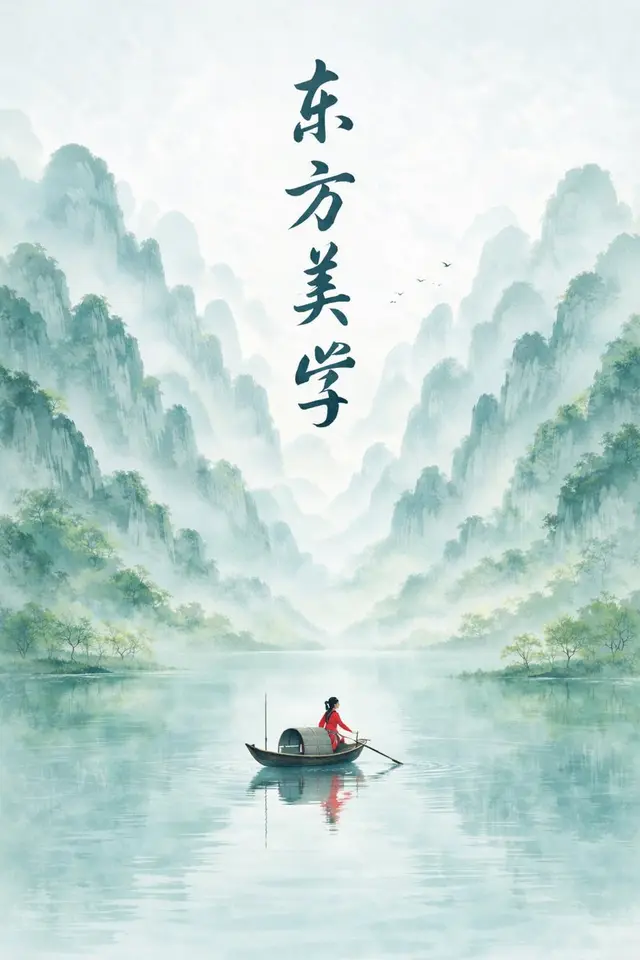
New Chinese Ink Landscape Poster
New Chinese ink-wash landscape poster, portrait 9:16 composition, Eastern minimalist aesthetic style, large areas of negative space. Theme: a single red leaf in spring mist.
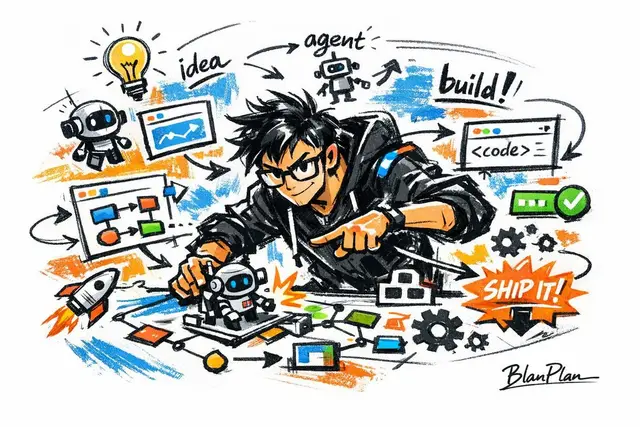
AI Builder Doodle Sketch
Express [an outstanding AI builder] in a doodle/sketch style.
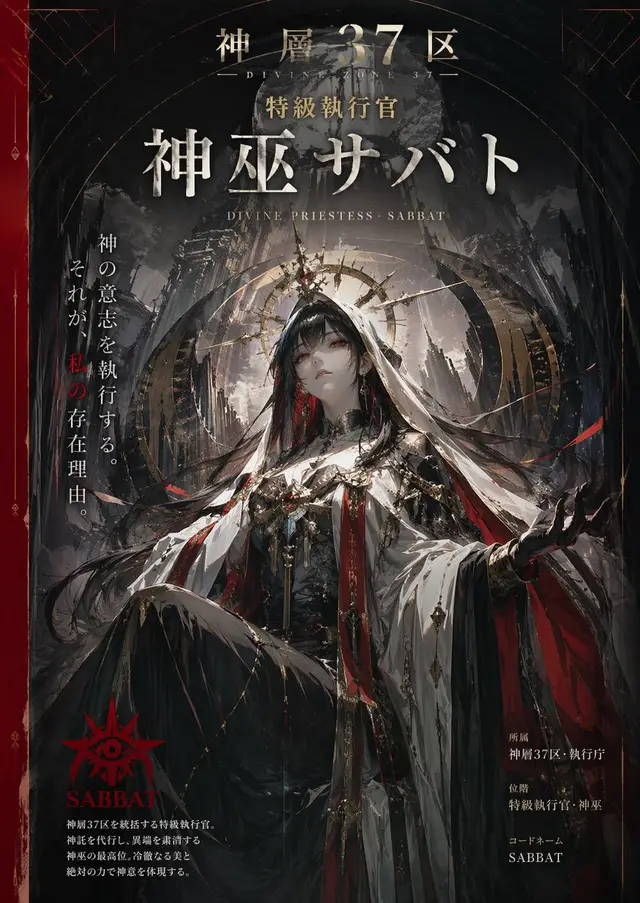
Character Visual Vertical Poster
Create a vertical poster image as a professional designer, with a visual that fits the name and worldview of the character "Shenso 37th District, Tokkyu Shikkokan, Shinfu Sabato"
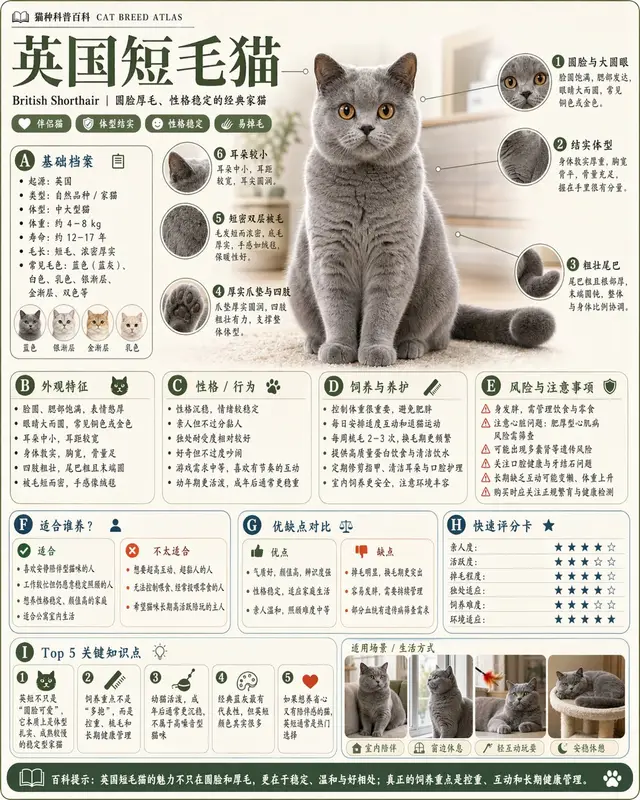
Science Encyclopedia Infographic
Please generate a high-quality portrait "Science Encyclopedia Infographic" based on [Theme]. This is not an ordinary poster, nor a simple illustration, but a modular science
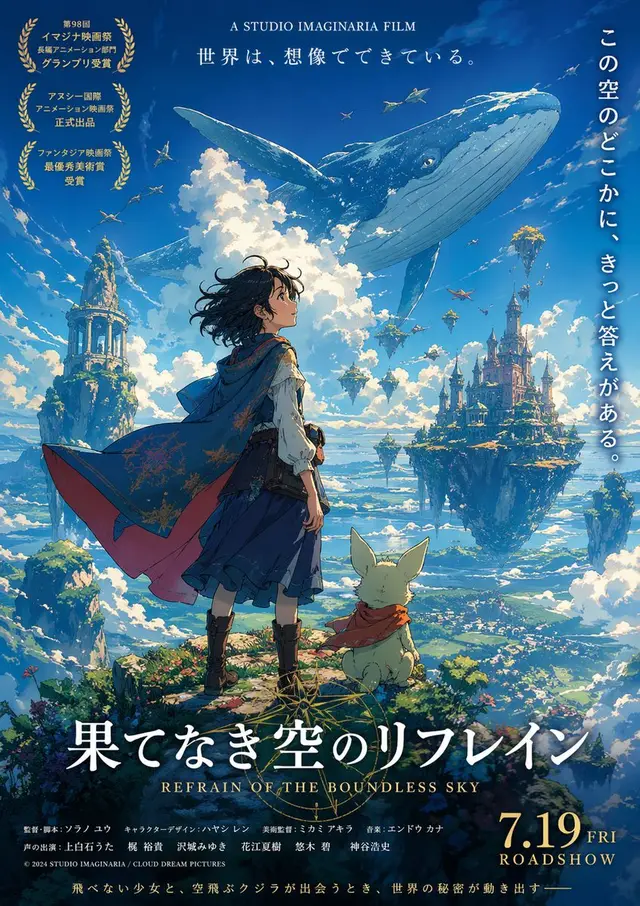
Fictional Anime Movie Poster
Use GPT image2 to create a poster for a fictional anime movie.
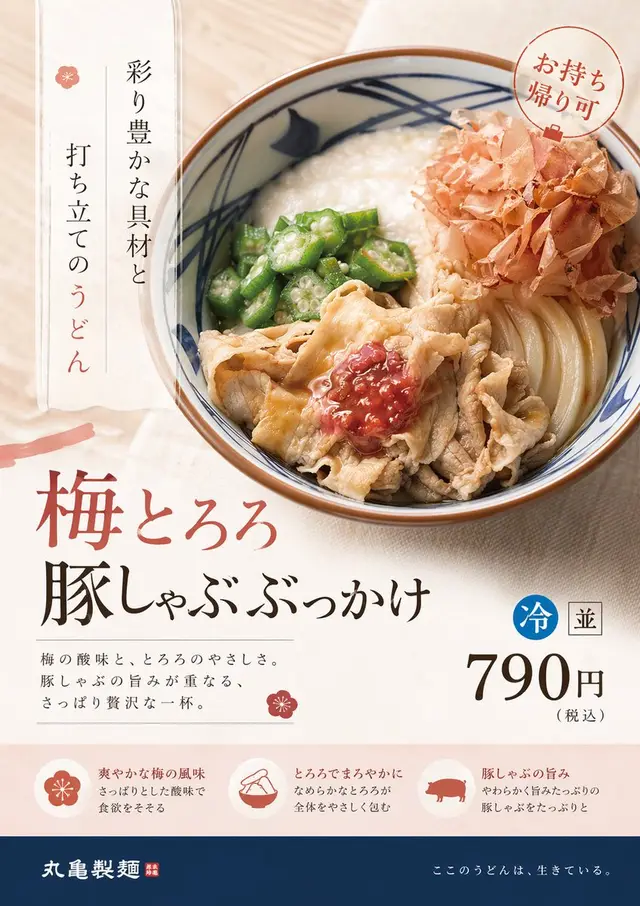
Product Ad Redesign
Redesign this product ad from the perspective of a professional designer. Use a refined design aligned with current trends and the target audience.
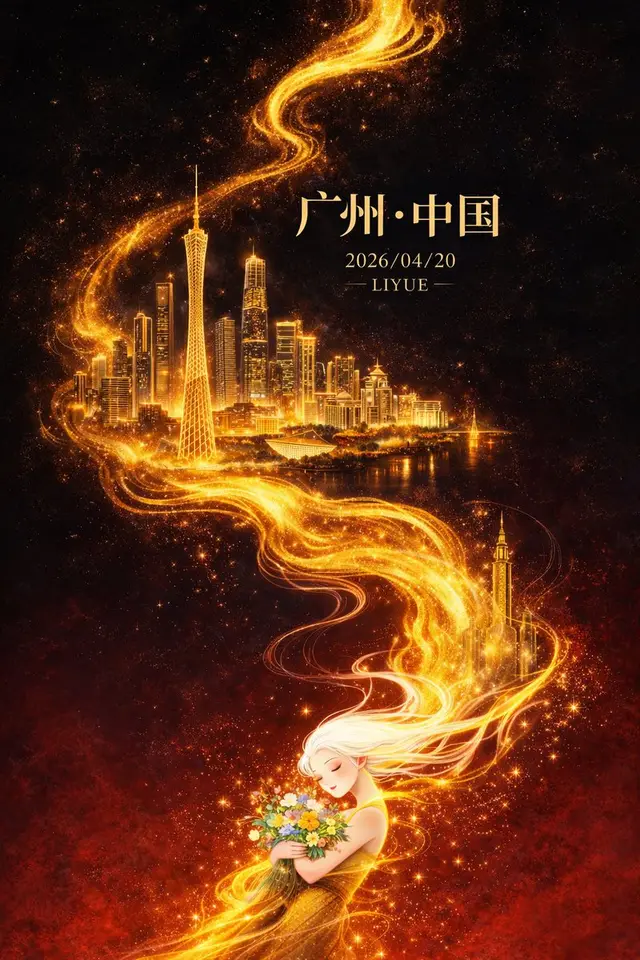
Dark-Fantasy Guangzhou City Poster
Flat illustration, Eastern fantasy-style premium city poster design, 9:16 portrait composition, with an overall diagonal + S-shaped flowing composition extending from the
How to write GPT Image 2 prompts that actually work
Great GPT Image 2 prompts read like a clear brief, not a pile of keywords. Describe the scene first, then the subject, then the details — and tell the model what the image is for. Below is the order that works, straight from how GPT Image 2 reads a prompt.
1. Set the scene, then the subject
Open with the background or setting, then the main subject and what it's doing. Spell out the use case too — an ad, a UI mockup, an infographic — so the model frames it the right way.
2. Be specific, and name the medium
Vague prompts get vague images. Say the material, shape, and texture, and name the medium: photo, watercolor, 3D render. Add a quality cue like "fine film grain" or "soft brush texture" to push the look you want.
3. Direct the camera and the light
Call the shot: close-up, wide shot, top-down. Pick the angle: eye level or low angle. Then set the light and mood — soft diffused light, golden hour, high contrast. This is what separates a snapshot from a designed image.
4. Put text in quotes
If you want words inside the image, write the exact text in quotation marks or ALL CAPS, and spell out unusual words letter by letter. Add the font style, size, color, and position so the typography lands.
5. Say what to keep and what to change
For edits and image-to-image, separate what must stay from what should change. Repeat the "keep" list every time you iterate so the result doesn't drift — same face, same product shape, same background unless you say otherwise.
GPT Image 2 prompts by use case
Every prompt in this library is sorted by the job it does. Jump to the category you need — each one is copy-paste ready with the real generated image attached.
E-commerce & product
Clean white-background hero shots, lifestyle scenes, and packaging mockups. The go-to GPT Image 2 prompts for product photography without a studio.
Portraits
Cinematic headshots, editorial portraits, and stylized character looks — with lighting and composition blocks you can reuse across faces.
Posters & illustration
Event posters, editorial illustration, and in-image text layouts. These prompts lean on GPT Image 2's text rendering to keep headlines crisp.
UI mockups
App screens, dashboards, and social profile mockups. Prompt structures tuned for clean layouts and readable interface text.
Character design
Consistent characters across scenes, reference sheets, and game-ready concepts — with identity constraints baked into the prompt.
Games
Game art, item icons, and environment concepts. Prompts written for a coherent style you can scale across a set.
Common GPT Image 2 prompting mistakes to avoid
Most weak results come from a handful of fixable habits. Watch for these.
Loading everything into one giant prompt
Long prompts work, but they're hard to debug. Start from a clean base and iterate with small single changes — "warmer light," "remove the extra tree," "restore the original background."
Expecting negative prompts to work
GPT Image 2 doesn't use negative prompts. Instead of "no watermark," state the exclusion as a constraint — "no watermark, no extra text, keep the original product geometry."
Being vague about text
"Add a title" gets you gibberish. Put the exact words in quotes, ALL CAPS for emphasis, and specify font, size, and placement.
Letting edits drift
Each edit can quietly change things you wanted to keep. Repeat your "keep" list on every iteration — face, pose, background, camera angle.
Trading detail for mood
For wide, low-light, rainy, or neon scenes, the model can swap real detail for surface vibe. Add scale, atmosphere, and color notes so detail survives.
Frequently asked questions
Do negative prompts work for GPT Image 2?
No. GPT Image 2 doesn't support negative prompts the way some older models do. Instead of a "no X" list, write the exclusion as a plain constraint inside your prompt — "no watermark, no extra text, keep the original shape." Clear exclusions work better than negative tokens.
What's the difference between GPT Image 2 and ChatGPT Image 2.0?
They're the same model. "ChatGPT Image 2.0" is how it shows up inside ChatGPT; "GPT Image 2" (gpt-image-2) is the model name on the API. Any prompt here works in both.
What's new in GPT Image 2 prompts for 2026?
GPT Image 2 handles in-image text, multi-reference editing, and identity consistency far better than before — so 2026 prompts can be more specific about typography, references, and what to keep across edits.
What is the best prompt structure for GPT Image 2?
Scene first, then subject, then key details, then style and lighting, then constraints, and finally the use case. This order matches how the model reads a prompt and gives you the most control.
Can I just copy and paste these prompts?
Yes. Every prompt is copy-paste ready. Hit "Copy Prompt," swap in your own subject or brand, and run it. Tap "Make This" to generate the same look instantly.
How do I make GPT Image 2 render text correctly?
Put the exact words in quotation marks or ALL CAPS, spell out unusual words letter by letter, and name the font style, size, color, and position. For dense or small text, ask for higher quality and iterate on wording.
Does GPT Image 2 support transparent backgrounds?
The raw GPT Image 2 model only outputs an opaque background — but on imagesv2 we've optimized transparent-background support, so you can generate a clean transparent PNG in one step, no separate cutout needed. Generate a transparent background →
Can GPT Image 2 use multiple reference images?
Yes. Reference each input by index and describe how they combine — "image 1: the product, image 2: the style; apply image 2's style to image 1." Be explicit about which elements move where.
How do I keep the same character across images?
Lock the identity in your prompt — face, body type, pose, hair, expression — and only let the parts you name change, like clothing or background. Repeat that "keep" list on every generation to stop drift.
GPT Image 2 vs GPT Image 1 — what changed for prompts?
GPT Image 2 follows instructions more closely, renders text more reliably, and holds identity better across edits. You can write more specific, constraint-heavy prompts and trust they'll be respected.
GPT Image 2 vs Nano Banana prompts — which is better?
Both are strong. GPT Image 2 tends to lead on in-image text and precise instruction-following; pick prompts based on the job. The structures in this library transfer well between models.
How does GPT Image 2 compare to Midjourney?
Midjourney leans artistic and stylized; GPT Image 2 leans accurate and controllable, especially for text, product shots, and UI. For brief-driven, instruction-heavy work, GPT Image 2 prompts are easier to dial in.
Is GPT Image 2 free to use?
You can try GPT Image 2 prompts on imagesv2 with starter credits, then top up as you go. Browsing and copying every prompt in this library is always free. Try it free on the homepage →
Where can I find more GPT Image 2 prompt examples?
Right here — this library is a curated set of GPT Image 2 prompts with real output, sorted by use case. Filter by category above, or open any example to copy it and make your own.