
AI Object Remover from Photo
A tangle of cables on the desk, a bottle on the sofa, a bin in the corner of the campsite. Upload the photo, type what should go and the AI removes it — shadow included — and continues the wood, fabric or ground behind it.
No brush, no mask, no clone stamp.
New accounts get 3 free credits — exactly enough for your first generation.

Object remover examples
Each pair is the same photo before and after one pass: original on the left, result on the right. The instruction named the object to remove.
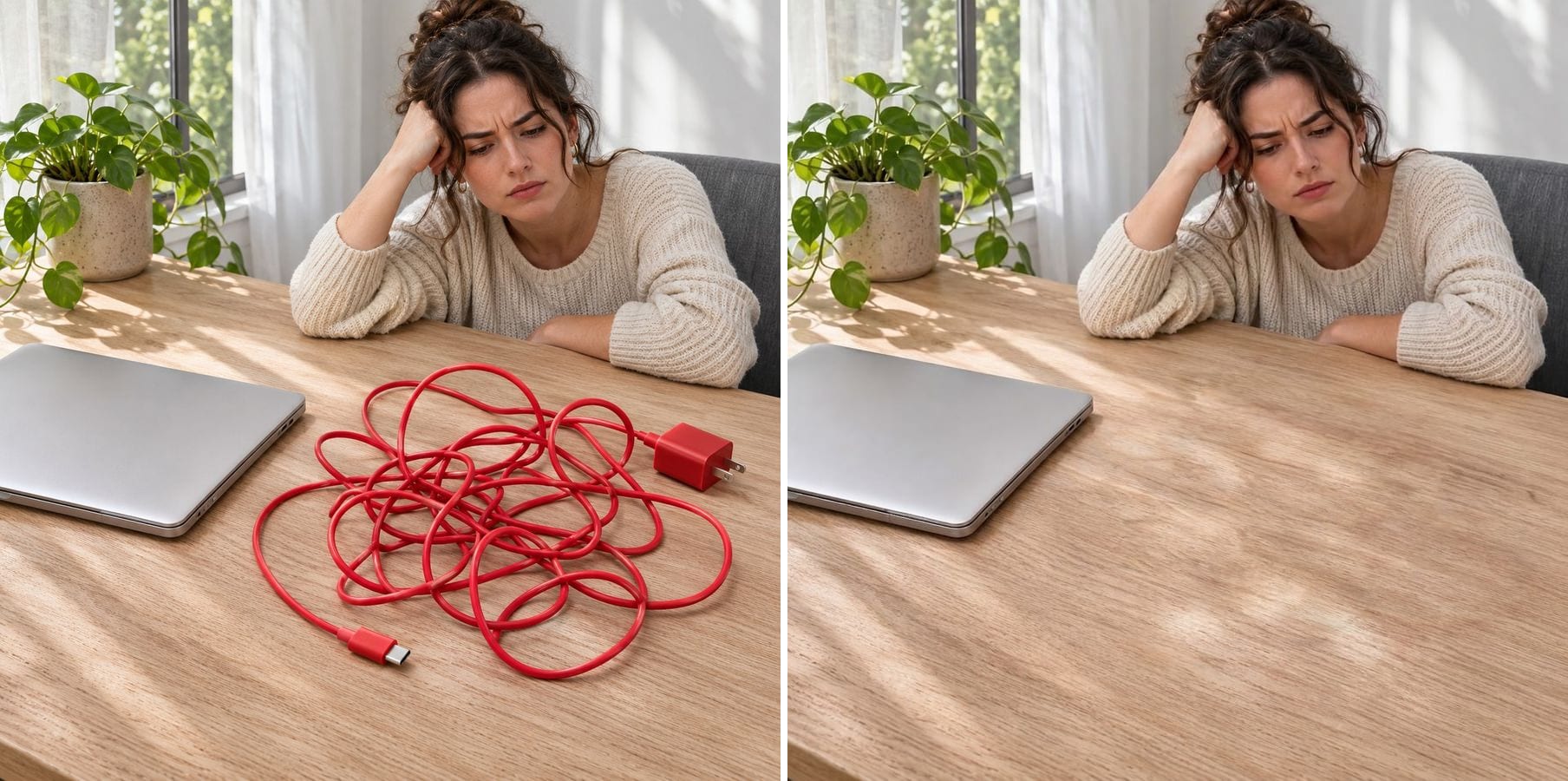
A tangled cable cleared from a desk
Instruction: remove the tangled red charging cable and its adapter. The oak grain and the sunlight run across the table where the cable was, and the laptop and the woman are unchanged.
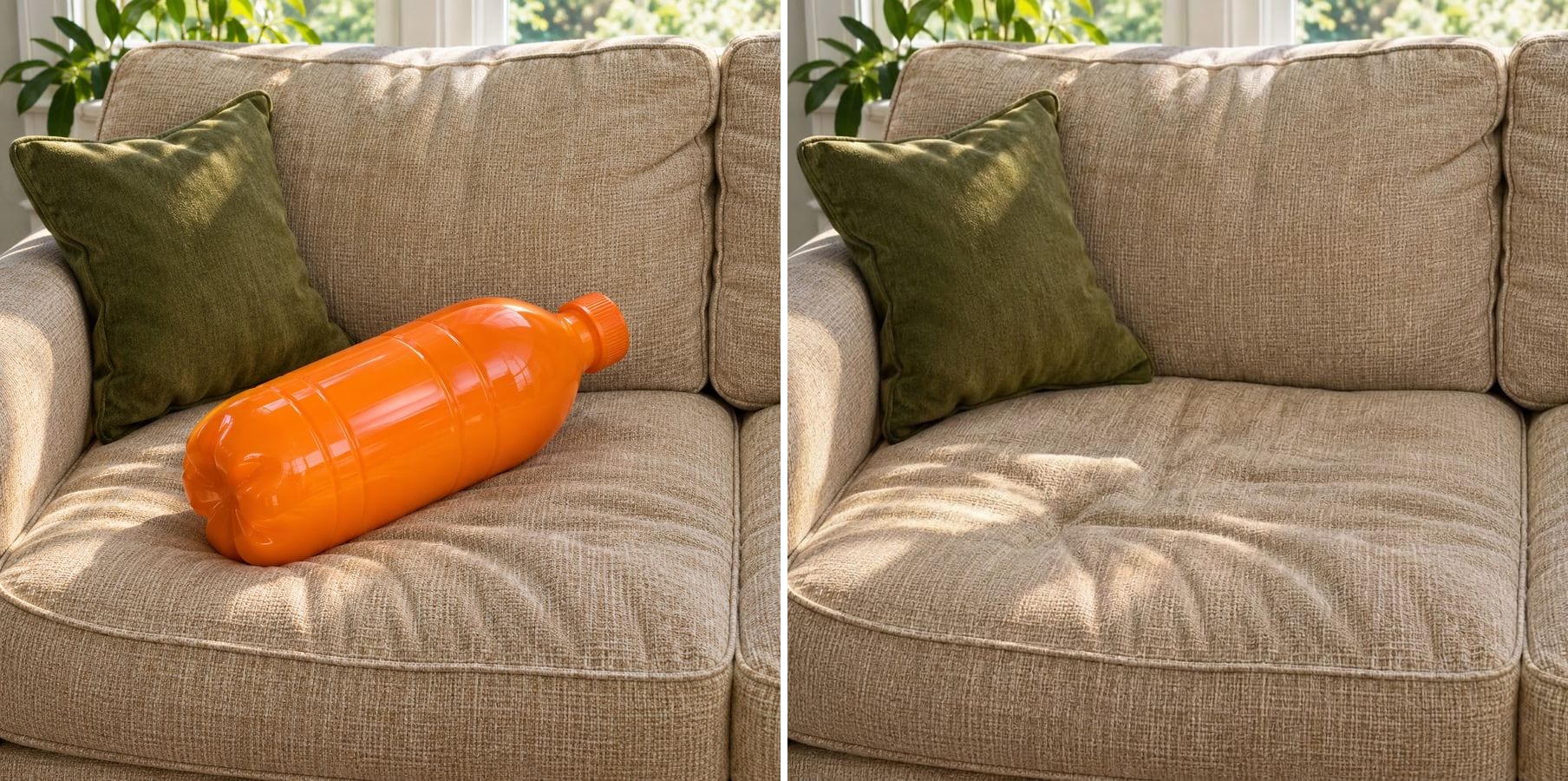
A bottle removed from a sofa
Instruction: remove the orange bottle and its shadow. The beige weave and the folds of the seat cushion continue naturally, ready for a listing or an interior shot.
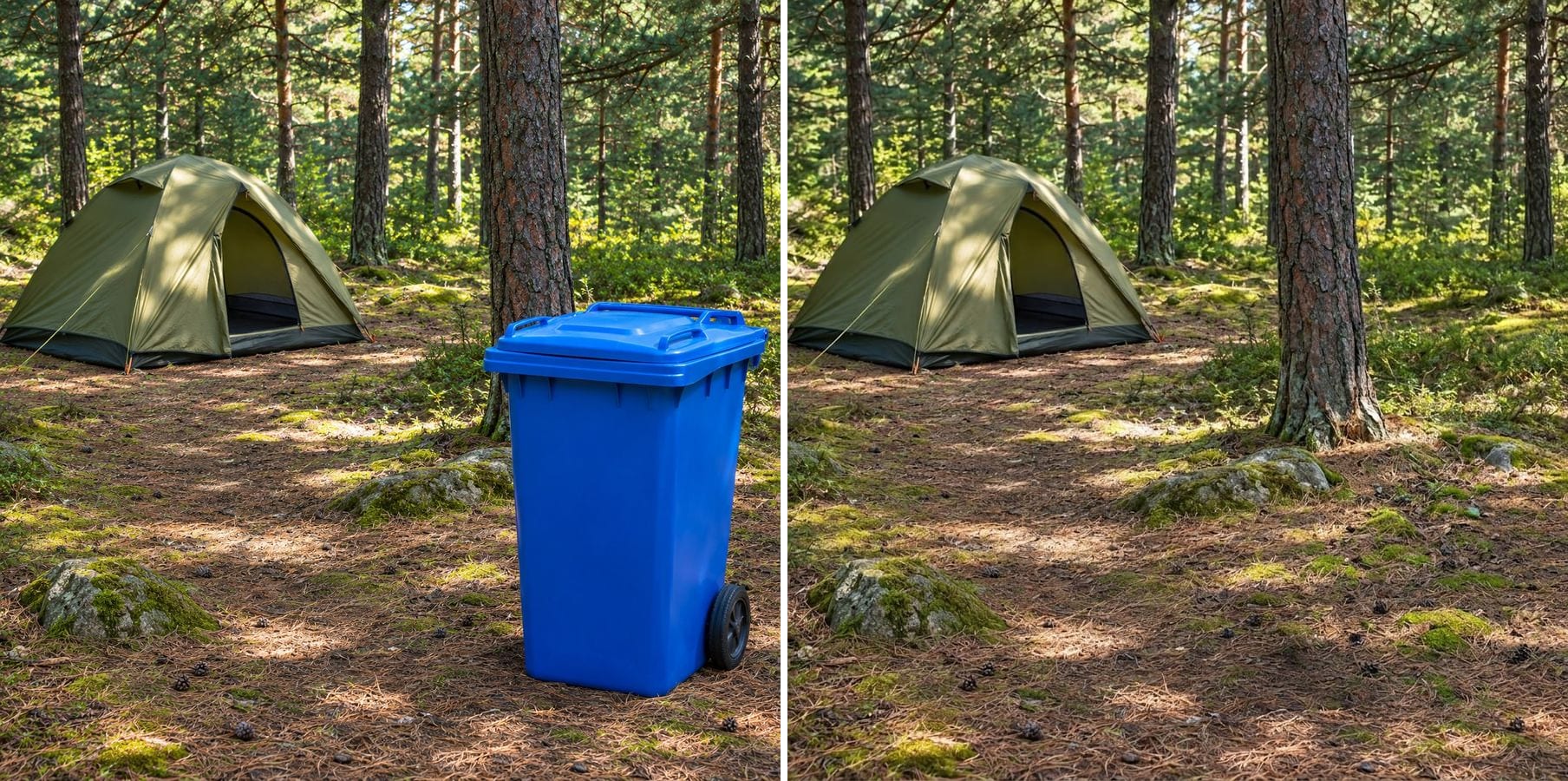
A rubbish bin taken out of a campsite
Instruction: remove the blue rubbish bin in the lower right and its shadow. Pine needles, moss and dappled light fill the spot, and the tent and trees stay where they were.
What is an AI object remover?
An object remover takes something out of a photo and rebuilds the background behind it. Instead of painting a mask, you describe the object in words; the AI finds it, removes it and redraws the surface in the same light and perspective. Good for:
Clutter
Cables, bottles, bags, chargers and other everyday mess.
Street furniture
Bins, signs, cones and poles in outdoor shots.
Shadows too
Ask for the object's shadow to go so nothing hints it was there.
Natural surfaces
Wood grain, fabric weave, grass, sand and floors are continued believably.
No masking
You type what to remove; there is nothing to paint.
Subject kept
The main subject, the light and the framing are kept.
How to remove an object from a photo
The editor opens with an example instruction. Three steps:
Upload the photo
Any photo with something you want gone. JPG, PNG or WebP.
Type what to remove
Edit the example instruction: name the object and where it is, e.g. 'remove the red cable on the right side of the desk and its shadow'.
Generate and download
Check that the background is continuous and nothing else moved, then download.
Who uses an object remover
Anyone who needs a clean photo and can't reshoot it.
Online sellers
Product and second-hand listing photos without the clutter around the item.
Real estate and hosts
Rooms without bins, cables and personal items.
Travellers
Landscapes without signs, cones and rubbish bins.
Everyday photos
Remove the one thing that spoils a good picture.
Powered by Nano Banana 2.1
The object remover runs on Nano Banana 2.1, an image model that is especially good at keeping a person's identity while changing only what you ask for.
Related photo tools
Other one-click fixes for the same photo.

Remove Person
Describe the tourist or photobomber to remove and the background is filled in naturally.

Remove Text
Erase captions, overlaid words, subtitles and date stamps and rebuild what was behind them.
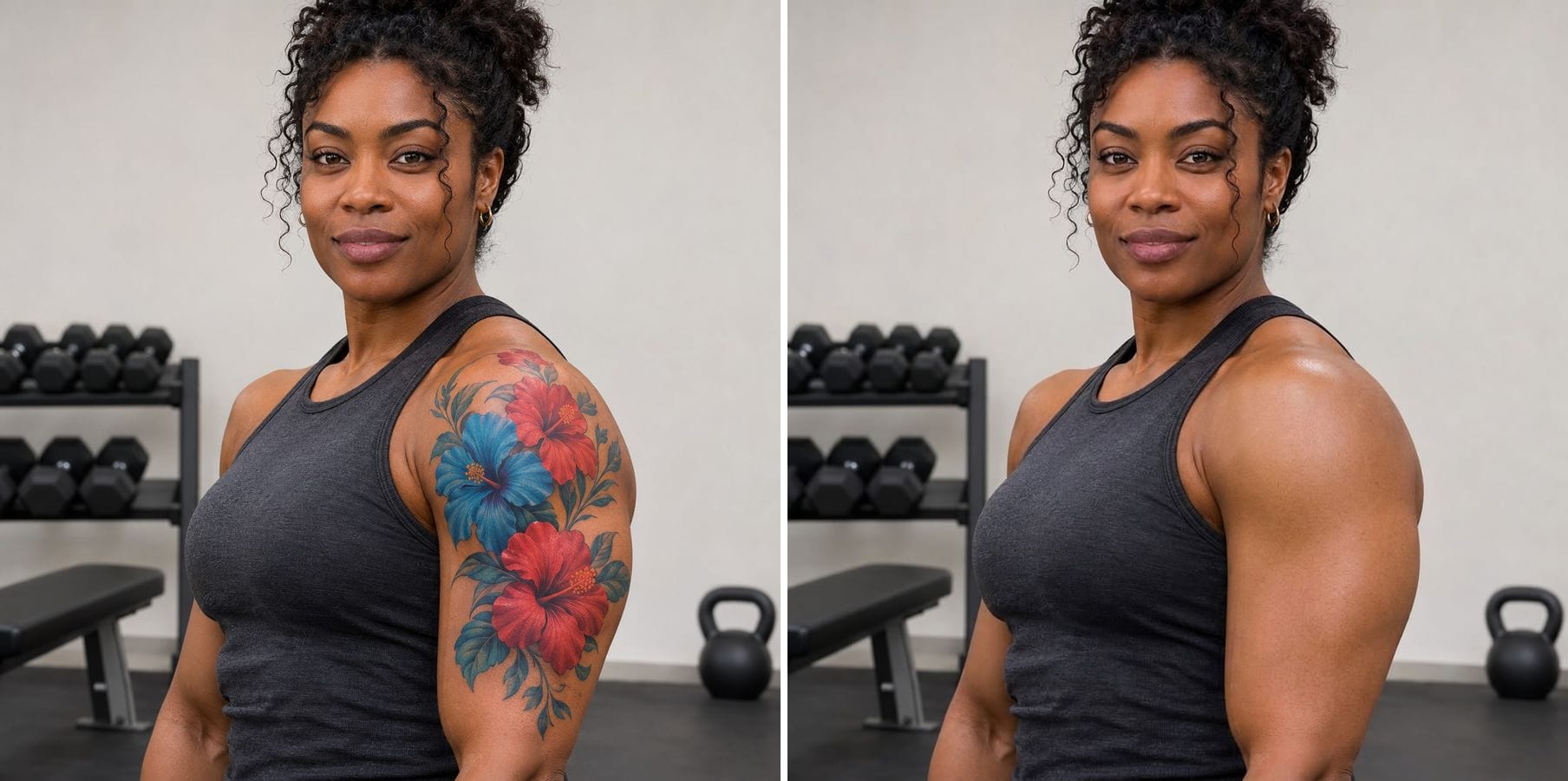
Remove Tattoo
Erase tattoos from a photo and get natural skin that matches tone, texture and light.

Remove Filter
Take Snapchat stickers, beauty smoothing and colour filters off a saved photo.
AI Object Remover — FAQ
More questions? Email support@imagesv2.ai.
Upload the photo above, edit the instruction to name the object and where it is, and click generate. The AI removes it and fills in the background.
Describe it: colour, type and position — 'the blue bin in the lower right corner'. If there are similar objects, say which one, e.g. 'the bottle on the left cushion only'.
Yes. Add 'and its shadow' to the instruction so no trace is left.
The AI redraws the area around the object to blend it in. If a nearby item moved, add 'keep the laptop exactly the same' and run it again.
Yes, but for people our Remove Person from Photo page starts with a better example instruction.
No. The object remover works on single photos.
Results come back at about 1K resolution, which is plenty for profiles, social media and messages. For prints or a bigger file, run the result through the AI Image Upscaler to take it to 2K or 4K.
A standard edit uses 60 credits. New users receive free credits on sign-up, and a brand-new account's first generation costs just 3 credits, so the bonus covers your first try. After that, each image uses credits from any credit pack or subscription.
Results made with the free sign-up credits carry a watermark. After any credit purchase, new results come without one.
Remove an object from your photo
Free credits for new users. Upload a photo, say what should go and click generate.