
Colorize Black and White Photos with AI
Upload an old black and white photo and see it in colour: warm skin tones, faded fabrics, wood, water and sky in colours that suit the era.
The faces, the expressions and the film grain stay exactly as they were.
New accounts get 3 free credits — exactly enough for your first generation.

Colorize photo examples
Each pair is the same photo before and after one pass with the built-in instruction: black and white original on the left, colorized result on the right.
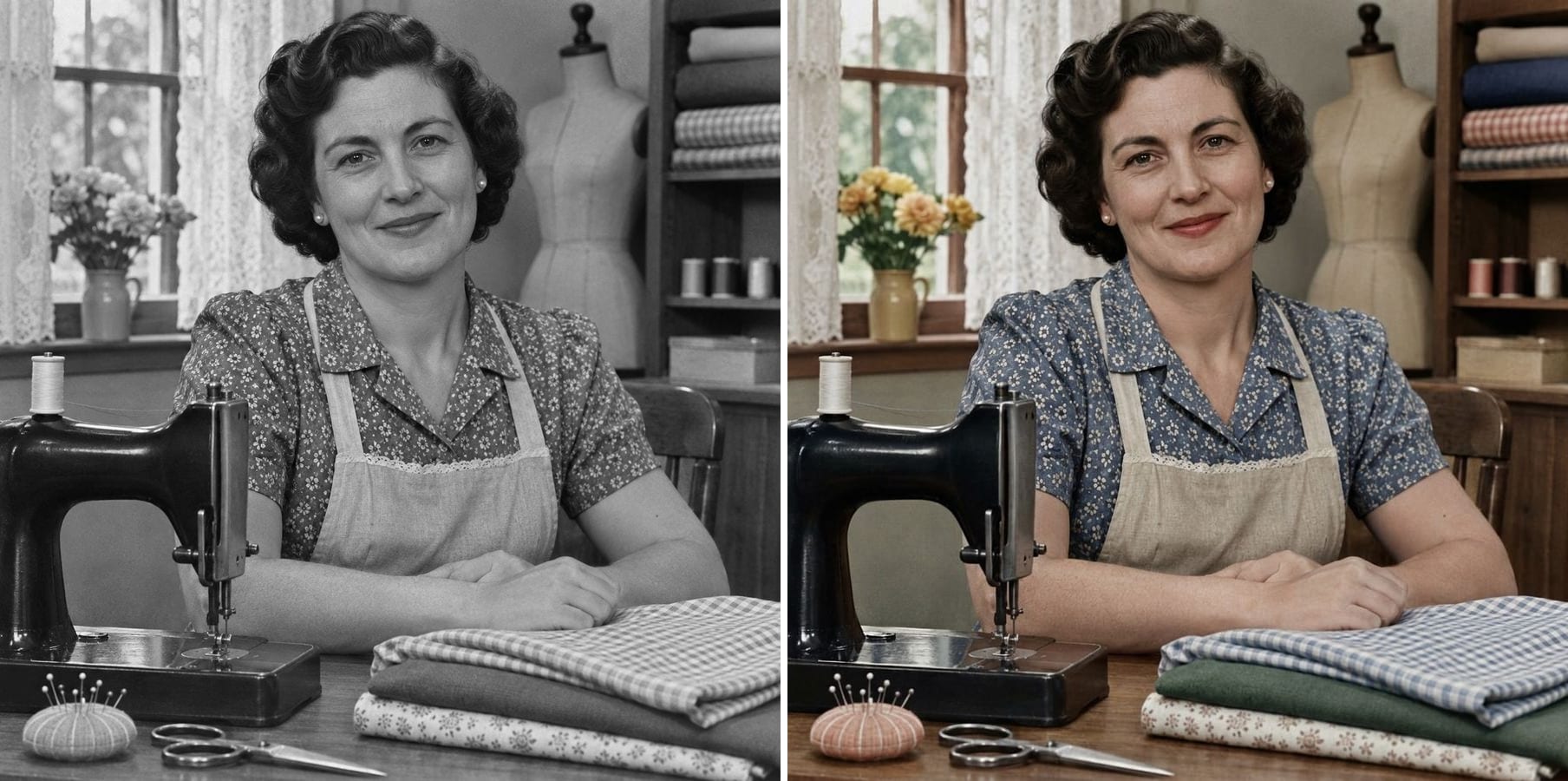
A seamstress at her machine
A sewing room with a patterned blouse, folded fabrics and a black sewing machine. The colorized version gives her natural skin, a blue floral blouse and warm wood, and her face and smile are unchanged.
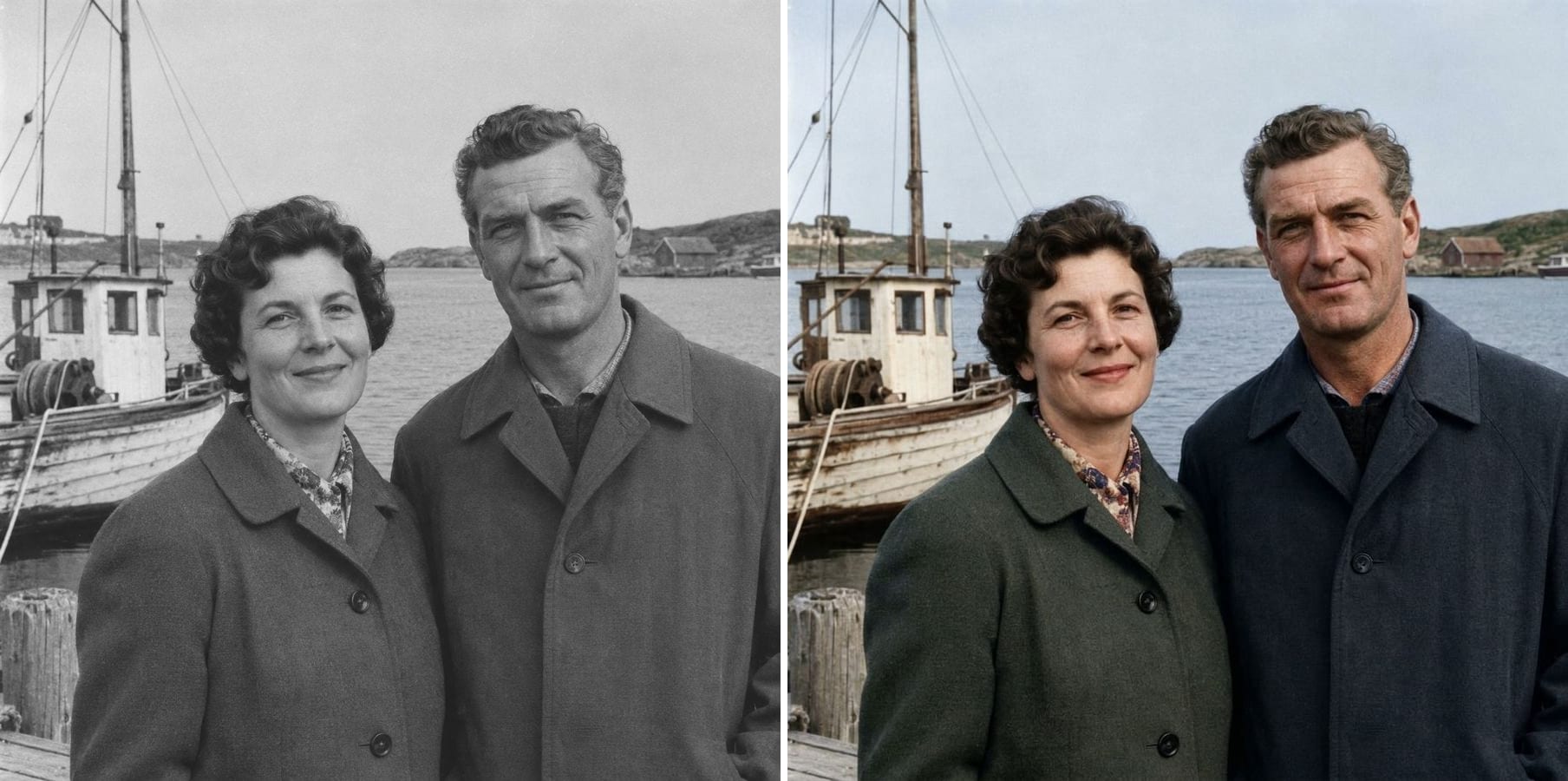
A couple at the harbour
Two coats, a fishing boat and grey water. The result picks a muted green and a navy coat, a weathered boat and a pale sky. Both faces stay exactly the same; the coat colours are a plausible guess.
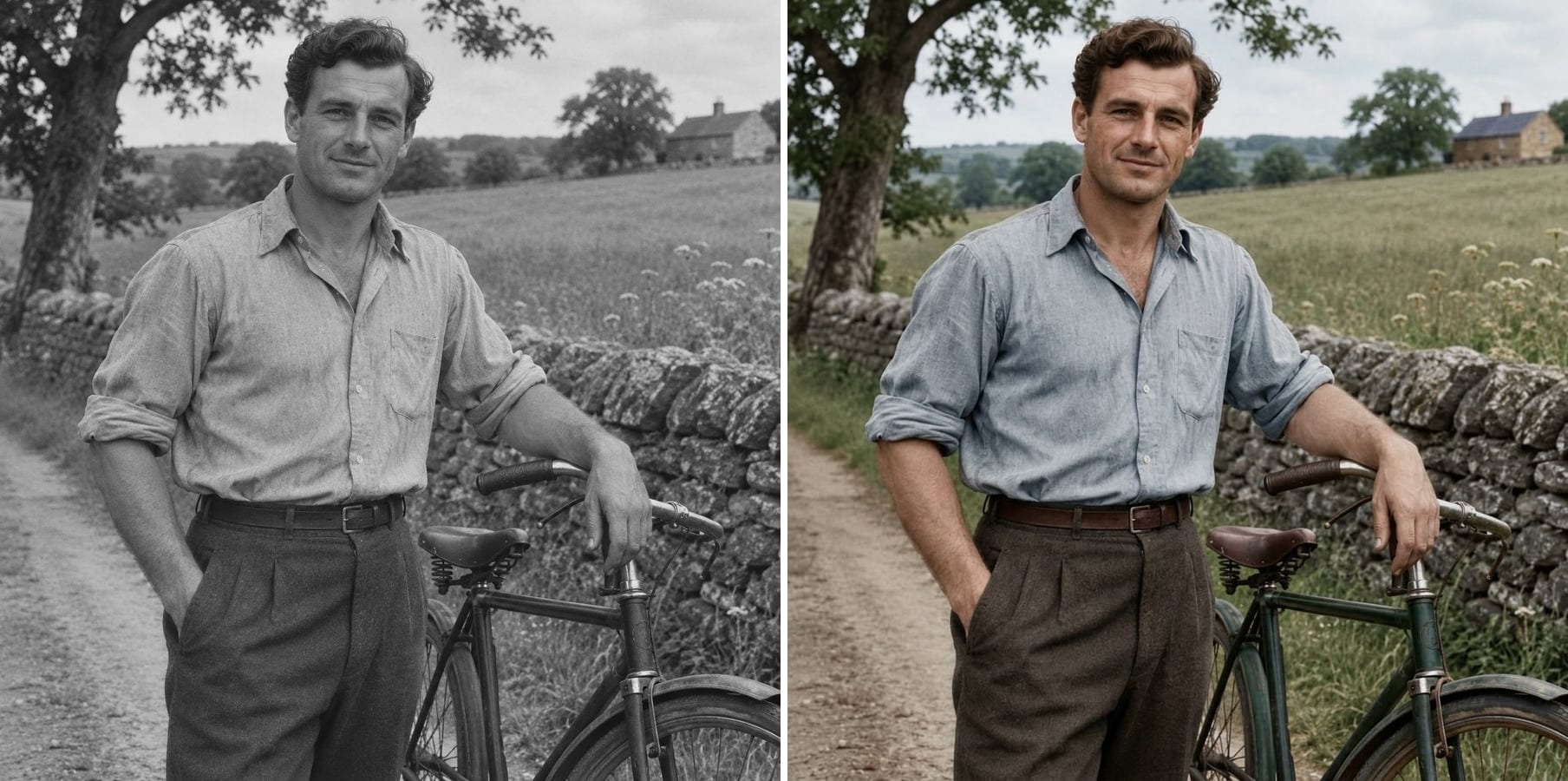
A young man with his bicycle
A country lane, a stone wall and a bicycle. Colour brings out a blue shirt, brown trousers, green fields and grey stone, while the bicycle frame and the pose are untouched.
How does AI photo colorization work?
A black and white photo stores brightness, not colour. An AI colorizer has learned which colours usually go with which shapes and tones — skin, sky, grass, wood, fabric — and paints a plausible colour version on top of the original detail. What it gives you:
Natural skin tones
Faces and hands get believable, varied skin colour instead of a flat tint.
Era-appropriate colour
Muted fabrics and paints that suit the time the photo was taken.
Scenes and backgrounds
Sky, water, grass, wood and stone get their own colours.
Faces kept
Every face and expression stays as it is in the original.
Film grain kept
The grain and character of the old photo are preserved.
Your colours, if you know them
Click Customize to say 'the dress was red' and it will follow.
How to colorize a black and white photo
The colorization instruction is already built in. Three steps:
Upload the photo
A scan or a phone photo of a black and white print. JPG, PNG or WebP.
Click generate
The built-in instruction adds natural colour and keeps faces, grain and detail. Know the real colours? Add them with Customize.
Download the colour photo
Compare it with the original, then download.
Who colorizes old photos
Anyone who wants to see the past in colour.
Families
Colorize grandparents' portraits and wedding photos for a gift or a reunion.
Family historians
Bring an album or a family tree to life.
Writers and creators
Colour images for articles, videos and posts about the past.
Local history projects
Make old street and village photos more vivid for exhibitions.
Powered by Nano Banana 2.1
The colorizer runs on Nano Banana 2.1, an image model that is especially good at keeping a person's identity while changing only what you ask for.
Related photo tools
Other one-click fixes for the same photo.
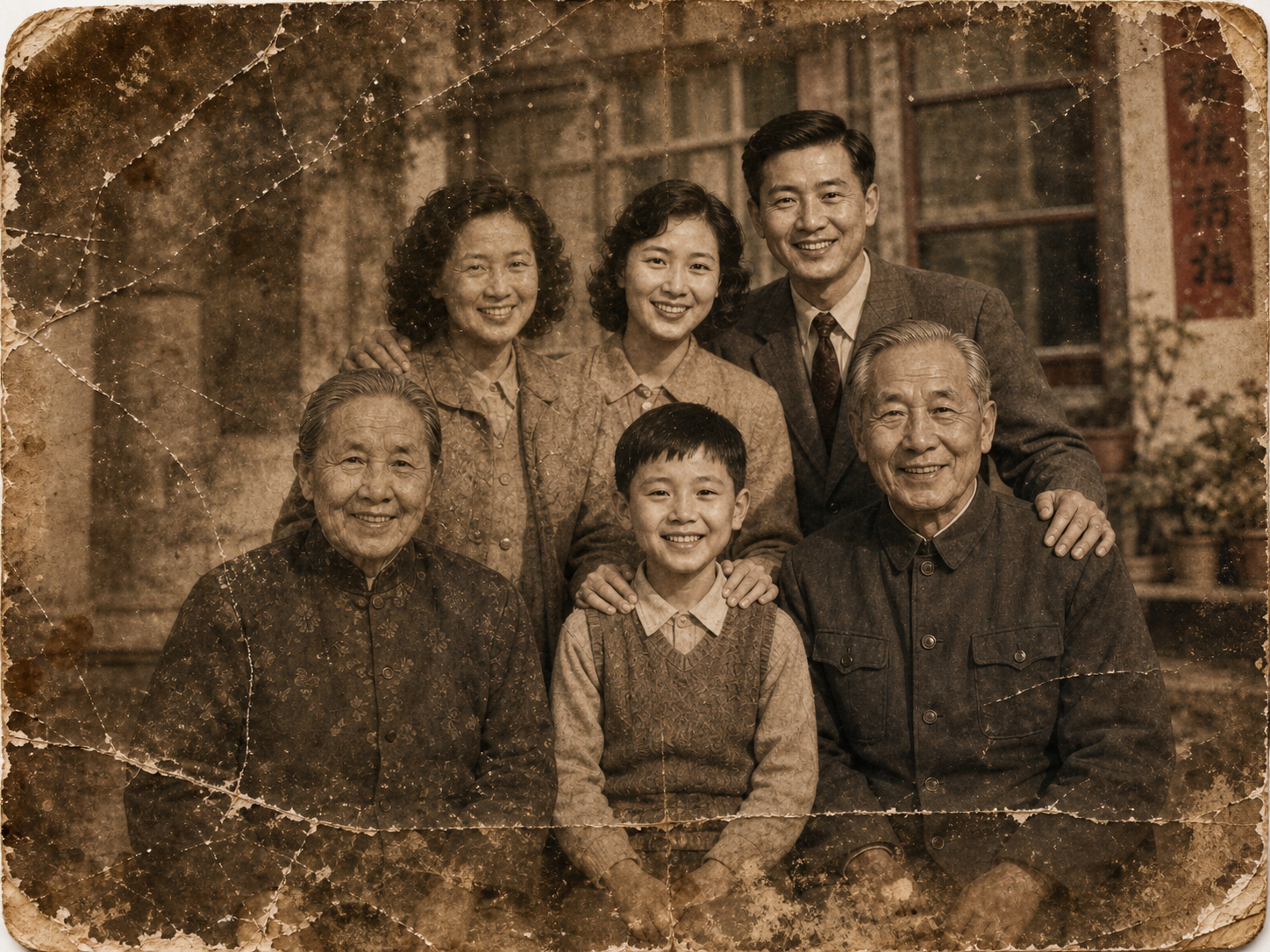
Old Photo Restoration
Restore faded, blurred, and damaged scans to high-end quality while preserving the original composition.
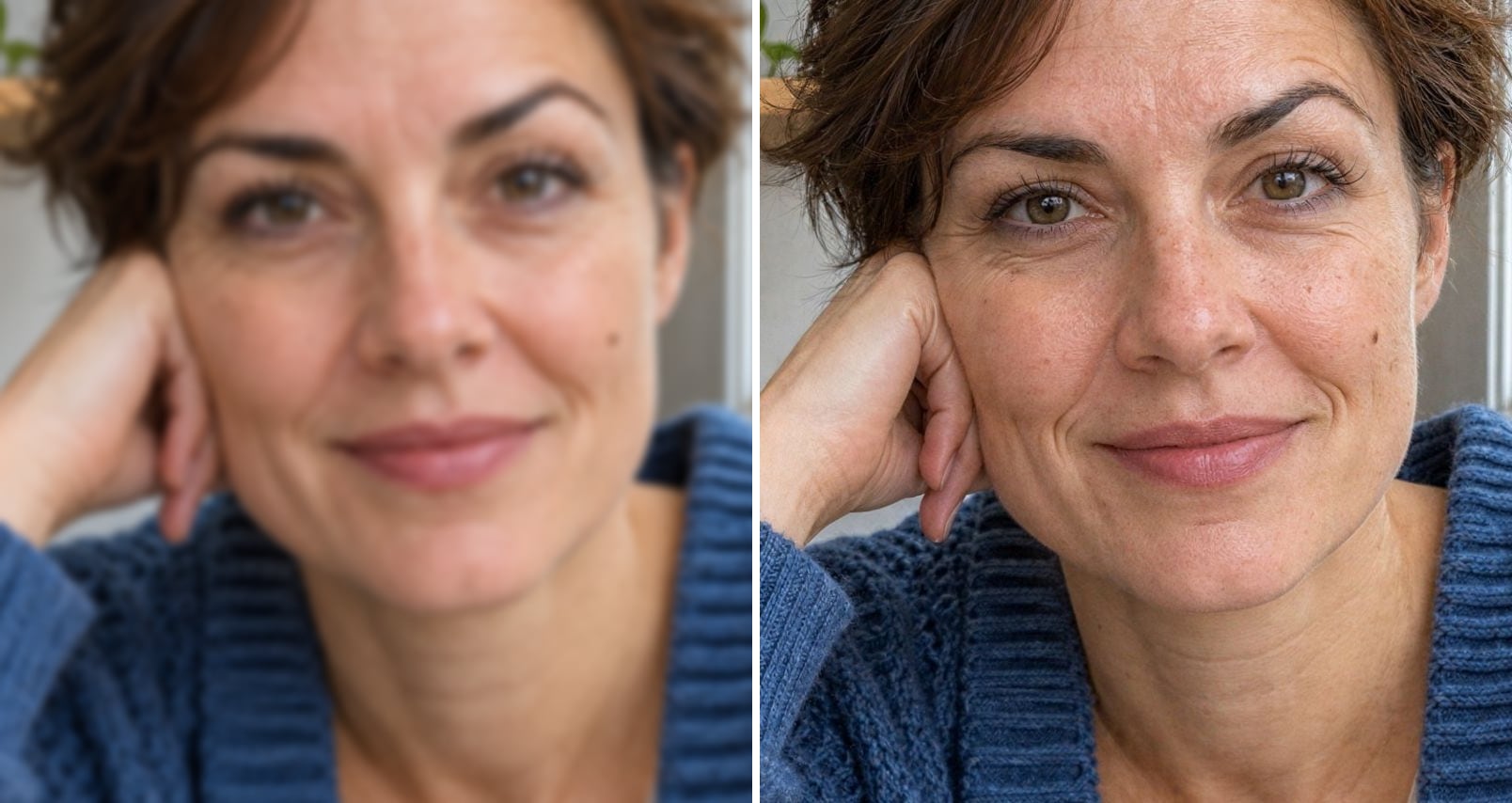
Unblur Face
Sharpen blurry faces at 2K or 4K while keeping the same person, glasses and wrinkles.
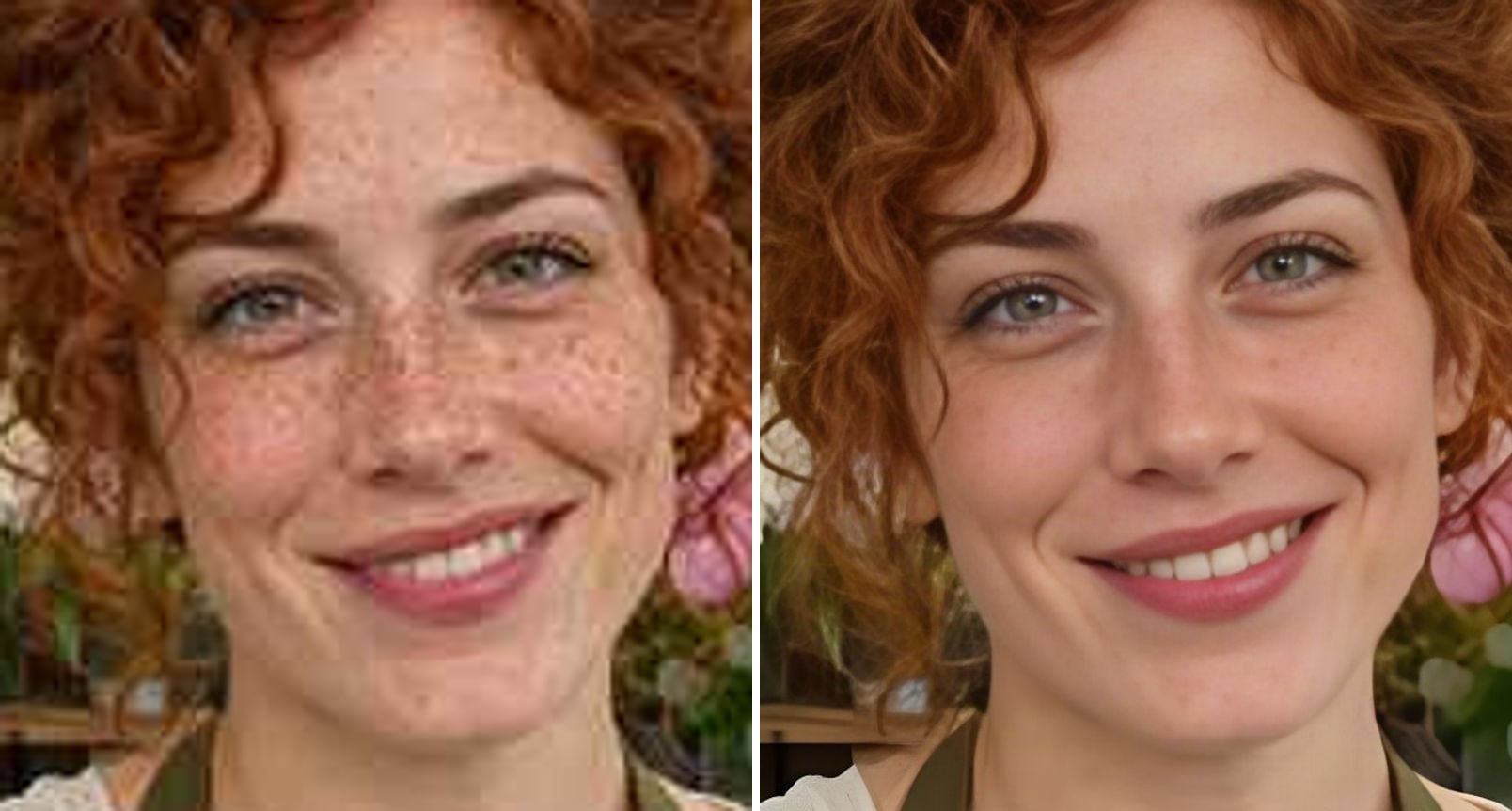
GFPGAN Face Enhancer
Run GFPGAN face restoration with Real-ESRGAN online for very sharp faces, with smoother skin.
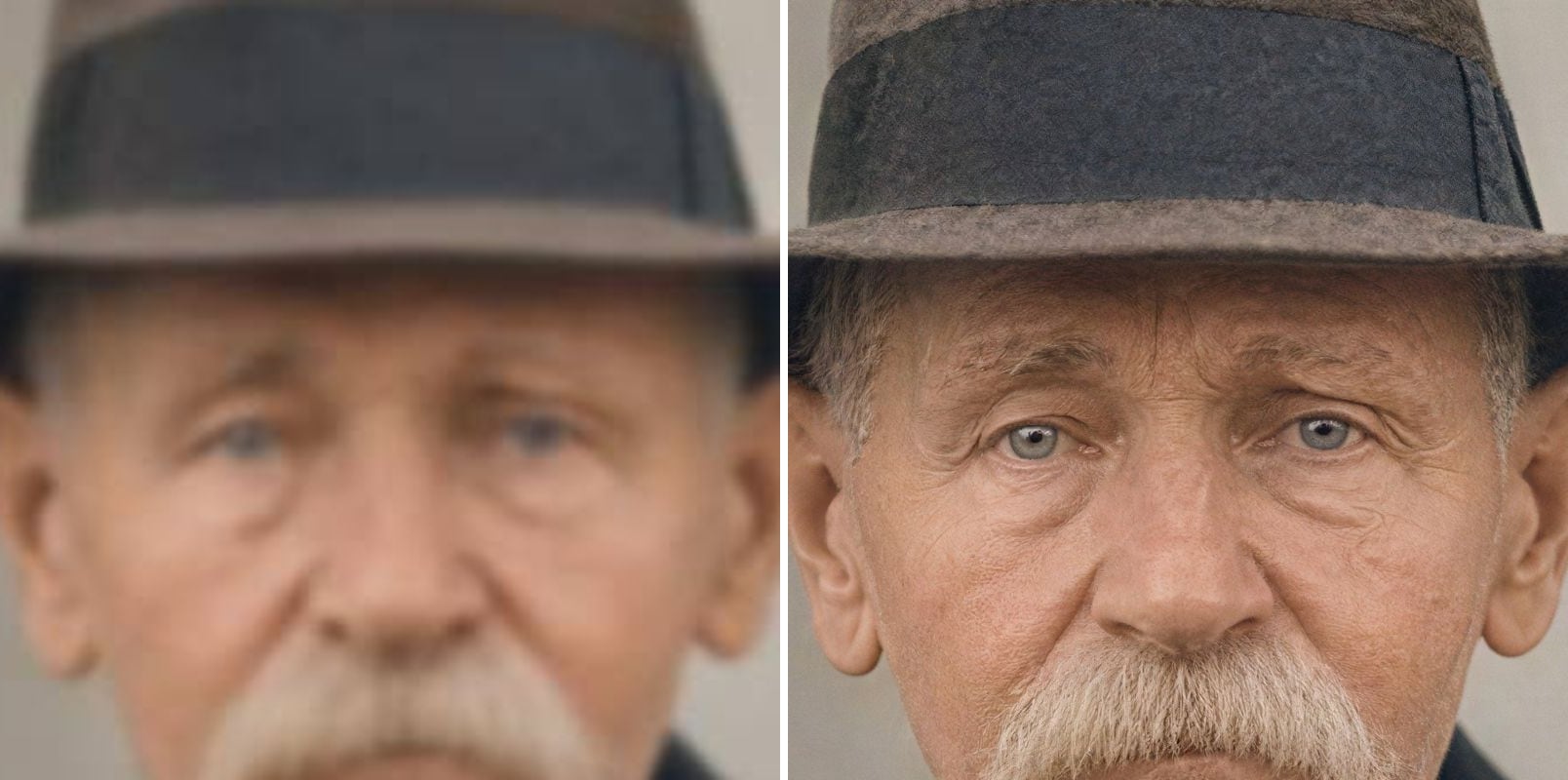
AI Image Upscaler
Upscale blurry or low-resolution images to 2K or 4K with AI — real detail restored, same face.
Colorize Photo — FAQ
More questions? Email support@imagesv2.ai.
Upload it above and click generate. The AI adds natural colour to skin, clothing and backgrounds while keeping the faces, expressions and film grain.
No one can know the real colours from a black and white photo, so the AI makes a plausible guess. Skin, sky and plants are usually convincing; clothes, cars and painted walls could have been any colour.
Yes. Click Customize and add what you know — 'her dress was dark red, the car was pale blue' — and the AI will follow it.
The instruction tells the model to keep every face, expression and detail exactly the same. The model keeps identity well, but it can change small details, so compare the result with your photo before you use it.
No. Colorizing keeps the photo as it is. For scratches, tears and fading, use Old Photo Restoration first, then colorize the restored photo.
Results come back at about 1K resolution. For a large print, take the colorized photo to 2K or 4K with the AI Image Upscaler.
A standard edit uses 60 credits. New users receive free credits on sign-up, and a brand-new account's first generation costs just 3 credits, so the bonus covers your first try. After that, each image uses credits from any credit pack or subscription.
Results made with the free sign-up credits carry a watermark. After any credit purchase, new results come without one.
See your old photo in colour
Free credits for new users. Upload a black and white photo and click generate — the colorization instruction is already built in.