
Anime Upscaler — Upscale Anime Images with AI
Small anime screenshots, fan art and icons, enlarged up to 4× with an AI model trained for drawn images. Lines stay thin and crisp, colour areas stay flat, and eyes and hair keep their shapes.
Try it free with the credits you get on sign-up.
Image type
Output size
3 credits per image
New accounts get 3 free credits — exactly enough for your first generation.
Results made with the free sign-up credits carry a watermark. Any credit purchase removes it from new results.
Have many images? Upscale up to 20 at once →Anime upscaler examples
Close-up crops of the same artwork before and after 4× upscaling in anime mode: original on the left, result on the right.
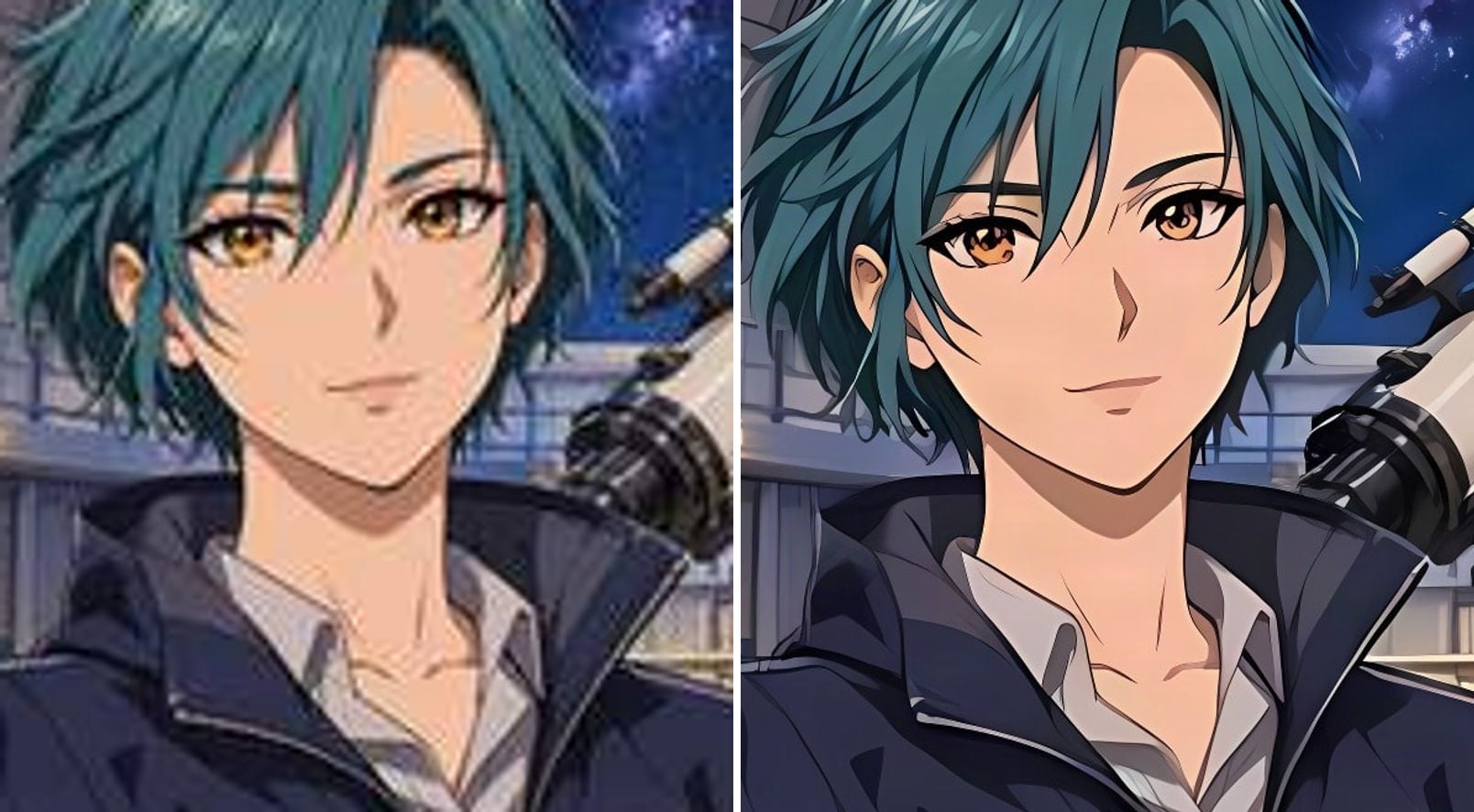
- Before
- Small and compressed: fuzzy eyes and noisy hair edges.
- After
- Clean eye highlights, hair strands and outlines; same character.
A character portrait with crisp eyes and hair
At 256 pixels the eyes are fuzzy and the hair edges are noisy. Four times larger, the eye highlights, the hair strands and the jacket outline are clean, and the character still looks exactly like the original drawing.
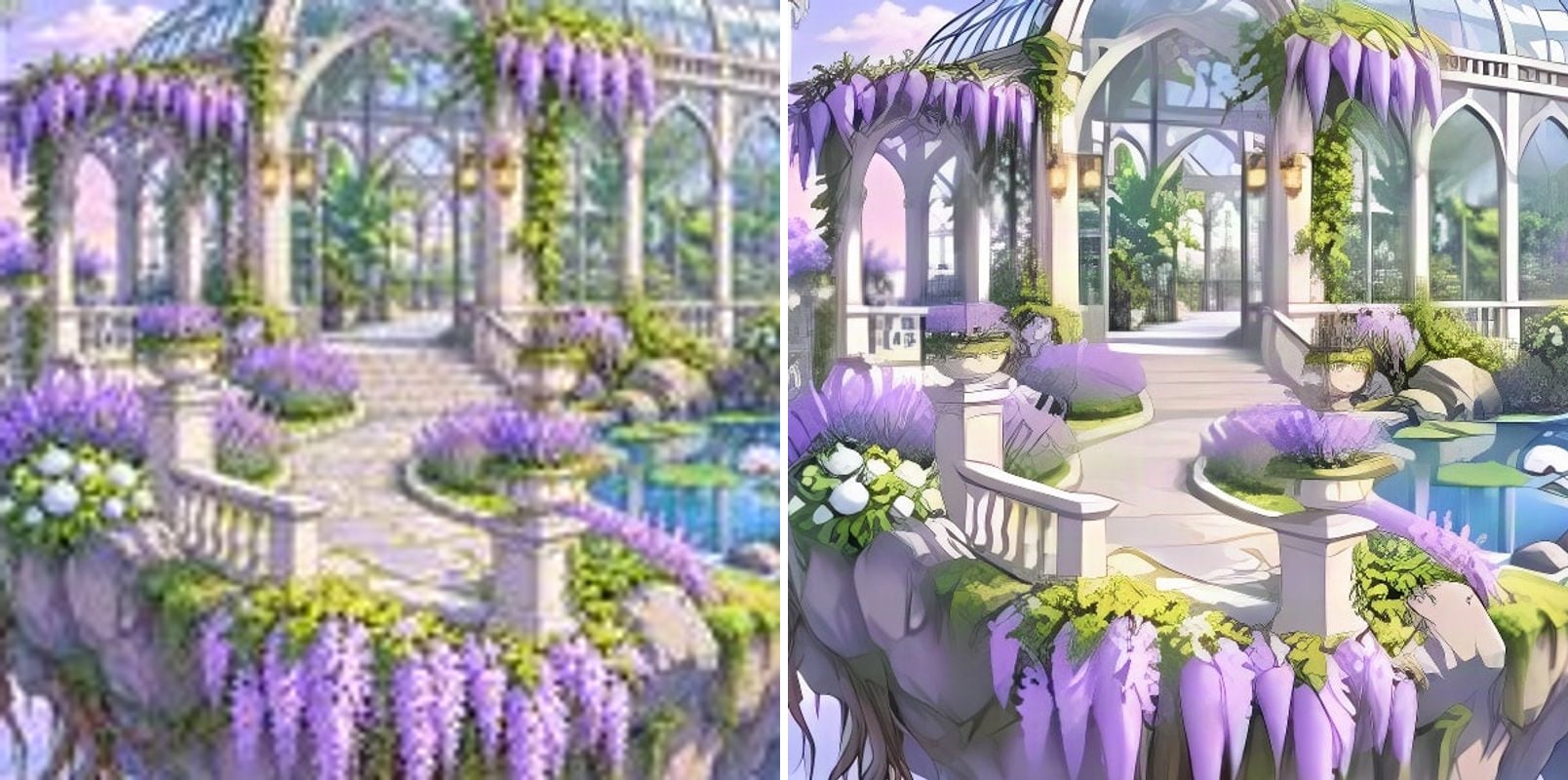
- Before
- Thin lines run together and the colours are blotchy.
- After
- Arches and railings are separate thin lines; colours are clean.
A detailed background without colour banding
Busy scenery is full of thin lines and soft gradients. The upscaled greenhouse keeps its arches and railings as separate thin lines, and the wisteria and sky stay smooth instead of breaking into bands.
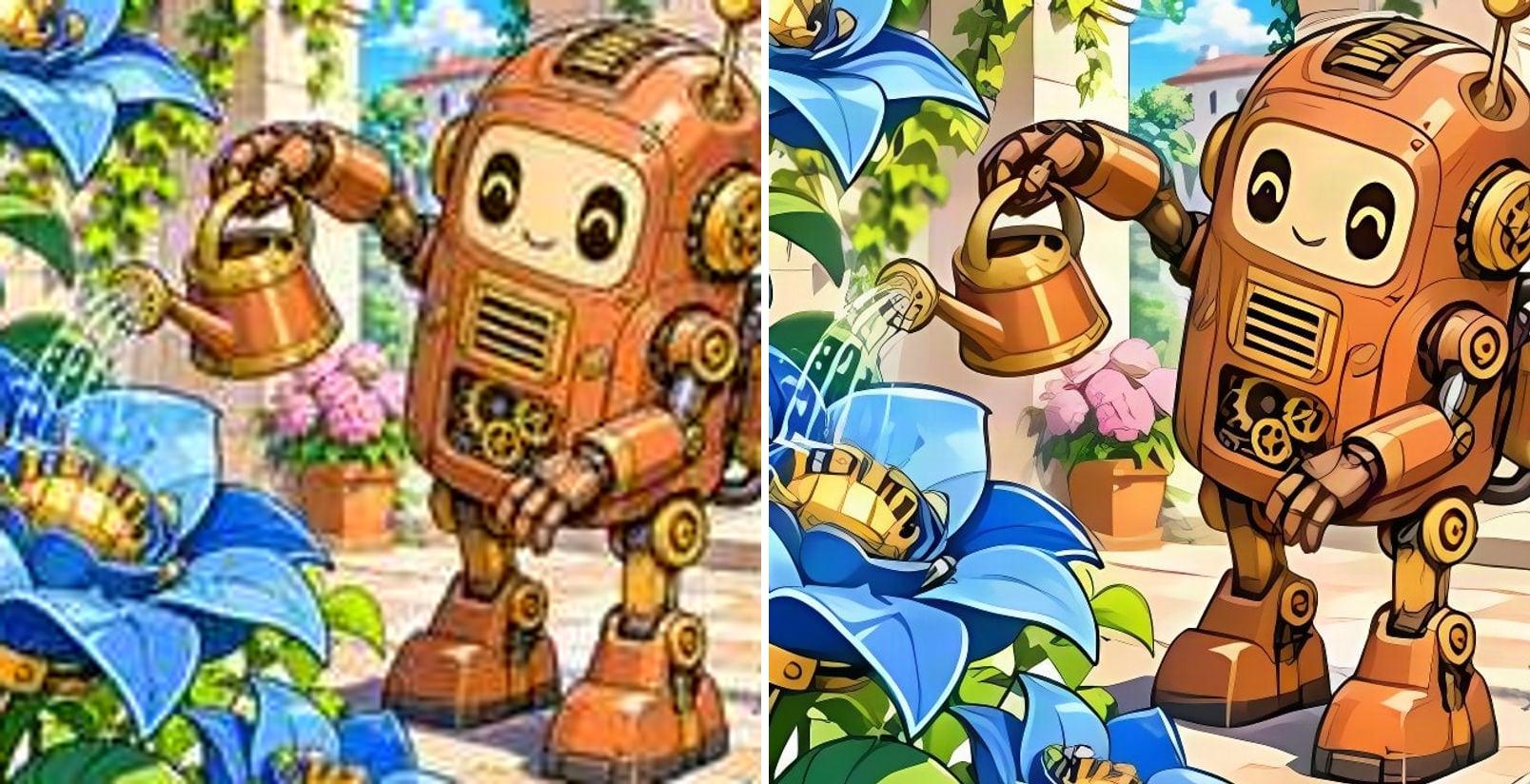
- Before
- Compression blurs the gears, rivets and outlines.
- After
- Gears, rivets and outlines are crisp, with even line weight.
Mechanical details with lines that don't merge
Small rivets, gears and the watering can are the first things to melt in a resize. Here they keep their outlines, and the line weight stays the same instead of turning thick and blurry.
Why use an anime upscaler instead of a photo upscaler?
Anime and illustrations are made of lines and flat colour, not camera texture. Photo upscalers try to add skin pores and grain, which makes drawings look dirty. An anime upscaler is trained on drawn images, so it keeps what makes the art look right:
Clean line art
Outlines stay thin and crisp, without halos or wobble.
Flat colour
Colour areas stay flat — no painted-on texture or noise.
Same character
Eye shapes, hair and the art style are kept.
Compression cleaned up
JPEG blocks from screenshots and reposts are removed.
Up to 4×
Enlarges images up to four times, to 2K or 4K.
4K wallpapers
Images from about 540 pixels on the short side reach full 4K.
How to upscale an anime image
Three steps, no software to install:
Upload the artwork
Drop, paste or choose a JPG, PNG or WebP up to 10 MB — screenshots, fan art, icons or wallpapers.
Choose 2K or 4K
4K is selected by default. The exact output size is shown before you start.
Download the upscaled image
Most images finish within seconds. Compare with the slider, then download.
Who uses an anime upscaler
Anyone with anime or illustrated art that is too small.
Wallpaper collectors
Anime screenshots and key art for 2K and 4K screens.
Fan artists
Older or small artwork, enlarged for prints and portfolios.
Streamers and VTubers
Emotes, overlays and avatars at higher resolution.
Webtoon and comic creators
Panels and covers for print or bigger screens.
AI art creators
Anime-style AI images taken from 1K to 4K.
Related photo tools
Other one-click fixes for the same photo.
Upscale Image to 4K
Turn any image into a sharp 4K picture with AI.
Upscale to 8K
Upscale photos to 8K (7680×4320) with AI-restored detail for large prints and 8K screens.
Batch Image Upscaler
Upscale up to 20 images to 2K or 4K at once and download them all as a ZIP.
AI Image Upscaler
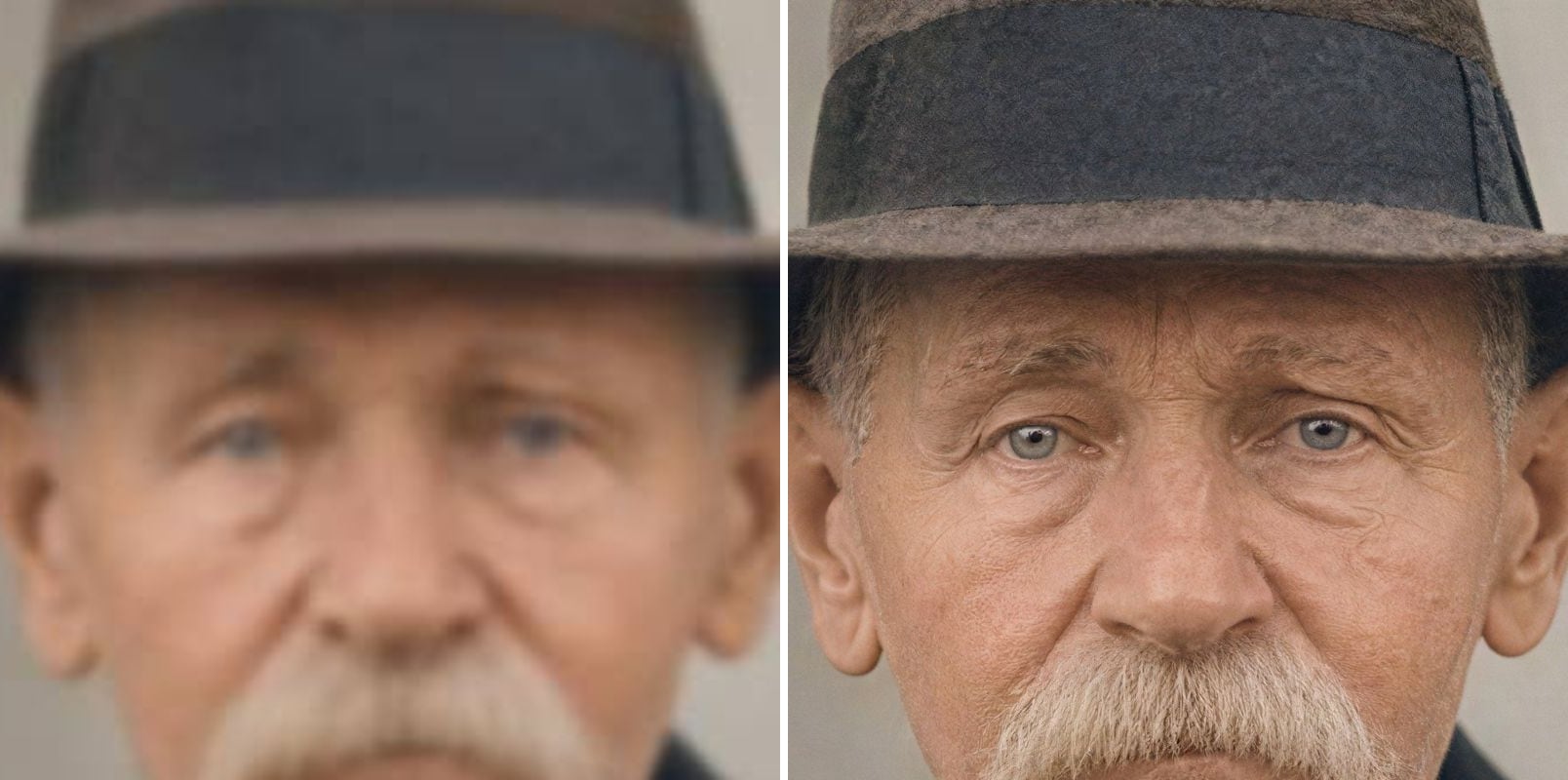
Upscale blurry or low-resolution images to 2K or 4K with AI — real detail restored, same face.
Anime Upscaler — FAQ
More questions? Email support@imagesv2.ai.
You can try it free: new users get credits on sign-up, and your first upscale costs just 3 credits, which the bonus covers. Results made with free credits carry a watermark. After that, a 2K upscale uses 10 credits and 4K uses 20.
Upload it above, choose 2K or 4K and click Upscale. The anime model enlarges the image up to 4× and keeps lines clean and colours flat.
Yes, if the original is about 540 pixels or more on the short side. Smaller images are enlarged 4×, which is the model's limit — a 256-pixel image becomes 1024 pixels.
No. The anime model only restores and enlarges; it does not redraw the character. Eye shapes, hair and line style stay as they are.
Yes. It works on anime, manga, cartoons, webtoons and other line-art illustrations.
The photo model adds camera-like texture and detail, which suits photos. The anime model keeps lines and flat colour clean. For photos, use the AI Image Upscaler.
Results are delivered as JPG, so transparency is not kept.
Results made with the free sign-up credits carry a watermark. After any credit purchase, new results come without one. If an upscale fails, the credits are refunded automatically.
Upscale your anime art
Free credits for new users. Upload an anime image and download it at 2K or 4K.