AI Halloween Costume Generator

Try on a vampire, witch, skeleton or zombie costume with your own face.

AI Halloween Costume Generator examples

Upload a photo. AI makes your AI Halloween Costume Generator.

Same face — only the lighting, outfit, background and mood change.

Upload your photo

Front-facing or 3/4 angle, decent lighting, no sunglasses. JPG / PNG up to 20MB.

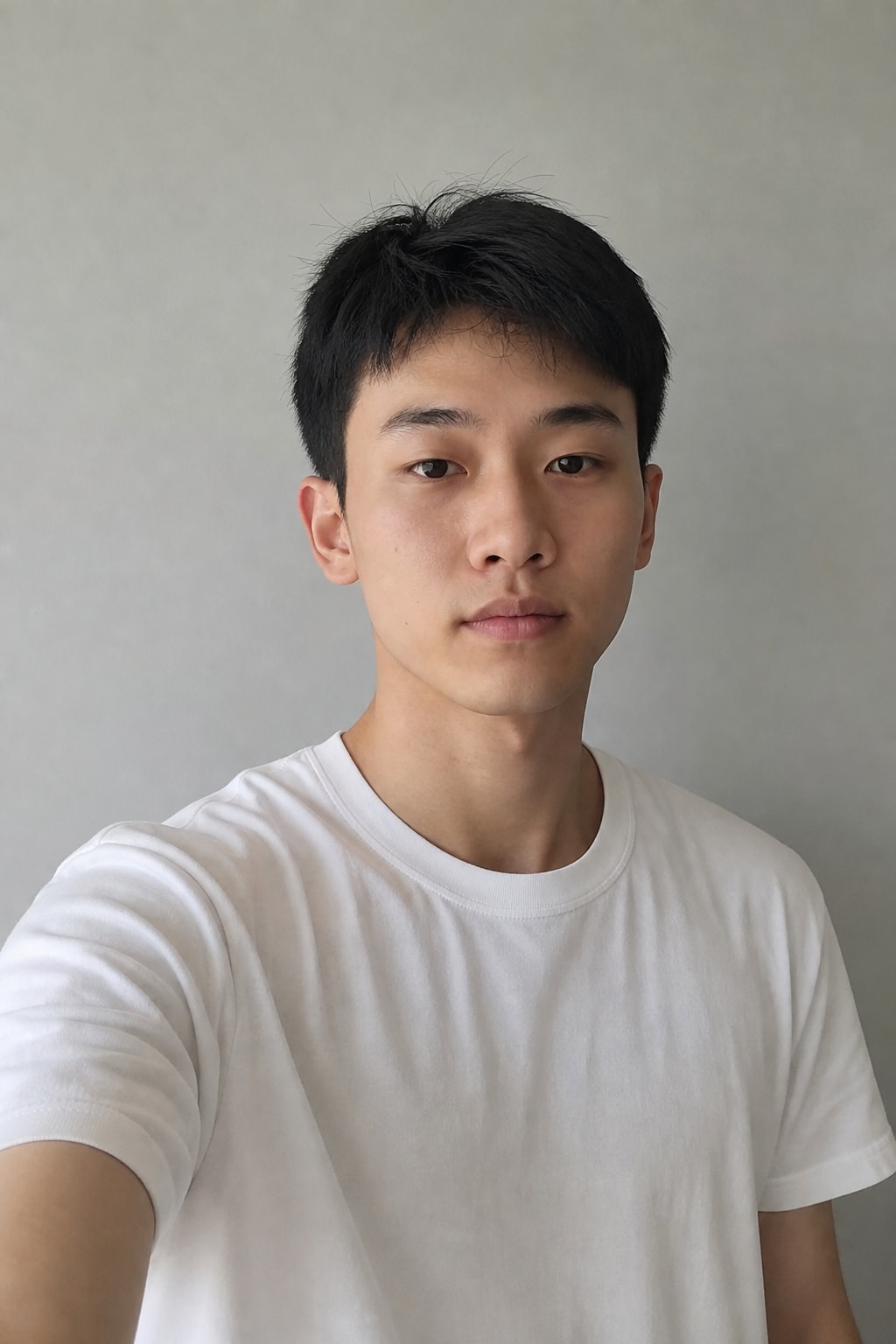
example portraitLike this — upload a photo like this

Drop, click or paste a photo

3 credits for this oneFirst generation: 3 creditsSign in to see your credits

New accounts get 3 free credits — exactly enough for your first generation.

Your shot

AI Halloween Costume Generator previewAI Halloween Costume Generator previewAI Halloween Costume Generator previewPreview — yours will look like this

Here's roughly what your photo will look like

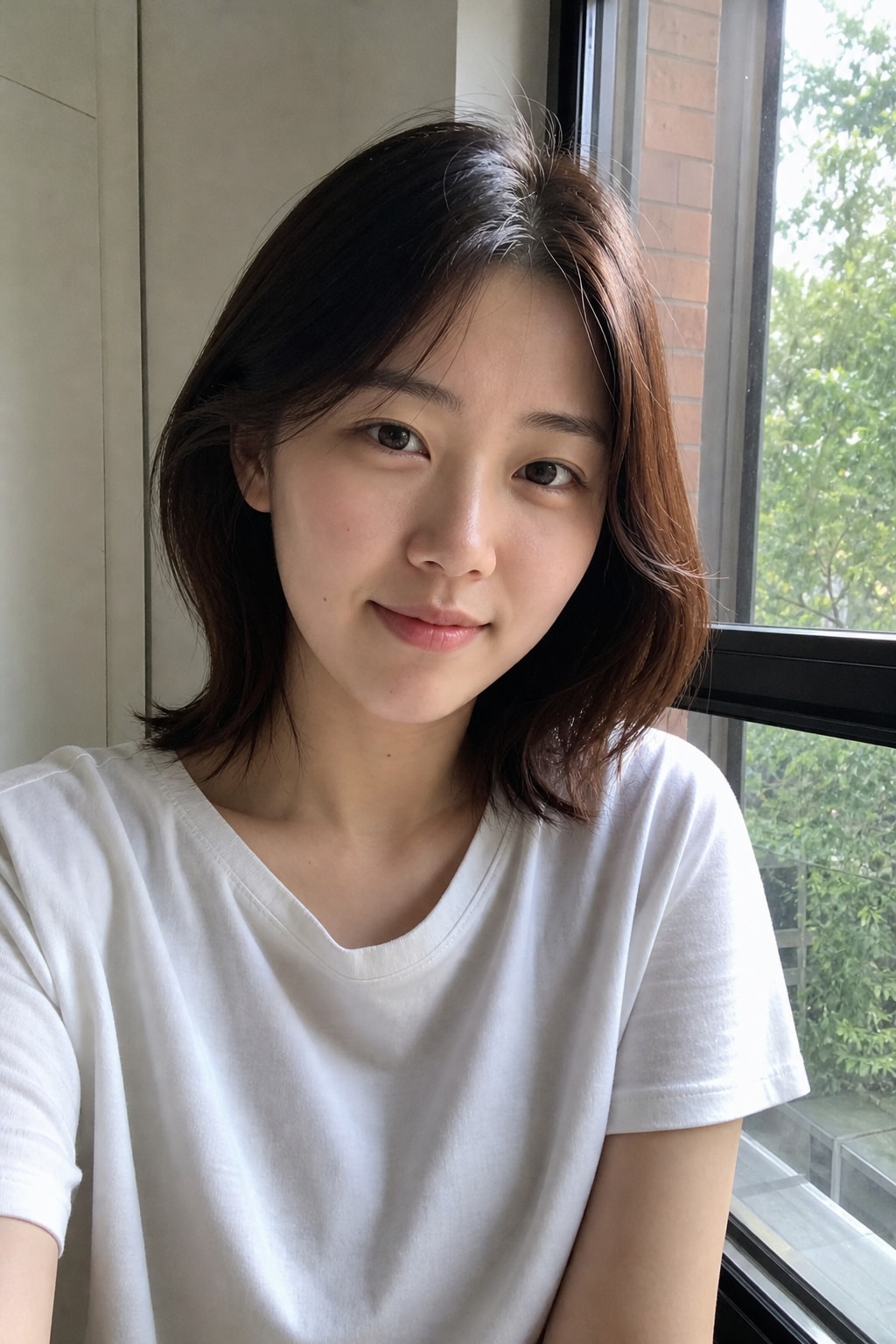
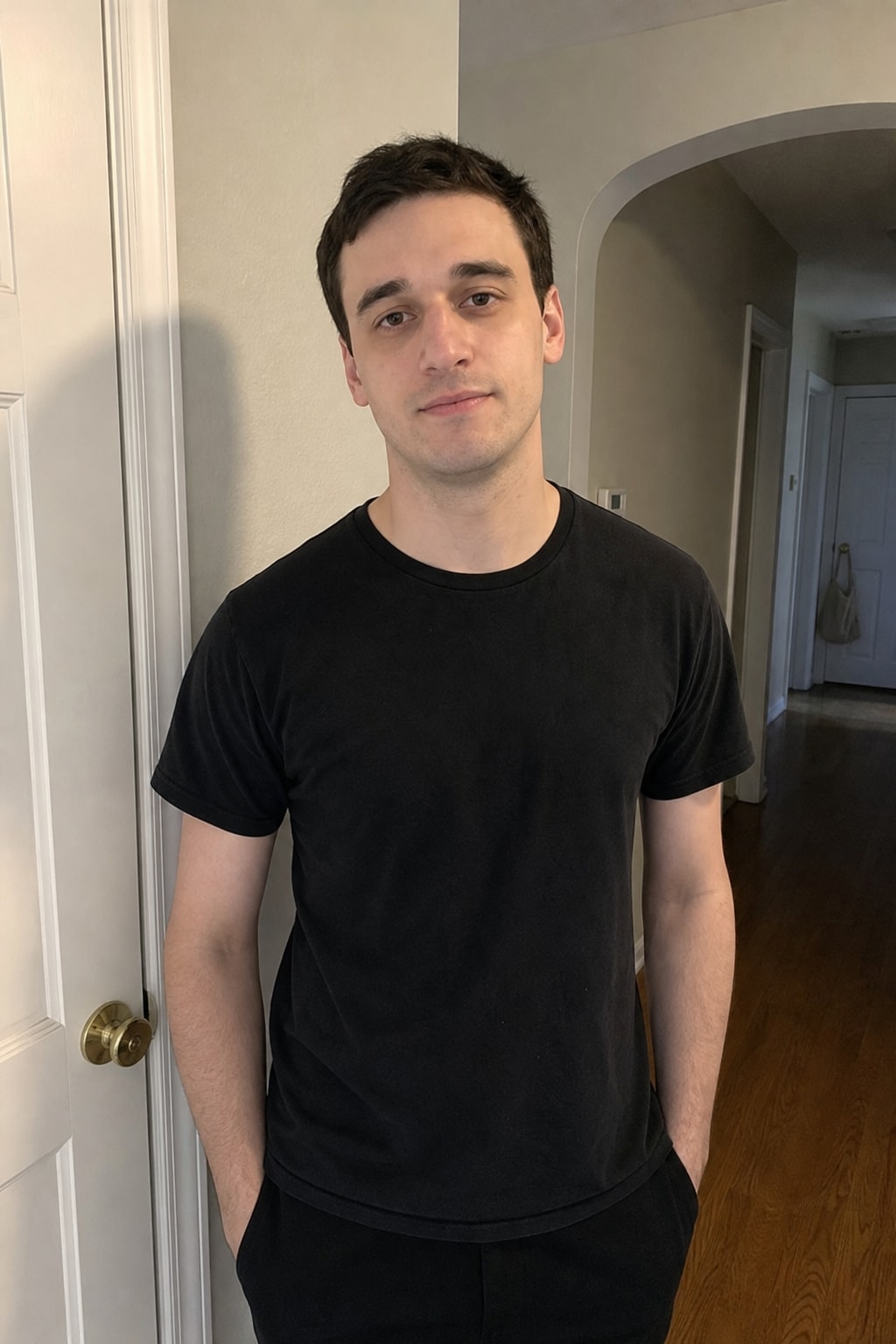
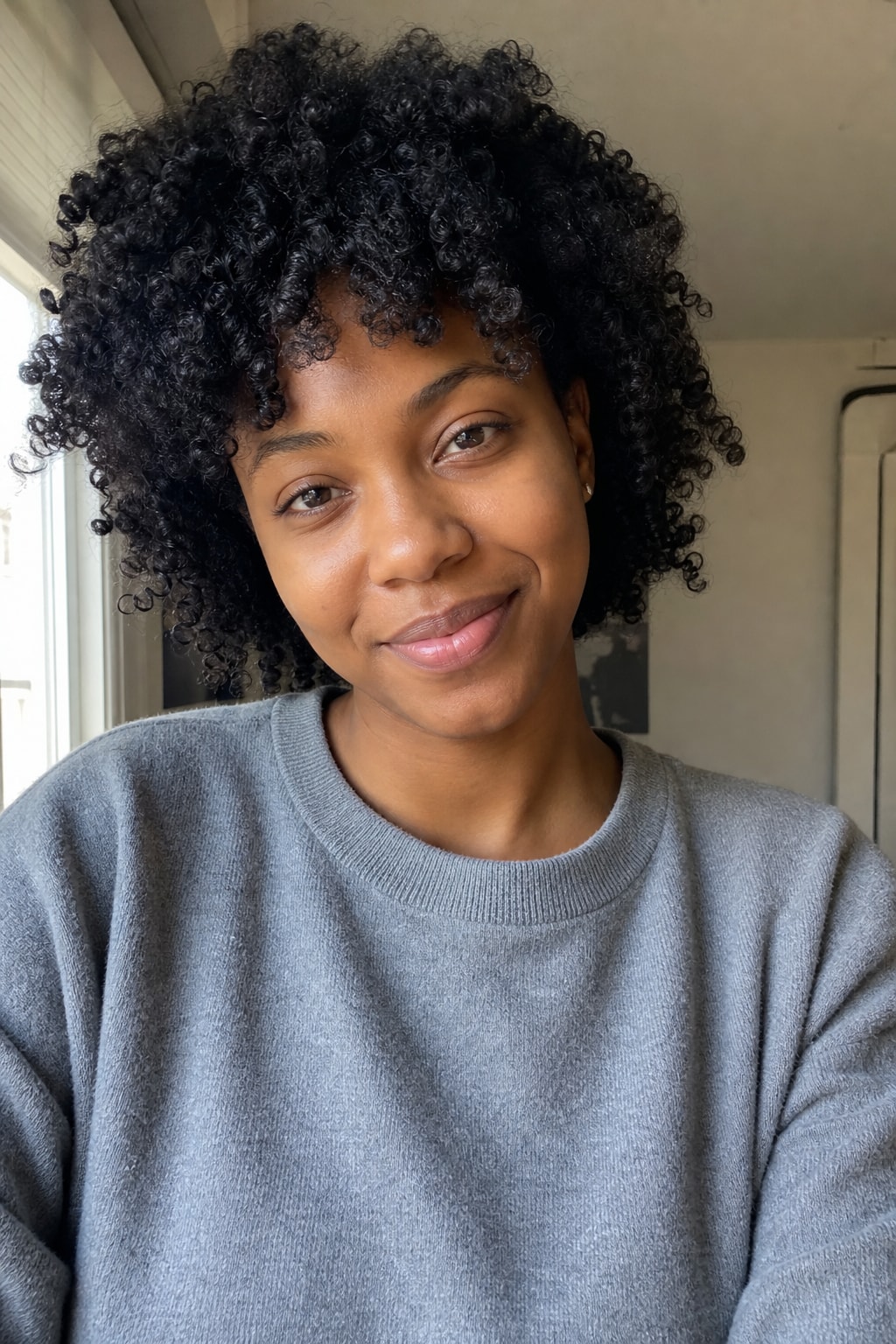
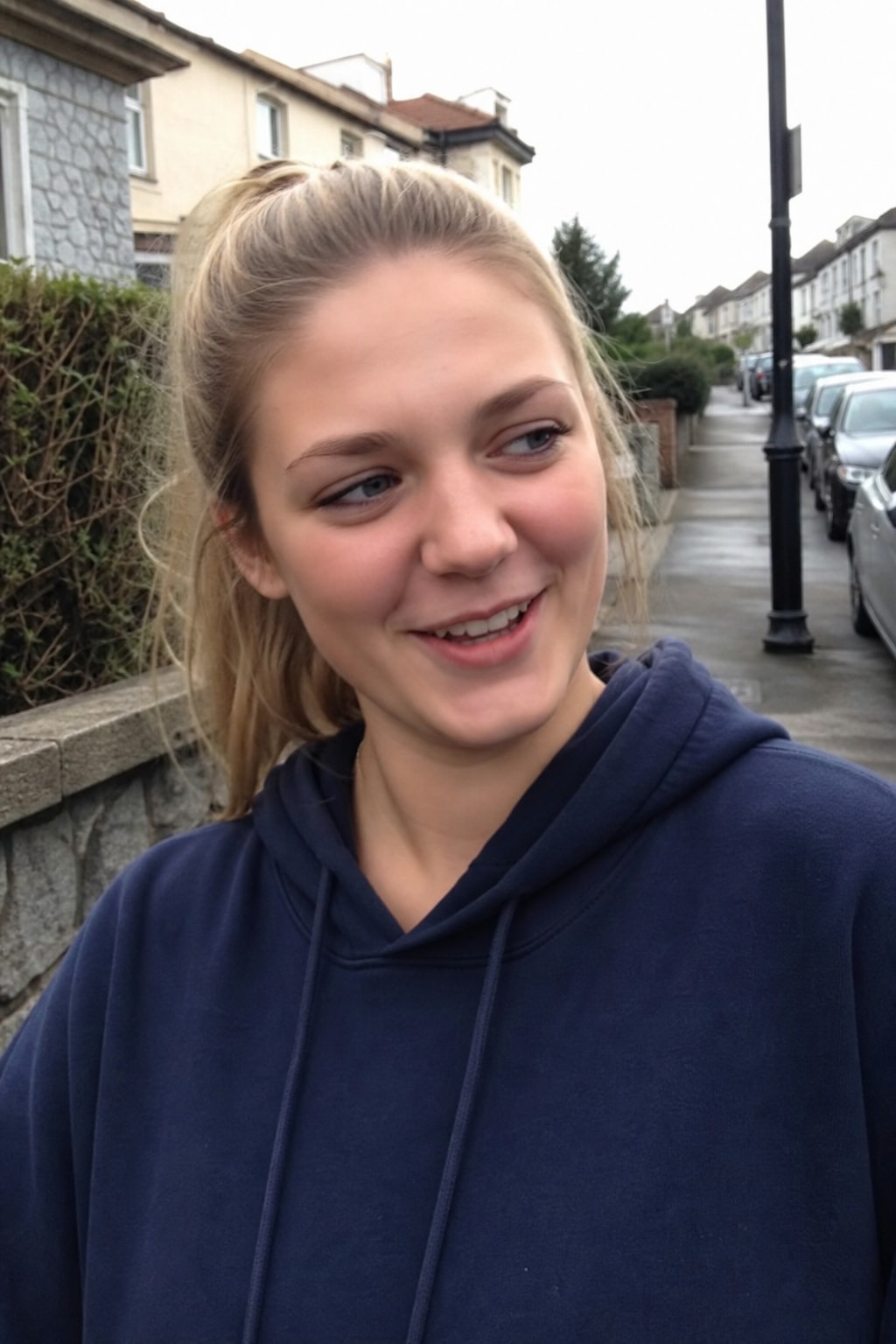
Real before → after pairs. Find the one closest to your own photo and you'll know exactly where this is going.

Female solo
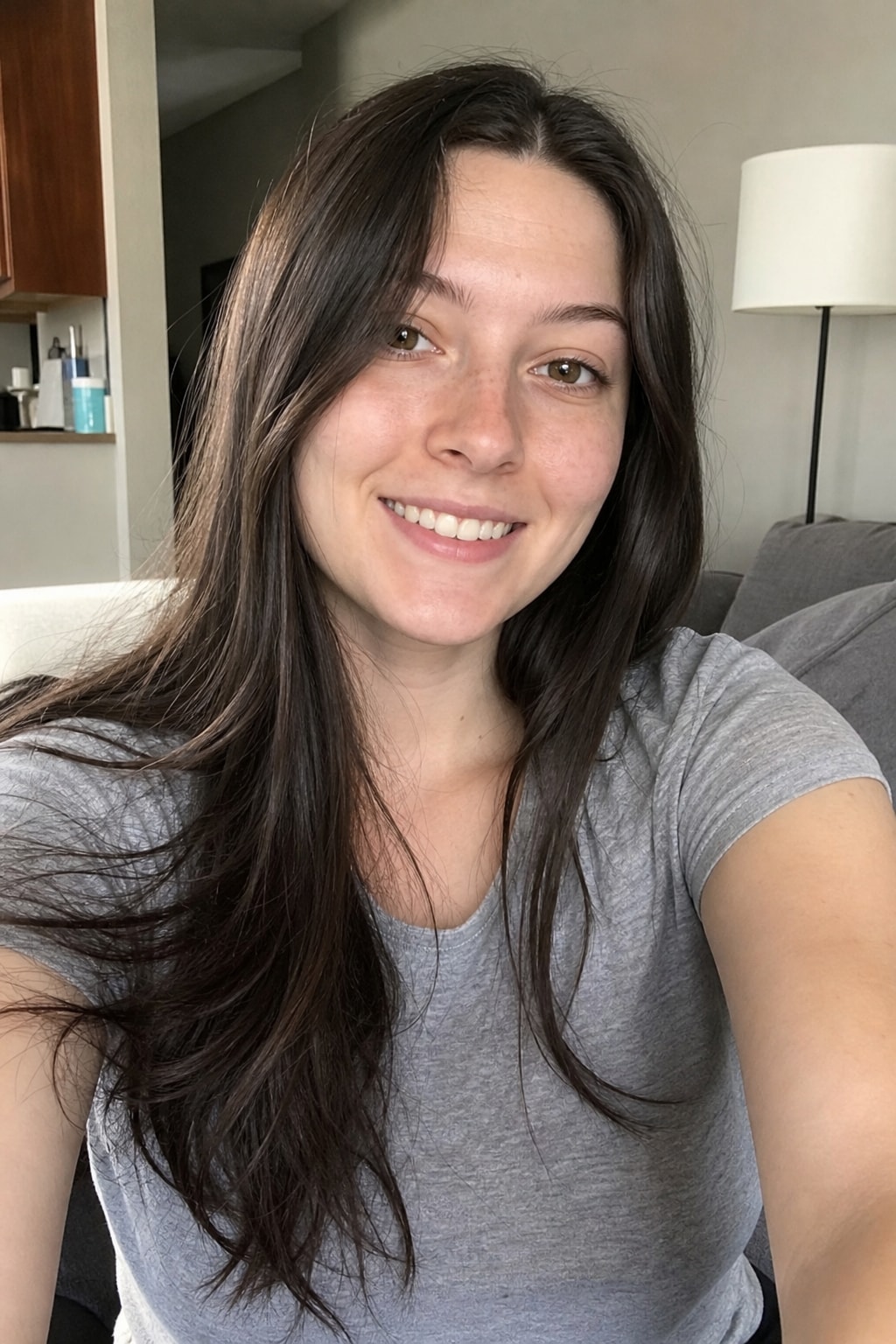
Female solo — BeforeBefore
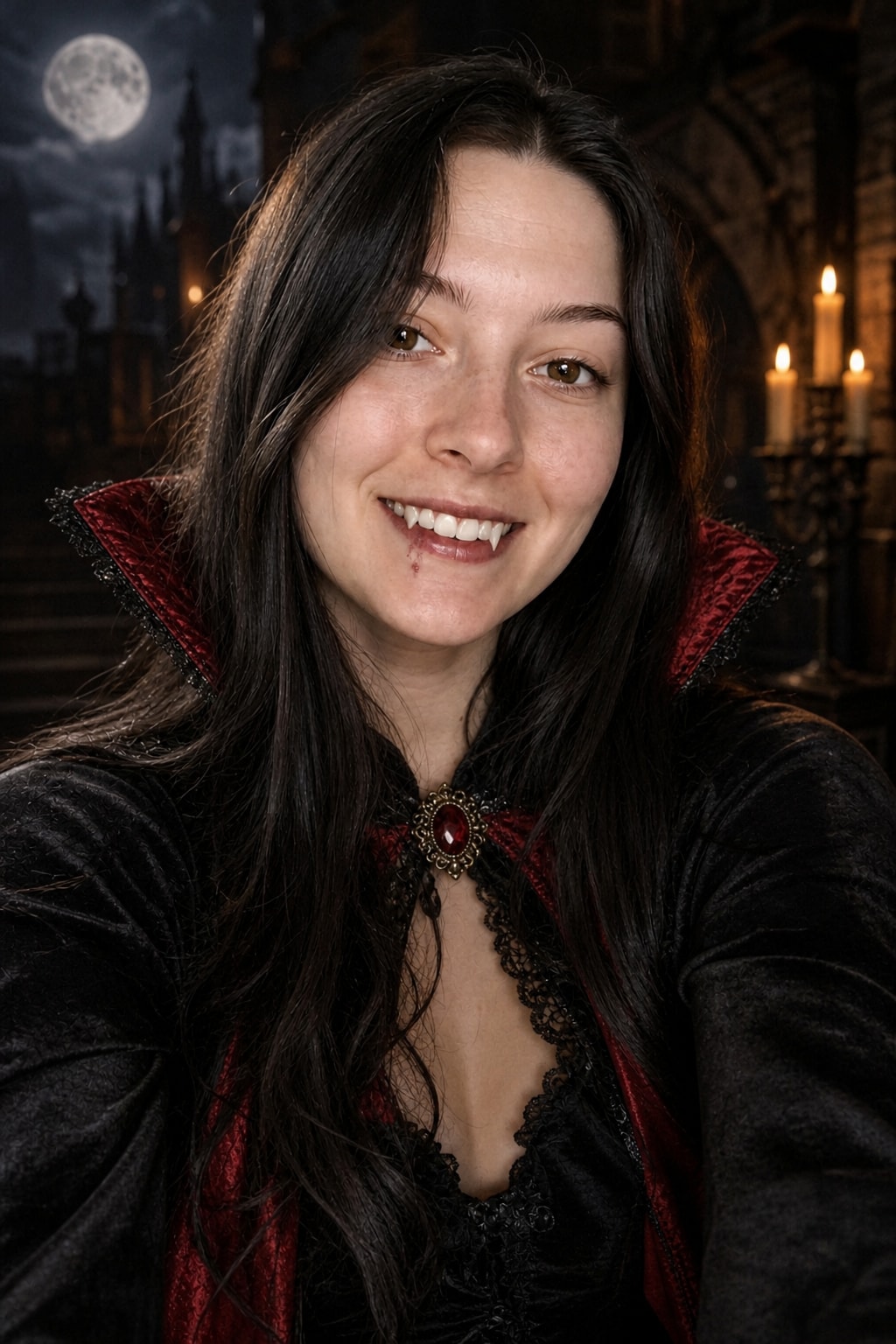
Female solo — AfterAfter
BeforeAfter
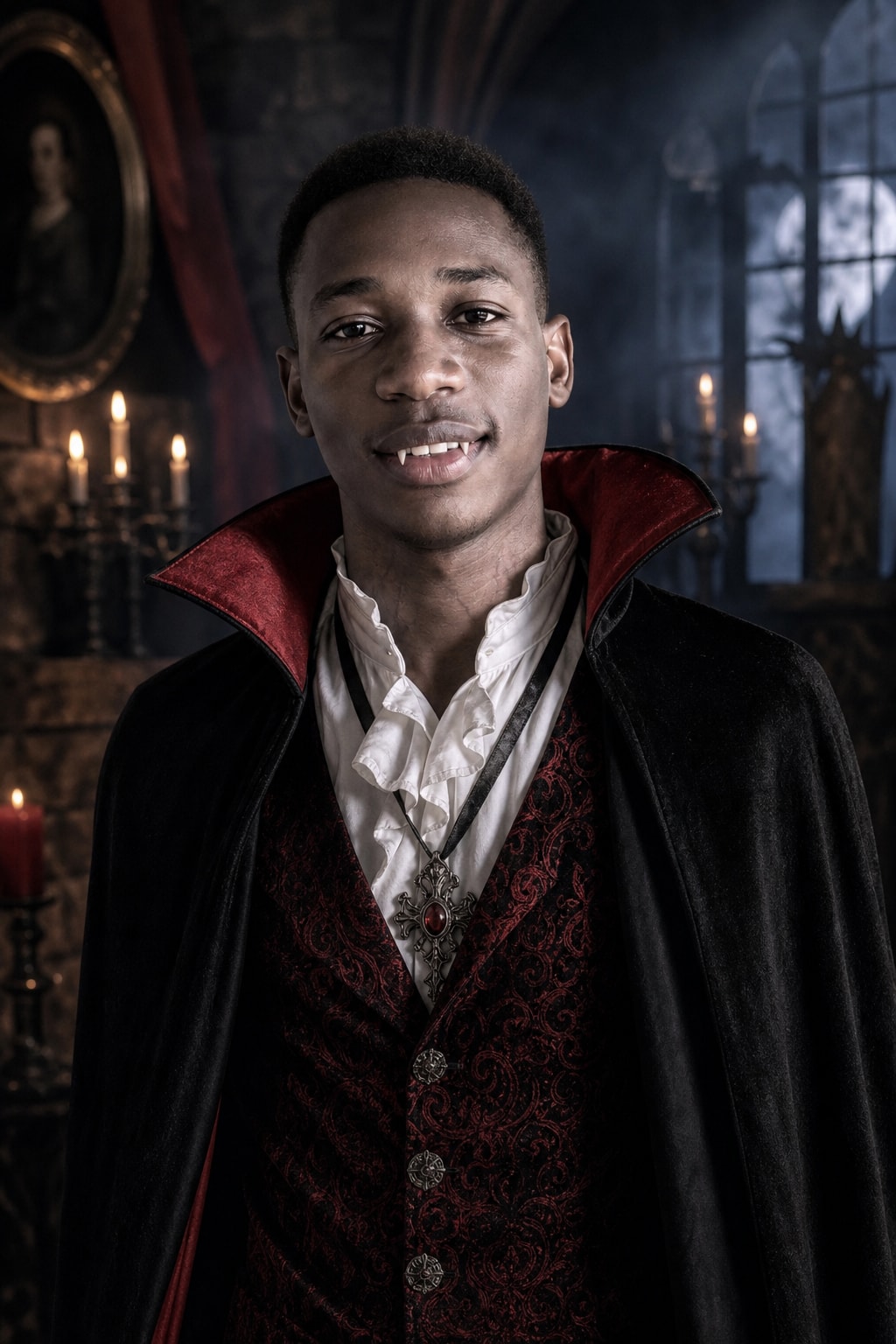
Male solo
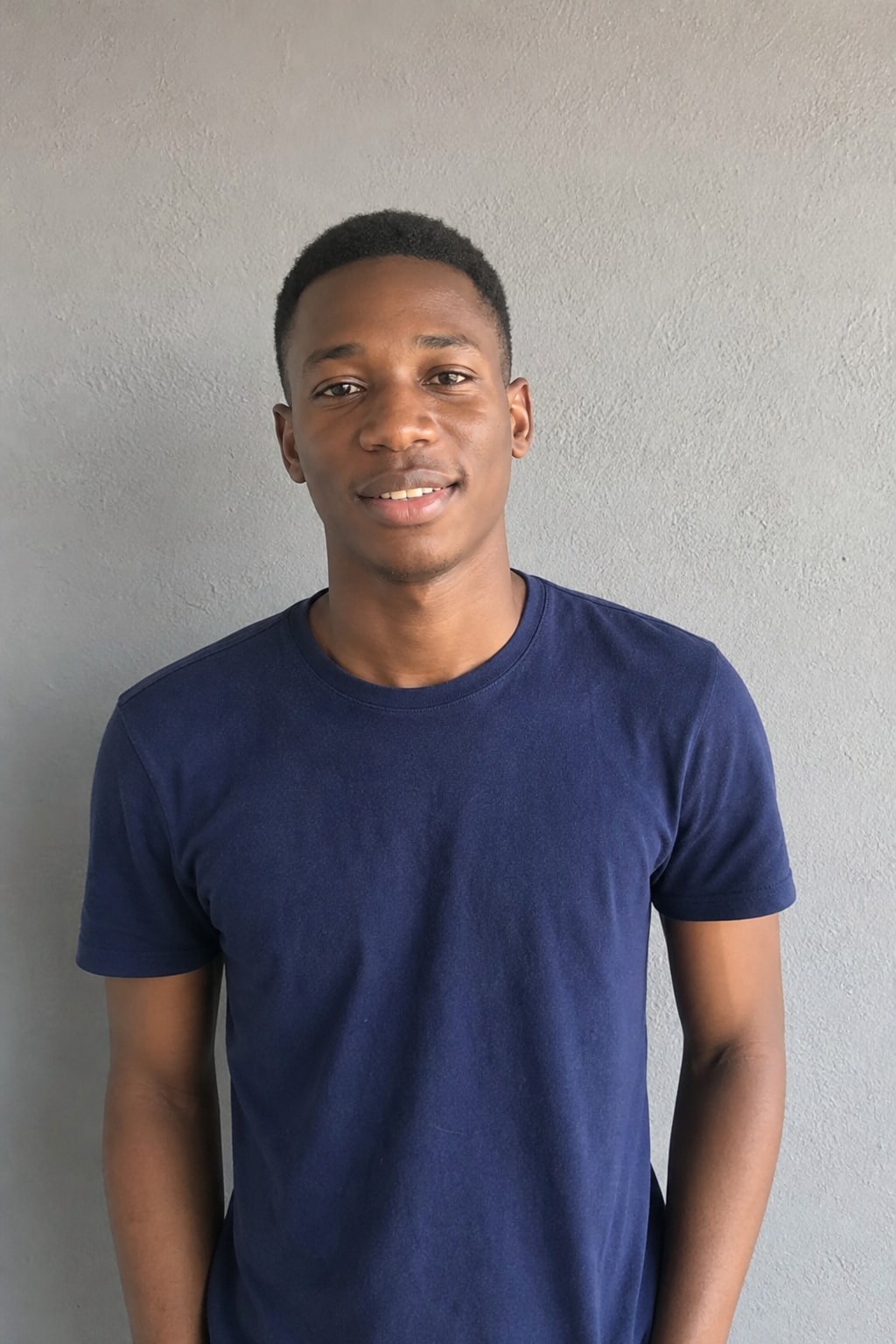
Male solo — BeforeBefore
Male solo — AfterAfter
BeforeAfter
Female solo
Female solo — BeforeBefore
Female solo — AfterAfter
BeforeAfter

The AI Halloween costume generator puts you in a costume before you buy or build one: upload one photo and get a realistic costume portrait — vampire, witch, skeleton face paint, zombie, a matching couple costume, even your pet as a pumpkin — with your face kept exactly the same. This page has six ready-to-copy Halloween costume prompts and a generator that runs them on your photo.

What is an AI Halloween costume generator?

An AI Halloween costume generator takes a normal photo of you and re-renders it as a costume photo: the outfit, the makeup, the lighting and a spooky setting all change, but the face stays yours. It is the quickest way to answer "what should I be for Halloween?" — try five costumes in five minutes instead of guessing in the store.

It is also a costume in its own right. Plenty of people post the AI version as their Halloween photo when they did not dress up, or use it as a party invite or profile picture for October.

AI Halloween costume ideas: six prompts to try

Each card is a full prompt. Click the button to run it on your photo with GPT Image 2, or copy it into ChatGPT or Gemini together with a clear photo. The generator above picks a classic costume that suits your photo automatically; use a card to choose one yourself.

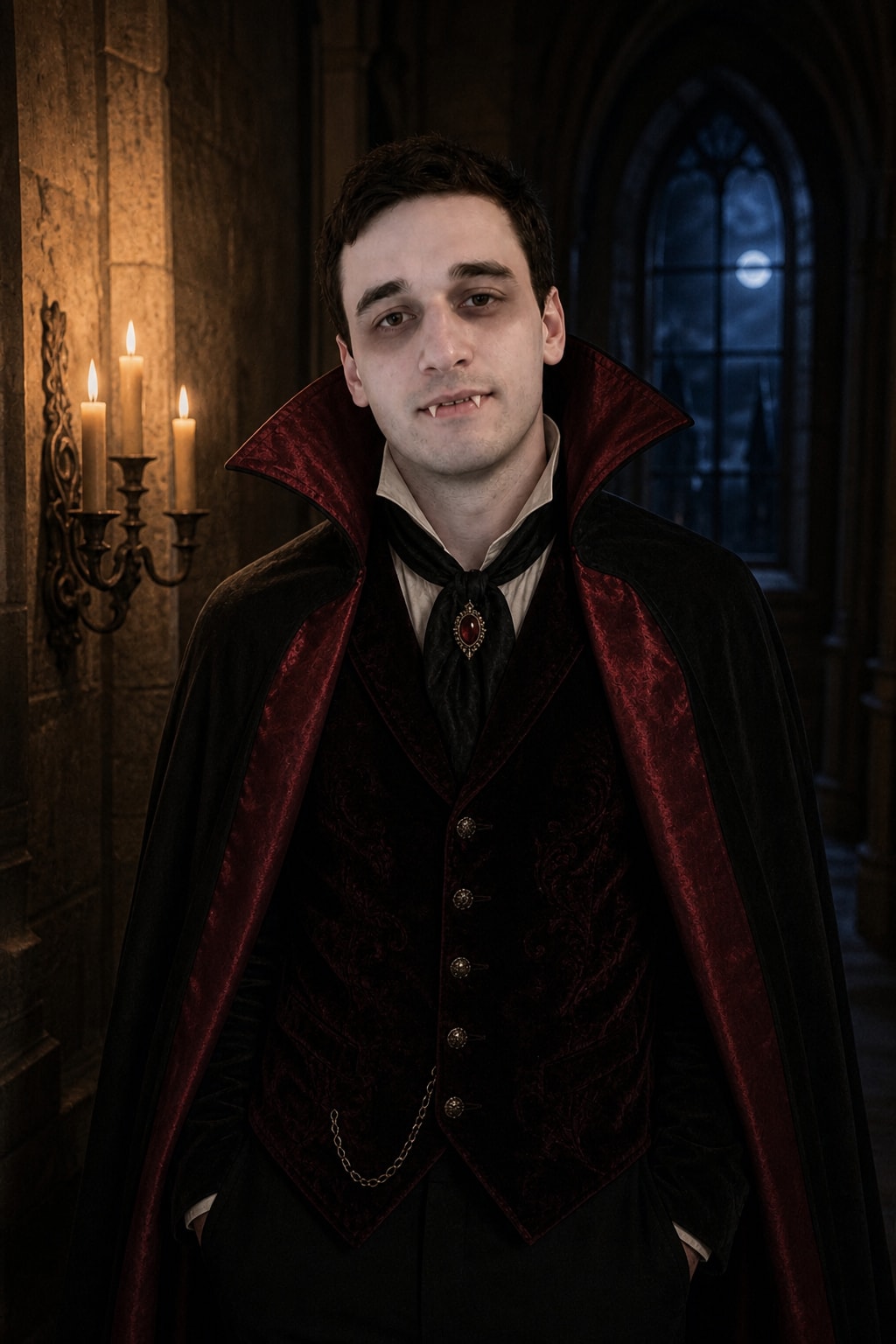
Vampire costume — gothic cape and candlelight

The most-requested costume: red-lined cape, pale makeup, small fangs.
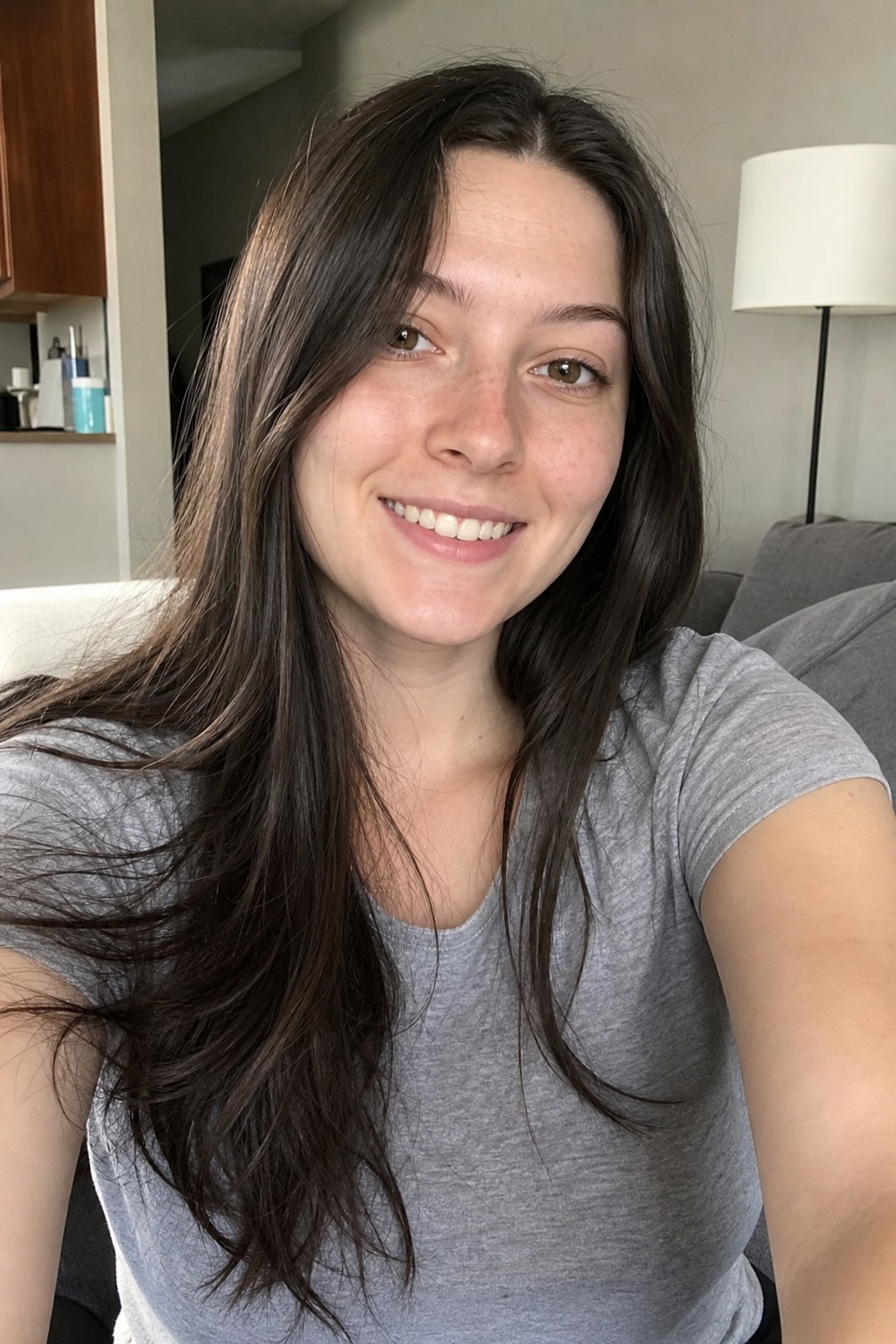
Vampire costume — gothic cape and candlelight — BeforeBefore
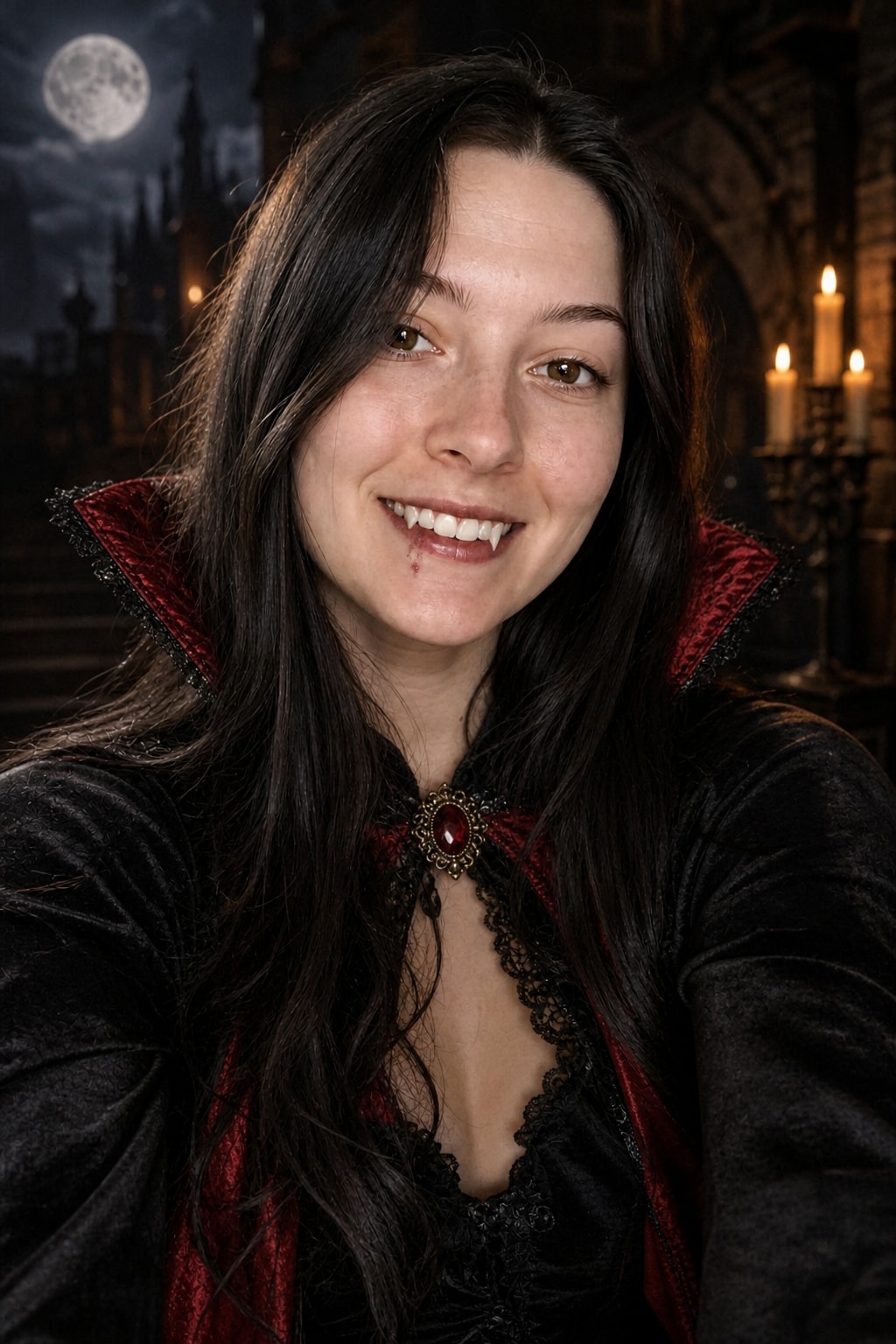
Vampire costume — gothic cape and candlelight — AfterAfter
Turn my uploaded photo into a Halloween costume portrait of me as a classic gothic vampire. Keep my exact face, likeness, age and skin tone unchanged: do not alter features, do not invent a second face, do not add people. High-collared black cape with a deep red satin lining, dark velvet waistcoat, pale vampire makeup with subtle shadowed eyes and small fangs visible in a slight smile. Candlelit castle hallway at night, warm flicker light on the face, cool blue moonlight from a window behind. Photorealistic, like a real costume photo, not a cartoon. 4:5 portrait.

Source: imagesv2.ai
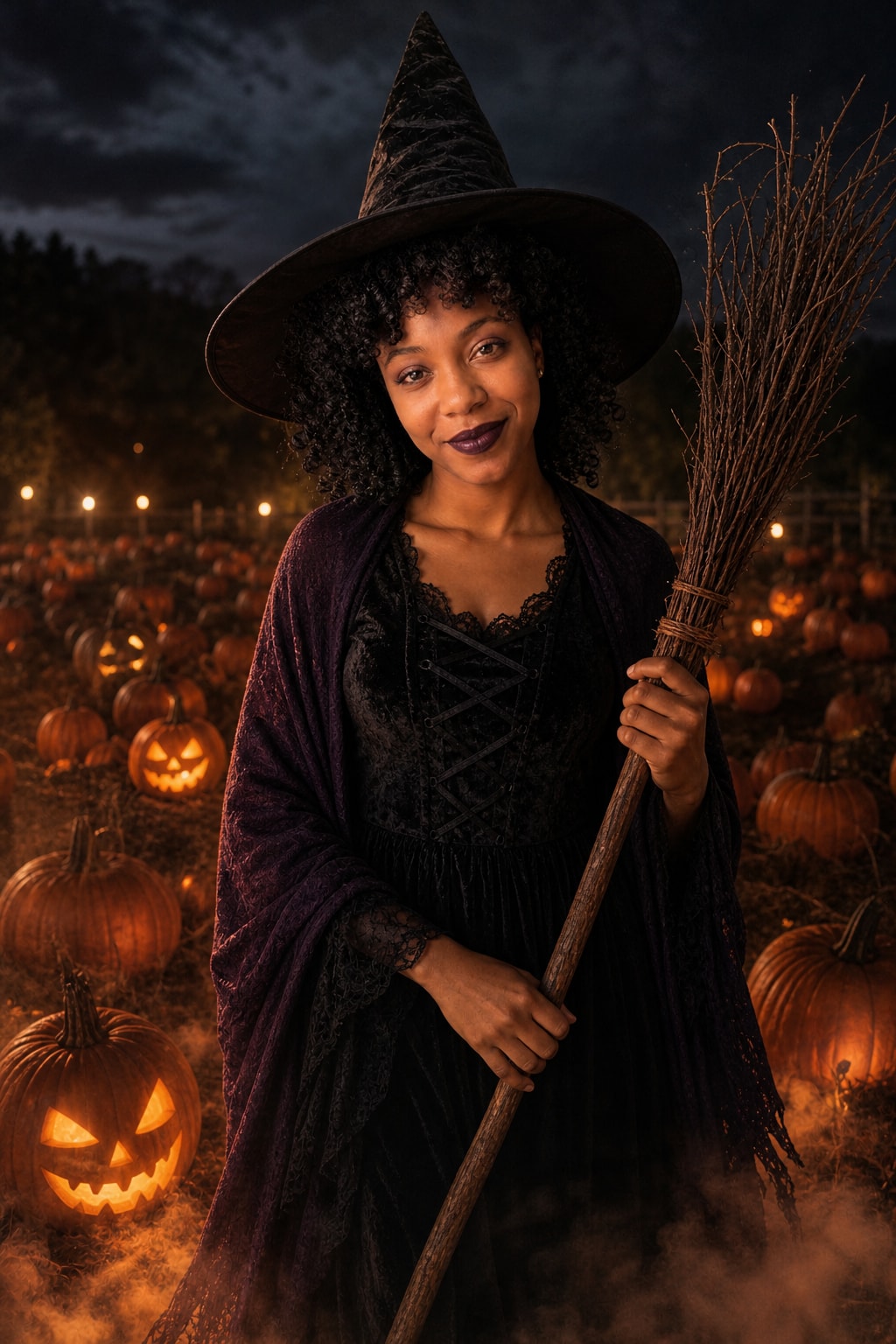
Witch costume — pointed hat in a pumpkin patch

Classic and flattering for any face; glowing jack-o'-lanterns below.

Witch costume — pointed hat in a pumpkin patch — BeforeBefore
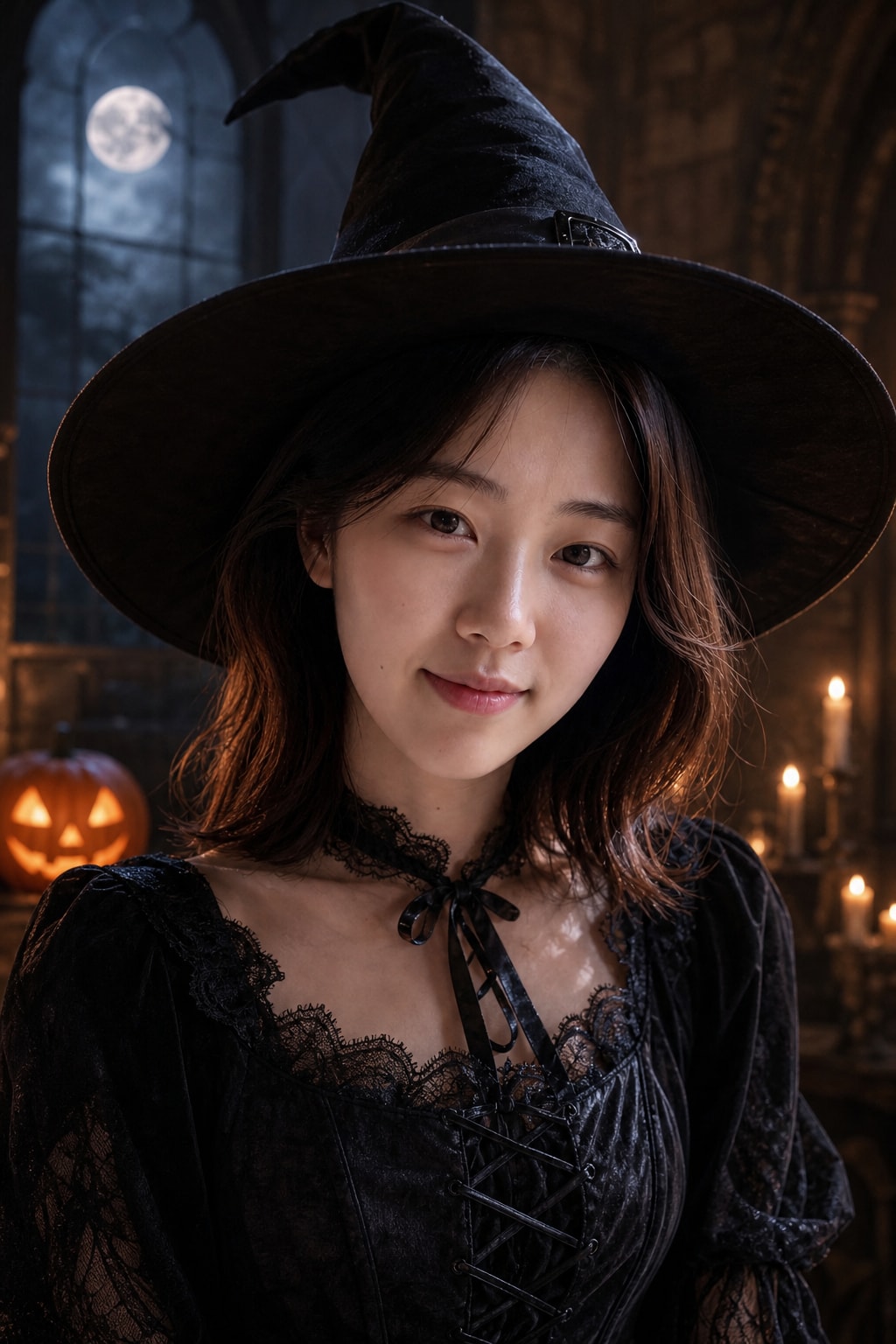
Witch costume — pointed hat in a pumpkin patch — AfterAfter
Turn my uploaded photo into a Halloween costume portrait of me as a witch. Keep my exact face, likeness, age and skin tone unchanged: do not alter features, do not invent a second face, do not add people. Tall pointed black witch hat with a wide brim, long dark dress with a purple shawl, dark lipstick and a hint of smoky eye makeup, holding a twig broom. Night-time pumpkin patch with glowing jack-o'-lanterns and light fog around the feet, warm orange glow from below. Photorealistic costume photo. 4:5 portrait.

Source: imagesv2.ai
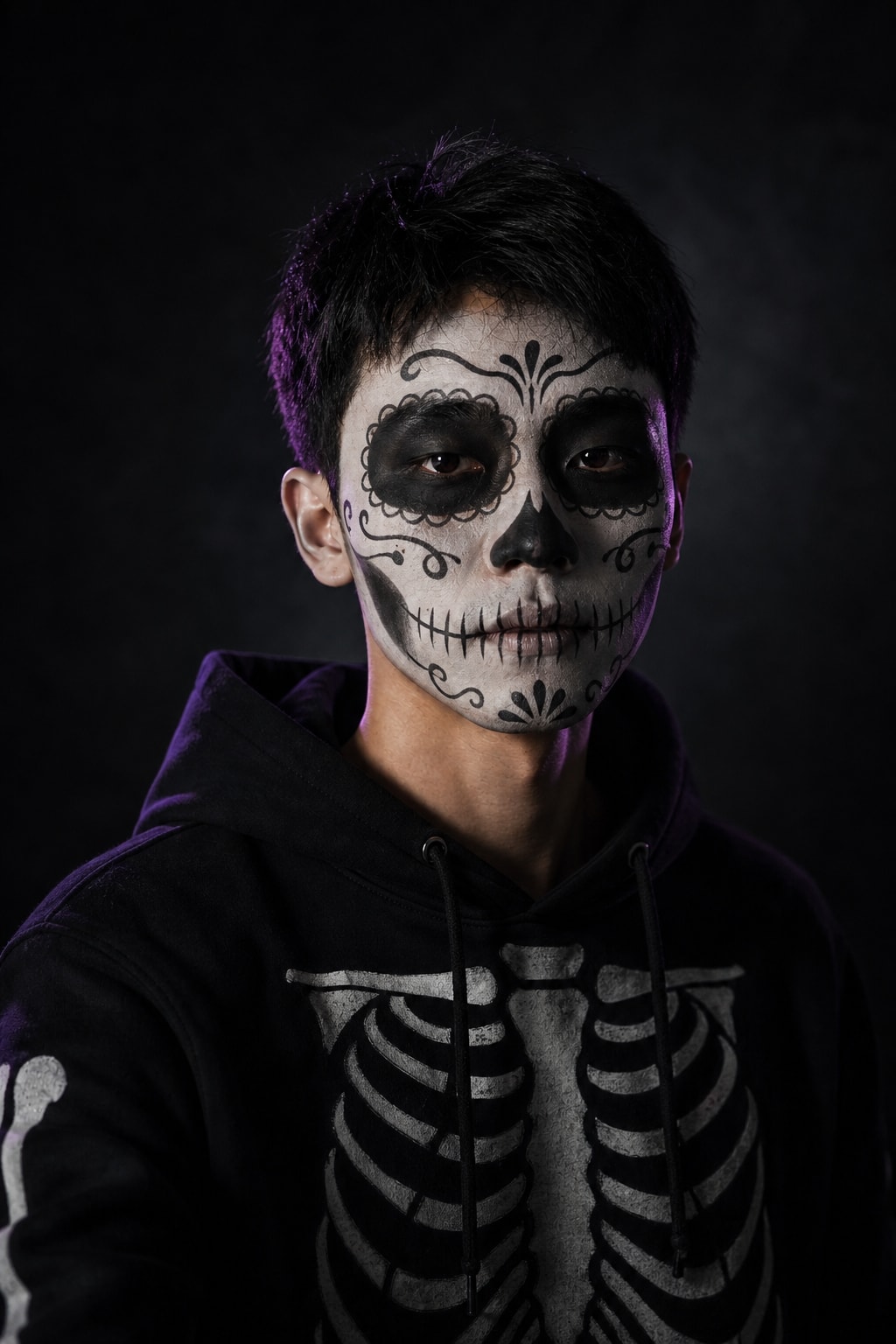
Skeleton face paint — sugar-skull makeup

Preview the makeup before you paint it on for real.

Skeleton face paint — sugar-skull makeup — BeforeBefore
Skeleton face paint — sugar-skull makeup — AfterAfter
Turn my uploaded photo into a Halloween portrait with skeleton face paint. Keep my exact face, likeness, age and skin tone unchanged: do not alter features, do not invent a second face, do not add people. Black-and-white sugar-skull style skeleton makeup painted over my real face — the face structure stays recognisably mine — black hoodie with a printed skeleton ribcage. Dark studio background with a single hard side light and a faint purple rim light. Photorealistic makeup photo, crisp detail on the face paint. 4:5 portrait.

Source: imagesv2.ai
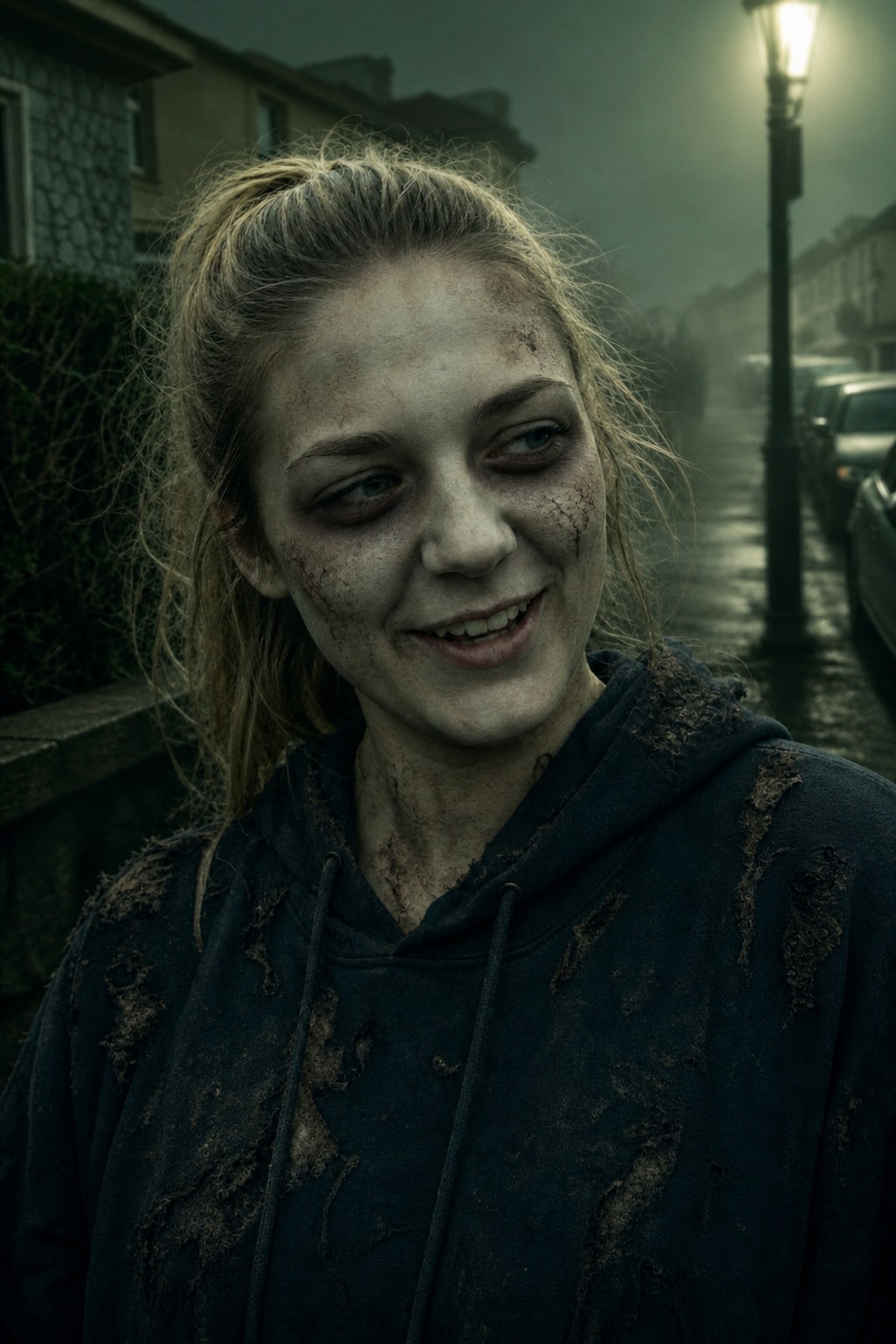
Zombie costume — special-effects makeup

Scary, not gory: grey-green skin, torn clothes, foggy street.

Zombie costume — special-effects makeup — BeforeBefore
Zombie costume — special-effects makeup — AfterAfter
Turn my uploaded photo into a Halloween zombie costume portrait. Keep my exact face, likeness, age and skin tone unchanged: do not alter features, do not invent a second face, do not add people. Theatrical zombie costume makeup: pale greyish-green face paint, dark hollow under-eye shadows, cracked dry-skin texture painted on the cheeks, messy hair, ragged and dusty everyday clothes. Foggy street at night, flickering street light, green-tinted spooky color grade. Eerie and fun, photorealistic costume photo. 4:5 portrait.

Source: imagesv2.ai
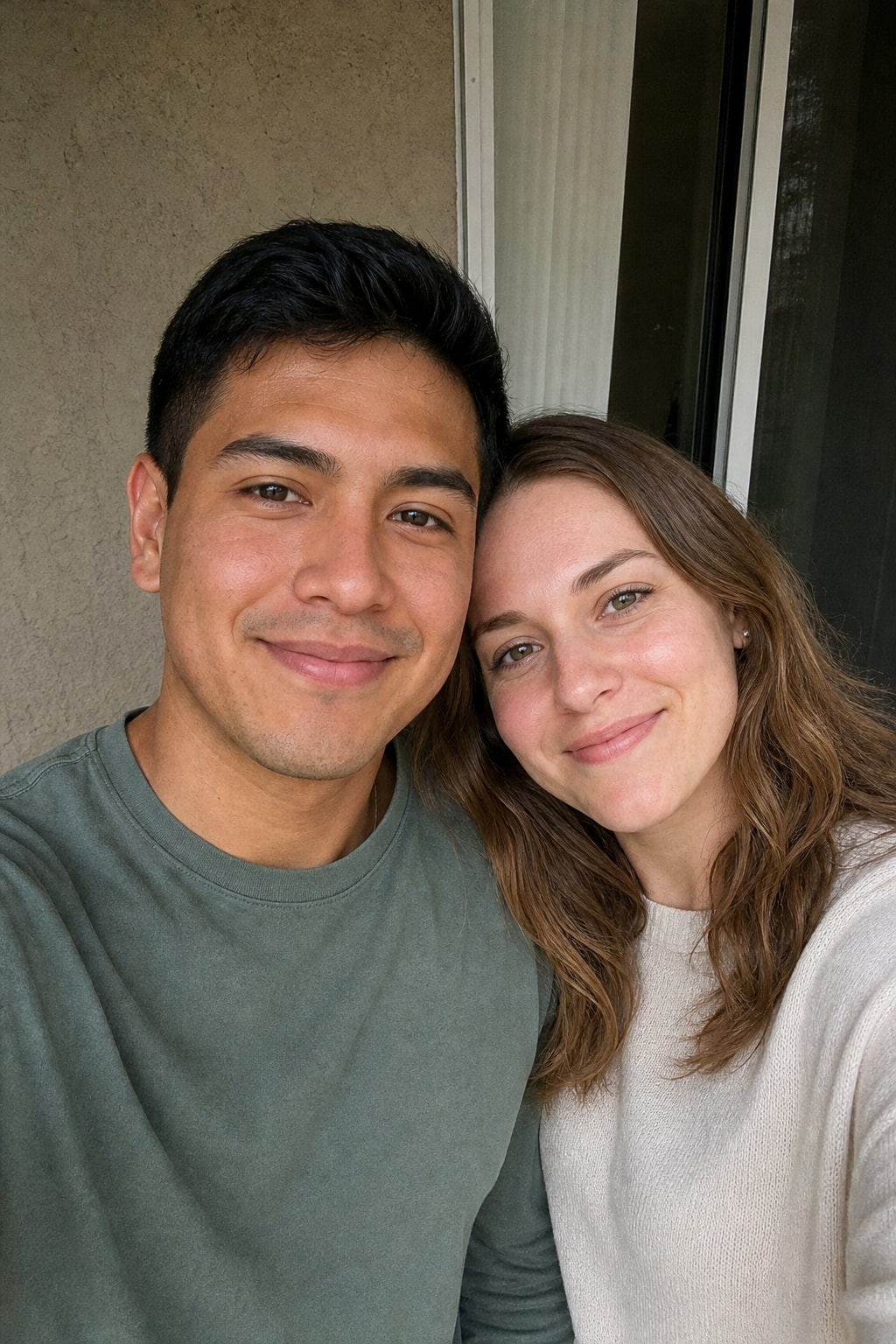
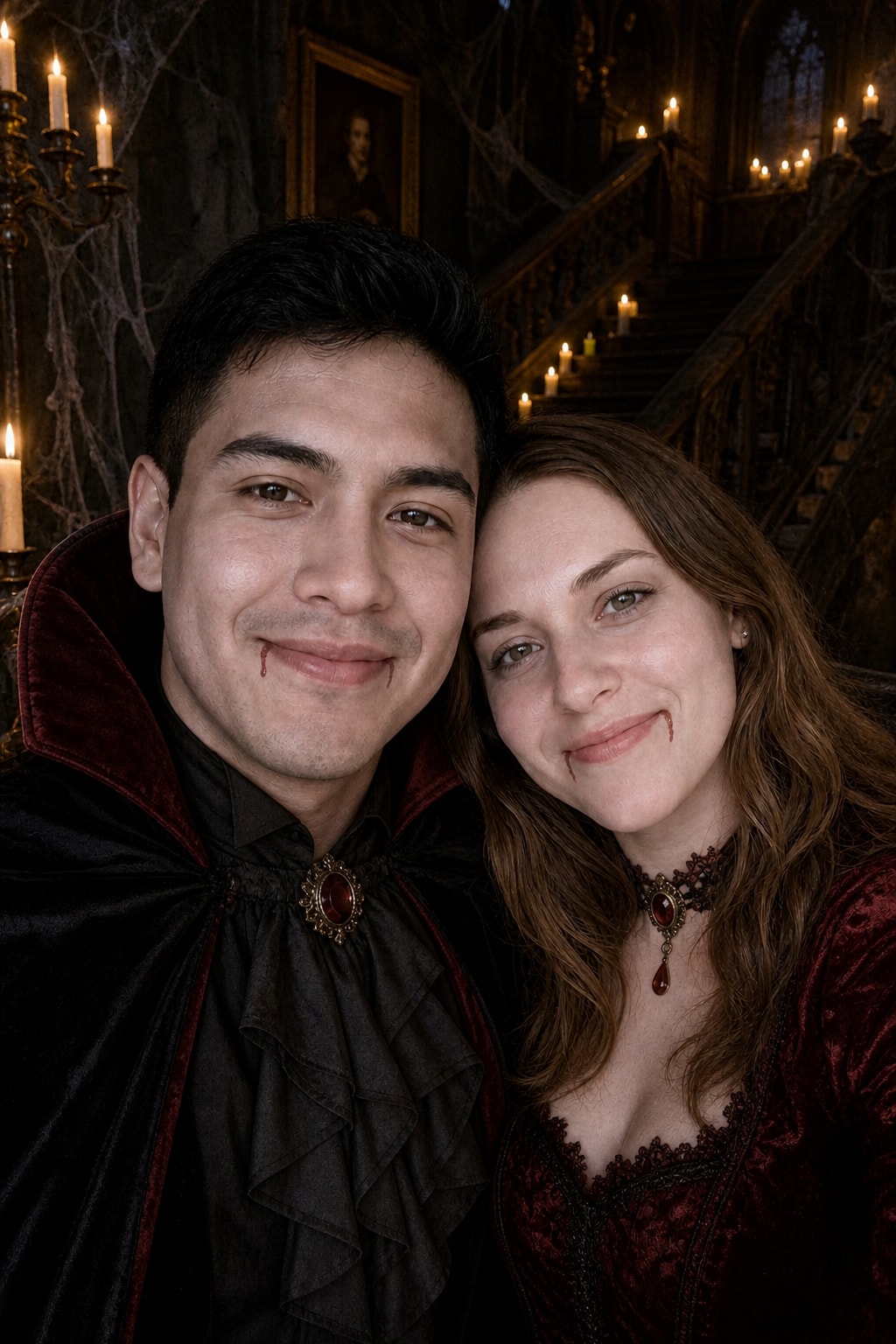
Halloween couple costume — matching vampires

Upload a photo of the two of you; both faces are kept.

Halloween couple costume — matching vampires — BeforeBefore
Halloween couple costume — matching vampires — AfterAfter
Turn my uploaded couple photo into a matching Halloween couple costume photo. Keep both faces, likenesses, ages and skin tones exactly unchanged; do not add people. Dress the two of us as a matching pair: one as a vampire in a black cape, the other as a vampire in a dark red gown, both with pale makeup. Haunted mansion staircase with candles and cobwebs, warm candlelight. Photorealistic costume party photo, both faces clearly visible. 4:5 portrait.

Source: imagesv2.ai
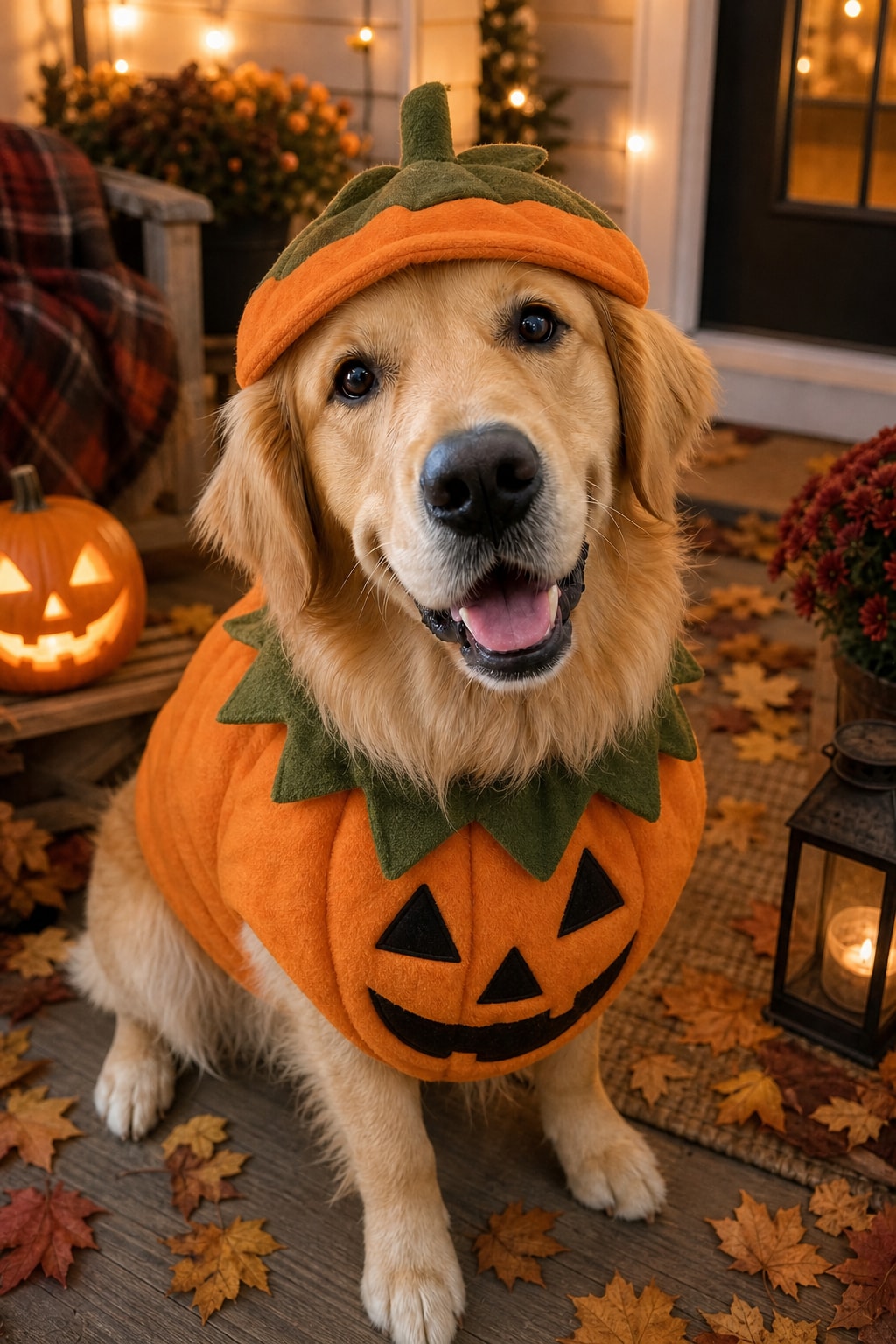
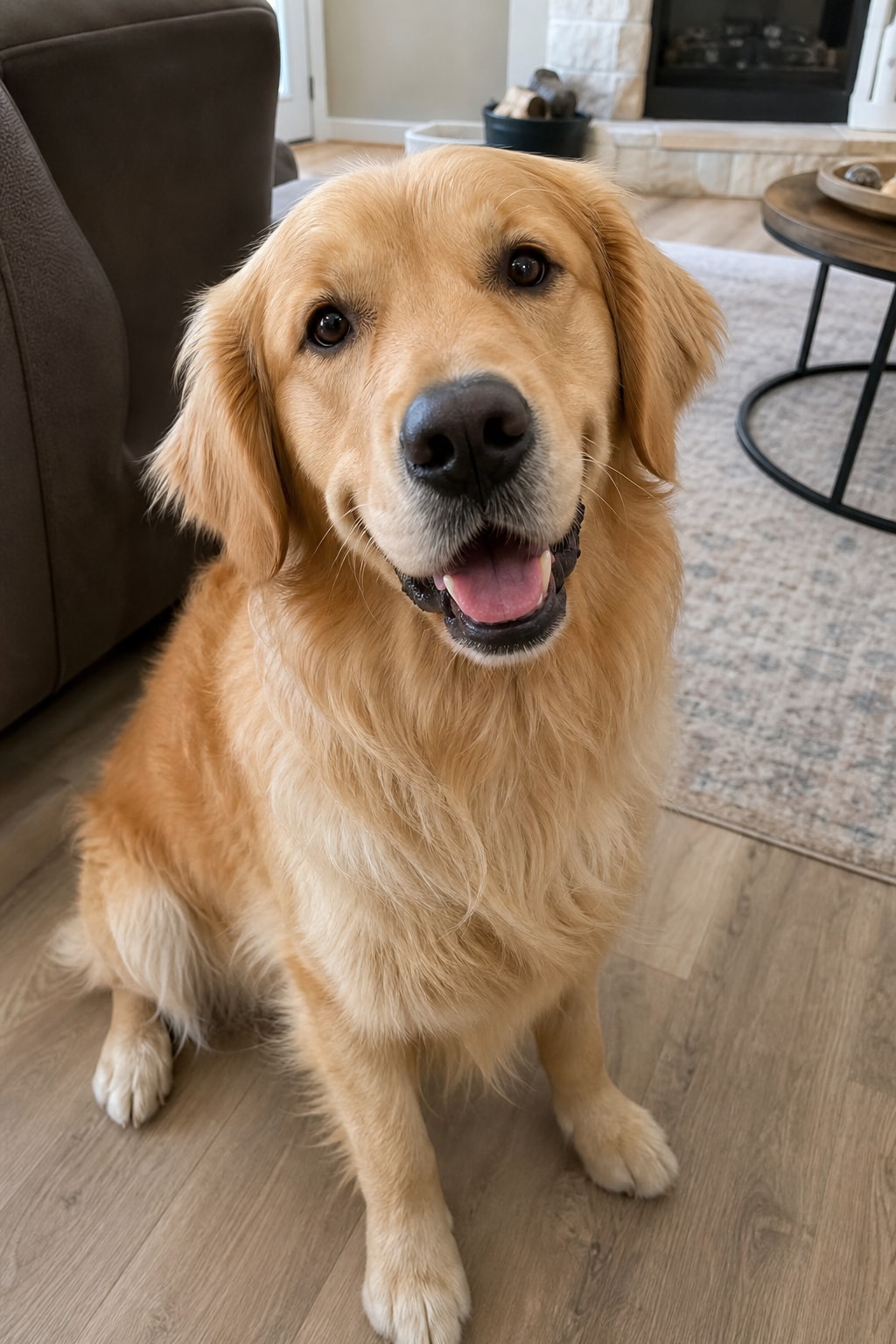
Pet Halloween costume — pumpkin dog or cat

Upload a clear photo of your pet instead of yourself.

Pet Halloween costume — pumpkin dog or cat — BeforeBefore
Pet Halloween costume — pumpkin dog or cat — AfterAfter
Turn my uploaded pet photo into a cute Halloween pet costume photo. Keep my pet's exact breed, fur color, markings and face unchanged. Dress my pet in a small soft pumpkin costume with a green stem hat. Cosy autumn porch with jack-o'-lanterns, fallen leaves and warm string lights. Photorealistic, sharp focus on the eyes. 4:5 portrait.

Source: imagesv2.ai
How to try on Halloween costumes with AI

  1. Pick a clear, well-lit photo with your face visible — head-and-shoulders or half-body works best.
  2. Upload it in the generator above.
  3. Keep the pre-filled costume prompt, or click "Try this costume" on any card to switch.
  4. Generate. If the face drifts, add "keep my exact face" and run it again.
  5. Swap the costume sentence (vampire → witch → zombie) to compare looks side by side.

Tips for a realistic AI costume photo

  • Name one costume and one setting per prompt — mixing a witch hat with vampire fangs gives a muddle.
  • Describe the makeup, not just the outfit; makeup is what makes it read as Halloween.
  • Ask for "photorealistic costume photo" so the result looks like a real party picture, not a cartoon.
  • Generic costumes work best — describe the look instead of naming a film or game character.

More Halloween AI photos

Want the trend photos instead of a costume — the ghost-sheet photoshoot, a vintage 1950s Halloween snapshot, a zombie couple story? They have their own page.

AI Halloween costume generator — FAQ

Common questions about trying on Halloween costumes with AI. More questions? Email support@imagesv2.ai.

New accounts get 3 free credits on sign-up, and one generation at the default quality costs exactly those 3 credits — so your first costume photo is covered. Later generations are charged at the normal rate.


Yes. Every prompt includes an identity line that keeps your face, age and skin tone unchanged; only the costume, makeup, lighting and background change. A clear, front-facing photo gives the best match.


Upload one photo with both of you in it and use the couple costume prompt. Keep both faces clearly visible and about the same size in the photo.


Yes — use the pet Halloween costume prompt and upload a sharp photo of your pet. You can change "pumpkin" to any costume: a bat, a ghost, a little witch hat.


Click "Try this costume" on any card above, or edit the prompt in the generator: replace the costume sentence with what you want, e.g. "dress me as a pirate captain with a tricorn hat".


Pick a style. Upload one photo.

Sign-up credits included. In under a minute you're looking at a new version of yourself.