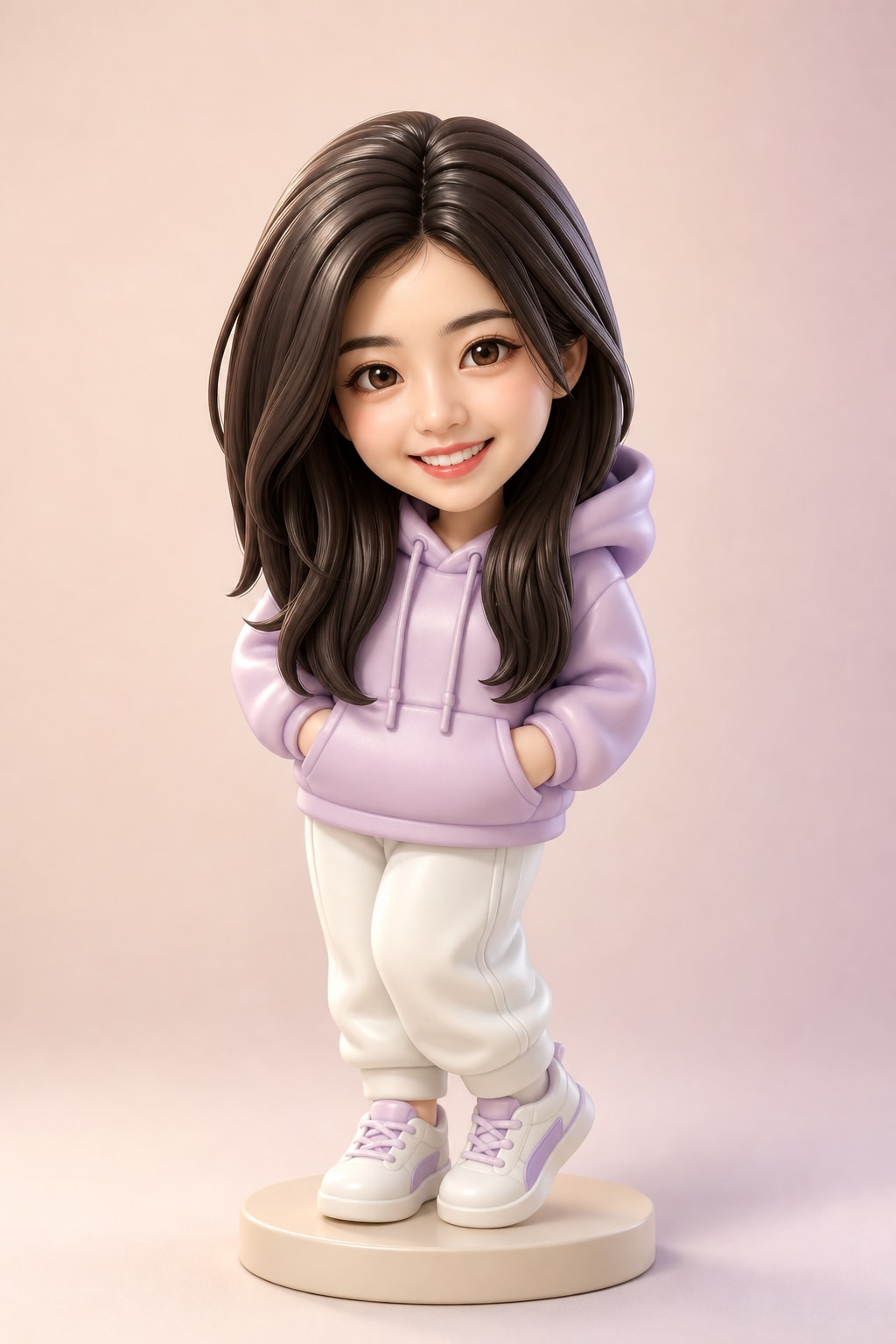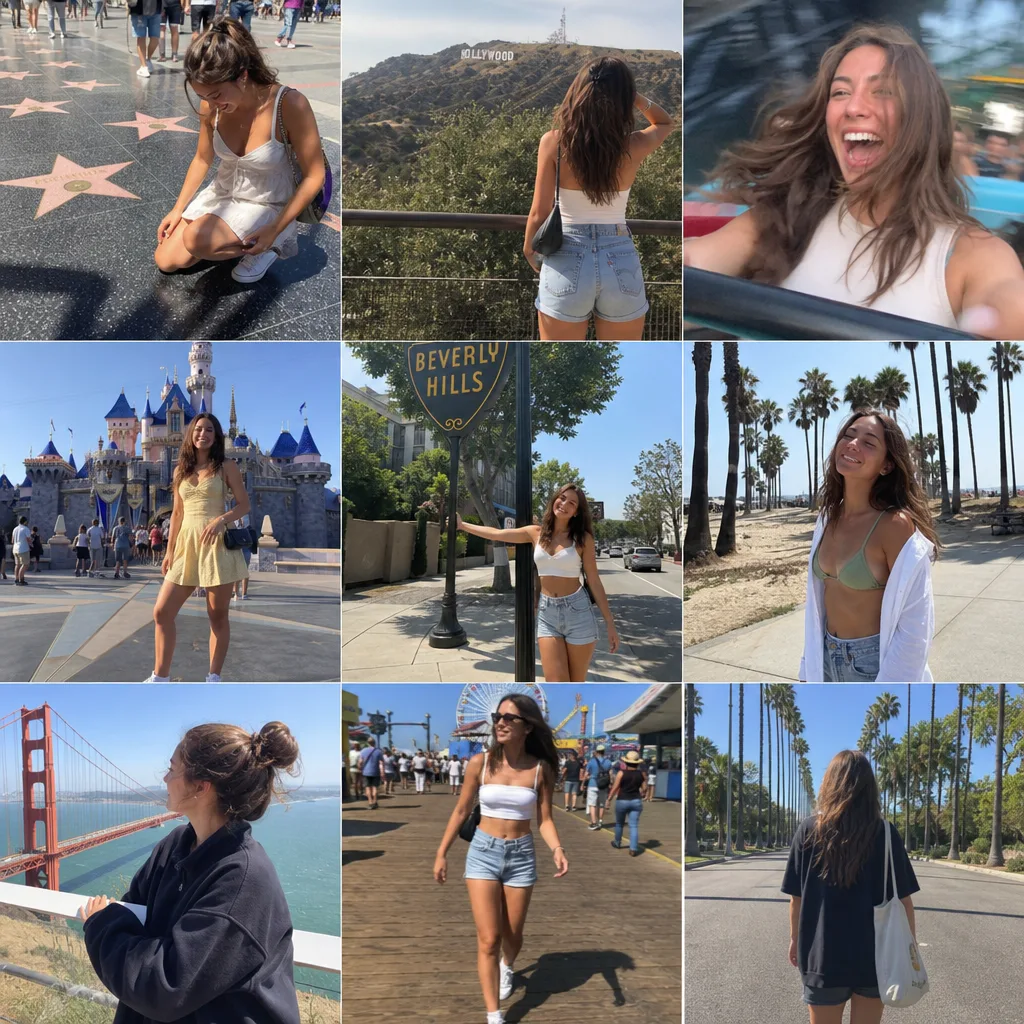

Change one thing, keep the rest
Ask for one change per round — a new price, a different strap, an extra lamp — and the untouched parts keep their exact layout and light. Use “Send to Edit” on any result to chain rounds without re-uploading.
ByteDance's newest image model: edit the same picture round after round without the rest drifting, and get transparent PNGs straight from the prompt. 20 credits per 1.5K image.
Seedream 5.5's headline upgrade is consistency across repeated edits: change one thing per round and the rest of the picture keeps its layout, lighting and detail. Pick a series, step through the rounds and drag the slider to compare each round with the one before.
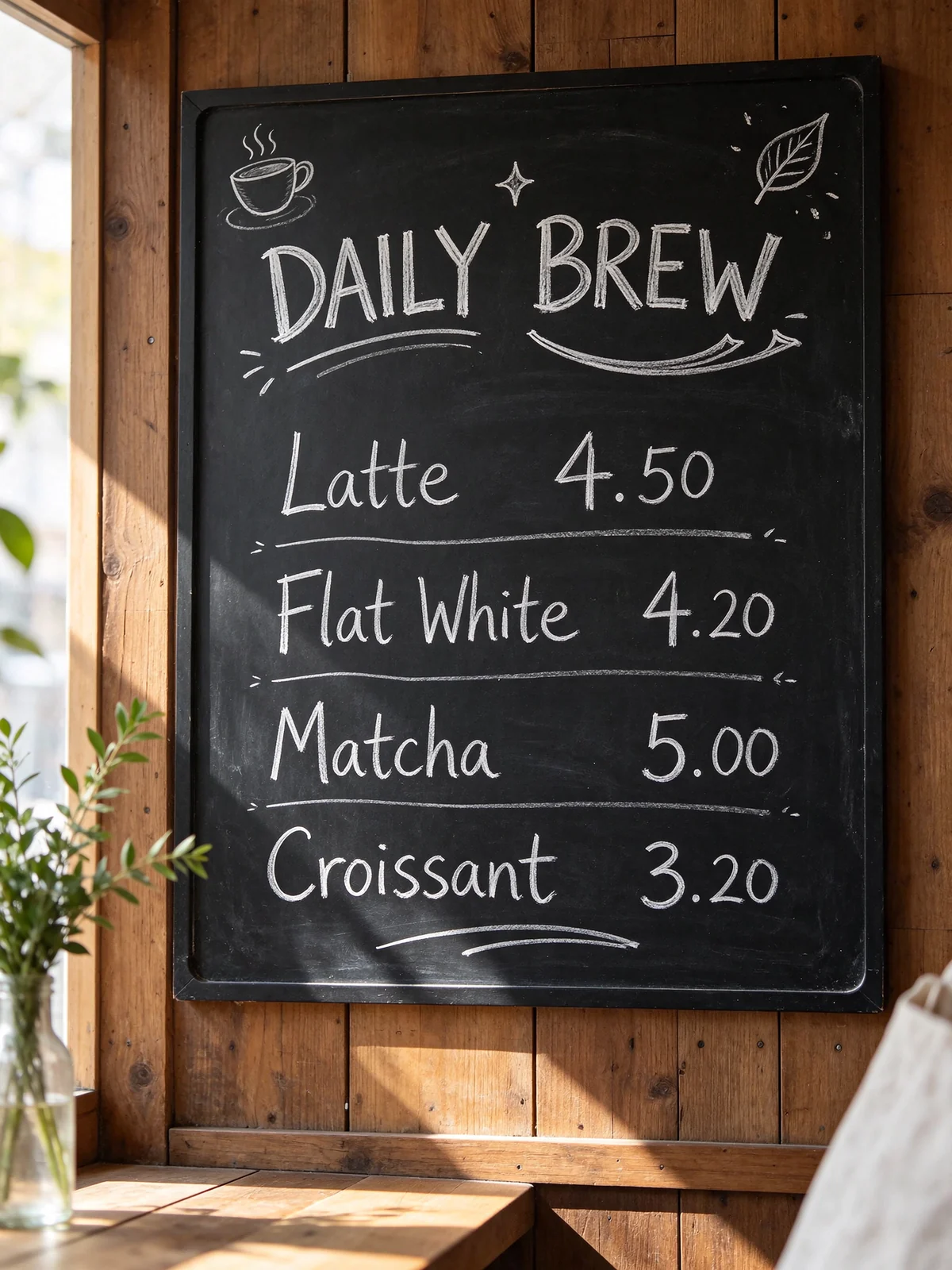
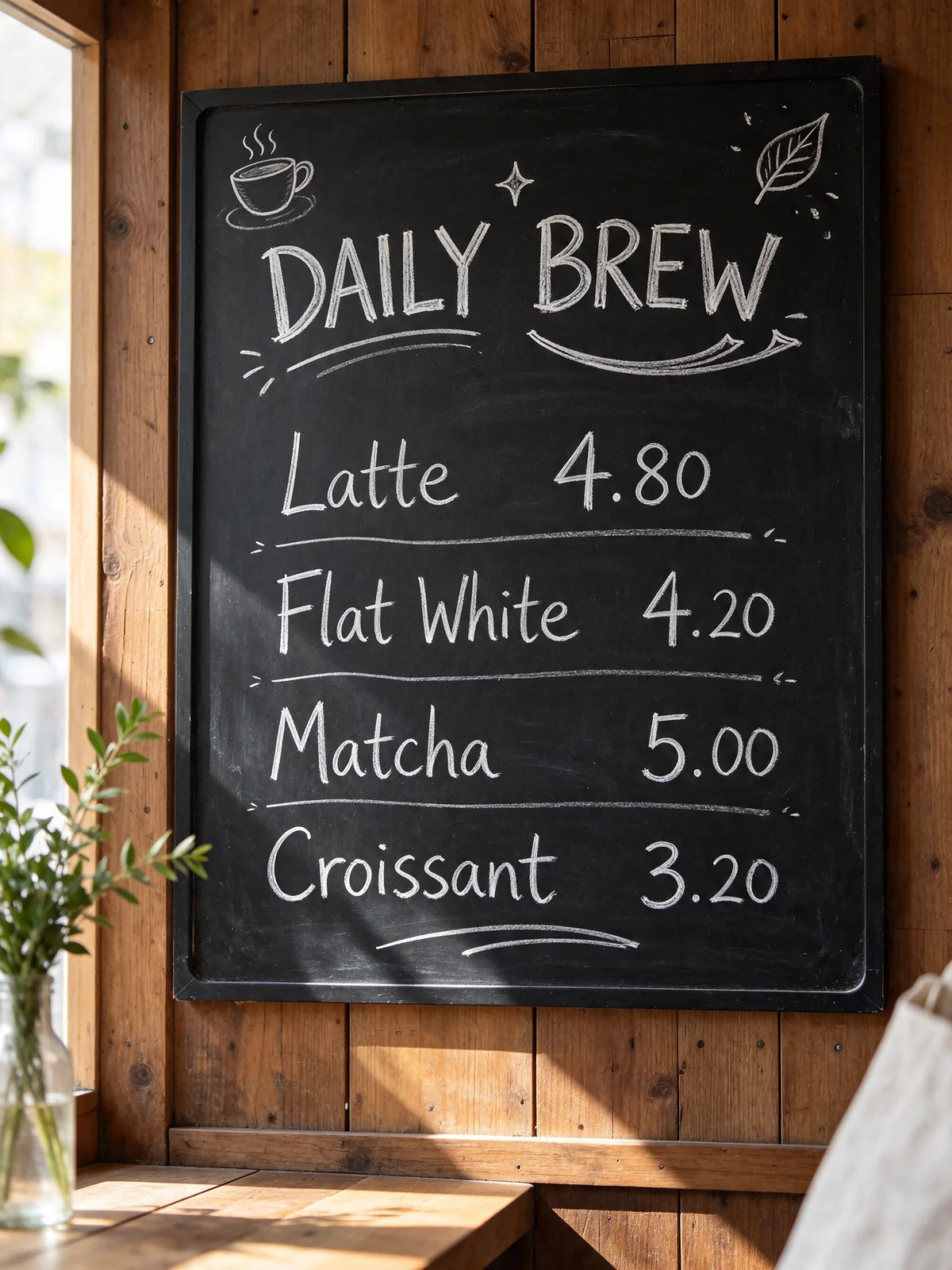
A chalkboard menu updated the way a café actually would: a price change, a new seasonal item, a doodle, fairy lights, a cup on the shelf. Every untouched line of chalk stays where it was.
Drag the slider on the picture to compare with the previous round.
Works best for targeted changes — add, swap or recolour one thing per round. Recomposing the whole scene, switching art style or relighting everything can still shift the picture, so make those changes first and fine-tune afterwards.
Turn on Transparent background in the generator, or simply ask for it in the prompt, and Seedream 5.5 returns a PNG with a real alpha channel — including soft edges, glass and shadows. Switch the backdrop below to check: no white box, no halo.
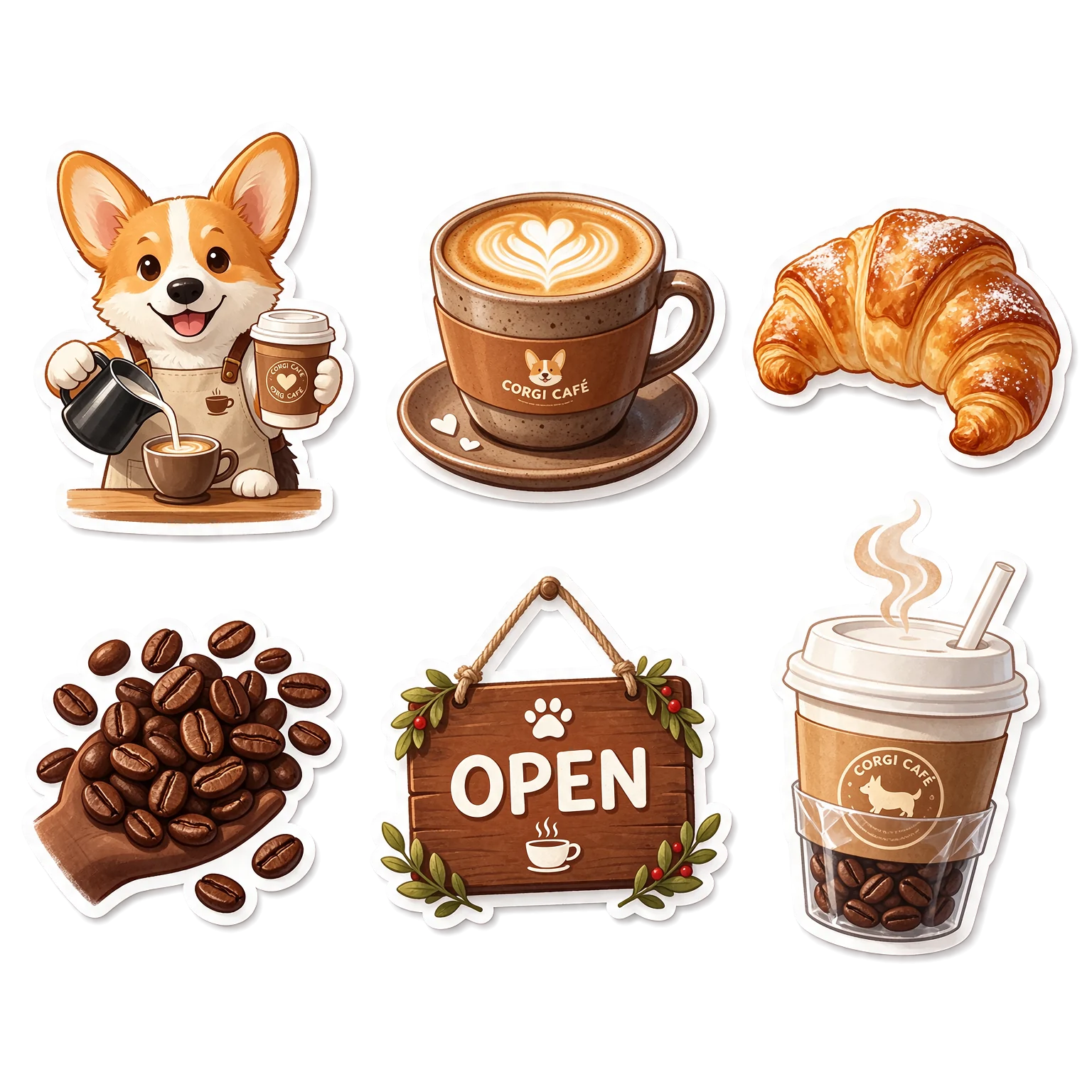 Drag the asset to try it in different spots.
Prompt A sheet of six die-cut cartoon stickers for a corgi café: a corgi barista, a latte cup with heart latte art, a croissant, a handful of coffee beans, a small 'OPEN' sign and a takeaway cup with steam. Each sticker has a thick white outline and a soft drop shadow; everything outside the stickers is fully transparent.
A transparent PNG is still one flat image. To pull an existing poster apart into editable layers, use Image to PSD instead.
Grouped by texture, layout and style. Open any image to read its prompt, copy it, or load it into the generator to make your own.
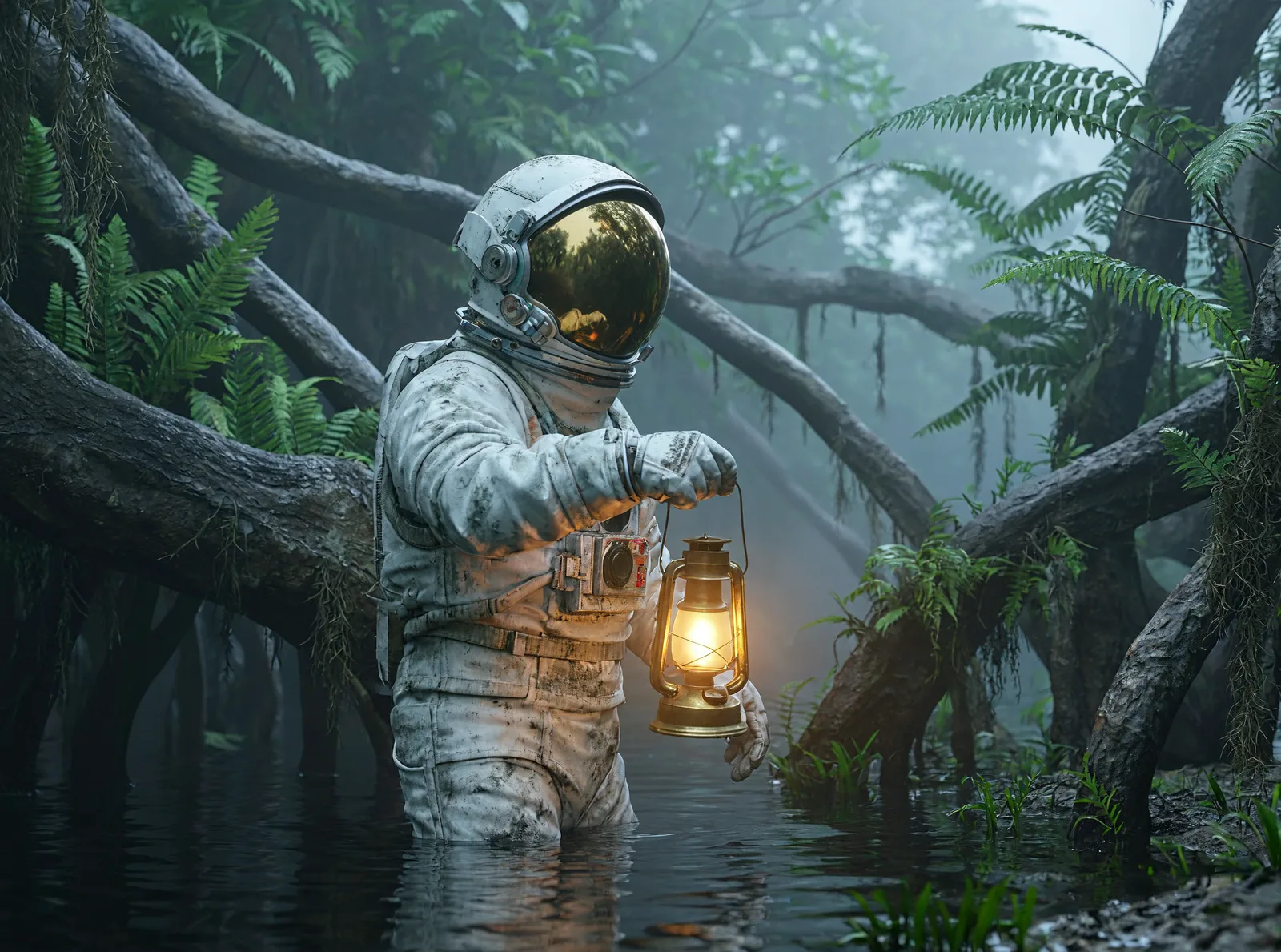
Seedream 5.5 is a single model for text-to-image and image editing, and its strength is revising the same picture again and again: each round changes only what you name, while the layout, lighting and untouched details stay put. It outputs PNGs with a real alpha channel straight from the prompt, keeping soft edges, glass and shadows. Light, materials and skin look closer to a real photo, and dense small text — labels, menus, infographics — renders cleanly. Output is 1.5K or 2K in 11 aspect ratios, with up to 9 reference images when editing.
Ask for one change per round — a new price, a different strap, an extra lamp — and the untouched parts keep their exact layout and light. Use “Send to Edit” on any result to chain rounds without re-uploading.

Stickers, product cut-outs, icons and lettering come back as PNGs with a real alpha channel, soft edges and glass included. Turn on Transparent background, or describe it in the prompt.

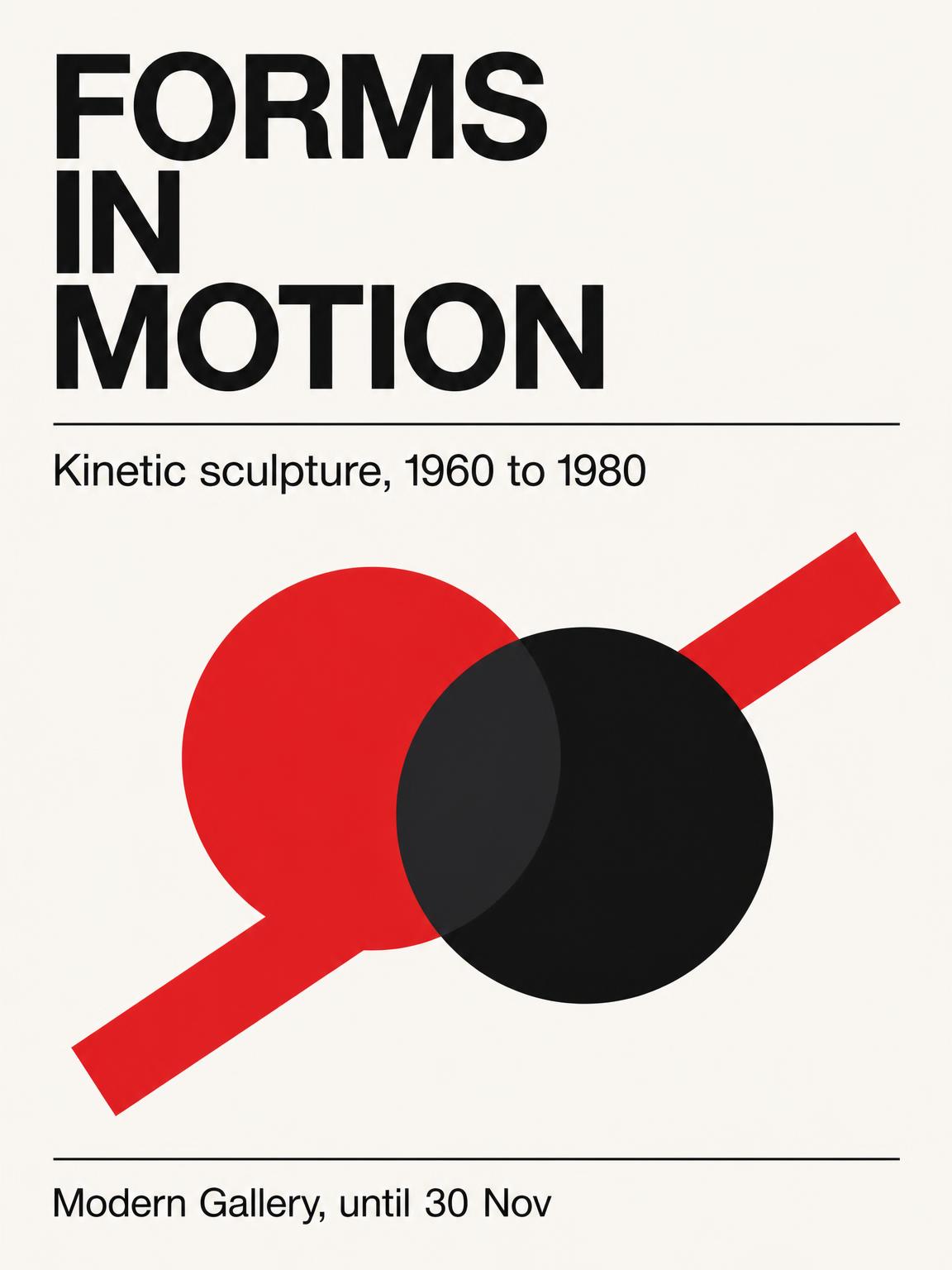
Ingredient lists, menu prices, step labels and bilingual headlines come out legible at 1.5K. Long paragraphs and tiny engraved logos can still slip — zoom in and check before you print.

20 credits for a 1.5K image and 30 for 2K. 1.5K costs the same as 1K, so every image here is made at 1.5K by default.
Jobs where you keep refining one image, or need clean assets to drop into a layout.

Keep one product photo and change the colourway, background or headline for each SKU or campaign.

Generate whole sticker sheets on a transparent background, ready for chat apps and print-on-demand.
Bottles, shoes and gadgets as transparent PNGs with natural shadows and see-through glass.

Update prices and seasonal items on a menu image without redrawing the rest.
Numbered steps, labelled diagrams and callouts with small text that stays readable.

Turnarounds, expressions and accessories for a mascot or toy line on one tidy board.

Try a different chair, lamp or wall colour round by round in the same room.
Street, café and travel scenes with film grain and natural light for social posts and blogs.

Textured words — yarn, balloons, water — on a transparent background for banners and thumbnails.
Seedream 5.5 costs 20 credits per 1.5K image and 30 credits per 2K image on imagesv2.ai. Editing adds the cost of your reference images: 10 credits for one, 20 for two or three, up to 60 for nine. Transparent background is free. The price is shown on the Generate button before you spend anything, and failed images are refunded automatically.
Transparent background is free; failed generations are refunded automatically.
The generator above already has Seedream 5.5 selected. Sign in to claim your free credits — no card, no app, no API key.
Write what you want in a sentence or two. To edit, switch to Edit and upload up to 9 reference images.
Pick an aspect ratio, 1.5K or 2K, and switch on Transparent background if you need a cut-out.
Not quite right? Click Send to Edit on the result and ask for one change at a time — the rest of the image stays as it is.
Common questions about Seedream 5.5 on imagesv2.ai. Have more questions? Contact us any time.
Seedream 5.5 is one model for text-to-image and image editing. It keeps unedited areas stable across many rounds of edits, outputs native transparent PNGs, and renders more natural texture and cleaner small text. You can use it right on this page.
No. Seedream 5.5 outputs 1.5K or 2K — about 4.6 megapixels at most. Some sites advertise 4K for it; that is not what the model produces. If you need 4K, MiniMax H3 Image and Nano Banana 2.1 in the same generator go up to 4K.
No. Web search belongs to a different member of the family, Seedream 5.0 Lite. Seedream 5.5 works from your prompt and reference images, so describe current products or events in the prompt or upload a reference.
5.5 holds the unedited parts of an image much more steadily across rounds of editing, can generate transparent PNGs from a prompt, and renders small text more cleanly. 5.0 Pro leans towards moody, cinematic colour and is slower to edit. On this page we offer 5.5 only.
Turn on Transparent background under the size options, then generate. You can also just write “transparent background” in the prompt. The result is a PNG with a real alpha channel; check it on a dark backdrop before you use it.
A transparent PNG is one flat image with an empty background. Image to PSD takes an existing image and splits it into separate editable layers — background, subject, text — in a Photoshop file.
On posters Seedream 5.5 sometimes fills empty space with extra slogans or buttons. Add “no other text” to your prompt, or remove the extra line in the next editing round.
As many as you like — each round is a normal edit and is charged like one. Results stay most stable when each round asks for one targeted change; big recompositions or a whole new style can shift the picture.
The image price (20 credits at 1.5K, 30 at 2K) plus your reference images: 10 credits for one, 20 for two or three, up to 60 for nine.
Headlines, labels, prices and short lines are reliable. Long paragraphs, tiny engraved logos and dense Chinese small print can still contain mistakes, so zoom in and check before printing.
Yes. Images made with a paid plan or credit pack include a commercial licence. Free-credit images carry a watermark until you upgrade.
No. Sign in to imagesv2.ai with Google or email and generate. You don't need an API key or any other account.
Generate a sticker sheet, a product cut-out or a menu, then keep editing it one change at a time.
Free credits on sign-up · No card required
Browse every AI image generator, model, converter, and photo tool in one place.