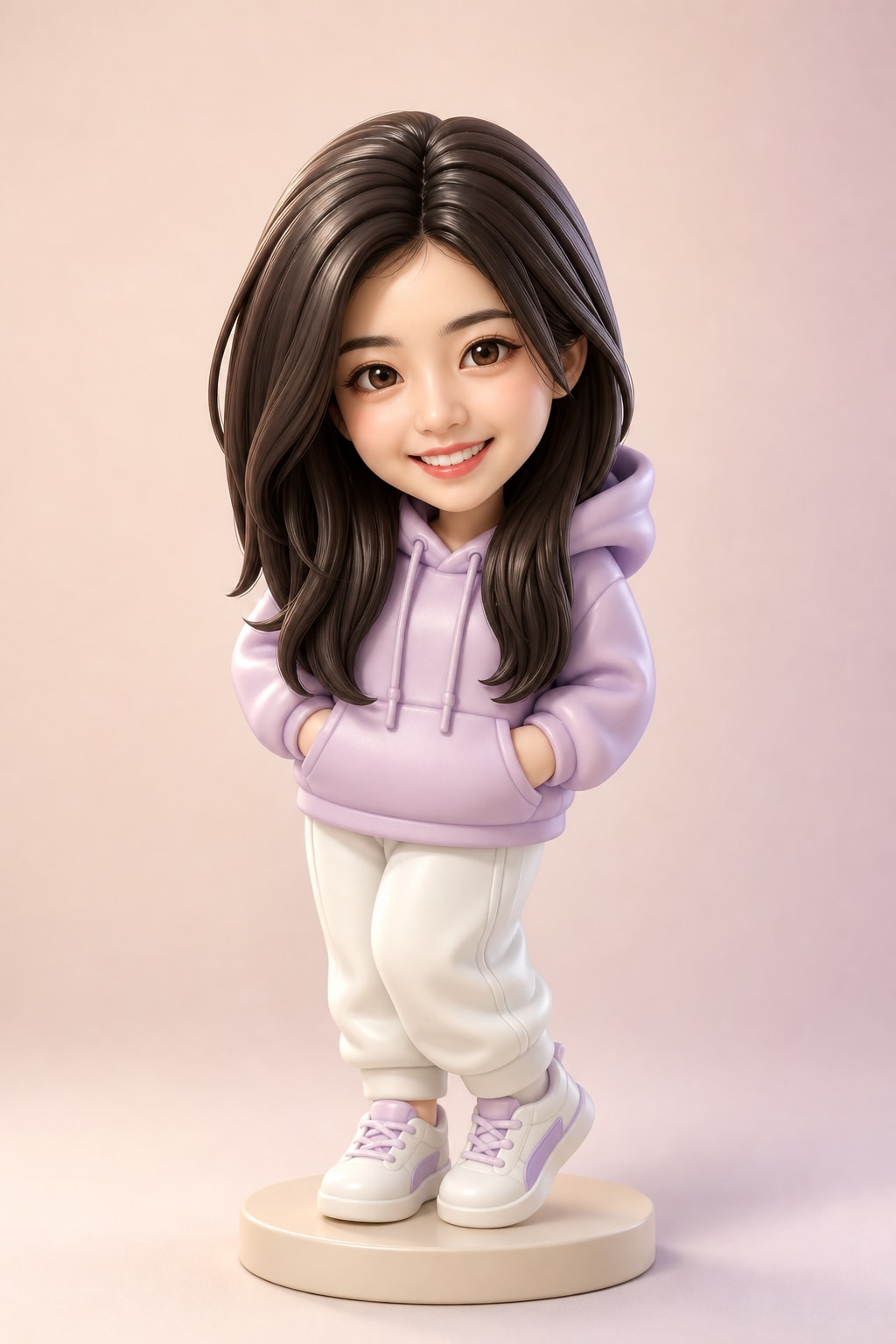
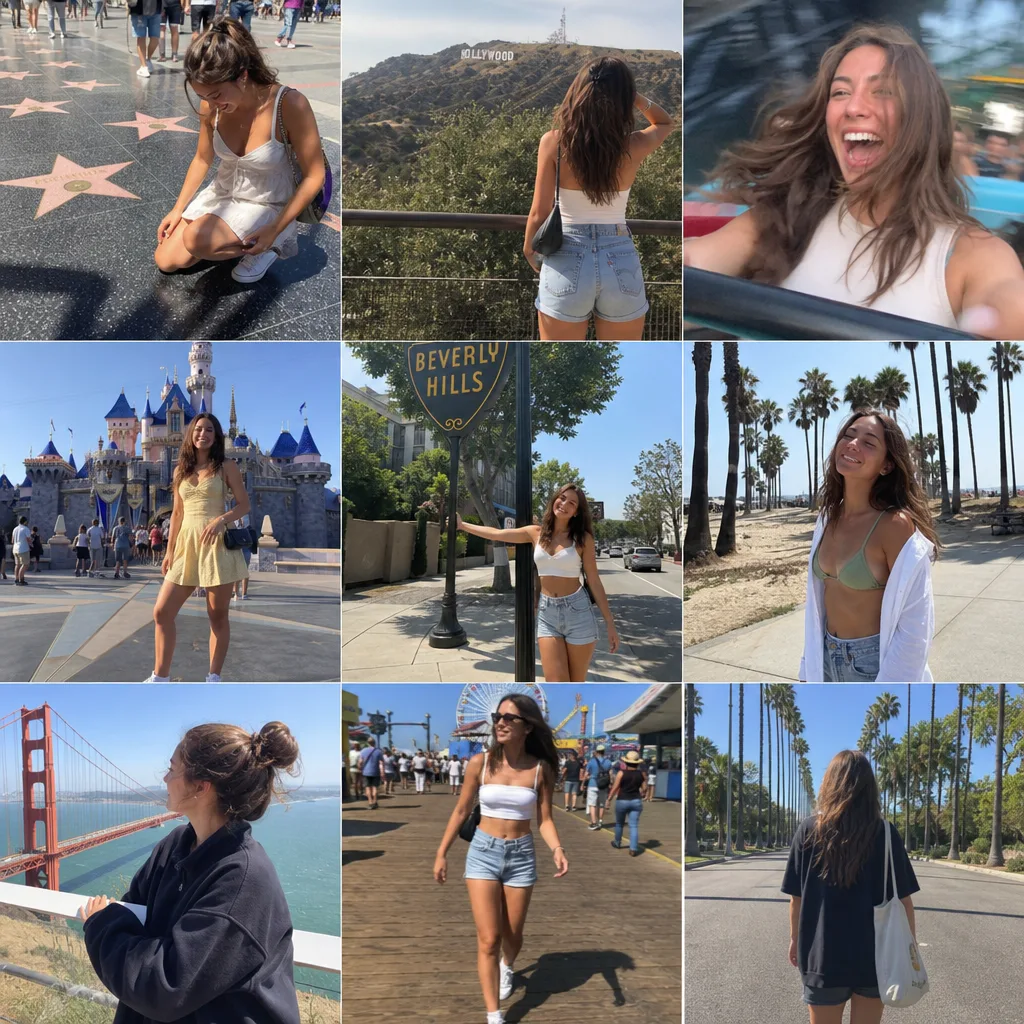
Image to Sketch AI
Upload a photo and turn it into a pencil sketch, charcoal drawing, line art, colouring page, coloured pencil or ink sketch. Faces stay recognisable, and every style is a prompt you can edit.
One photo, six sketch styles
Same portrait, same model, one prompt each. Every result still looks like the same person.
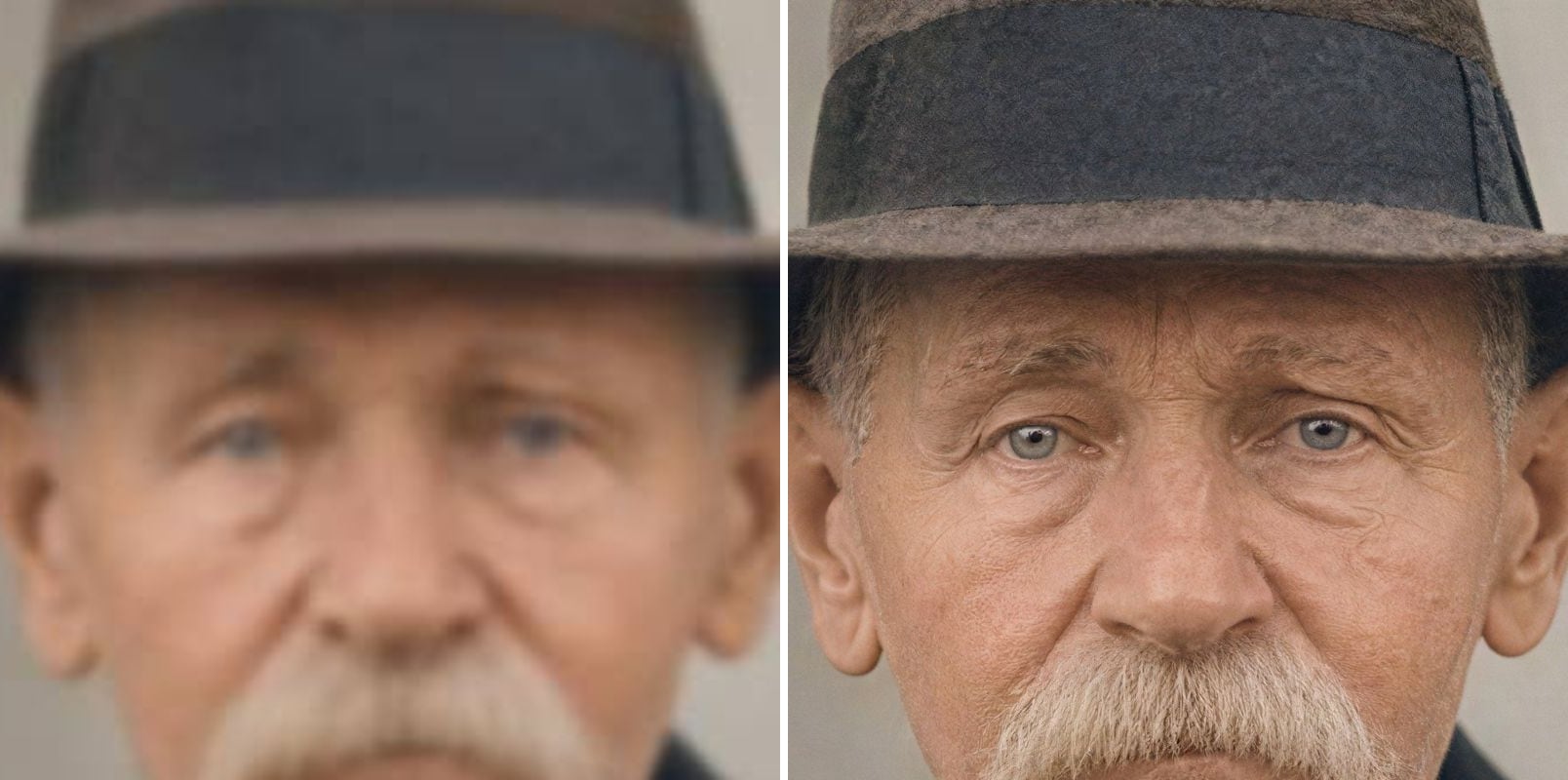
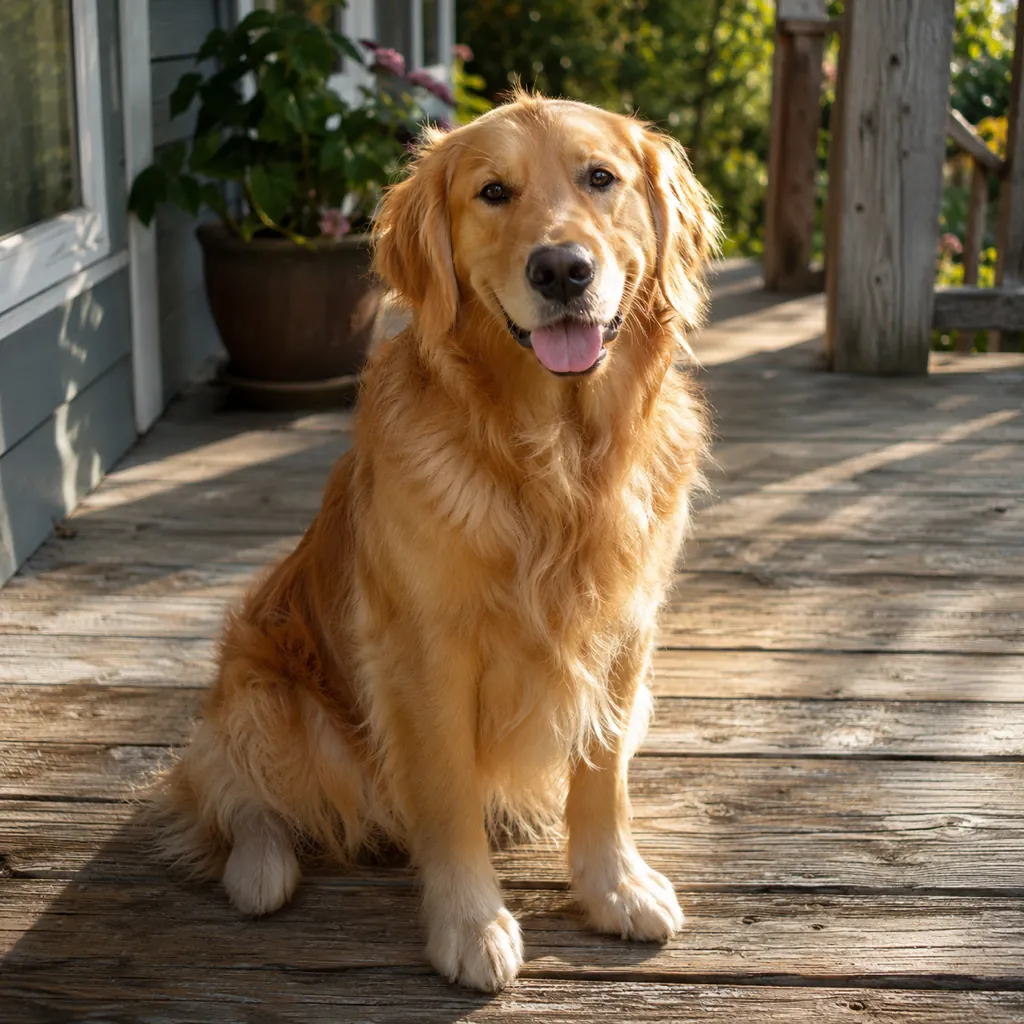
 Original photo


Pets, places, people and still life
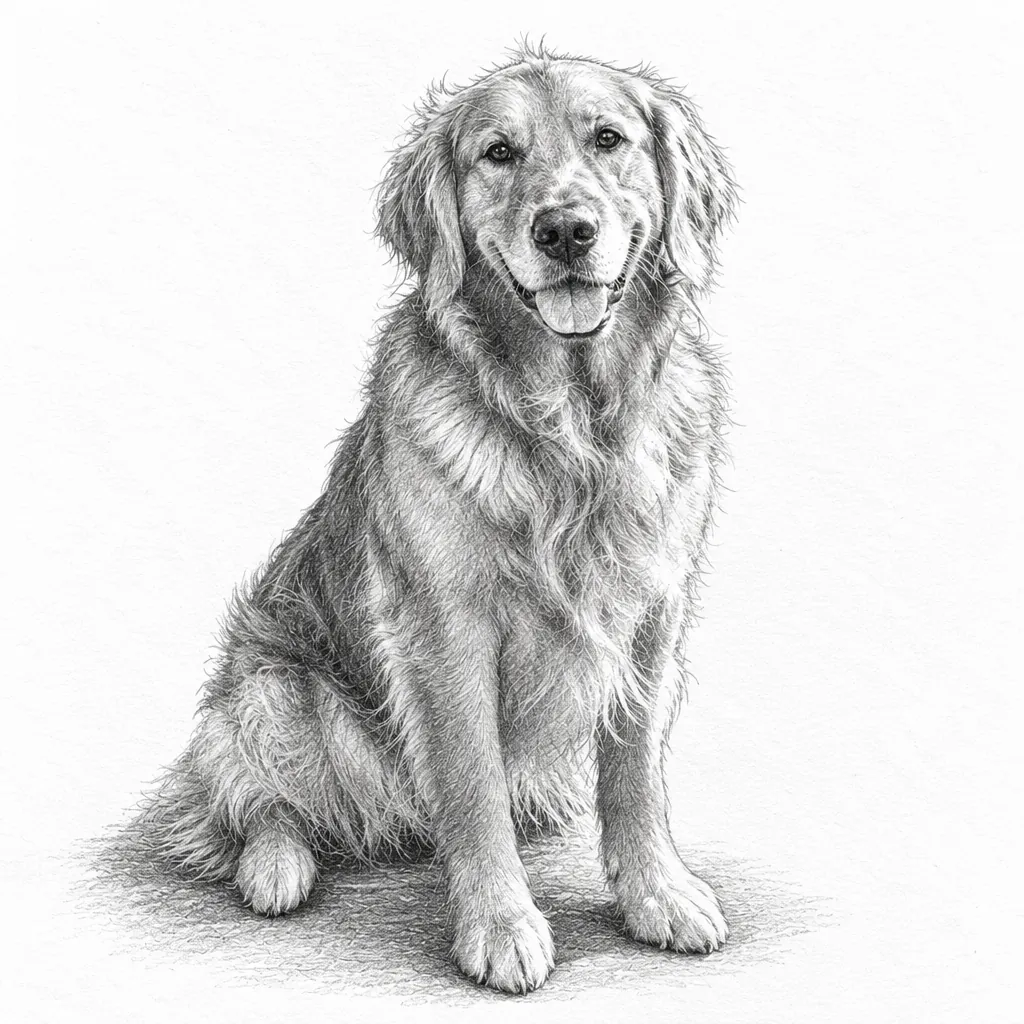
Drag the slider to compare the photo and the sketch.
A pencil portrait of your dog or cat
Fur, eyes and pose stay true to the photo, drawn with fine graphite strokes.
- Works best when the pet looks at the camera
- Frame it, or print it on a card or mug
- Use Charcoal for a bolder look
Turn this photo into a realistic graphite pencil sketch on white drawing paper. Keep the composition, proportions and likeness exactly as in the photo. Fine hatching and cross-hatching for the shading, soft blended shadows, crisp lines on the edges, visible pencil strokes and a little paper grain. Black and grey only, no colour, plain white paper around the subject.
How to get the sketch you want
Most fixes are one photo choice or a few words in the prompt.
Which photos work best
- Sharp and well litBlurry or very dark photos give muddy lines. Use the clearest shot you have.
- One main subjectA face, a pet or one building reads better than a crowded scene.
- Faces facing the cameraFront or three-quarter views keep the likeness best. Side profiles work but lose some detail.
- Group photosTwo or three people work well. In large groups, small faces get simplified.
Words that change the result
- Thicker or thinner linesAdd this to the end of the prompt.
use thicker lines - Less detailGood for colouring pages for young kids.
fewer details, very simple shapes - Plain backgroundKeeps only the person or pet.
remove the background, subject only on white paper - Keep it closer to the photoIf the face changes too much.
keep the face exactly as in the photo
What works well and what to watch
Based on our own runs with GPT Image 2.5. Compare with the slider before you print or share.
Going the other way, from a rough sketch to a finished picture? Try Sketch to Image
Image to sketch questions
Short answers about styles, price and printing.
New users get their first image for 3 credits. After that a sketch costs 30 credits at low quality, which is usually enough. You only pay for images you generate.
Yes, in our tests the face, hair and expression stayed recognisable in all six styles. The prompt asks the model to keep the likeness. If a face drifts, add "keep the face exactly as in the photo" and generate again.
Pencil sketch, charcoal, line art, colouring page, coloured pencil and ink & wash. Each one is a prompt you can edit, so you can also ask for things like blue ballpoint pen, chalk on a blackboard or a tattoo stencil.
Yes. The colouring page style uses thick closed outlines on pure white with no grey, so it prints cleanly on A4 or Letter. Download it as PNG and print at fit-to-page.
Add "remove the background, subject only on white paper" to the prompt. The person or pet stays and everything else becomes blank paper.
Line art has outlines only, with no shading, so it is good for tracing, engraving or colouring. A pencil or charcoal sketch adds shading and texture, so it looks like a finished drawing.
Each generation turns one photo into a sketch. You can upload up to 16 images as references, for example a photo plus a sample of the drawing style you like.
You can use images you generate here for personal and commercial projects, as long as you have the rights to the original photo.
Have a photo you love? See it as a drawing
Upload it, pick a style, and get your sketch in under a minute. Your first image costs 3 credits.
Free credits on sign-up · No card required


Looking for a different tool?
Browse every AI image generator, model, converter, and photo tool in one place.